INTRODUCTION产品介绍
A full-screen weather app designed to be an always on wall mounted tablet
There's a million weather apps out there, but I wanted one that was designed for a wall-mounted tablet. I had some requirements and a wish list:
• It has to be full screen - take full advantage of the screen with no system status bar
• It needs to keep the screen on all day and go dark at night
• It needs to be simple to use and readable from a distance
• And most importantly it needs to look great - this is a wall mounted tablet after all
BASIC FEATURES
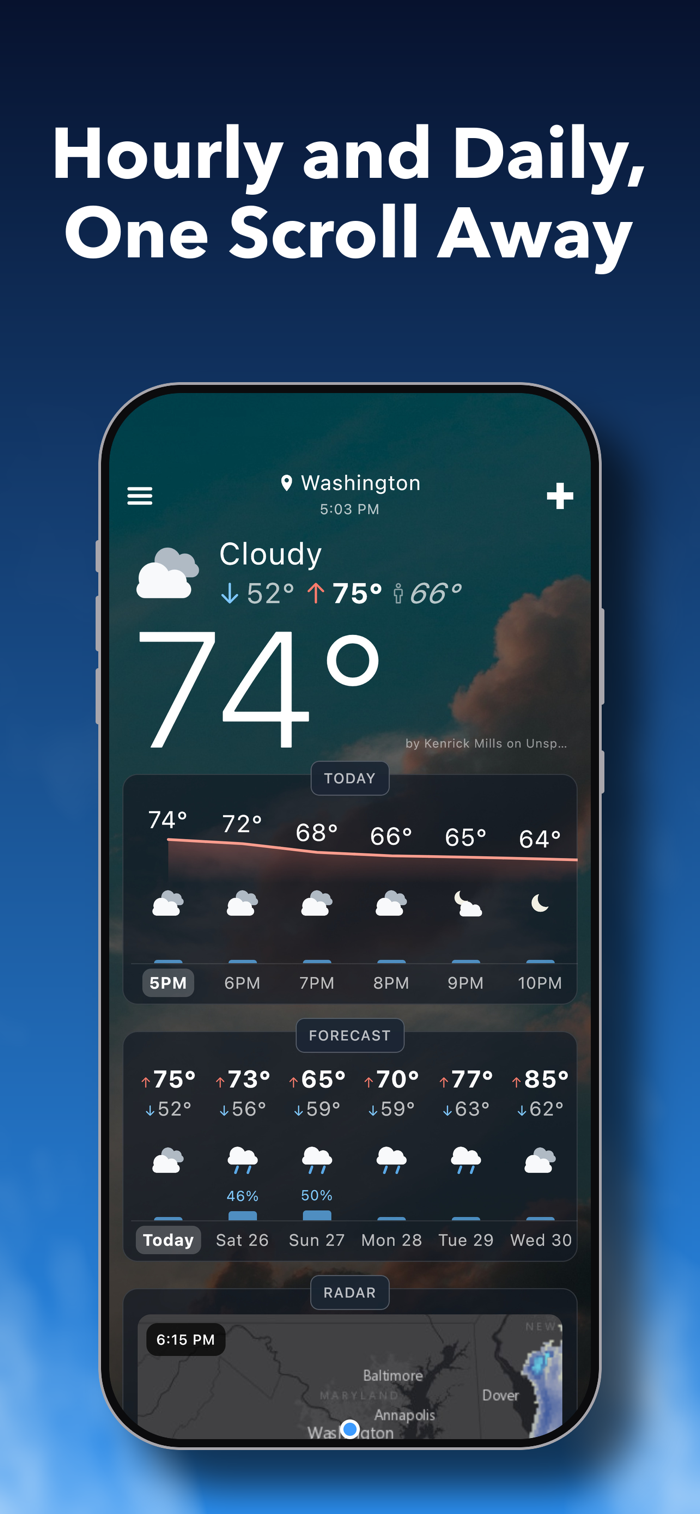
• Beautiful Backgrounds: full-screen photography that changes with the current weather conditions
• Large Current Temp: in collapsed view you just get the background and a large temperature - simple, and it looks great on a wall
• Hourly Forecast: a full day of hourly temperatures with chance of precipitation
• Daily Forecast: up to 10 days of lows/highs and chance of precipitation
• Future Radar: animated radar showing the next 3 hours for your location
• Full Screen Radar: a full screen map you can pan and zoom, with play/pause and a slider to scrub through the next few hours
• Pollen Forecast: the next 5 days of pollen levels
• Weather Details: additional details about the current weather
• °F or °C: one switch in Settings; wind, pressure and visibility follow it
• Refresh: automatically on a schedule you pick (10 minutes by default) or manual refresh
ADVANCED FEATURES
• Multiple Locations(*): add your current location or search by city, then swipe between them
• Full Screen: use the entire screen - no system status bars taking up space
• Dashboard Mode(*): option to keep the screen ON during the day and turn it OFF at night or a screensaver with wake on motion - essential for a wall mounted tablet
• Multiple Weather Icon Sets: select from 4 sets of weather icons to find the one you like best
• Configurable Weather Source: Open-Meteo (the default - no API key needed), Visual Crossing (API key) or OpenWeatherMap (API key)
• Configurable Pollen Source: pollen.com, Open-Meteo, or an optional worldwide source (API key)
• Reorder Sections: re-order the various weather sections to fit your needs
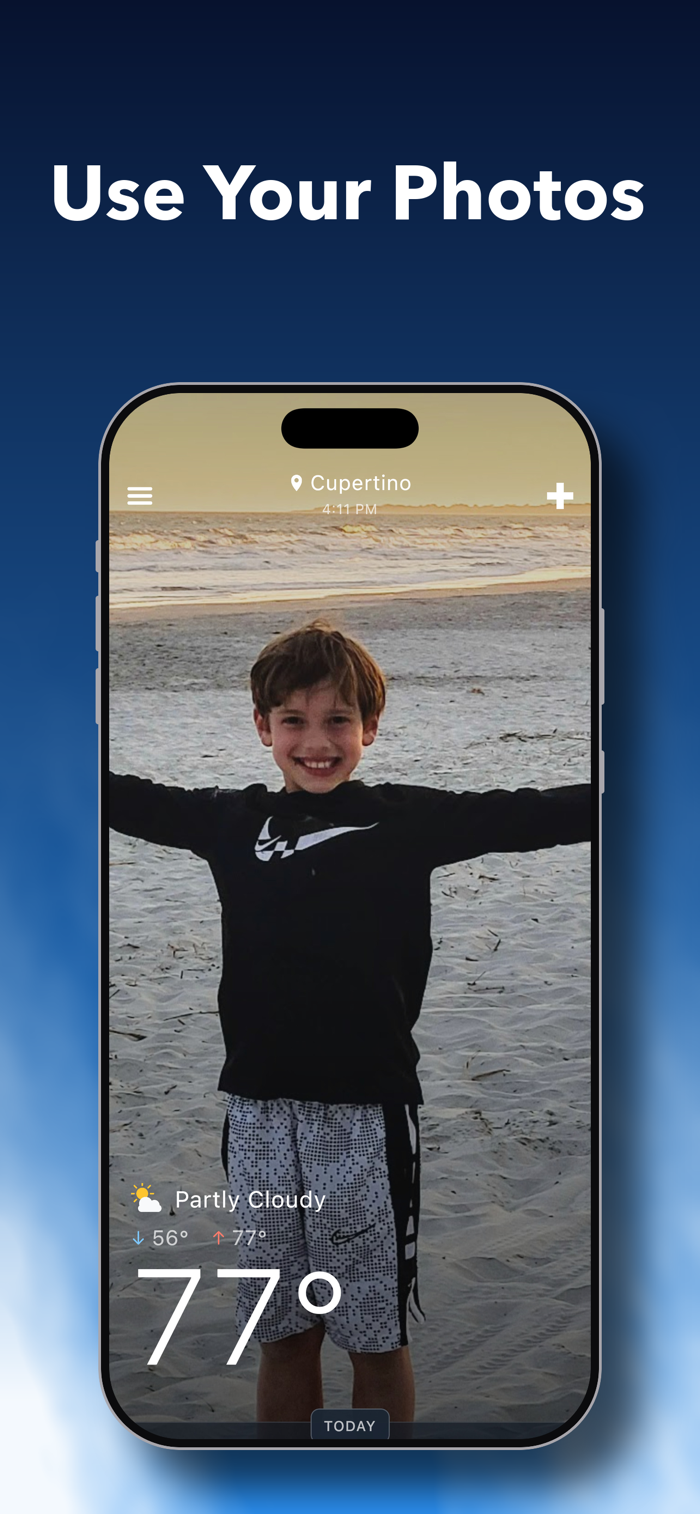
• My Photos: add your own photos to the weather background or as a screensaver
(*) Dashboard mode and adding 3 or more locations require a small 1-time in-app purchase to unlock everything