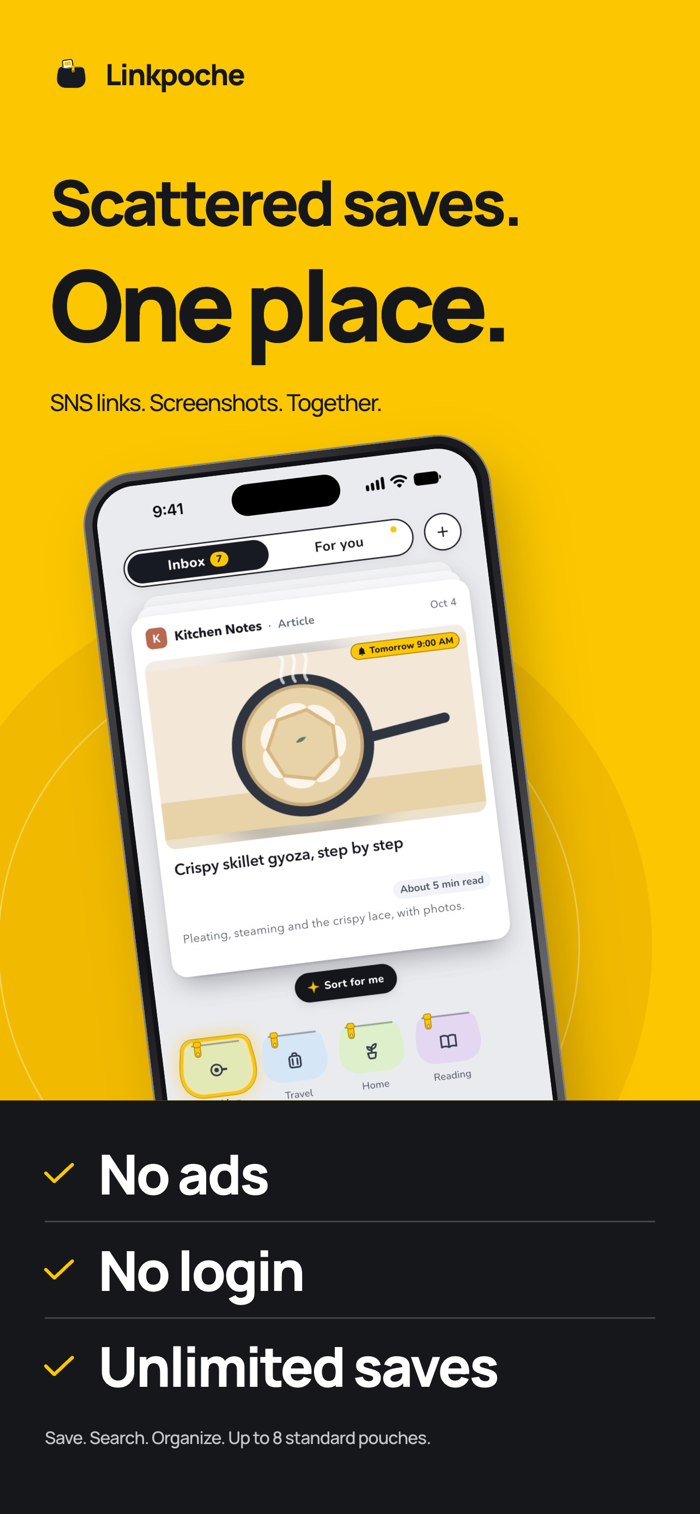
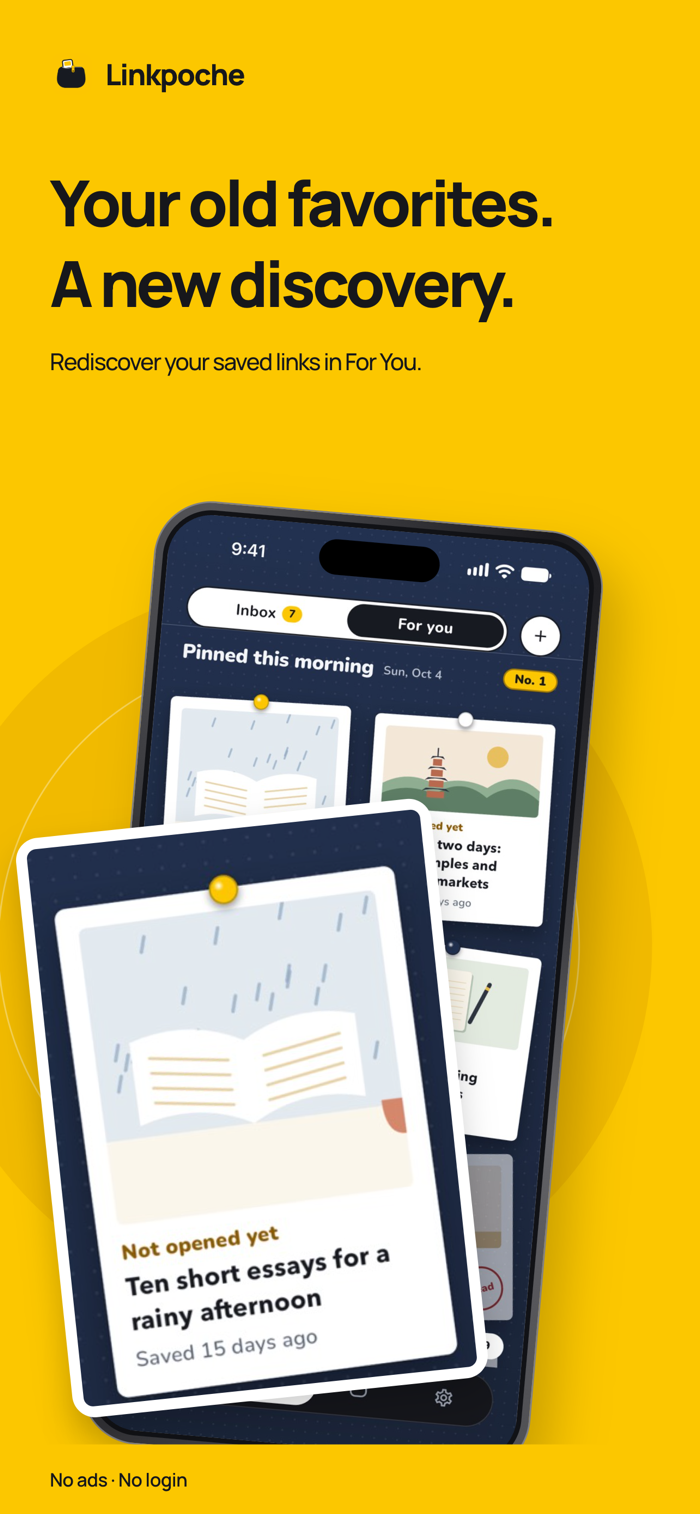
Links you save from social apps and websites pile up unopened. Linkpoche gathers them in one Inbox, and you put each one away in a pouch with a single swipe.
Saving is free and unlimited. No ads, no account. Share a link from another app and you stay where you were. Screenshots go in the same way.
SORT WITH ONE SWIPE
- Flick the top link down into a pouch, right under your thumb.
- Swipe left to delete, right for Read later.
- Undo, plus Recently Deleted for your last 50 deleted links.
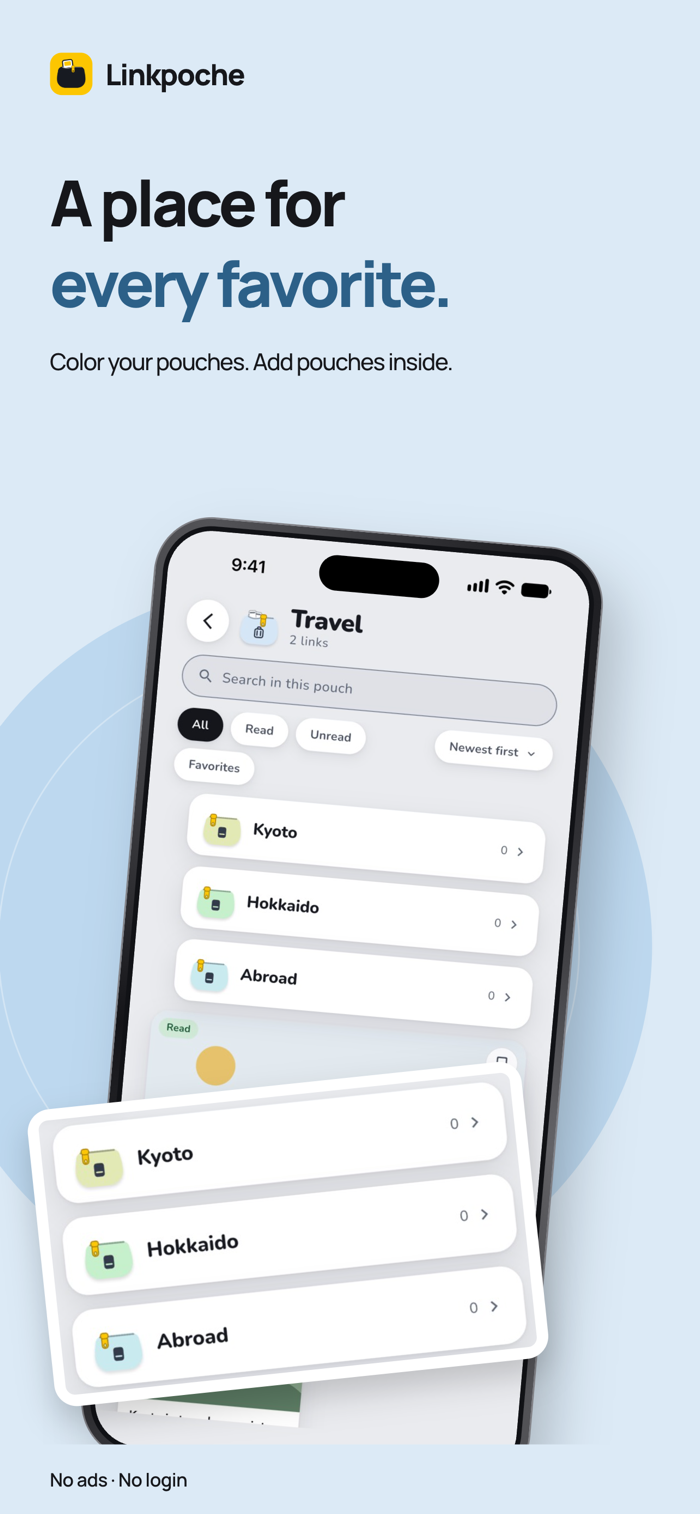
- Up to 8 pouches free, with pouches inside them, each with a name, color, and icon.
BRING IN YOUR LINKS
- Free. From browser bookmarks, other apps' exports, spreadsheets, or copied text, up to 10,000 links at a time.
- Check what was found first. Links go to Read later, and you can undo it. Files that look like passwords, browsing history, email, or chats are skipped.
SCREENSHOTS, TOO
- Share up to 10 at a time from Photos, or tap + on Home.
- On your iPhone, Linkpoche reads text, QR codes, web addresses, phone numbers, and addresses, in Japanese and English. If it finds a web address, it saves the link along with the screenshot. Small or handwritten text can be missed.
FIND THEM AGAIN
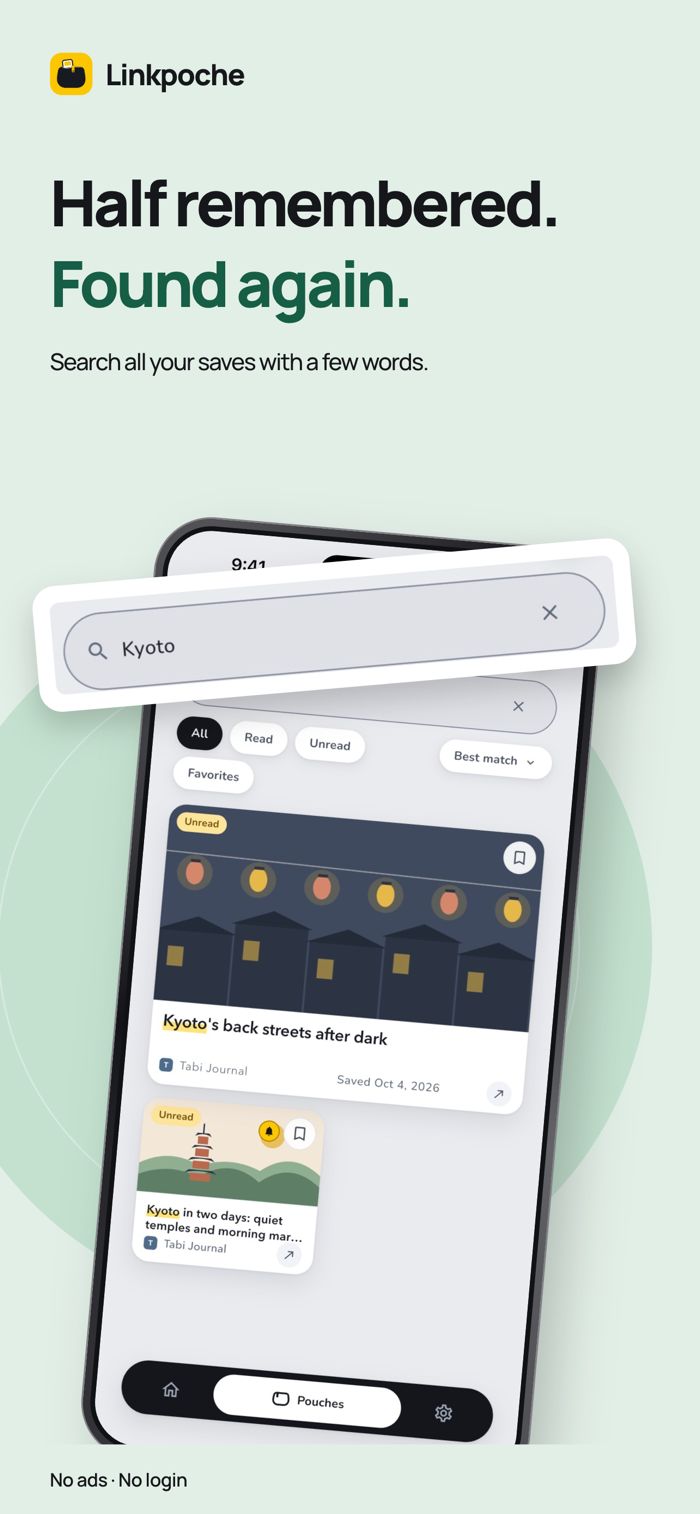
- Search everything or one pouch, including text in screenshots. On iOS 17 or later, search also finds links close in meaning.
- Filter by unread, read, or favorites. Sort by Recommended or by post date; date orders show a divider for each month.
- For you shows up to 10 links from your pouches each day.
- Set a one-time reminder on any link.
- A Home Screen widget (iOS 17 or later), iPhone search, and Shortcuts.
LINKPOCHE PLUS (IN-APP PURCHASE)
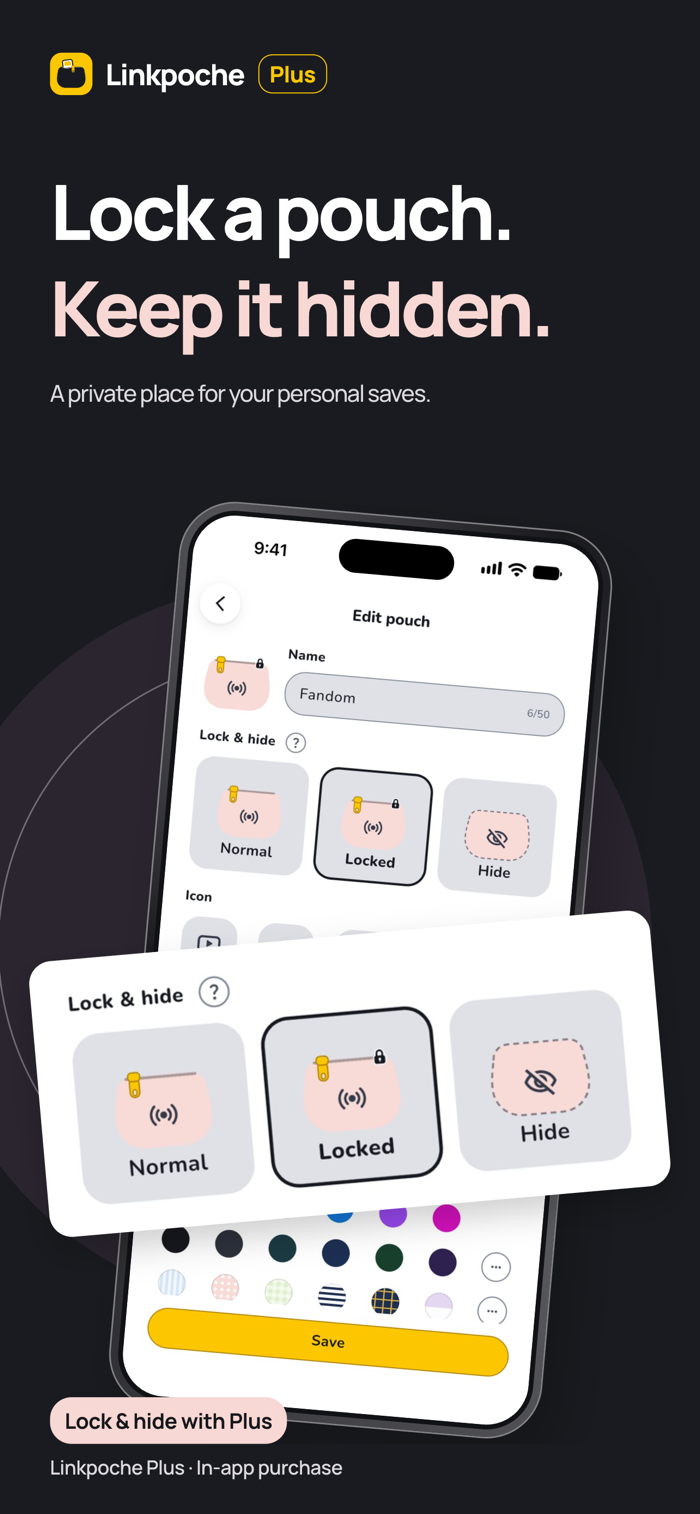
A one-time purchase, not a subscription. Lock pouches (Face ID, Touch ID, or your passcode to open), hide pouches, make up to 24 pouches, use every color plus 12 patterns, put a photo or one of 16 new icons on a pouch, and repeat reminders on the days you choose.
Anyone who can unlock your iPhone can open a locked pouch.
ON-DEVICE AI
On iPhone 15 Pro or later with iOS 26 or later and Apple Intelligence on, Apple's on-device model can summarize articles (summaries may not be accurate), suggest a pouch for one link or up to 50 at once, title screenshots, read the columns of files you bring in, and pick older links close to your recent saves. It never files for you, and nothing leaves your iPhone for it. Without it, suggestions use the pouch you chose before for the same site.
WHAT GOES OVER THE NETWORK
There is no Linkpoche server. When you save a link, your iPhone fetches that page directly for its title, picture, description, icon, and article text. The text is used for the read time and summary, then discarded. Links you bring in load without the article text, gradually on Wi-Fi or when shown on screen. For posts and videos on services such as X and YouTube, it also asks the service's public embed endpoint. Sites see the request as they would from a browser. Once a day at most, it asks Apple's App Store whether a newer version is out. Screenshots are read on your iPhone and not uploaded. For searching by meaning, iOS may download language files from Apple. No analytics, no ads, no tracking.
WHAT A PREVIEW CAN SHOW
Only what a site publishes for previews. Linkpoche never signs in, so pages behind a login give little, but the link is still saved and opens. It keeps the address and preview, not a copy of the page, so opening a link needs a connection. Screenshots are kept as resized copies without location data.
YOUR DATA
- Export everything as one zip file, locked and hidden pouches included. The zip file isn't locked. Importing a zip only adds.
- No sync between devices. Move to a new iPhone with export and import, or your iPhone backup.
iPhone only, iOS 16 or later.
X, YouTube, Instagram, and Threads are trademarks of their respective owners. Linkpoche is not affiliated with, sponsored by, or endorsed by them.