Work, personal life, and everything between deserve their own Space. Crest is a native browser for iPhone and iPad that keeps your accounts separate, your tabs organized, and your browsing distinctly yours.
KEEP YOUR ACCOUNTS SEPARATE
Each Space has its own tabs, cookies, website data, history, passwords, and site permissions. Stay signed in to different accounts on the same website. Switch from work to personal browsing without carrying the wrong session with you.
GIVE EVERY TAB A PLACE
Pin the sites you use every day. Save pages in folders. Keep today's tabs close and completed work in the archive. Select and move tabs, folders, and Split View groups together. On iPhone, bring in the sidebar with a gesture; on iPad, keep it beside your page.
MAKE IT YOUR OWN
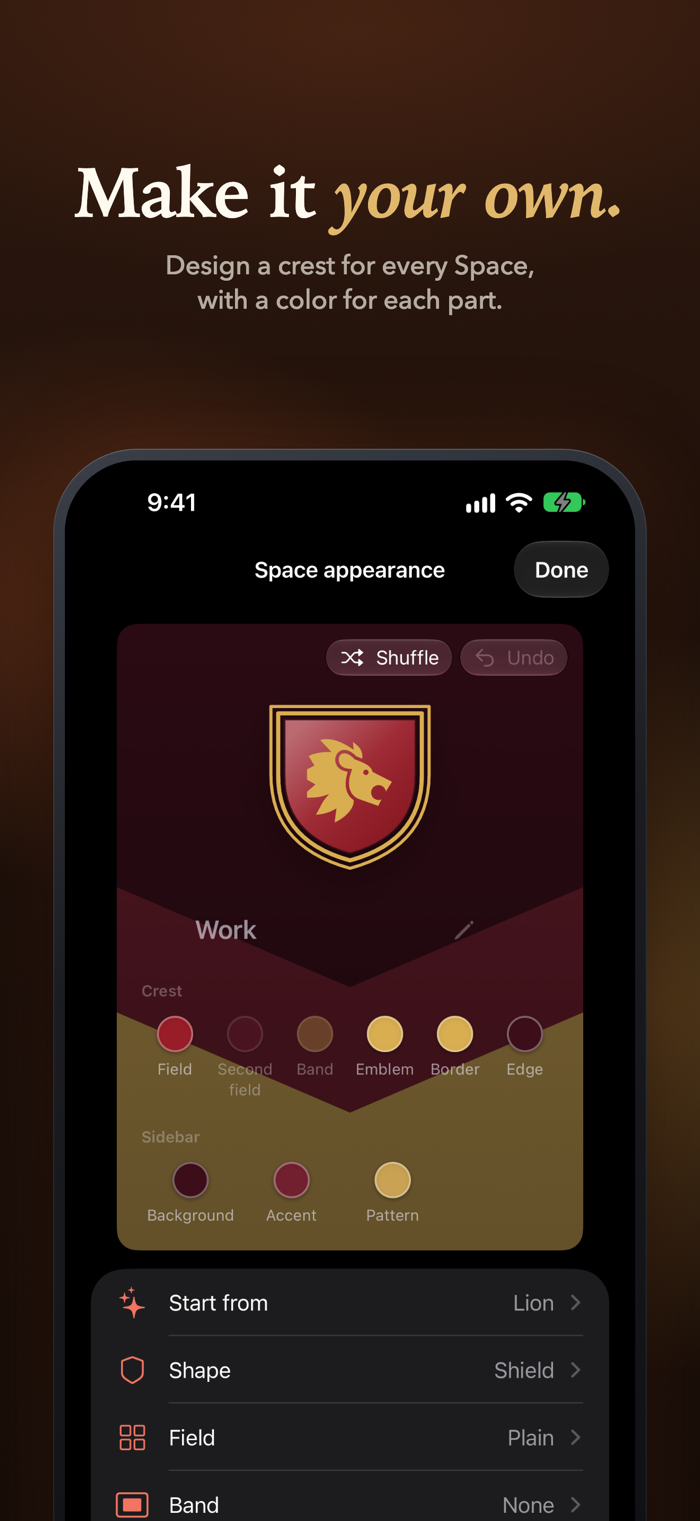
Start from Winter, Lion, or another template in Crest Studio, then choose a color for each part of the crest and the sidebar. Choose a crest, emoji, monogram, or symbol. Appearance settings adjust the window border, sidebar material, tab corners, borders, and default page zoom.
KEEP RELATED PAGES TOGETHER
Group two to four pages in Split View. On iPad, browse them side by side and resize the columns. On iPhone, swipe across the compact toolbar to move between pages in the group. Peek lets you check supported links without losing your place, then keep the page as a tab when you need it.
TOOLS FOR EVERYDAY BROWSING
Choose one default search for every Space and another for Private Browsing, or pick one for a single Space. Search from a new tab to find the pages and tabs you use most. Translate webpages on device with Apple's Translation framework. Read supported articles in Reader, find text on a page, adjust zoom, share links, and export pages. Content blocking and site permissions give you control over each Space. Language availability varies, and translation may require a language download.
PRIVATE WHEN YOU NEED IT
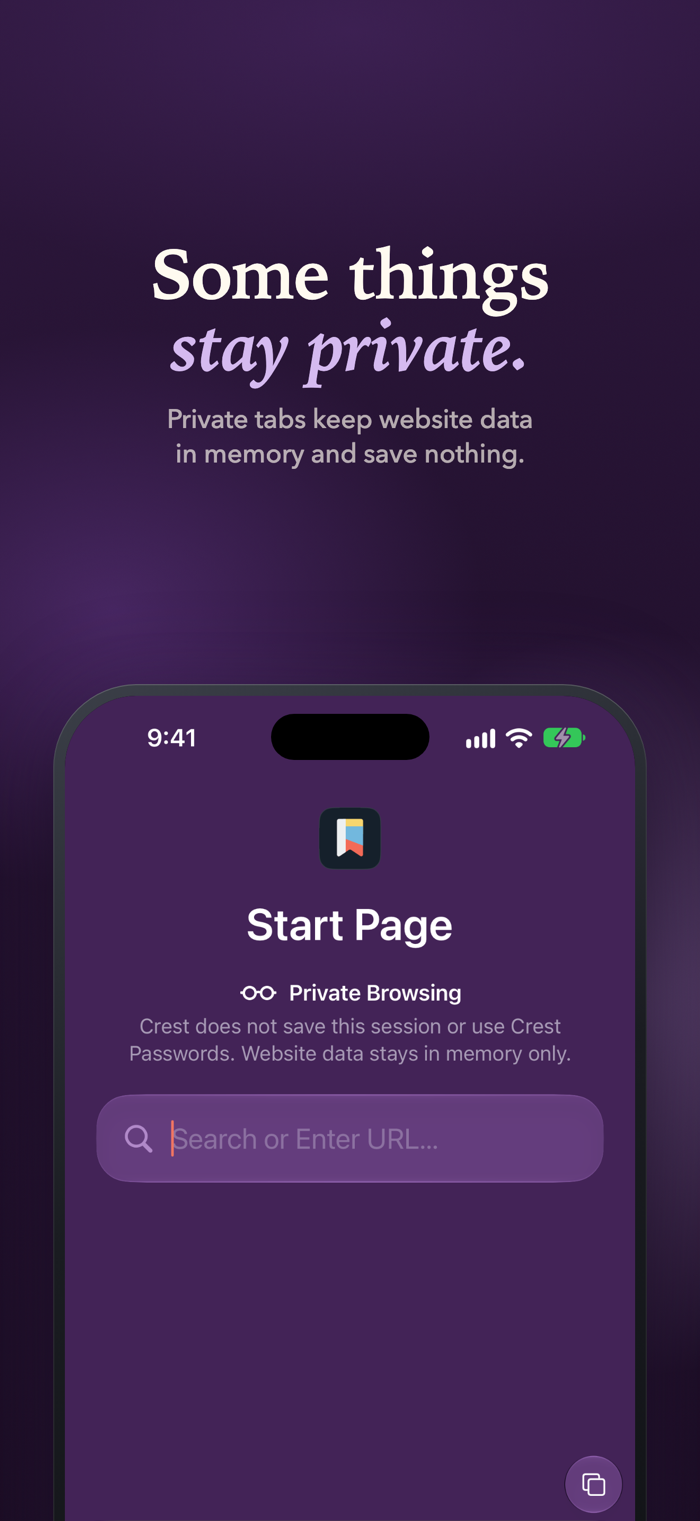
Private Browsing uses temporary website storage. Private tabs stay out of saved history, …