


 +100宝石


产品功能
Floto leaves your photos right where you take them.
Look slowly round the room, tap the red button, and the photo stays there. Take a step to the side. It kept its shape. Take another and another and you've got a stack of photos hanging in the air, yours to walk round.
WALK AND TAKE
Switch on distance mode and just walk. Floto takes a photo every half metre or so, and lays them out behind you like a trail. Or hold the red button and it films, sound and all, at whatever frame rate you like, and turns the video into a stack.
PLAY IT BACK
Press Play and your wave happens again, right where it happened. Forwards, backwards, or ping-pong it over and over. Slow it right down, or speed it up to 60 frames a second. Sync plays it back at the speed you filmed it, with its sound. Solo shows one frame at a time, each standing where it was taken.
IN 3D
On an iPhone with LiDAR, everything you film keeps its depth as well. Choose Point cloud and the take stands back up in the room as dots, life-size, where it happened. Walk round your friend while they move. Pick People or Subject and the room drops away, leaving just them.
MOVE THEM
Drag one with a finger. Pinch to size it, twist to turn it, two fingers up to raise it. Hold and drag to pull off a copy. Drag one into a bottom corner to bin it, and Undo brings it back.
LIFT SOMETHING OUT OF THE ROOM
Hold your finger on a mug, a plant or your other hand. Floto lifts it off as a cut-out with real depth, sitting right on top of the original. Slide it off to the side.
MAKE IT LOOK LIKE SOMETHING
Put your photos on paper: Polaroid, thin or torn borders, plain, semi-gloss, worn. Make them as thick as a brick if you like. Cut out the people, or whatever stands out, and leave the rest behind.
BRING THINGS IN
Pull in a video from Photos, sound and all. Cut up a sheet of frames, Muybridge style. Paste a link to a GIF. Each one turns into a stack you can stand in the room.
MAKE A SHAPE OF THEM
Turn a stack into a line, a panorama, a carousel, or the path you walked. Trim every photo at once, front to back.
FLY ROUND IT
Swap your camera for a virtual room and orbit your photos with a finger. No walking required.
KEEP IT
Everything you make is saved as you go and backed up to your own private iCloud, so a new phone brings it all back. Capture a scene as a video to share.
THE FEED
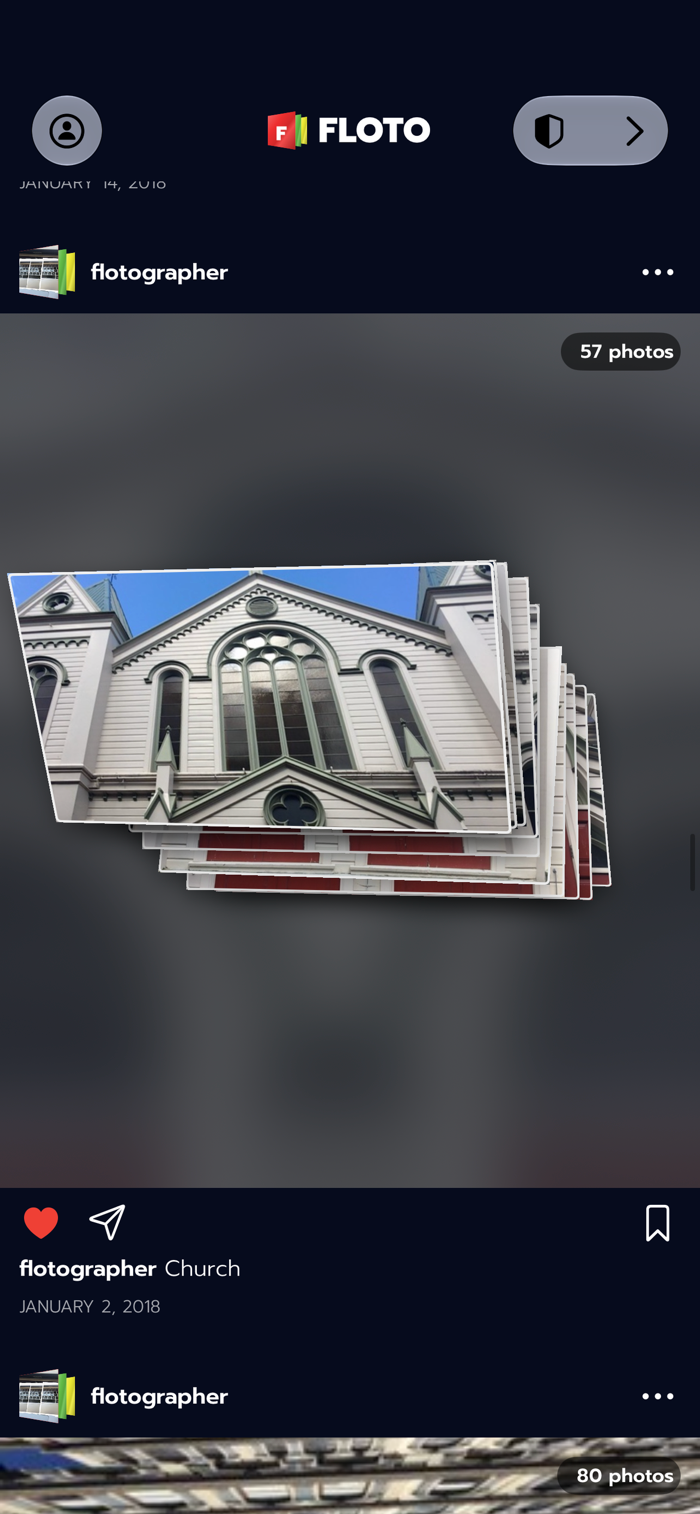
Post a stack to the Feed and see what other people have left in their rooms. You can report a post, block someone, or delete your own whenever you like.
FLOTOS
Everyone starts with 500 free Flotos and every feature. A Floto is one photo in the room. After that you get 50 a day, and Captures carry a small Floto mark. Your first post to the Feed each day adds another 50. One purchase unlocks Floto for good, with no subscription and no ads.
If you bought Floto when it was a paid app, it's already unlocked. Nothing to do.
Floto works best on an iPhone with LiDAR (the Pro models), and still works without, with less detail in 3D.
Floto is called Flotogram on the App Store. Same app.
Questions: support@flotogram.com
分享「」体验,参与「」抽奖!
分享 1~3 张你对这个产品最满意的截图或效果图
分享「」体验,参与「」抽奖!
用你的故事点亮社区✨!你的真实体验,将会永久展示在 官方主页 📌,为其他朋友提供宝贵参考 💡。立即分享吧!🚀
请为产品评分
请选择问题回答,为大家提供宝贵参考
选择要回答的问题
温馨提示
你尚未上传产品截图。
上传截图可立即获得宝石积分奖励!
如果你赶时间,也可稍后修改评论,补上截图领取宝石。
温馨提醒
你尚未添加产品截图
⚠️ 不添加截图将降低抽奖权重

感谢参加,你已成功参加!
为了确保你能及时收到审核结果和领奖码通知

扫描二维码关注 Mergeek 公众号
在后台回复 「获奖通知」
完成上述操作,即可保障奖励发放成功





用户评价
立即分享产品体验
你的真实体验,为其他用户提供宝贵参考
💎 分享获得宝石
【分享体验 · 获得宝石 · 增加抽奖机会】
将你的产品体验分享给更多人,获得更多宝石奖励!
💎 宝石奖励
每当有用户点击你分享的体验链接并点赞"对我有用",你将获得:
🔗 如何分享
复制下方专属链接,分享到社交媒体、群聊或好友:
💡 小贴士
分享时可以添加你的个人推荐语,让更多人了解这款产品的优点!
示例分享文案:
"推荐一款我最近体验过的应用,界面设计很精美,功能也很实用。有兴趣的朋友可以看看我的详细体验评价~"
关注 Mergeek 公众号
领奖遇到问题?联系小门助手