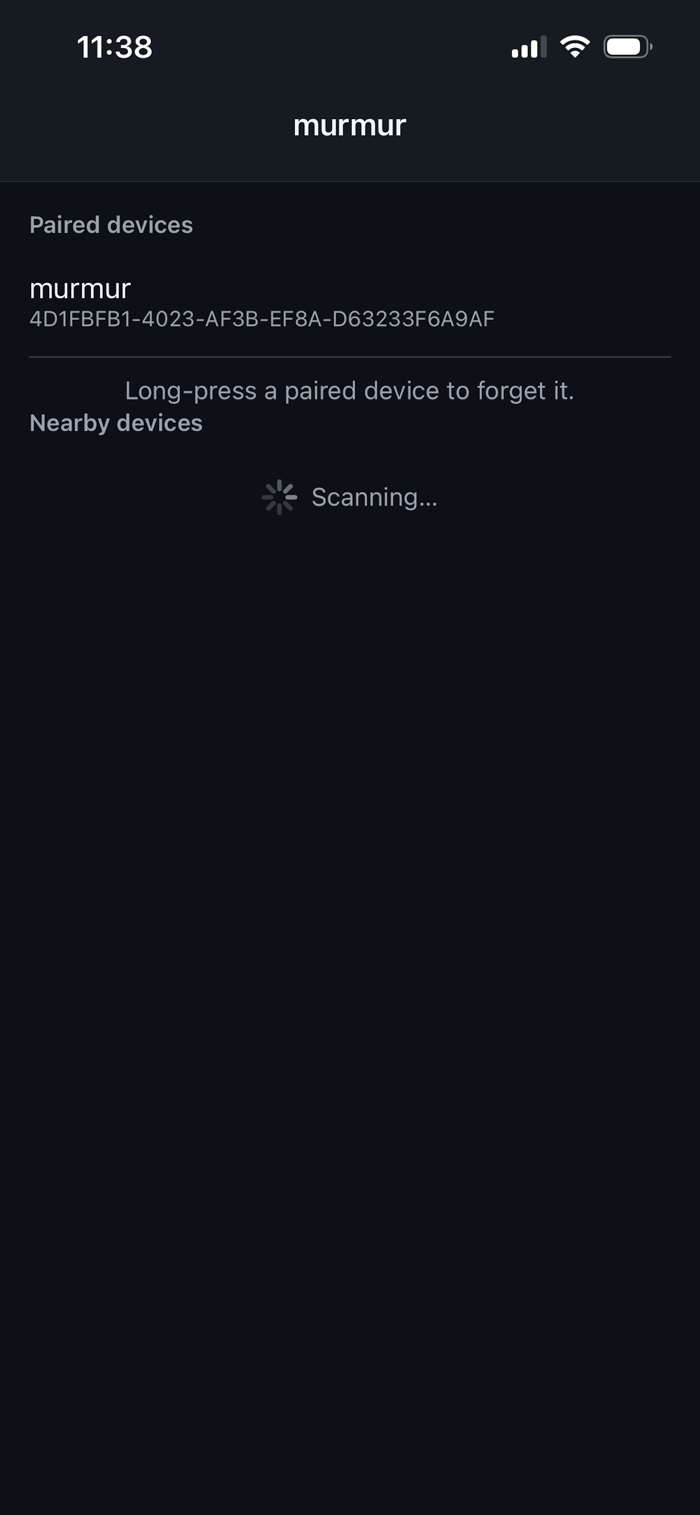
murmur turns your phone into a remote control for a Raspberry Pi — no Wi-Fi, no network setup, no port forwarding. Just Bluetooth Low Energy (BLE), directly between your phone and the Pi.
HOW IT WORKS
Install the open-source murmur daemon on any Raspberry Pi running Linux, pair your phone with it over Bluetooth, and you get:
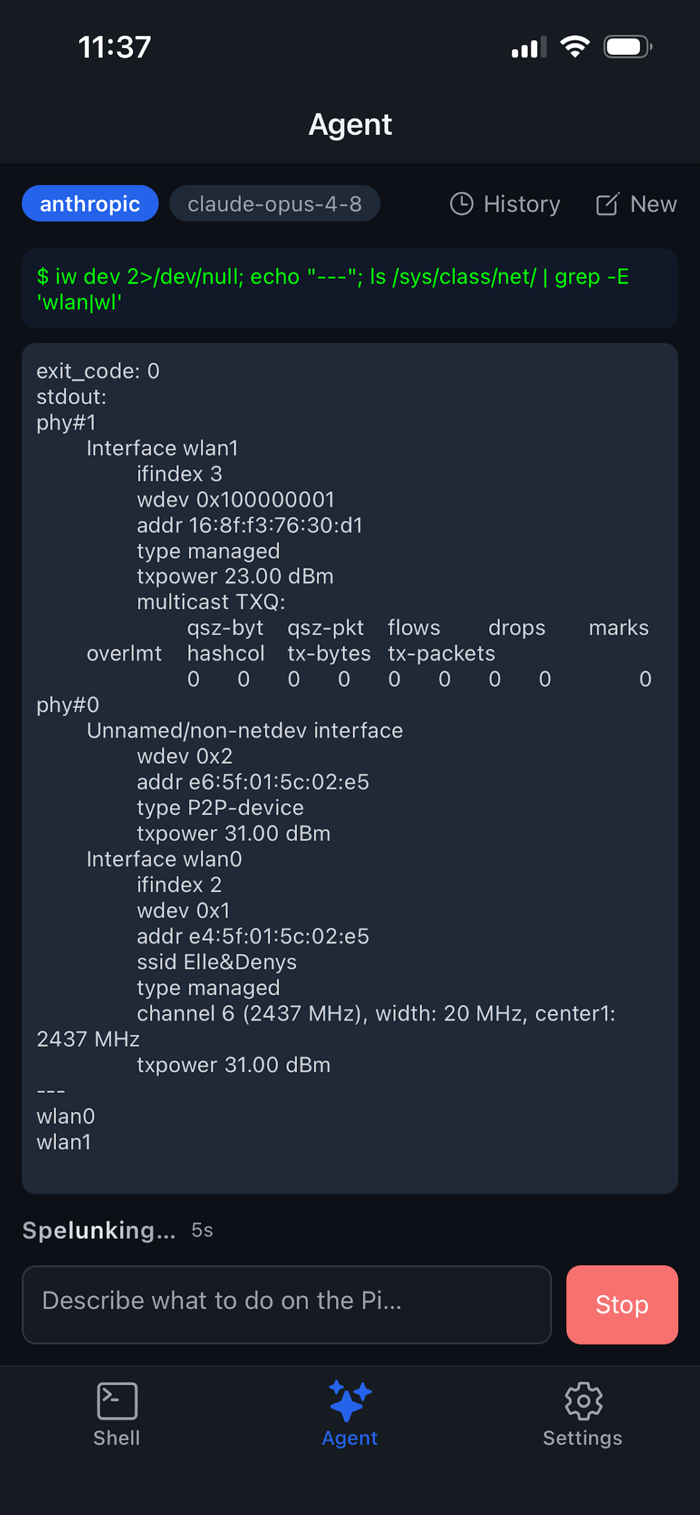
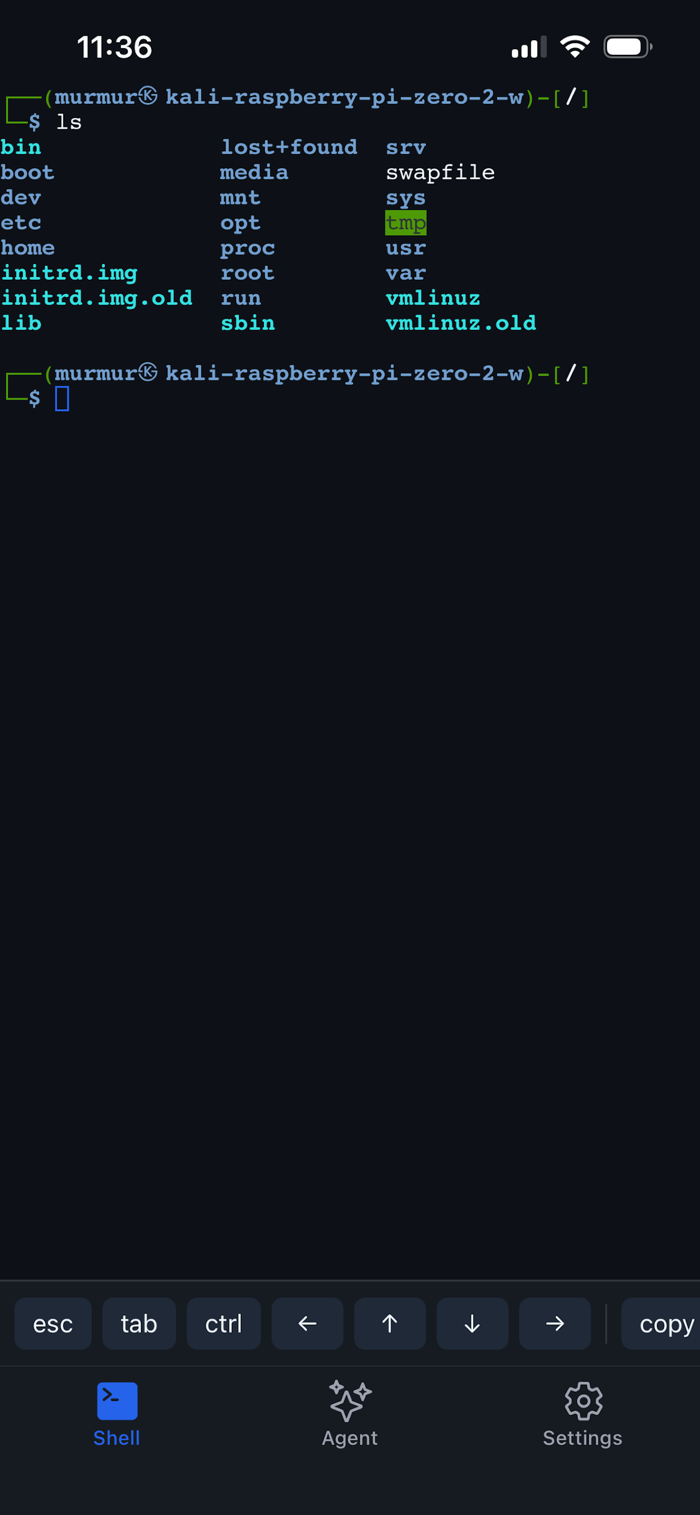
• Shell mode — a real interactive terminal on the Pi, right from your phone. • Agent mode — describe what you want in plain English ("what's eating my disk space?", "set up a static IP") and an AI agent plans and runs the shell commands for you, showing every command and its output as it goes.
BRING YOUR OWN API KEY
Agent mode is powered by your own Anthropic Claude, OpenAI, or Google Gemini API key — entered once in Settings, stored only in your phone's secure keychain. murmur has no backend server and no account system. The only network calls it makes are the LLM requests you trigger yourself, using your own key.
WORKS OFFLINE ON THE PI SIDE
The Raspberry Pi never needs an internet connection. It just needs Bluetooth and the murmur daemon running. Good for headless boxes, home labs, and devices you'd rather not put on a network at all.
PRIVACY BY DESIGN
Everything murmur stores — the Bluetooth pairing key, your API key, an optional per-device sudo password, and saved agent conversations — stays on your phone in the OS-level secure store. One tap in Settings wipes it all.
OPEN SOURCE
Both the daemon and the app are open source: github.com/nekonihq/murmur


 +100宝石


 分享
分享










用户评价
立即分享产品体验
你的真实体验,为其他用户提供宝贵参考
💎 分享获得宝石
【分享体验 · 获得宝石 · 增加抽奖机会】
将你的产品体验分享给更多人,获得更多宝石奖励!
💎 宝石奖励
每当有用户点击你分享的体验链接并点赞"对我有用",你将获得:
🔗 如何分享
复制下方专属链接,分享到社交媒体、群聊或好友:
💡 小贴士
分享时可以添加你的个人推荐语,让更多人了解这款产品的优点!
示例分享文案:
"推荐一款我最近体验过的应用,界面设计很精美,功能也很实用。有兴趣的朋友可以看看我的详细体验评价~"
关注 Mergeek 公众号
领奖遇到问题?联系小门助手