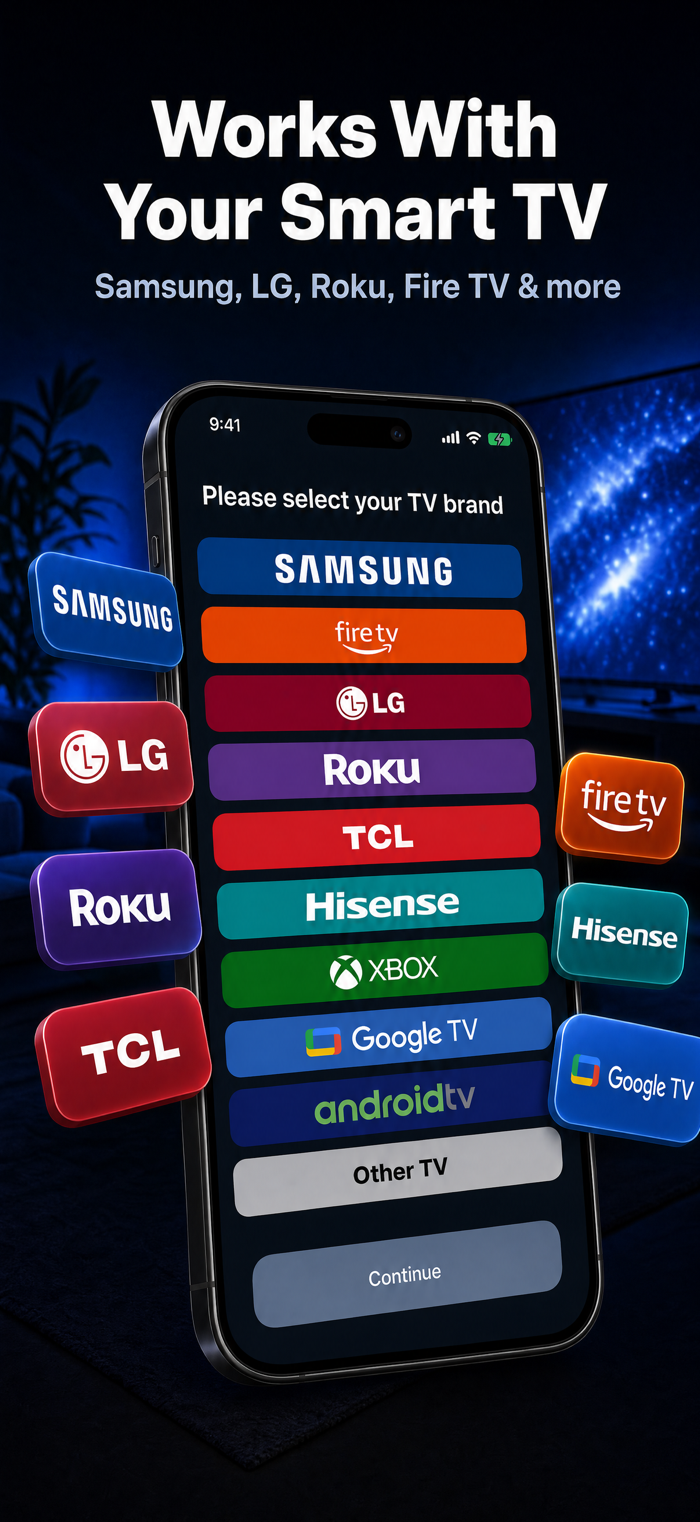
Control your smart TV from your iPhone over Wi-Fi. AS Remote works with Samsung, LG, Roku, TCL, Google TV, Android TV, Fire TV and Hisense VIDAA TVs, with no extra hardware.
SCREEN MIRRORING
• Mirror your whole iPhone screen to your TV, no Apple TV or AirPlay needed
• Works with Samsung TVs, and with Google TV and Android TV through Google Cast
• On LG and Roku TVs, mirroring may not work on every model
UNIVERSAL REMOTE CONTROL
• Directional pad, touchpad and number pad modes
• Volume, channel, playback and power controls
• When your TV opens its on-screen keyboard, the Send Text box opens on your phone. Send & Go types your search and submits it in one tap
• Turn On TV wakes your TV over Wi-Fi and reconnects
MACROS & AUTOMATION
• Record a sequence of commands and replay it with one tap
• Build routines like "Movie Night": power on, open Netflix, set the volume
• Built-in suggestions to get you started
THEMES & LAYOUTS
• 6 color themes: Classic Blue, Neon Green, Sunset Orange, Midnight Purple, Forest Green and Rose Gold
• Preset layouts (Full, Simple, Movie, Gaming), or build your own by turning control groups on or off
SCREEN TIME
• Daily and weekly TV time in charts
• Your most used apps over the last 30 days
• A daily goal to keep your viewing in check
SLEEP TIMER
• Turns your TV off after the time you pick, with a countdown on the remote screen
CAST PHOTOS & VIDEOS
• Show photos and videos from your iPhone on the TV screen, no Chromecast needed
STREAMING SHORTCUTS
• Open Netflix, YouTube, Disney+, Prime Video, HBO Max, Apple TV, Spotify, Hulu and more from the Channels tab
SUPPORTED TVS
• Samsung Smart TVs (2016 and newer)
• LG webOS
• Roku and TCL Roku TV
• Google TV and Android TV
• Amazon Fire TV
• Hisense VIDAA
EASY SETUP
1. Connect your iPhone and TV to the same Wi-Fi
2. Open AS Remote. One search finds TVs of every brand
3. Tap your TV. If the app finds only one, it connects right away
4. Allow the connection on your TV if it asks
Also included…