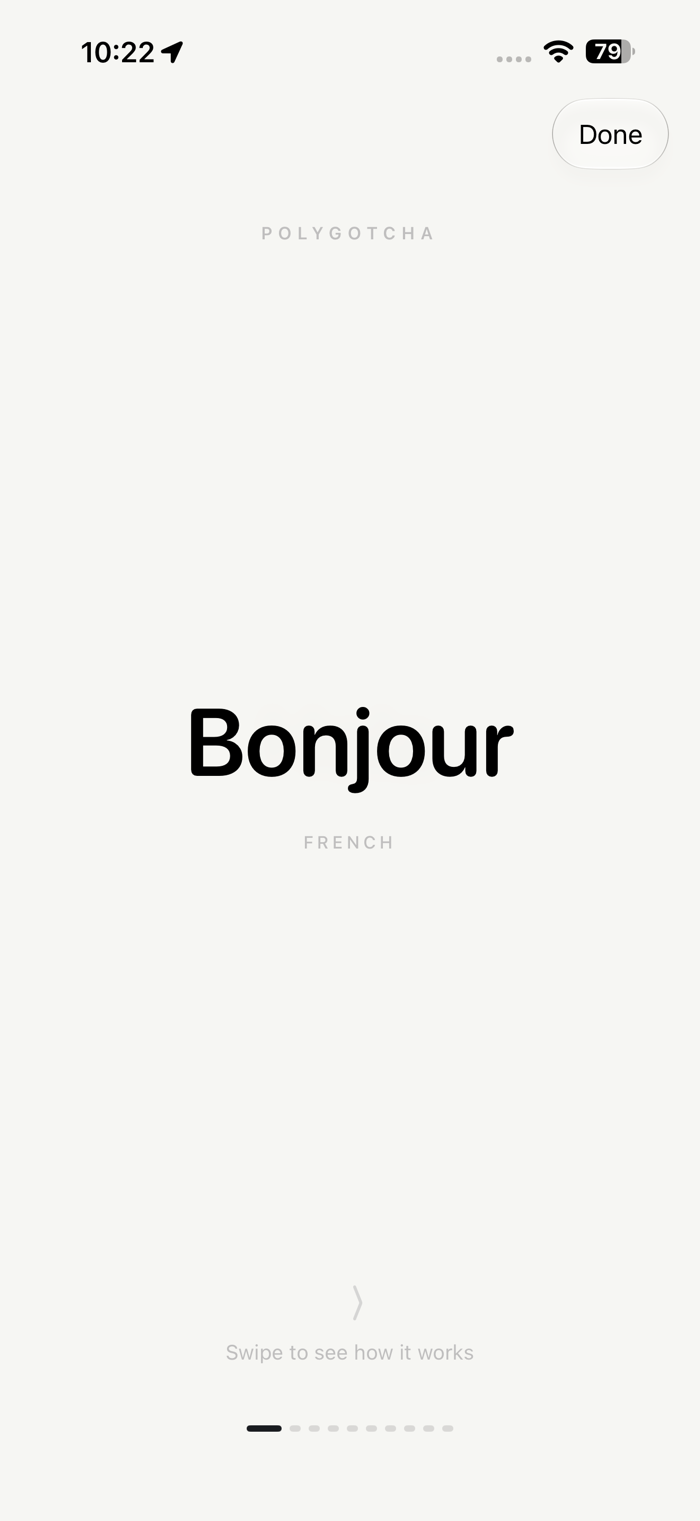
PolyGotcha is a keyboard that translates as you type. Write in your own
language, pause, and the translation appears right above the keys. Tap it
to swap your text before you hit send.
It works everywhere you type: Messages, WhatsApp, Instagram, Mail, dating
apps, anywhere. No copying, no pasting, no switching to a translator app
and back.
HOW IT WORKS
1. Type in your language.
2. Pause for a moment. The translation appears in the bar above the keys.
3. Tap it to replace your text, or turn on automatic mode and just type.
Two-way translation reads what you typed and picks the direction on its
own. Reply to a French message in English and send it in French; when you
type French, it turns into English.
WORKS ON ANY IPHONE
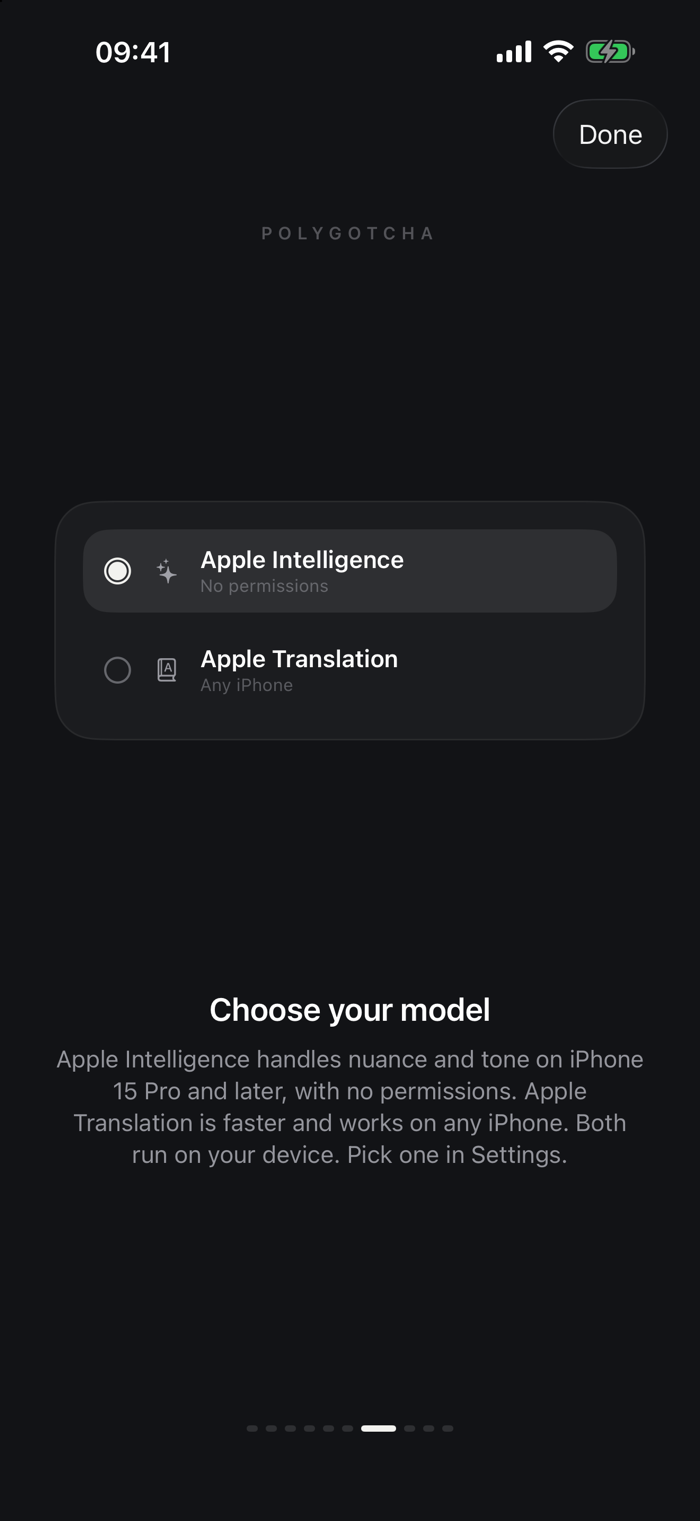
Two on-device models. Apple Intelligence handles nuance and tone on iPhone
15 Pro and later. Apple Translation runs on every other iPhone, so an older
device is not locked out.
PICK YOUR TONE
Neutral, casual, formal, or street. Street tone writes the way people
actually text, with everyday slang instead of textbook phrasing. Tone is
available on the Apple Intelligence model.
PRIVATE BY DESIGN
Translation runs entirely on your iPhone. Your words never leave your
device: no servers, no accounts, no tracking. PolyGotcha has no backend to
send them to.
Full Access is optional and off by default. Leave it off and iOS itself
keeps the keyboard off the network. Turn it on only if you choose the
Apple Translation model, which iOS will not open to a keyboard otherwise.
It is still on-device translation either way.
LANGUAGES
Translate between English, French, Spanish, Portuguese, German, Italian,
Japanese, Korean, Chinese, and more. The exact list depends on your device
and iOS version.
FREE AND PRO
Typing with the PolyGotcha keyboard is free, always, and so are your first
10 translations. After that Pro unlocks unlimited translation: 7 days free,
then $1.99 a month, $11.99 a year, or $24.99 once for lifetime access.
GOOD TO KNOW
PolyGotcha needs iOS 26 or later. The Apple Intelligence model also needs
an Apple Intelligence device (iPhone 15 Pro or newer); on any other iPhone,
choose Apple Translation in the app's Settings tab. Translations come from
on-device AI models, which can make mistakes, so double-check important
messages.
Privacy Policy: https://polygotcha.com/privacy/
Terms of Use (EULA): https://www.apple.com/legal/internet-services/itunes/dev/stdeula/


 +100宝石










用户评价
立即分享产品体验
你的真实体验,为其他用户提供宝贵参考
💎 分享获得宝石
【分享体验 · 获得宝石 · 增加抽奖机会】
将你的产品体验分享给更多人,获得更多宝石奖励!
💎 宝石奖励
每当有用户点击你分享的体验链接并点赞"对我有用",你将获得:
🔗 如何分享
复制下方专属链接,分享到社交媒体、群聊或好友:
💡 小贴士
分享时可以添加你的个人推荐语,让更多人了解这款产品的优点!
示例分享文案:
"推荐一款我最近体验过的应用,界面设计很精美,功能也很实用。有兴趣的朋友可以看看我的详细体验评价~"
关注 Mergeek 公众号
领奖遇到问题?联系小门助手