



 +100宝石

产品功能
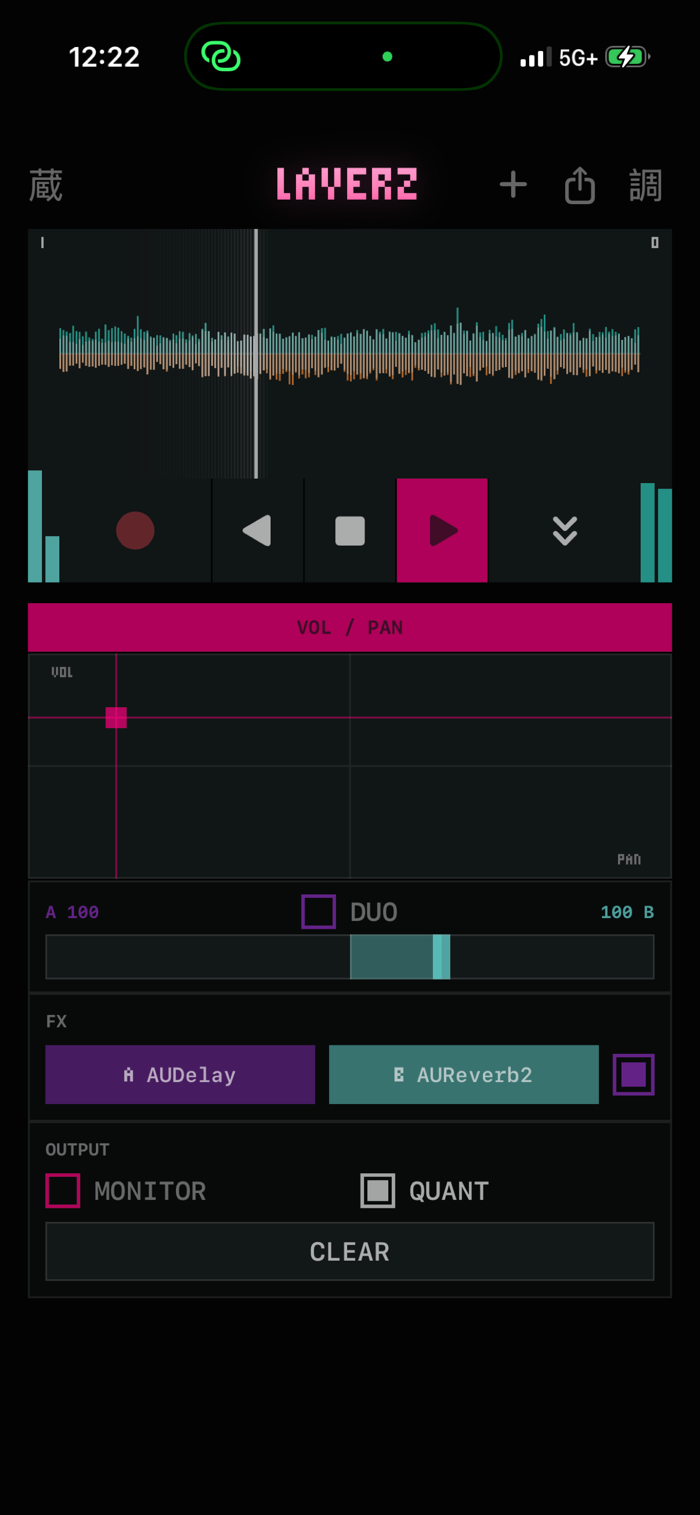
Layerz is a realtime layering looper. Record a loop, and it starts playing instantly. Stack take after take over it, drop punch-ins on the fly, and hear exactly what you record — what you monitor IS what lands on the tape.
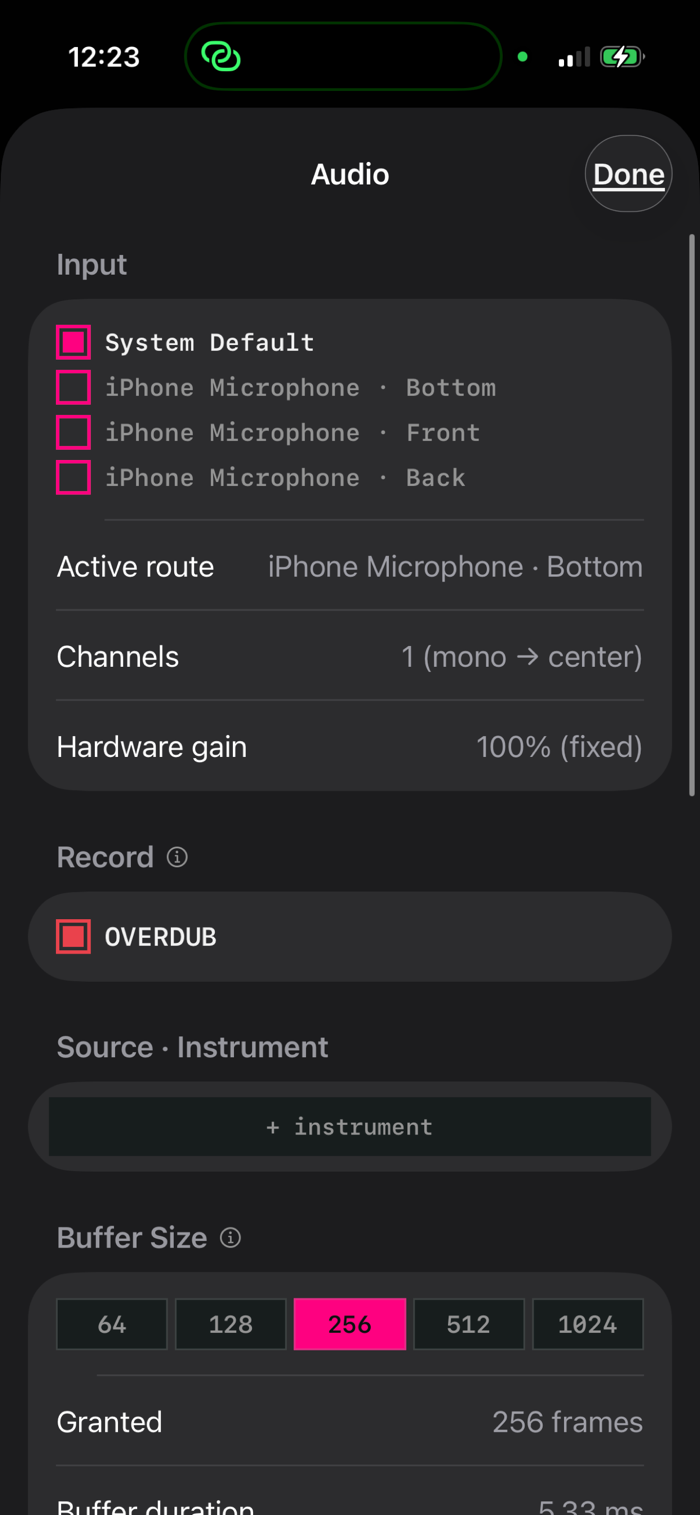
Under the hood it runs monitoring, overdub, and playback on a single Core Audio render callback — no engine graph churn, no second tap thread — so laying down audio while you monitor never glitches.
REALTIME LAYERING
The first take sets the loop length and loops immediately. Keep layering onto it, or hold DROP to punch-record a buffer drop. Destructive-first, no undo by design.
RUN THE TAPE BACKWARDS
A tape-deck transport: play reverse, stop, play forward. Overdub while it runs backwards and that layer plays backwards when you flip forward again.
WHOLE PASS
Snap recording to the loop seam so a take is always a complete lap, instead of one that starts and ends mid-loop.
HOST YOUR AUDIO UNITS
Run your installed AUv3 effects and instruments — samplers, synths — right in the input chain, with their own plugin UIs. Play a hosted instrument from the built-in keyboard or from a MIDI controller, straight into the loop. Blend two effect racks on one fader that runs from full-wet A through dry to full-wet B.
SEE THE ROOM — VIDEO PASSTHROUGH
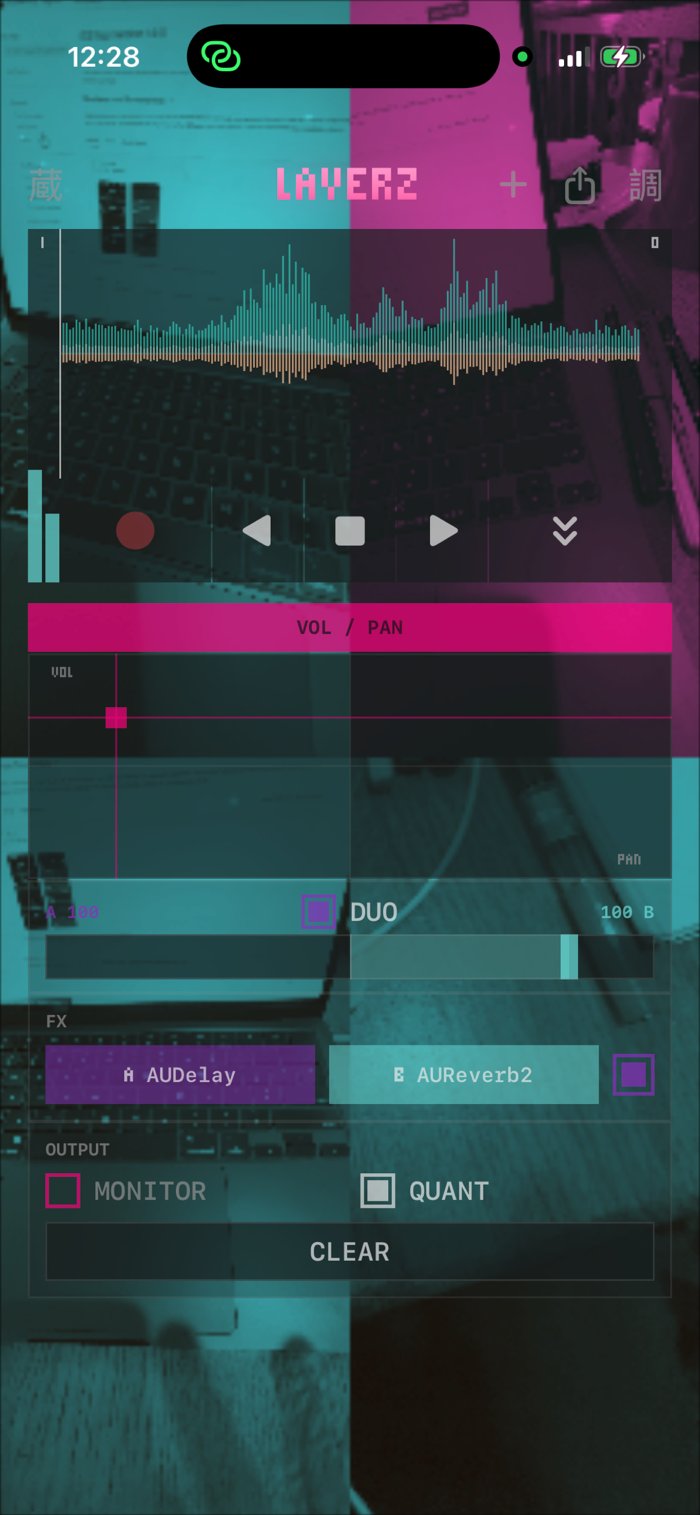
Put the live camera behind the controls and dial in how far the face fades over it. Then let the picture loop with the sound:
• BURN-IN — video records while the loop records, and every lap composites onto the last. Four blends: imprint, lighten, darken, difference.
• MOSAIC — each lap claims its own cell and the grid grows as you play, 4 panes to 9 to 16, spiralling outward from the middle.
Playback follows the audio play head, so picture and sound share one clock. Nothing is saved or sent — the video lives in memory and dies with CLEAR.
BUILT FOR THE HANDS
An XY pad for gain and pan, a stereo-balance waveform you can scrub, stereo in/out metering, and a welded, single-surface control face.
ALWAYS SAVED
Your project is saved on the fly and restored when you reopen the app — transport, modes and all. NEW starts a fresh one; a library holds them all.
SHARE ACROSS APPS
Export a loop to Choppa, turn it into a wave video, or see loops from the other WaveLoop apps in the shared library rail.
iPhone and iPad. Headphones recommended: monitoring to the speaker will feed back.
分享「」体验,参与「」抽奖!
分享 1~3 张你对这个产品最满意的截图或效果图
分享「」体验,参与「」抽奖!
用你的故事点亮社区✨!你的真实体验,将会永久展示在 官方主页 📌,为其他朋友提供宝贵参考 💡。立即分享吧!🚀
请为产品评分
请选择问题回答,为大家提供宝贵参考
选择要回答的问题
温馨提示
你尚未上传产品截图。
上传截图可立即获得宝石积分奖励!
如果你赶时间,也可稍后修改评论,补上截图领取宝石。
温馨提醒
你尚未添加产品截图
⚠️ 不添加截图将降低抽奖权重

感谢参加,你已成功参加!
为了确保你能及时收到审核结果和领奖码通知

扫描二维码关注 Mergeek 公众号
在后台回复 「获奖通知」
完成上述操作,即可保障奖励发放成功






用户评价
立即分享产品体验
你的真实体验,为其他用户提供宝贵参考
💎 分享获得宝石
【分享体验 · 获得宝石 · 增加抽奖机会】
将你的产品体验分享给更多人,获得更多宝石奖励!
💎 宝石奖励
每当有用户点击你分享的体验链接并点赞"对我有用",你将获得:
🔗 如何分享
复制下方专属链接,分享到社交媒体、群聊或好友:
💡 小贴士
分享时可以添加你的个人推荐语,让更多人了解这款产品的优点!
示例分享文案:
"推荐一款我最近体验过的应用,界面设计很精美,功能也很实用。有兴趣的朋友可以看看我的详细体验评价~"
关注 Mergeek 公众号
领奖遇到问题?联系小门助手