ModCam writes one file: a pure Bayer RAW DNG, straight from the sensor, with none of Apple's computational photography layered on top.
In the default mode the app asks the camera for the sensor's own Bayer mosaic. Smart HDR tone fusion, Deep Fusion, the Photonic Engine, Night mode multi-frame stacking and Apple's color and tone rendering are all skipped. What lands in your photo library is a single-frame DNG that reflects what the sensor read, ready for whatever develop you choose.
Here is the honest trade-off, because most apps do not say it out loud. The 48MP camera sensor is quad-Bayer. The un-remosaiced mosaic is about 12MP (4032 x 3024). A 48MP frame only exists after Apple's remosaic, which means it is ProRAW and it carries a computational baseline inside the DNG. ModCam does not pretend otherwise. It gives you both, as a visible mode switch:
Bayer RAW, about 12MP, no Apple processing.
ProRAW, 48MP, remosaiced, Apple's baseline included.
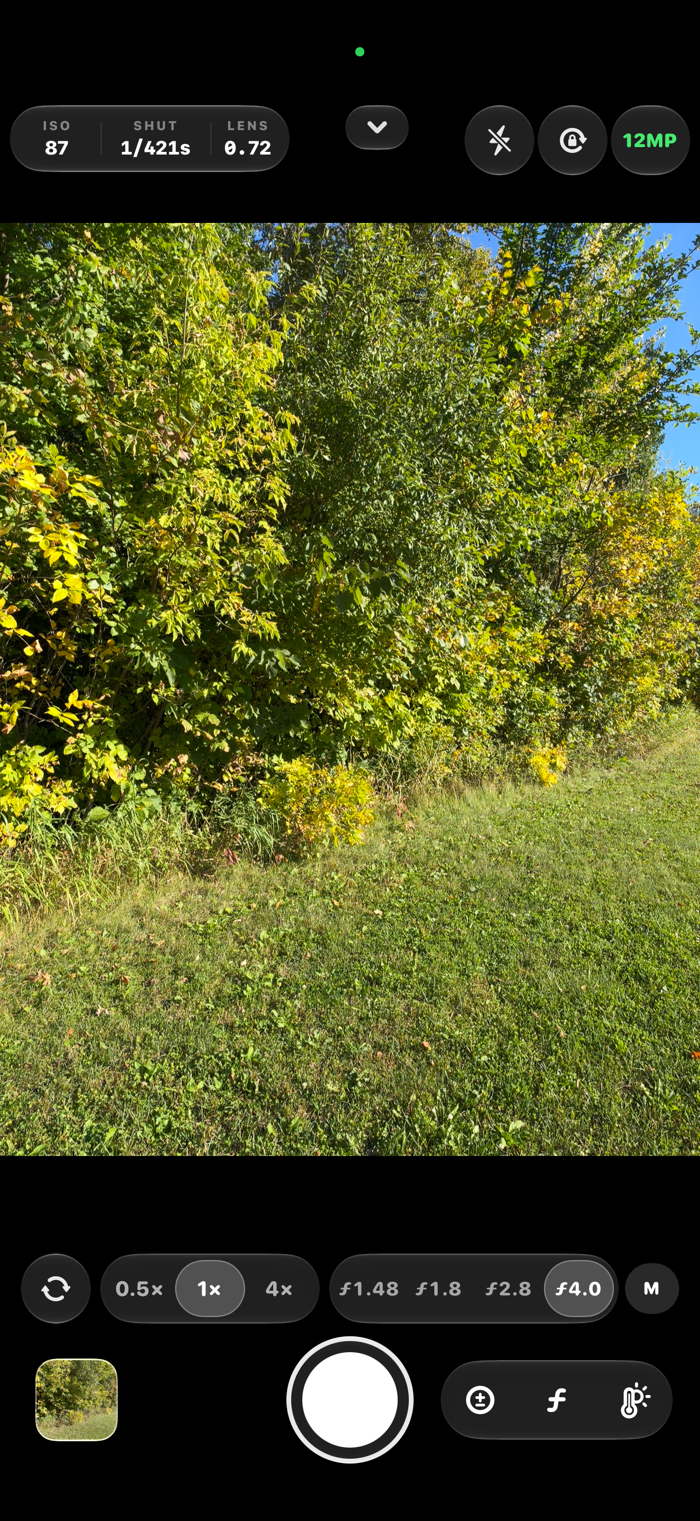
The button at the top of the screen always shows which mode you are in. If the phone ever saves a 48MP shot at a lower resolution, a message pops up right away to tell you, and the gallery lists the real size of every photo. You find out on the spot, not a week later in your editor.
MANUAL CONTROL
ISO, shutter, white balance in Kelvin and focus are all yours. Each one is a ruler you scrub with your thumb: a fast swipe crosses the whole range, a slow one lands on a single step. What you set stays set, with no background auto correction quietly walking your exposure back while you compose.
ISO and shutter speed each have an A/M button. A lets the camera set it, M keeps your value. ISO on M with shutter on A is ISO priority. Shutter on M with ISO on A is shutter priority. Both on M is full manual. A main A/M button switches both, and one tap on it takes you back to full auto.
A live histogram and false color read the scene for you. A viewfinder can only approximate a RAW develop, so ModCam points you at the instruments fo…