Create a great picture without confusion or clutter.
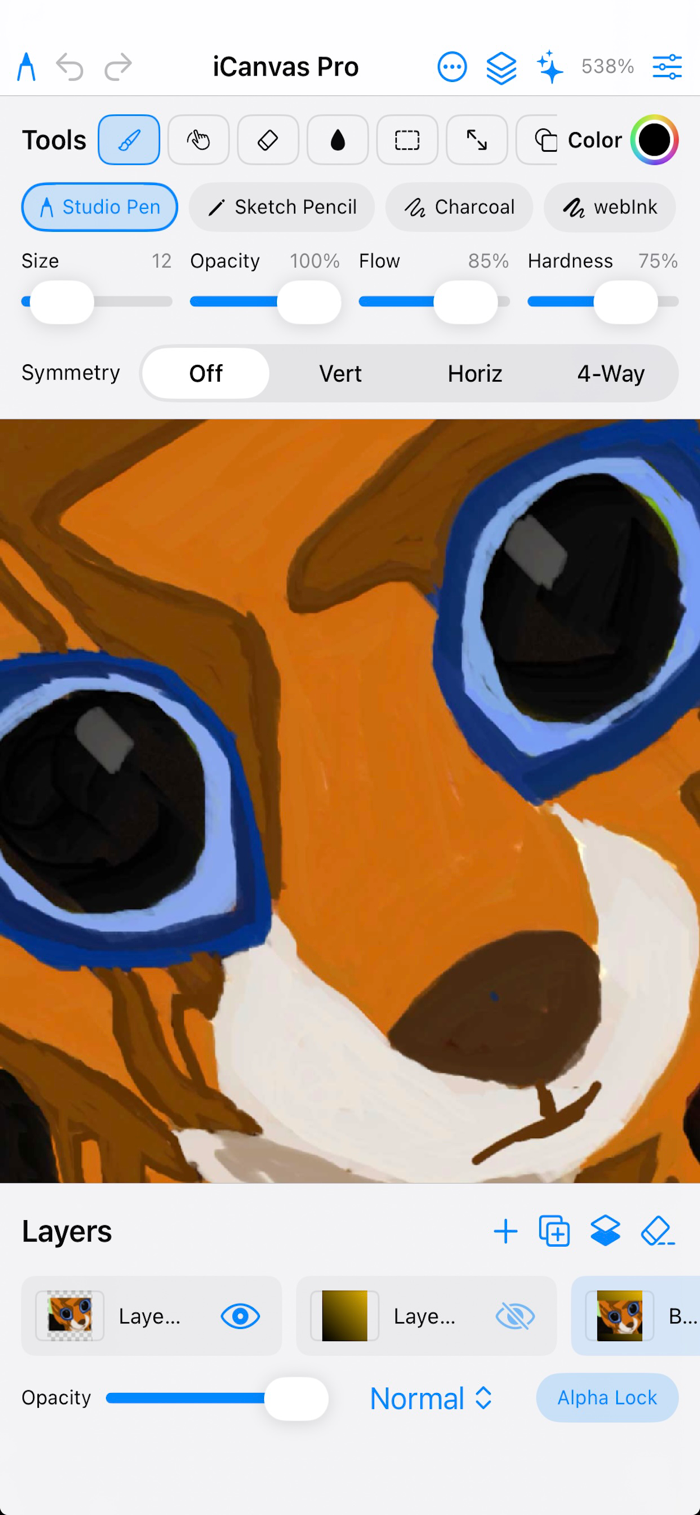
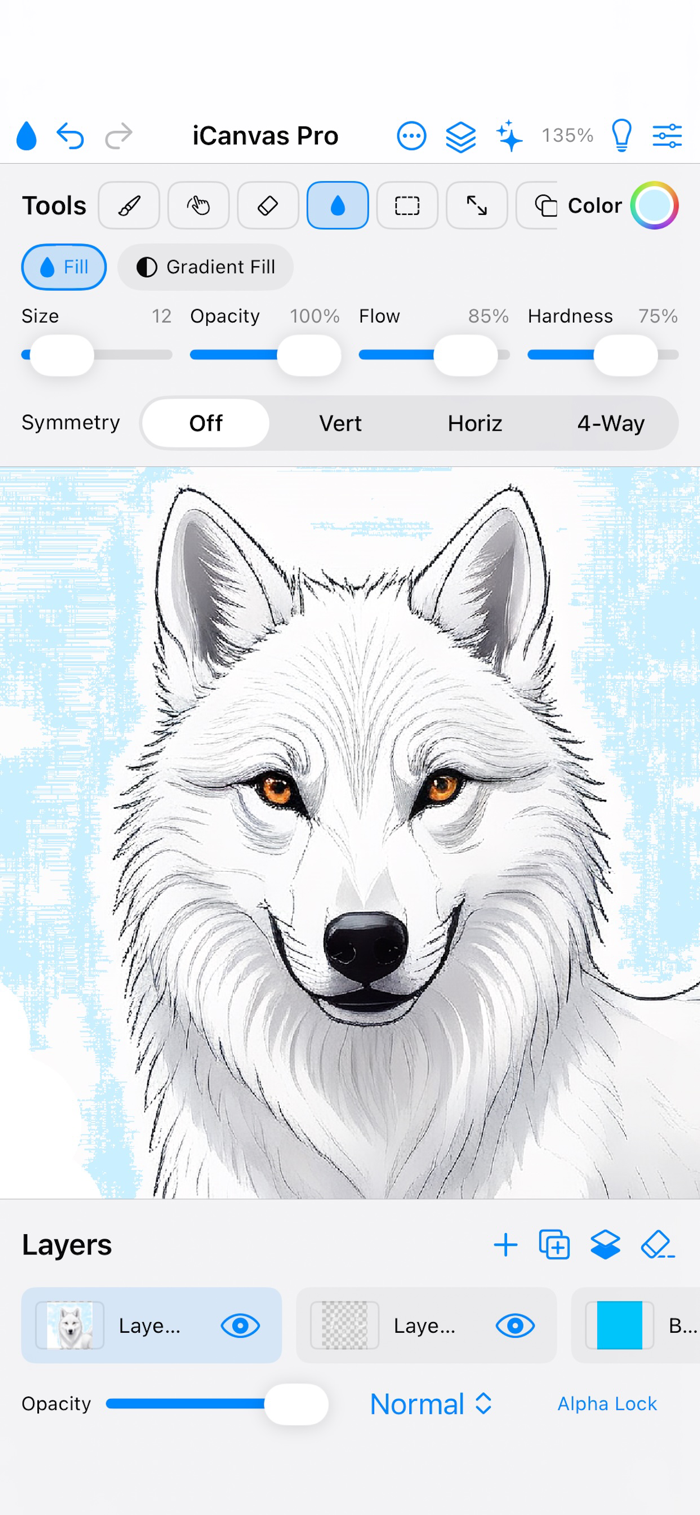
iCanvas Pro is a simple, fast drawing app rebuilt from the ground up in native SwiftUI. Familiar tools, a clean workspace, and just enough power for sketches, icons, doodles, and finished art.
DRAWING TOOLS
• Studio Pen, Sketch Pencil, Charcoal, and webInk
• Soft, Oil, Watercolor, Neon, Spray, Calligraphy, Hair, and Halftone brushes
• Smudge, Eraser, Soft Eraser
• Paint Bucket and Gradient Fill
• Line, Rectangle, and Ellipse shapes
• Color picker with brush size, opacity, and symmetry options
LAYERS & SELECTION
• Multiple layers with opacity, blend modes, and rename
• Freehand, rectangle, and ellipse selection
• Cut, copy, paste, and move selections
• Multi-step Undo and Redo
PROJECTS & CANVAS
• Save and open .icanvas projects (layers preserved)
• New canvas sizes and presets
• Autosave so you don’t lose your work
• Zoom, pan, and rotate canvas 180°
• Light and Dark appearance
PHOTOS & SHARE
• Open images from Photos or take a photo with Camera
• Export PNG (transparency) or JPG
• Save to Photos and share
AI ASSIST
• Optional on-device Apple Intelligence styles.
Made for people who want to draw — not dig through a complicated studio.


 +100宝石


 分享
分享









用户评价
立即分享产品体验
你的真实体验,为其他用户提供宝贵参考
💎 分享获得宝石
【分享体验 · 获得宝石 · 增加抽奖机会】
将你的产品体验分享给更多人,获得更多宝石奖励!
💎 宝石奖励
每当有用户点击你分享的体验链接并点赞"对我有用",你将获得:
🔗 如何分享
复制下方专属链接,分享到社交媒体、群聊或好友:
💡 小贴士
分享时可以添加你的个人推荐语,让更多人了解这款产品的优点!
示例分享文案:
"推荐一款我最近体验过的应用,界面设计很精美,功能也很实用。有兴趣的朋友可以看看我的详细体验评价~"
关注 Mergeek 公众号
领奖遇到问题?联系小门助手