


 +100宝石




产品功能
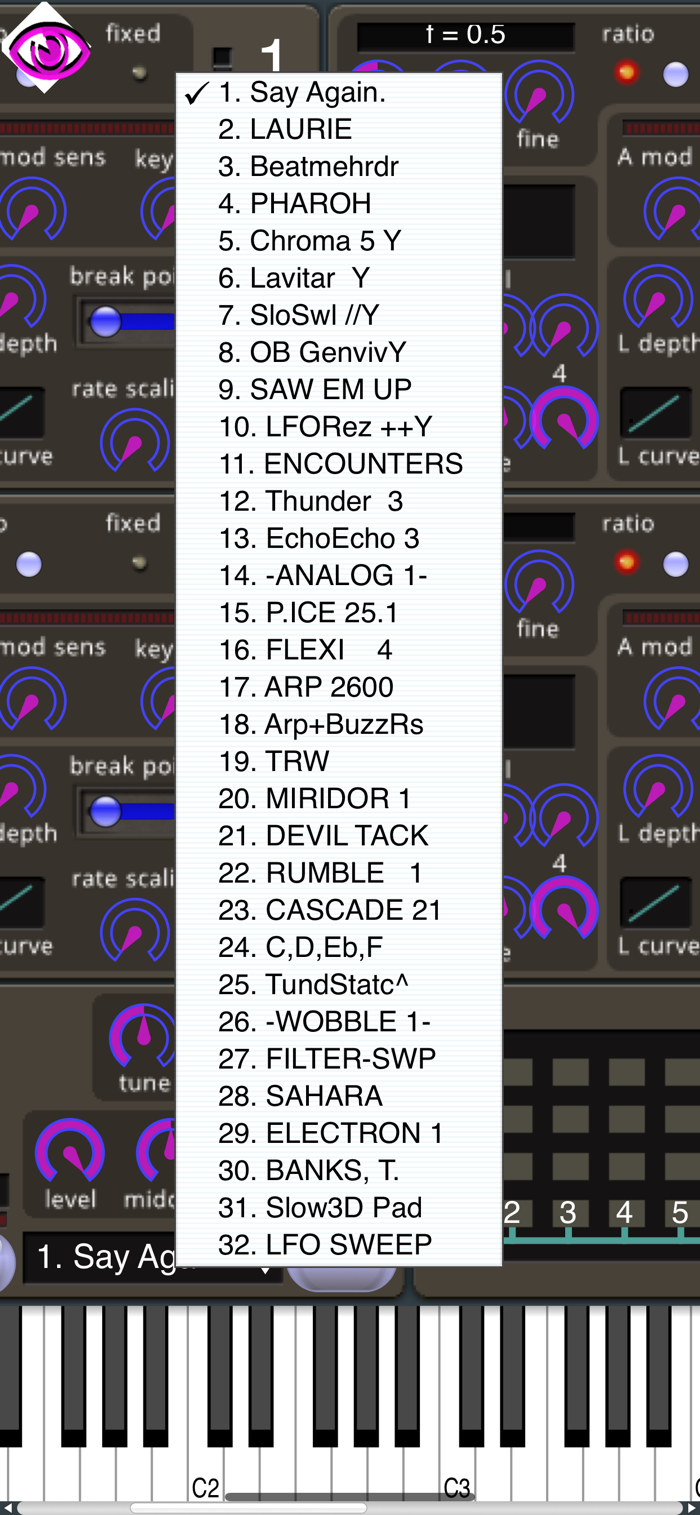
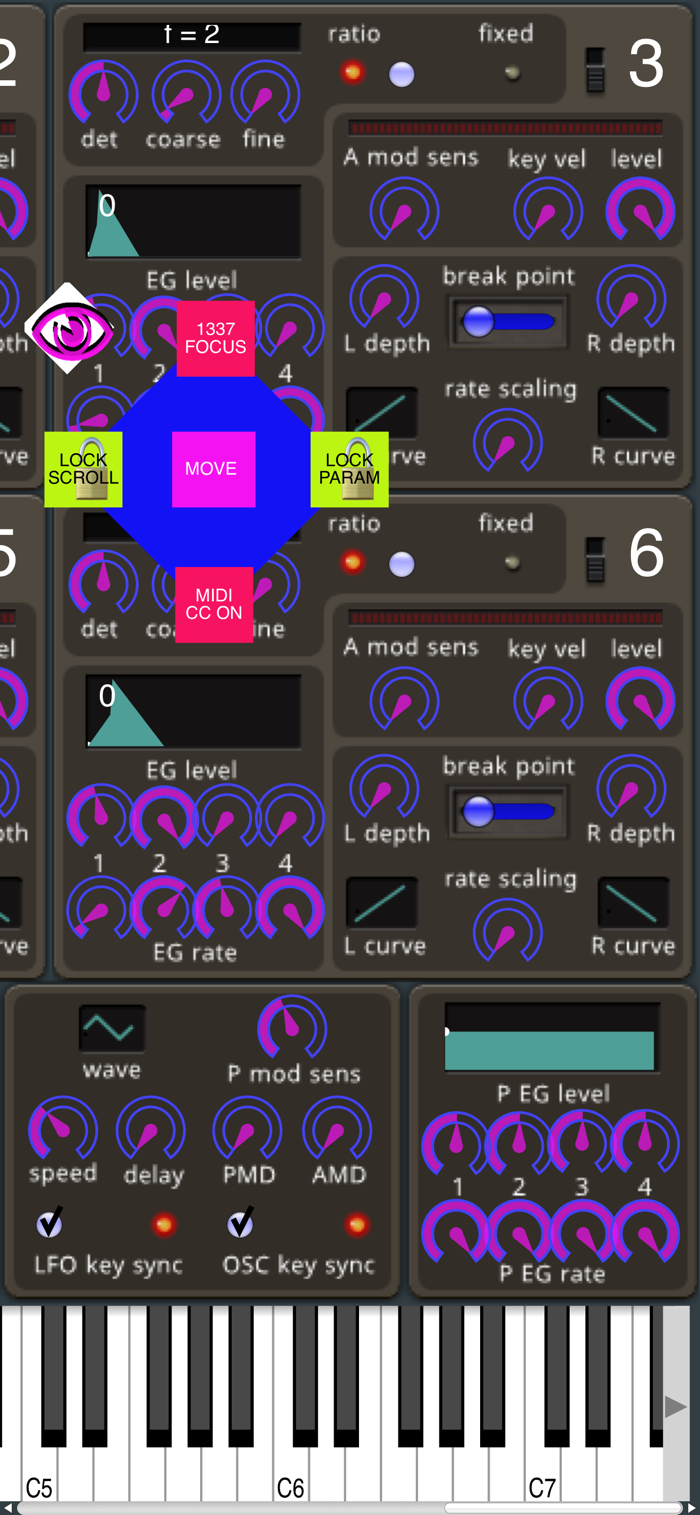
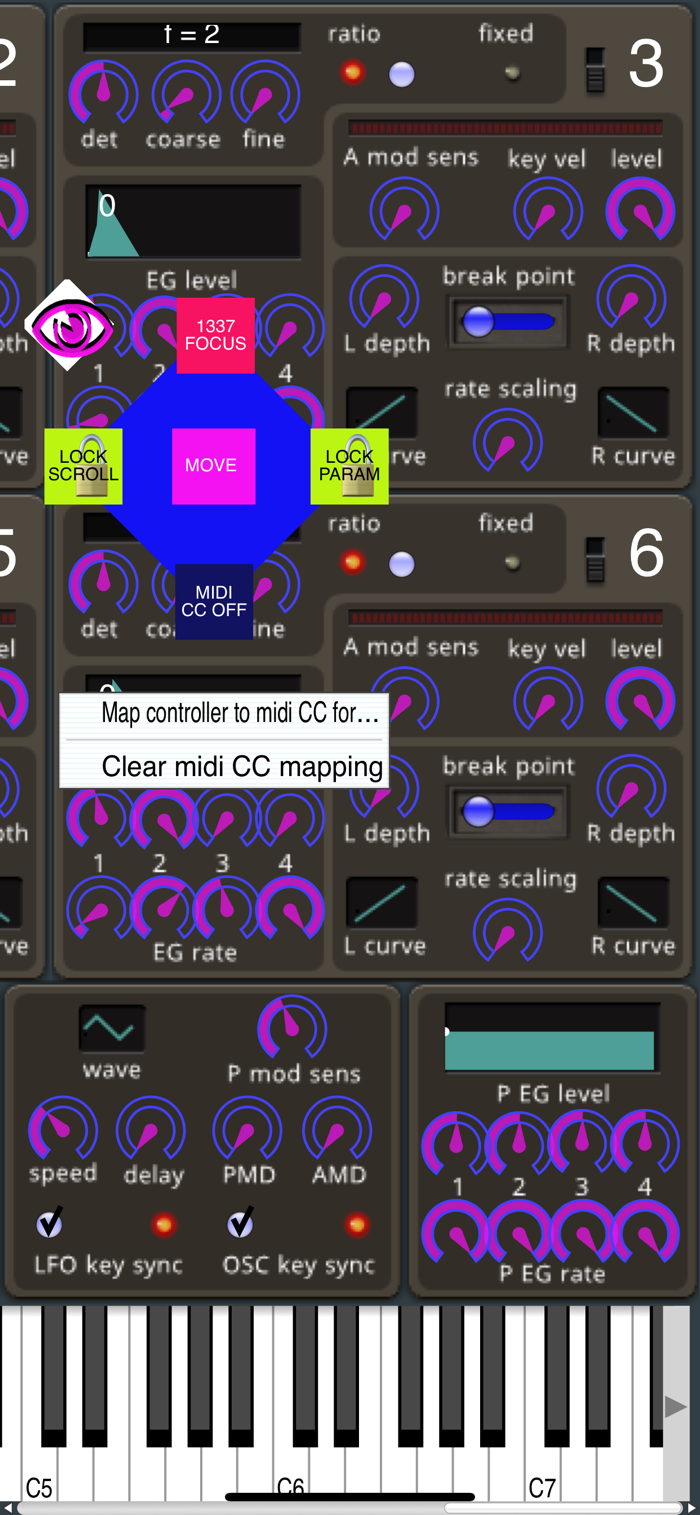
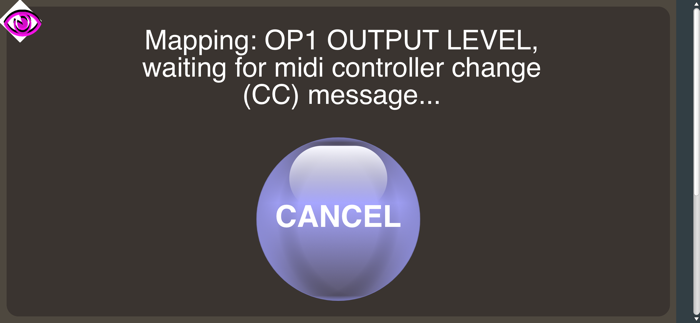
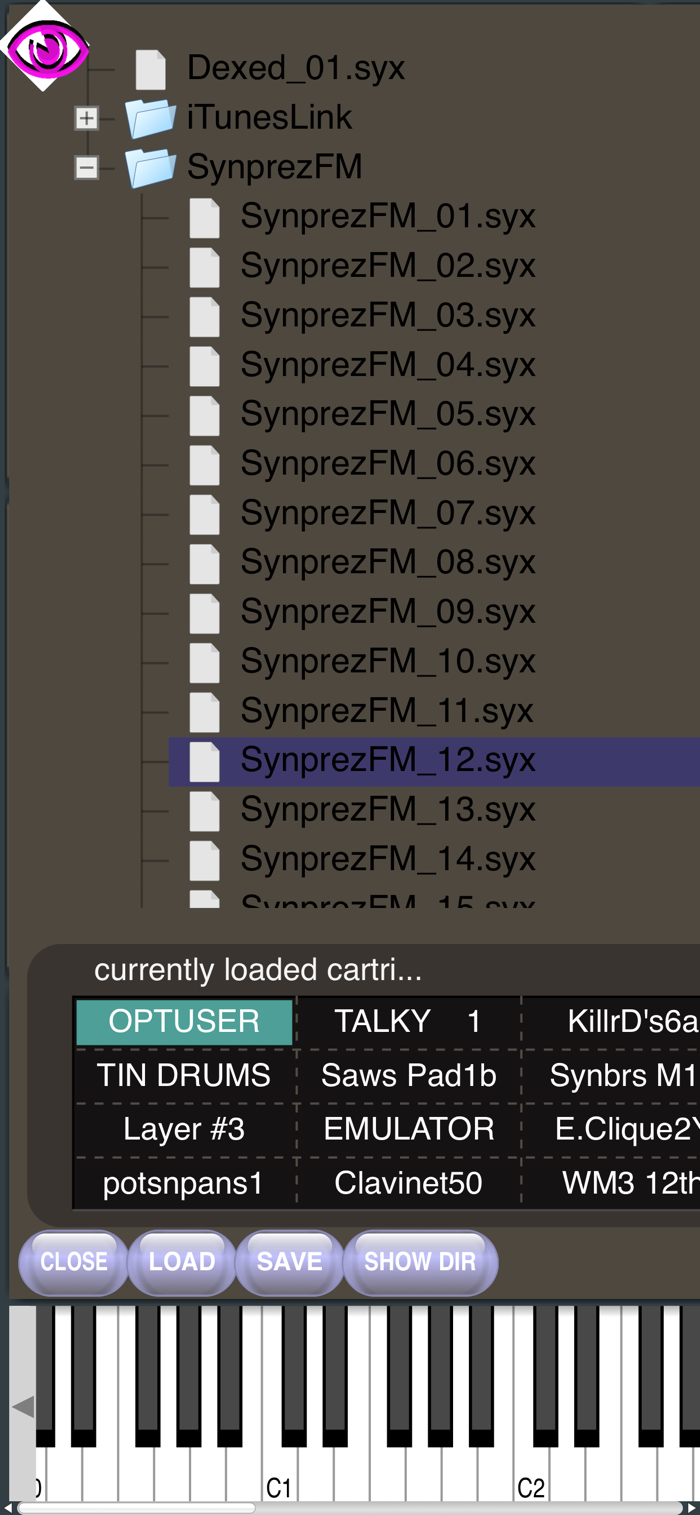
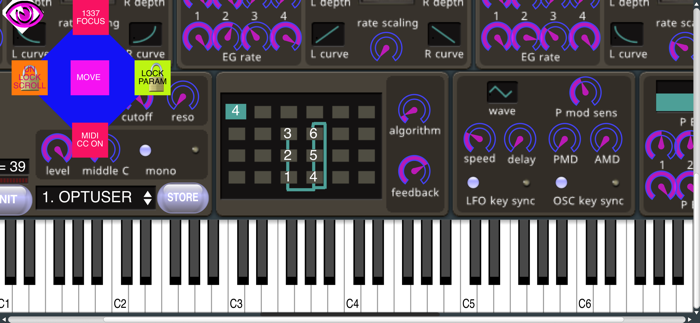
A port of Dexed, a FM Synthesizer. Features over 20,000 Cartridges with 32 patches each. Comes with AudioUnit AUv3 plugin for use inside AUM and other DAW apps like GarageBand. Get a camera kit and plug in a midi controller through USB, or get a 5-PIN DIN 1/in 1/out, to: USB and use the camera kit through USB MIDI Spec, NOTE: some devices handle SysEx differently and therefore we cannot promise support for SysEx, so invest in connectors and cables wisely. If you have questions involving making MIDI-USB work the best for your situation, email support. This iOS app was designed especially with small interfaces in mind. Example: an iPhone 5S or a resizable window inside AUM. If one clicks the menu eye, a feature LOCK SCROLL can be –very– important to set knobs, sliders, et cetera: if screen size is limited. LOCK PARAMs in the eye menu locks the parameters for scrolling without knocking loose the preset. In the CARTs menu double tap a cartridge to load a series of patches, the files will have a .syx extension. To use MIDI CC, in the menu eye you must first turn on MIDI CC. When MIDI CC is on it makes the tap events react like a right mouse button click. NOTE: MIDI CC, in eye menu, doesn't have to be on after CC controls are mapped. MIDI CC touch modifier will also turn off after you have successfully mapped a CC control, or when you delete the current mappings. You can turn it on again later to turn off mappings or create new CC mappings. I would suggest setting CC knobs in the bottom section of the screen – above keyboard (if visible). Currently you must save patch in DAW – for instance: GarageBand or AUM. Once we can determine unity and saving/loading between the AUv3 plugin and the StandAlone app, external save will be eventually developed. There is a pathway set to transfer .syx files through iTunes to the StandAlone app, only. Other plans include fixing pixelated images, a quick zoom to set CC mode and updating GUI to a higher degree, make sure midi CC knobs update.
分享「」体验,参与「」抽奖!
分享 1~3 张你对这个产品最满意的截图或效果图
分享「」体验,参与「」抽奖!
用你的故事点亮社区✨!你的真实体验,将会永久展示在 官方主页 📌,为其他朋友提供宝贵参考 💡。立即分享吧!🚀
请为产品评分
请选择问题回答,为大家提供宝贵参考
选择要回答的问题
温馨提示
你尚未上传产品截图。
上传截图可立即获得宝石积分奖励!
如果你赶时间,也可稍后修改评论,补上截图领取宝石。
温馨提醒
你尚未添加产品截图
⚠️ 不添加截图将降低抽奖权重

感谢参加,你已成功参加!
为了确保你能及时收到审核结果和领奖码通知

扫描二维码关注 Mergeek 公众号
在后台回复 「获奖通知」
完成上述操作,即可保障奖励发放成功





用户评价
立即分享产品体验
你的真实体验,为其他用户提供宝贵参考
💎 分享获得宝石
【分享体验 · 获得宝石 · 增加抽奖机会】
将你的产品体验分享给更多人,获得更多宝石奖励!
💎 宝石奖励
每当有用户点击你分享的体验链接并点赞"对我有用",你将获得:
🔗 如何分享
复制下方专属链接,分享到社交媒体、群聊或好友:
💡 小贴士
分享时可以添加你的个人推荐语,让更多人了解这款产品的优点!
示例分享文案:
"推荐一款我最近体验过的应用,界面设计很精美,功能也很实用。有兴趣的朋友可以看看我的详细体验评价~"
关注 Mergeek 公众号
领奖遇到问题?联系小门助手