Set a timer. Your distracting apps lock: now, or the moment it ends. The only way back in is to walk.
Because when scrolling has friction, stopping gets easier.
That’s it. That’s the habit.
HOW IT WORKS
Start a session and set your timer, from 1 to 120 minutes.
Then choose your approach:
Delay Lock: Use your phone freely while the timer counts down. When it hits zero, your distracting apps lock. Walk your step goal to unlock.
Instant Lock: Your distracting apps lock the moment the session starts, so there’s nothing to reach for while you focus.
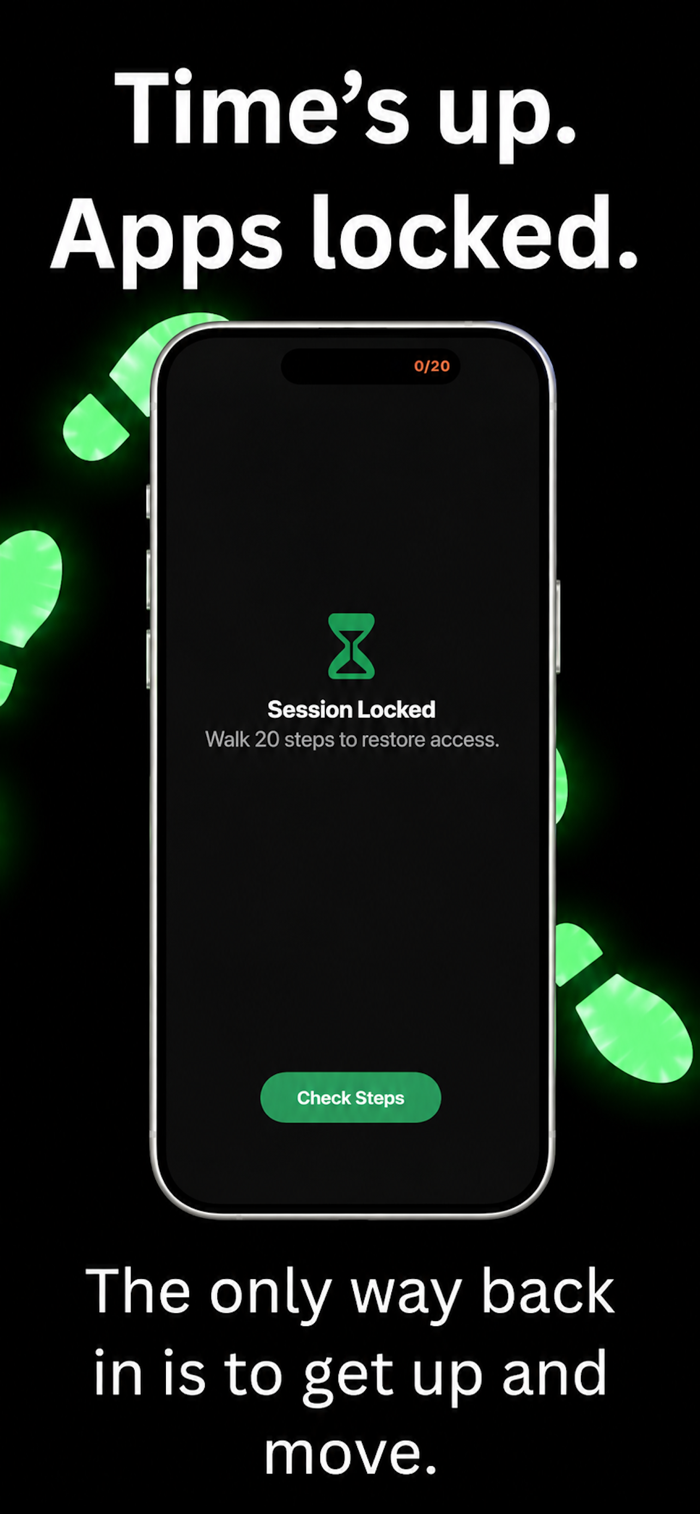
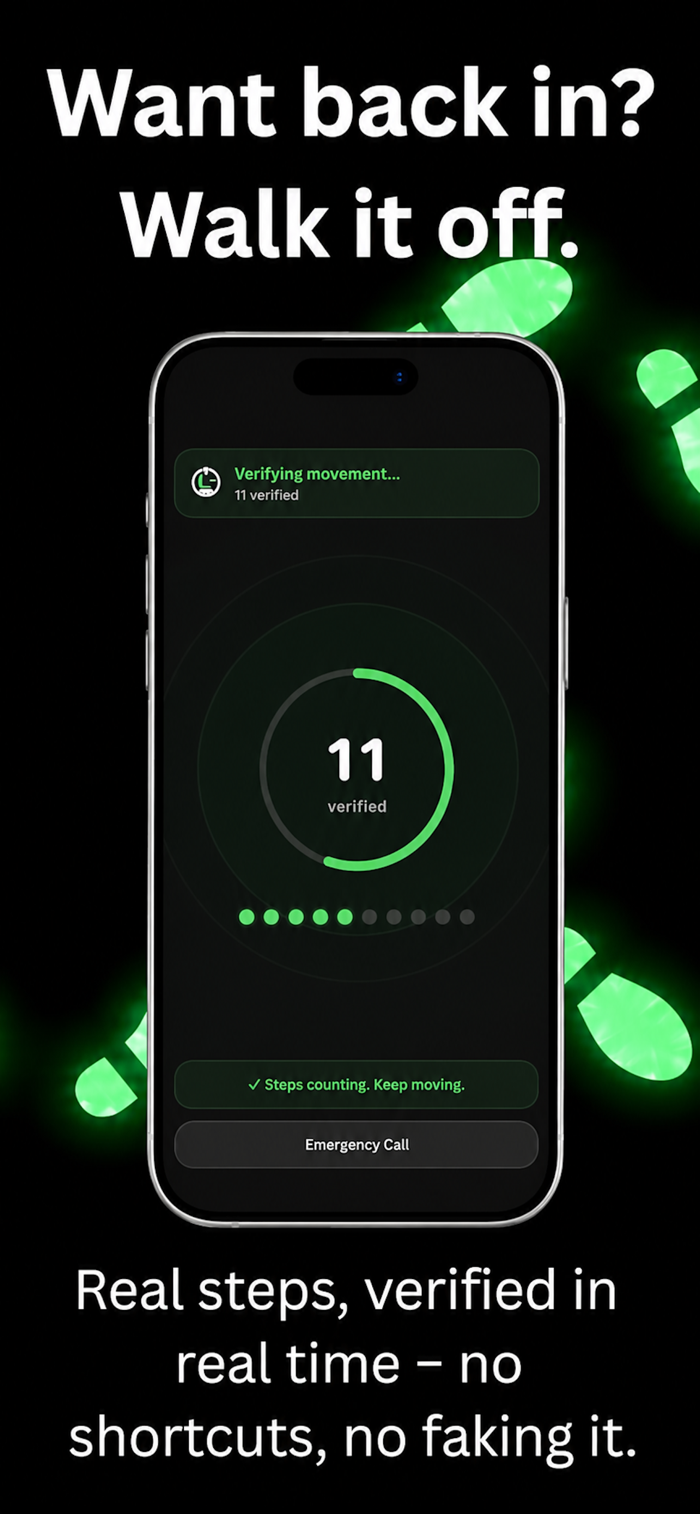
When the timer ends, the only way back in is still the same: walk your step goal of 10, 20, 30, or a custom number.
LogOut enforces this using iOS Screen Time.
TWO LOCK MODES
Delay Lock and Instant Lock both lead to the same outcome: your apps become unavailable until you move.
You choose when the friction begins.
WHAT GETS BLOCKED
By default, LogOut blocks every non-essential app category: Social Media, Entertainment, Games, Browsers, Shopping, and more.
iOS automatically categorises your apps, so there’s nothing to configure.
You can customise Focus Rules, but LogOut is designed to protect you from your future self.
USEFUL ANYWHERE SCROLLING GETS OUT OF HAND
Bedtime scrolling
Bathroom scrolling that turns five minutes into twenty
Study sessions
Deep work
Gami...


 +100宝石

 分享
分享










用户评价
立即分享产品体验
你的真实体验,为其他用户提供宝贵参考
💎 分享获得宝石
【分享体验 · 获得宝石 · 增加抽奖机会】
将你的产品体验分享给更多人,获得更多宝石奖励!
💎 宝石奖励
每当有用户点击你分享的体验链接并点赞"对我有用",你将获得:
🔗 如何分享
复制下方专属链接,分享到社交媒体、群聊或好友:
💡 小贴士
分享时可以添加你的个人推荐语,让更多人了解这款产品的优点!
示例分享文案:
"推荐一款我最近体验过的应用,界面设计很精美,功能也很实用。有兴趣的朋友可以看看我的详细体验评价~"
关注 Mergeek 公众号
领奖遇到问题?联系小门助手