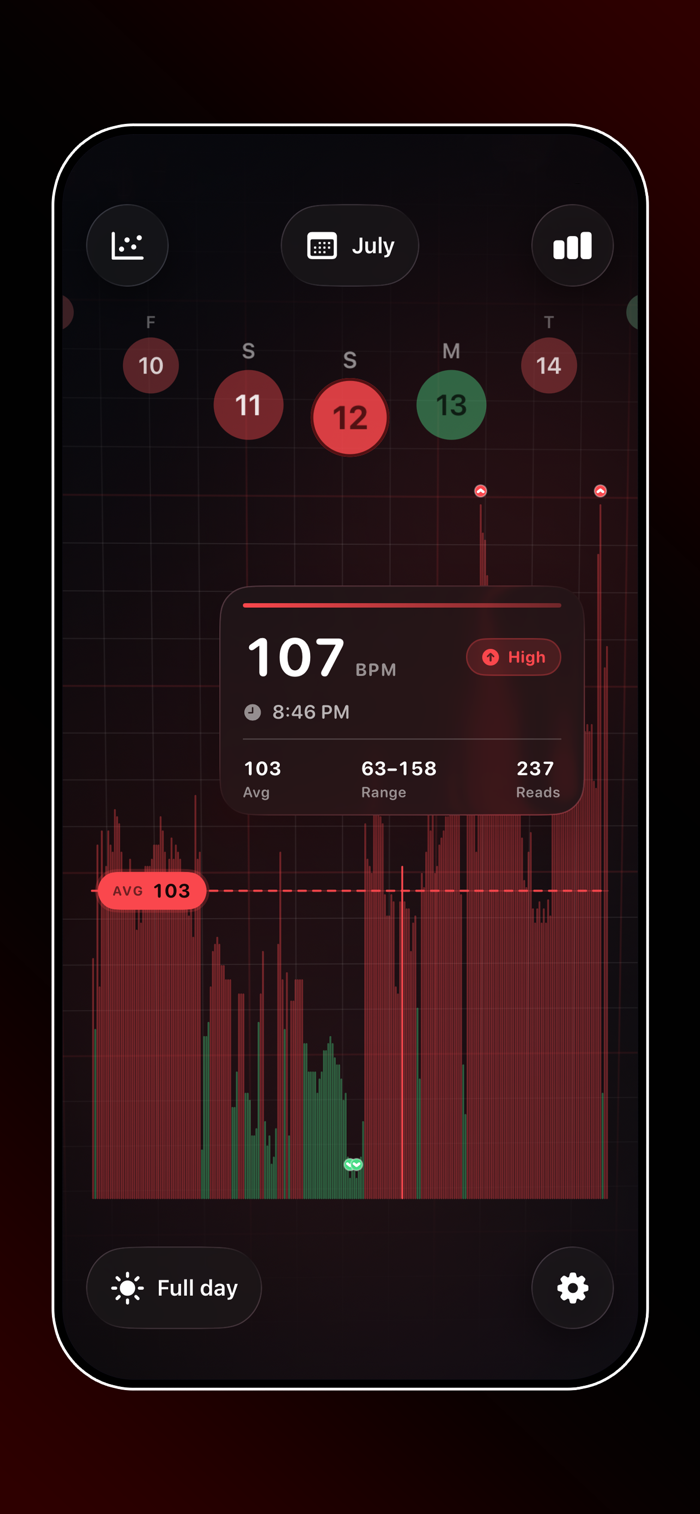
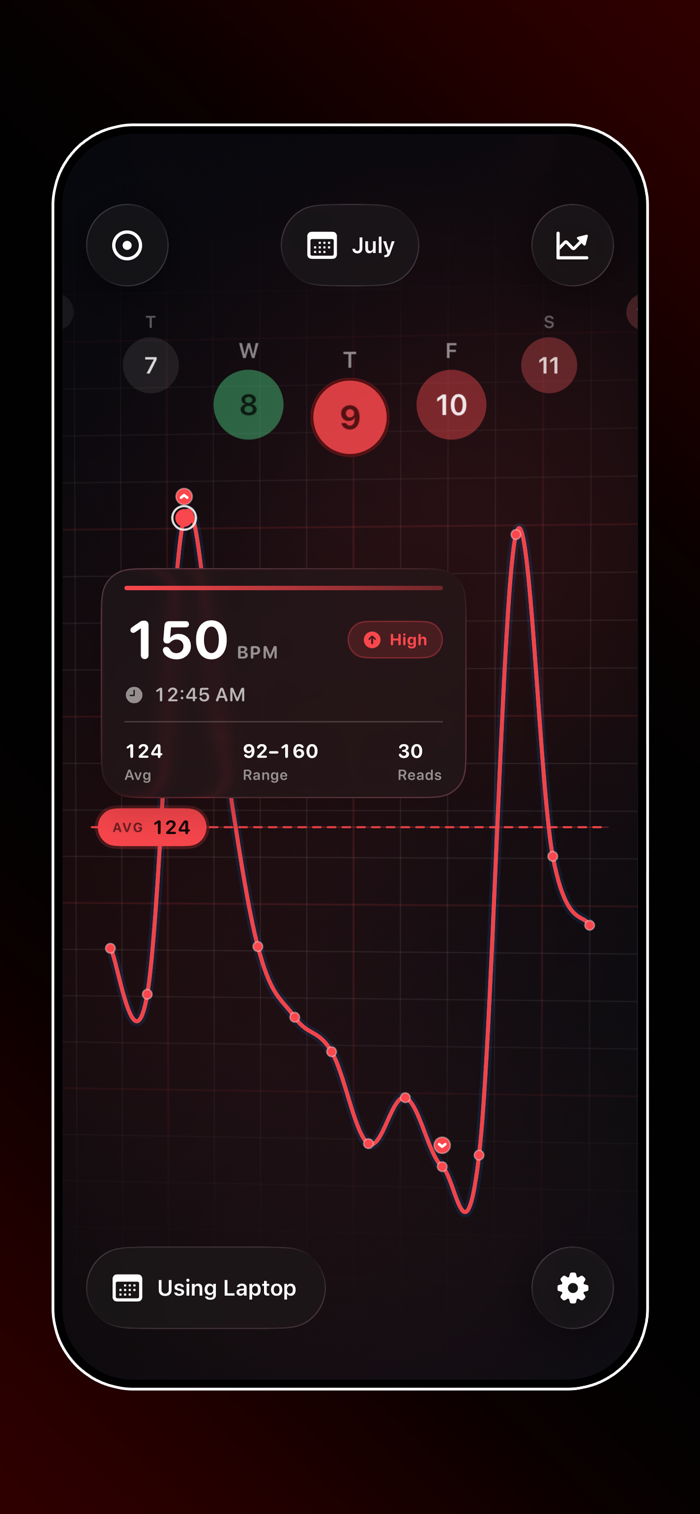
70 BPM shows how your heart rate moves through a real day—not just a number in isolation.
It pulls heart-rate samples from Apple Health (usually from Apple Watch) and lines them up with the meetings, focus blocks, and events already on your calendar. Scrub the day. Zoom into an event. See low, normal, and high zones in context.
WHY 70 BPM
• Calendar-aware heart rate — BPM matched to what was actually on your schedule
• Day chart built for scanning — zones, dense or sparse detail, bars or line
• Event focus — open a meeting or block and see the samples that fell inside it
• Focused Tracking — denser sampling during important timed events (iPhone workout session; data still via Health)
• On-device by design — processing stays on your iPhone; 70 BPM doesn’t upload your heart rate to a cloud
• Home Screen widget — your current app icon
• Lock Screen widget — today’s average heart rate
BUILT FOR REAL DAYS
Work, deep work, travel, rest. Your calendar already knows the structure. 70 BPM shows what your body did inside that structure—using real Health samples only. Nothing invented.
PRIVACY & PERMISSIONS
• Apple Health — heart rate (read) and Focused Tracking workouts (write when you use that feature)
• Calendar — full access so events can align with samples
• You choose which calendars count (holidays and subscribed calendars start off by default)
NOT A MEDICAL DEVICE
70 BPM is for personal ...


 +100宝石


 分享
分享










用户评价
立即分享产品体验
你的真实体验,为其他用户提供宝贵参考
💎 分享获得宝石
【分享体验 · 获得宝石 · 增加抽奖机会】
将你的产品体验分享给更多人,获得更多宝石奖励!
💎 宝石奖励
每当有用户点击你分享的体验链接并点赞"对我有用",你将获得:
🔗 如何分享
复制下方专属链接,分享到社交媒体、群聊或好友:
💡 小贴士
分享时可以添加你的个人推荐语,让更多人了解这款产品的优点!
示例分享文案:
"推荐一款我最近体验过的应用,界面设计很精美,功能也很实用。有兴趣的朋友可以看看我的详细体验评价~"
关注 Mergeek 公众号
领奖遇到问题?联系小门助手