Mutify is the microphone control center for your Mac that runs natively on your Apple Silicon Mac. Mutify is private. We collect absolutely nothing. Everything happens and remains on your device only.
If you host or join a lot of online meetings, you will love Mutify. Mutify is designed to do just one thing and it does it very well. It gives you instant, global control over your system microphone from any app. Mutify makes your meetings feel seamless. Your productivity will increase tremendously and you will feel significantly less effort during your meetings.
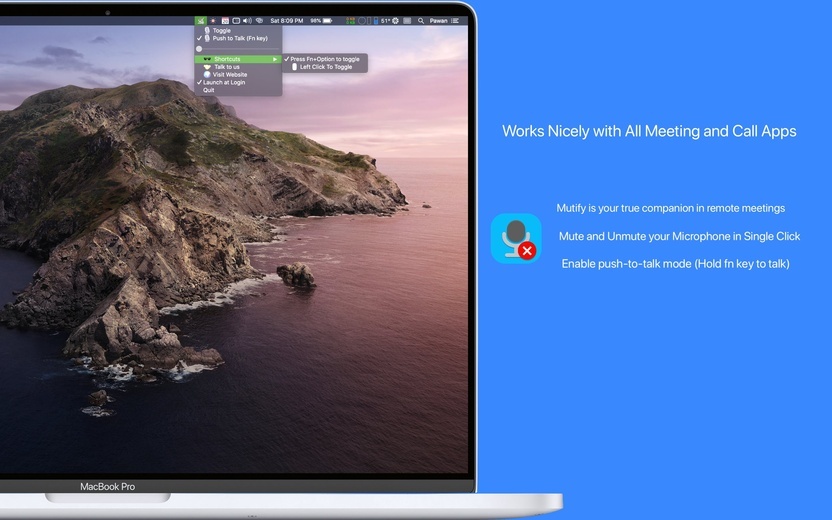
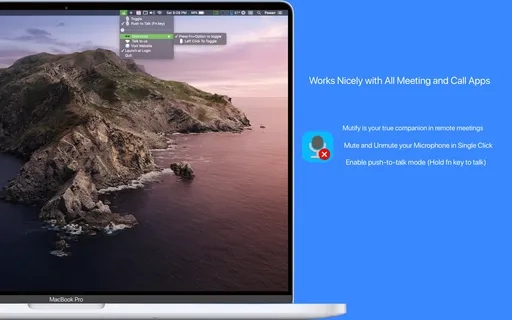
Mutify works with all your meeting and calling apps. Any app you can think of works with Mutify. For example Google Meet, Teams, Zoom, Discord, Slack, Skype, GoToMeeting, Webex, FaceTime, Telegram, Viber, FB Messanger, Hangout etc.
Features:
- AirPods stem press support for hands-free mute control
- Push-to-Talk or Toggle mode with customizable keyboard shortcuts
- Quick input device switching when multiple mics are connected
- Dedicated mute and unmute shortcuts for granular control
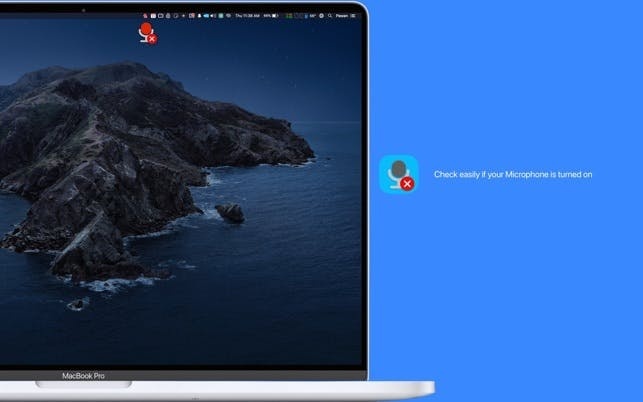
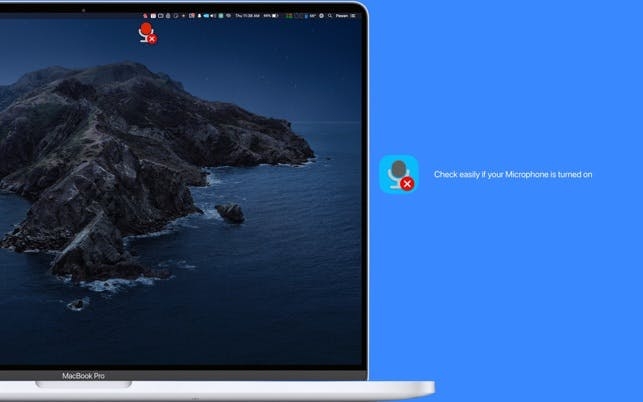
- Floating always-on-top overlay showing your mic status — draggable, resizable, with adjustable transparency
- Input volume slider in the menu bar with low-volume warning
- Apple Shortcuts integration: Toggle Mute, Mute, Unmute, Get Mic Status, and Is Mic Muted
- Smart meeting detection — overlay appears automatically when you open a meeting app
- Real-time microphone level meter
- Sound feedback and screen border flash for unmissable mute confirmation
- Four overlay modes: Off, Always, When Live, or On Toggle
- Customizable menu bar icon: three styles (Mono, Classic, Solid), two shapes (Circle, Rectangle), two sizes
- Full VoiceOver support and Reduce Motion accessibility
- Localized in 36 languages
- Launch at Login for always-ready mic control
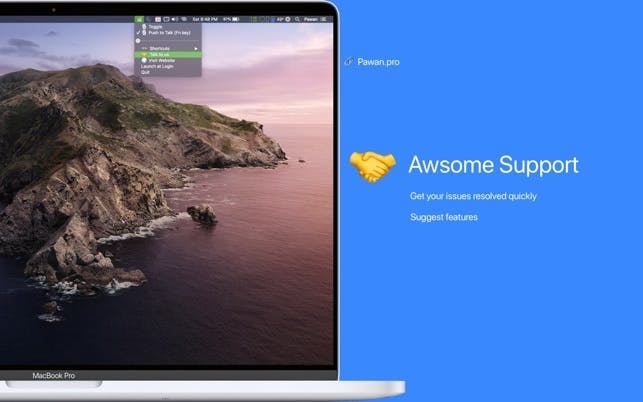
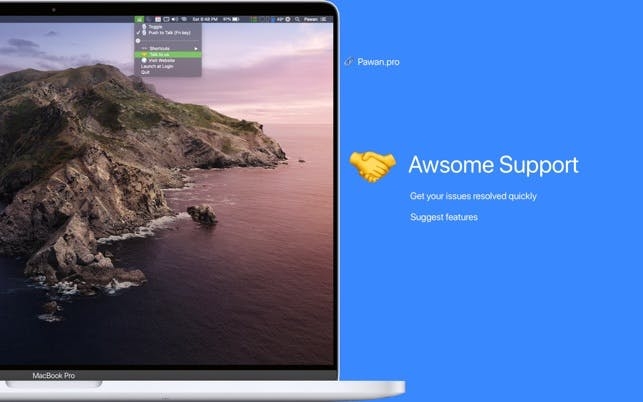
We also offer first-class support, with quick responses to any questions or concerns you may have. And with our latest updates, we've added support for automation, allowing you to customize your workflow with Apple Automator/Apple Script, Stream Deck, or any other automation tool. Plus, all keyboard shortcuts are customizable, and we've added a mic volume control option to the menubar dropdown.
Mutify provides most reliable and up to date experience supporting M5 Macs and latest macOS 26 Tahoe.
Have a suggestion? I'd love to hear from you → pawankdixit@icloud.com
What reviewers are saying:
"I tried the free alternatives before, but most have a disadvantage. Either they cannot work with
external mics, or they are not well maintained and old, or the UX is cumbersome. This one here is a
great solution for professional conferencing and recording!"
"Awesome support, the utility does what is supposed to do. I had a very particular request (needed
support for lower volumes) and in no more than 10 days (after contacting the developer) I've got a
newer version updated with my request implemented. Excellent!!"
"Well thought out. I bought it just for mute control, but the additional functionality is helpful.
Highly recommended."
"Mutify is much more convenient than switching back/forth from the Zoom & Teams UI's to mute my mic.
Having the floating mute/unmute & menu bar buttons is super functional. Has worked flawlessly."
"Perfect app!"
#Tags
mute , unmute , mic , microphone , meeting , remote, zoom , mutify , smart mic, micdrop , mic drop , mutebar , mutemymic , mutekey

 +100宝石


 分享
分享


























用户评价
立即分享产品体验
你的真实体验,为其他用户提供宝贵参考
💎 分享获得宝石
【分享体验 · 获得宝石 · 增加抽奖机会】
将你的产品体验分享给更多人,获得更多宝石奖励!
💎 宝石奖励
每当有用户点击你分享的体验链接并点赞"对我有用",你将获得:
🔗 如何分享
复制下方专属链接,分享到社交媒体、群聊或好友:
💡 小贴士
分享时可以添加你的个人推荐语,让更多人了解这款产品的优点!
示例分享文案:
"推荐一款我最近体验过的应用,界面设计很精美,功能也很实用。有兴趣的朋友可以看看我的详细体验评价~"
领取结果