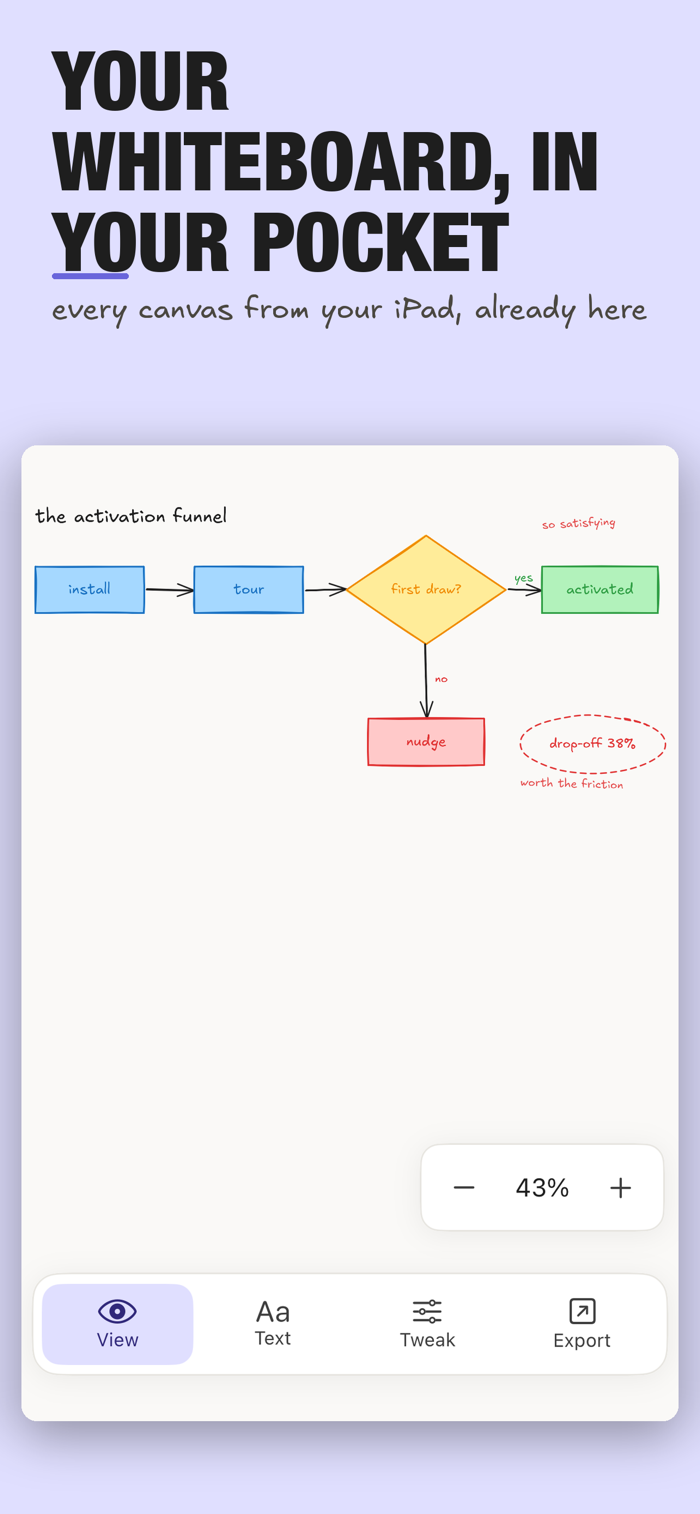
Xcalidraw is a hand-drawn whiteboard for iPad and Apple Pencil. You sketch a diagram the way you'd draw it on a napkin: rough, quick, still readable. The canvas doesn't end, so you never have to stop and shuffle things around to make room.
The sketchy look isn't a filter sitting on top of clean shapes. The geometry itself is generated rough, which is why a box you draw in a hurry still looks like you meant it.
OPENS YOUR EXCALIDRAW FILES, FREE
Xcalidraw reads and writes .excalidraw files directly. Bring over the ones you already have and pick up where you left off. Fields it doesn't recognize are kept as they are, so a file that came from somewhere newer doesn't come back damaged.
APPLE PENCIL
Palm rejection is on from the start. Rest your hand on the glass and draw.
Panning and zooming never leave a mark. Not once.
Freehand strokes come out smooth instead of jittery.
It all works offline. No account, no login, nothing to sign up for.
MERMAID IMPORT
Paste a Mermaid flowchart or sequence diagram and you get real elements you can edit, not a picture of a diagram. Drag a box somewhere else, redraw an arrow, retype a label. Parsing and preview are free, so you can see exactly what you would get before deciding. Inserting onto the canvas is Pro. Flowchart and sequence are the two types Xcalidraw imports.
WHAT PEOPLE ACTUALLY DRAW HERE
Boxes, arrows, freehand strokes, text notes. Architecture sketches, flowcharts, mind maps, concept graphs, and the messy brainstorm that usually comes first.
YOUR FILES STAY IN THE APP
Canvases live in a library inside Xcalidraw, with thumbnails you can actually recognize, instead of scattered around a file browser. The free version holds 10 files. Pro drops the limit and adds search.
ABOUT IPHONE
On iPhone, Xcalidraw is for looking things over and making small changes. Open a canvas, pan around, fix a label, export it. The real drawing happens on iPad.
PRO
One purchase, no subscription, and Family Sharing works.
Unlimited files, plus search.
iCloud sync across your devices.
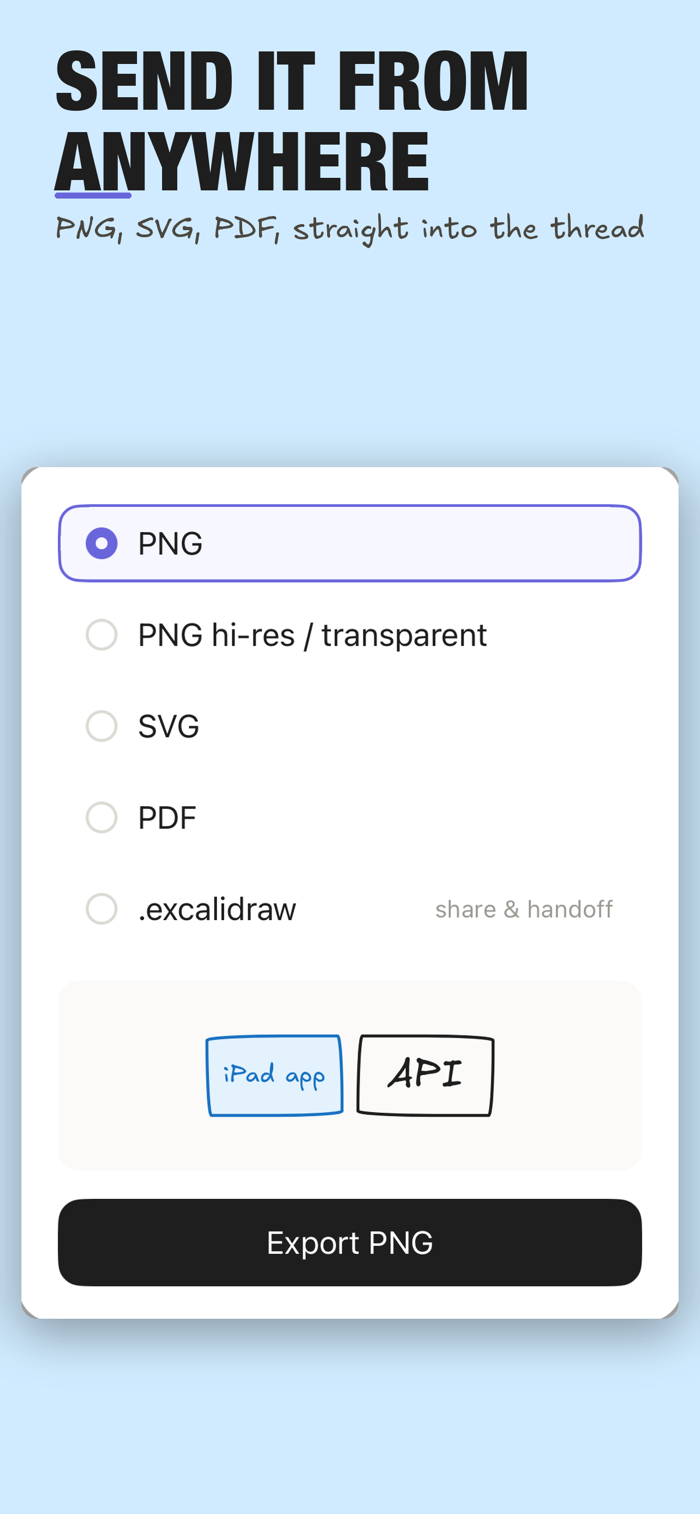
Export to SVG, PDF, and high-resolution or transparent PNG, with no watermark.
Export and share single .excalidraw files.
Mermaid import: turn flowchart and sequence text into editable elements.
EXPORT ALL DATA IS FREE, ALWAYS
Settings has an Export All Data button that hands you a zip of every canvas as an ordinary .excalidraw file. Free tier included. It will still be there later. Your drawings are yours, and we are not going to hold them for ransom to sell you an upgrade.
Terms of Use (EULA): https://www.apple.com/legal/internet-services/itunes/dev/stdeula/


 +100宝石


 分享
分享











用户评价
立即分享产品体验
你的真实体验,为其他用户提供宝贵参考
💎 分享获得宝石
【分享体验 · 获得宝石 · 增加抽奖机会】
将你的产品体验分享给更多人,获得更多宝石奖励!
💎 宝石奖励
每当有用户点击你分享的体验链接并点赞"对我有用",你将获得:
🔗 如何分享
复制下方专属链接,分享到社交媒体、群聊或好友:
💡 小贴士
分享时可以添加你的个人推荐语,让更多人了解这款产品的优点!
示例分享文案:
"推荐一款我最近体验过的应用,界面设计很精美,功能也很实用。有兴趣的朋友可以看看我的详细体验评价~"
关注 Mergeek 公众号
领奖遇到问题?联系小门助手