



Miro Remote Meetings and Workshops
效率
- 创作者
- 平台
- AndroidiOS
Miro是一款视觉创新平台,适用于任何规模的分布式团队,让团队能一起构想、设计和构建未来。Miro的智能画布让团队在任何地方都能可视化概念、想法和解决方案,无需任何白板标记。iPad和iPhone上的Miro应用提供了工具,让项目和内容一目了然,便于协作。客户喜欢使用Miro来组织在线会议、团队研讨会、头脑风暴、文档编辑和标注、数字笔记、资源收集、敏捷工作流程管理和用户旅程创建等。
效率
Miro是一款视觉创新平台,适用于任何规模的分布式团队,让团队能一起构想、设计和构建未来。Miro的智能画布让团队在任何地方都能可视化概念、想法和解决方案,无需任何白板标记。iPad和iPhone上的Miro应用提供了工具,让项目和内容一目了然,便于协作。客户喜欢使用Miro来组织在线会议、团队研讨会、头脑风暴、文档编辑和标注、数字笔记、资源收集、敏捷工作流程管理和用户旅程创建等。
点击查看界面细节
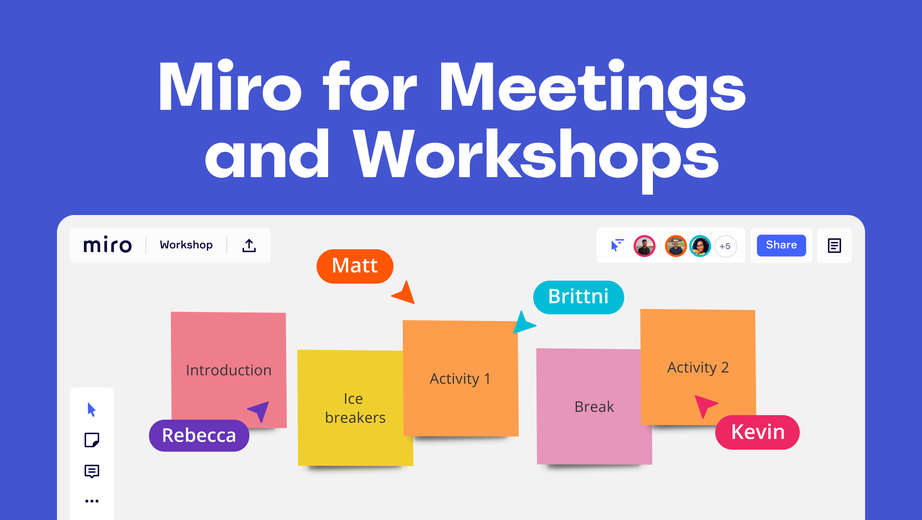



Miro is a visual workspace for innovation that enables distributed teams of any size to dream, design, and build the future together. With the magic of Miro's Intelligent Canvas™, visualizing concepts, ideas, and solutions as a team can happen anywhere — no dry-erase markers needed. Sync, flow, and feel the connection of working side by side with your team — even in remote, distributed, or hybrid work environments.
The Miro app for iPad and iPhone gives you the tools to collaborate with boards that put projects and context all in one place.
Our customers love using Miro to:
• Run online meetings and team workshops
• Brainstorm new ideas and designs on a limitless board
• Edit, annotate and mark up documents and PDFs
• Take digital notes with an Apple Pencil (and reduce paper use!)
• Easily collect resources, photos, docs, links, and references
• Plan and manage agile workflows and scrum rituals
• Create user journeys, map processes, and develop personas
• Teach and facilitate interactive classes in a collaborative space
• Create a vision board of ideas and inspiration
Miro allows you to create anytime, anywhere. With over 200+ pre-made templates, a drag-and-drop interface, and no limit on collaborators, working on a Miro board is fast and fun.
With Miro’s mobile app, you can:
• Scan paper post-it notes and convert them into editable digital notes
• Create, view, and edit all your boards
• Capture and organize your ideas on the go
• Share boards publicly or invite team members to edit
• Upload images, pictures, docs, spreadsheets, and more
• Share boards and invite team members to edit
• Review, add and resolve comments
On tablets, you can also use Miro to:
• Draw concepts and sketch new design ideas with an Apple Pencil
• Convert pencil or stylus drawings into shapes, notes, and diagrams
• Set up your tablet as the second screen with Zoom or Microsoft Teams
- Create Mind Maps to visualize your ideas
• Use Lasso to select and move sketches, drawings, or text…
Bug-fixing and improving is part of our collaborative DNA. You just get to reap the benefits.
还没有公开评论,欢迎分享你的体验。
Miro Remote Meetings and Workshops
让使用你作品的人,认识背后的你。编辑确认身份后,将为你授予入驻开发者标识。
编辑将人工核实你的资料,如需补充信息会通过所填邮箱联系你。身份确认后,由编辑为你授予入驻标识。
