MirroCast: Screen Mirroring for Smart TV – Cast & Share for Free
Turn your Smart phone into a powerful remote for your big screen. With Screen Mirroring for Smart TV, you can instantly mirror your mobile screen to any Smart TV or Chromecast-enabled TV — 100% free and easy to use.
Enjoy your favorite photos, videos, apps, presentations, games, and websites on a larger display without cables or complicated setup. Whether you’re watching videos, sharing memories with family, or presenting content at work, our app makes screen casting fast and seamless.
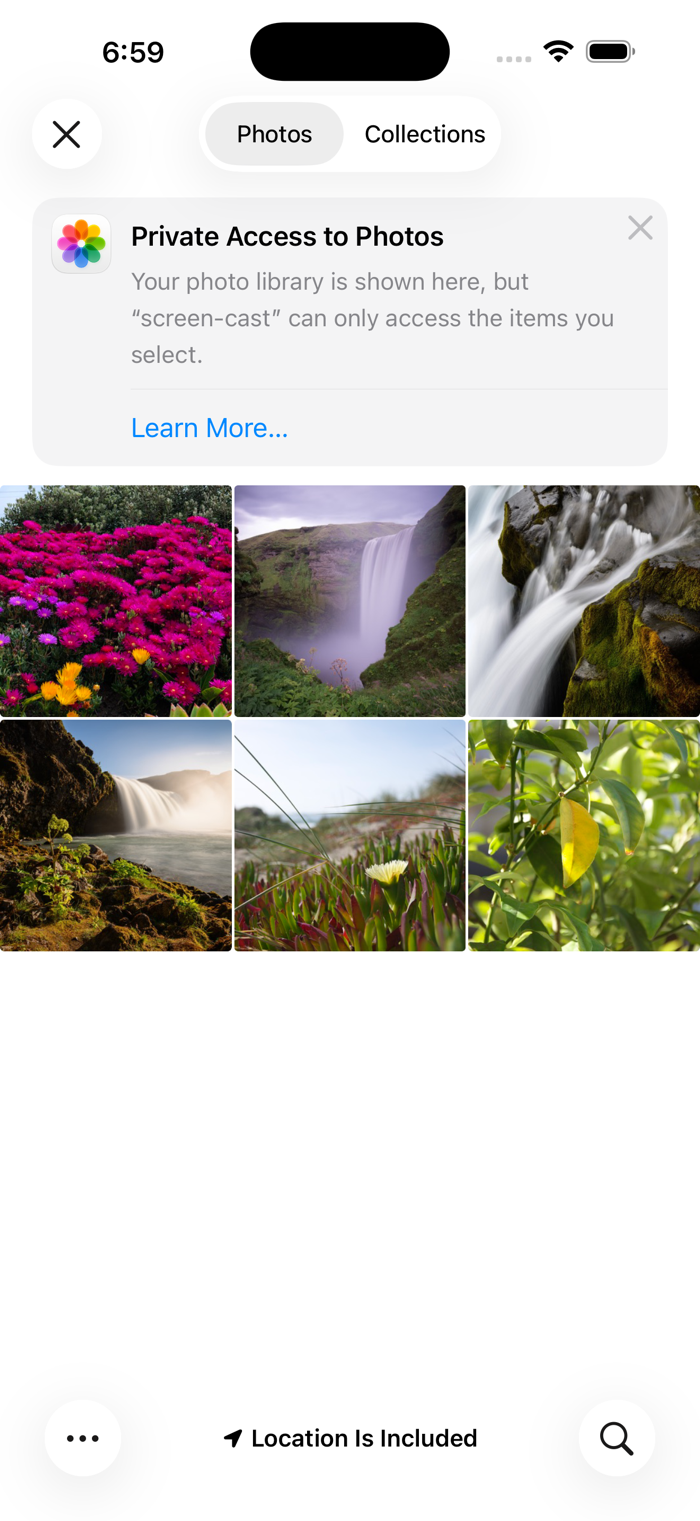
Simply connect your phone and TV to the same Wi-Fi network, tap Start Mirroring, and see everything from your phone appear on your TV in real time. No login, no hardware required.
Key Features
• Mirror your full Smart screen to Smart TV
• Cast photos, videos, and apps instantly
• High-quality, real-time screen sharing
• Works with Smart TV, Chromecast & Cast-enabled TVs
• Simple setup with one-tap connection
• Free to use with no hidden charges
Perfect For
• Watching videos and movies on a big screen
• Sharing photos and videos with friends & family
• Playing mobile games on TV
• Presentations, demos, and online meetings
• Browsing the web on your TV
Important Notes
• Both devices must be connected to the same Wi-Fi network
• Performance depends on network stability and device capability
• DRM-protected apps (like Netflix, Prime Vid...

 +100宝石


 分享
分享




















用户评价
立即分享产品体验
你的真实体验,为其他用户提供宝贵参考
💎 分享获得宝石
【分享体验 · 获得宝石 · 增加抽奖机会】
将你的产品体验分享给更多人,获得更多宝石奖励!
💎 宝石奖励
每当有用户点击你分享的体验链接并点赞"对我有用",你将获得:
🔗 如何分享
复制下方专属链接,分享到社交媒体、群聊或好友:
💡 小贴士
分享时可以添加你的个人推荐语,让更多人了解这款产品的优点!
示例分享文案:
"推荐一款我最近体验过的应用,界面设计很精美,功能也很实用。有兴趣的朋友可以看看我的详细体验评价~"
领取结果