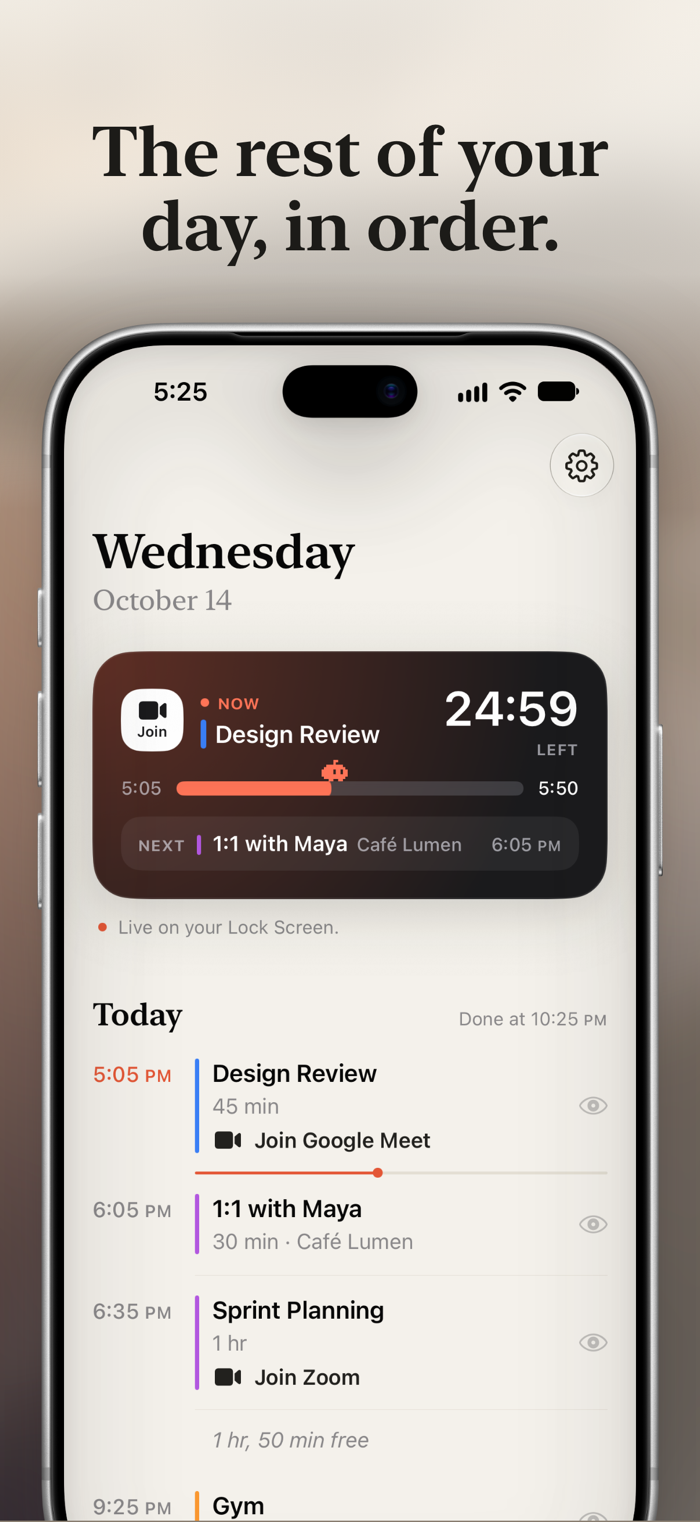
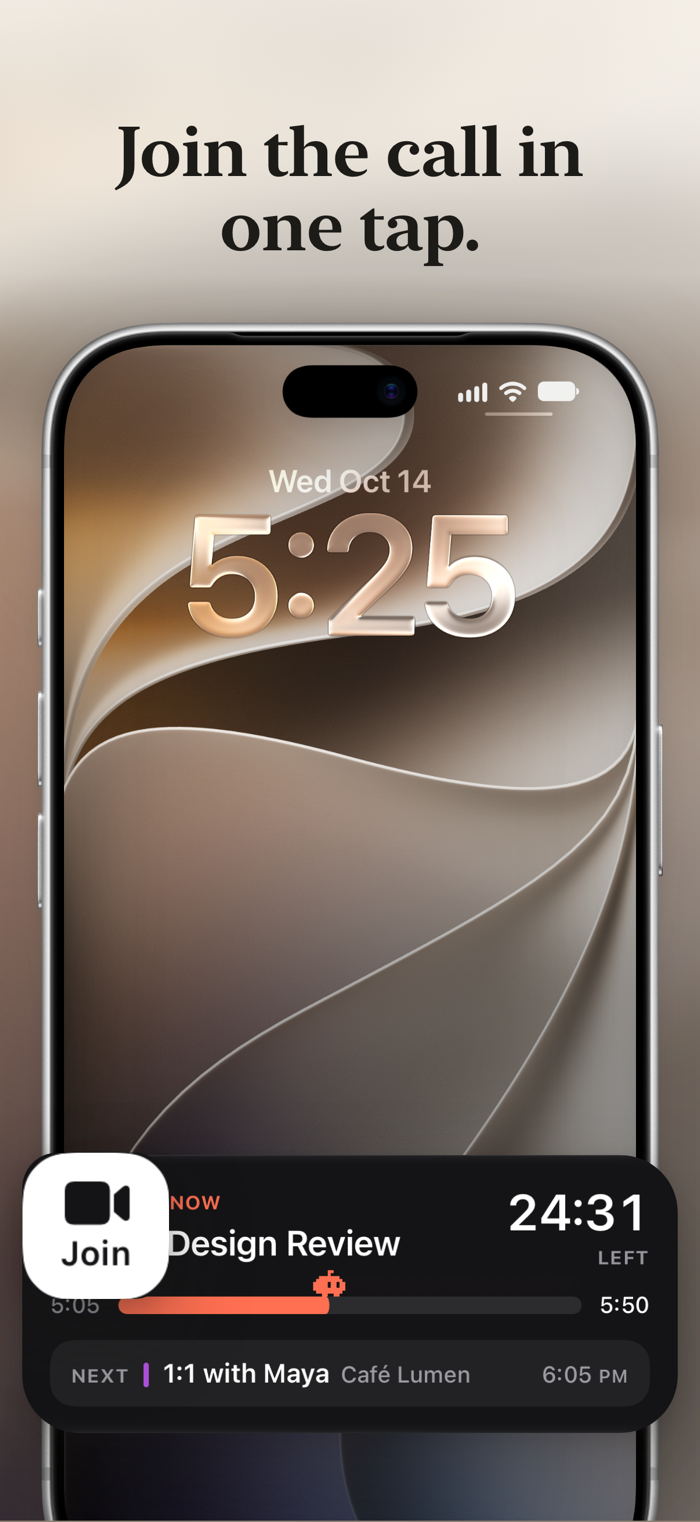
What Now puts your day on the Lock Screen and in the Dynamic Island. While an event is on, it shows what it is and how long is left. When it ends, it counts down the free time until the next one. You don't have to keep the app open.
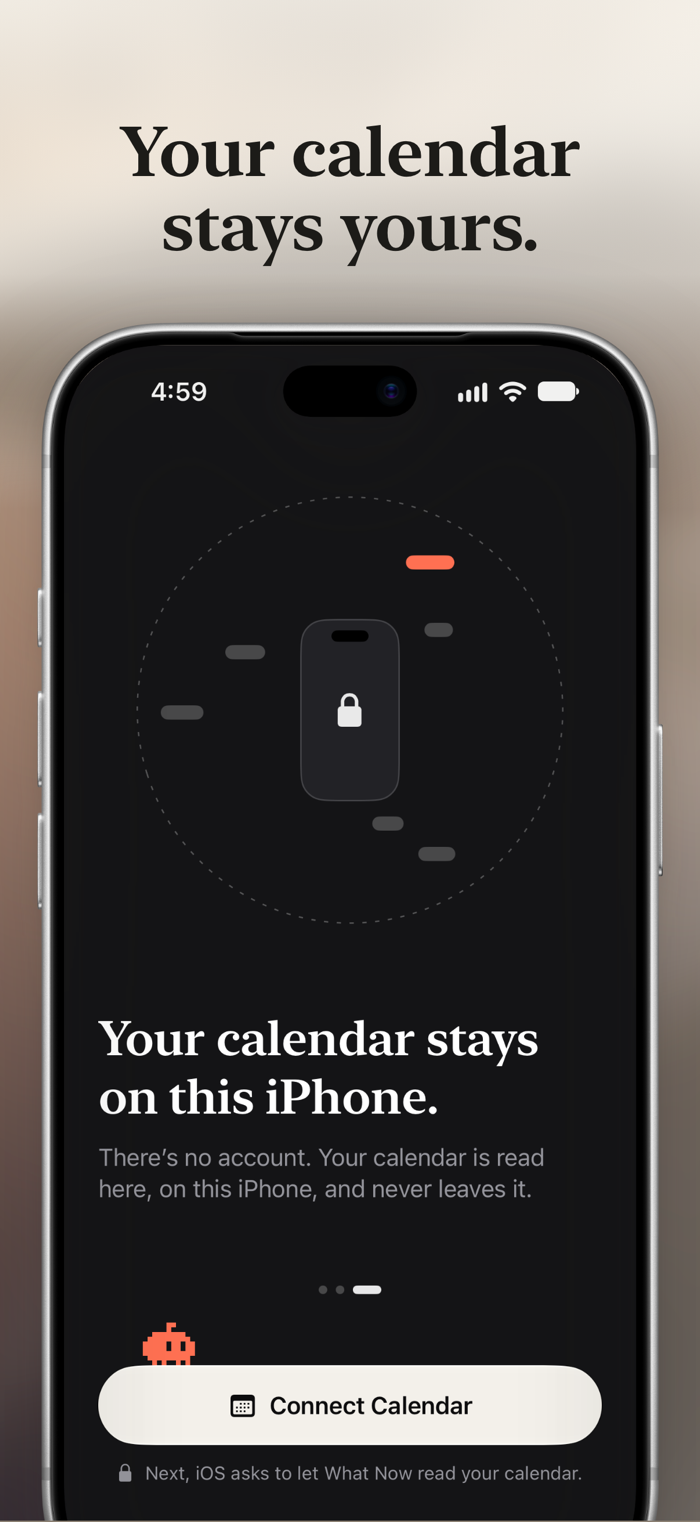
It reads the calendars already on your iPhone, including iCloud, Google, Exchange, and Outlook accounts you've added in Settings. There's nothing to sign up for and nothing to set up beyond choosing a calendar.
YOUR DAY, AT A GLANCE
• Now: the current event, its location, and a progress bar for the time left
• Free time: a countdown to your next event, or just when it starts
• Next and After: what's coming up, so you're never caught off guard
• A small pixel critter walks the progress bar, and naps when nothing's on
KEEPS UP WITH A REAL CALENDAR
• Back-to-back events go straight from one to the next
• Overlapping events are handled: a meeting inside a focus block takes over while it runs, and the others show as "Also now"
• All-day events and invitations you haven't accepted stay out of the way
• Hide any single event with one tap in the agenda
• Long days and tomorrow morning are scheduled ahead, so the Live Activity starts on its own an hour before your first event
EVERYWHERE YOU LOOK
• Lock Screen and StandBy
• Dynamic Island, on iPhone models that have it
• Apple Watch Smart Stack and CarPlay, where your iPhone shows Live Activities
• An agenda in the app for today and the next two days
NO NEED TO OPEN THE APP
• Tap the critter on the Lock Screen to check the calendar again
• "Check the Calendar" is a Shortcuts action, and a built-in guide sets up an automation that keeps the Live Activity current every day
WHAT NOW PRO
What Now is free to use with one calendar. What Now Pro is a one-time in-app purchase, not a subscription, and adds:
• Join: one tap from the Lock Screen or Dynamic Island into a Zoom, Google Meet, Microsoft Teams, Webex, or FaceTime call, and more
• Follow every calendar at once: work, personal, and shared
• C…