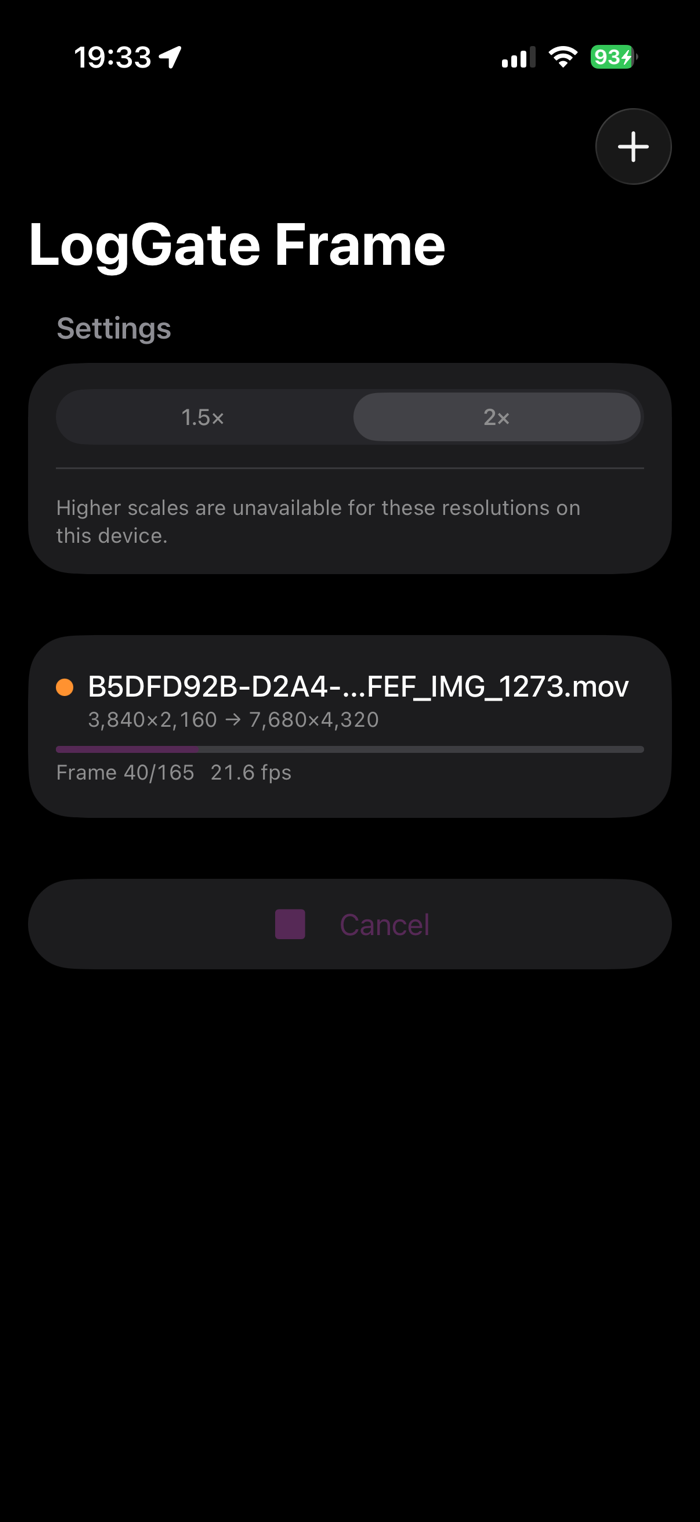
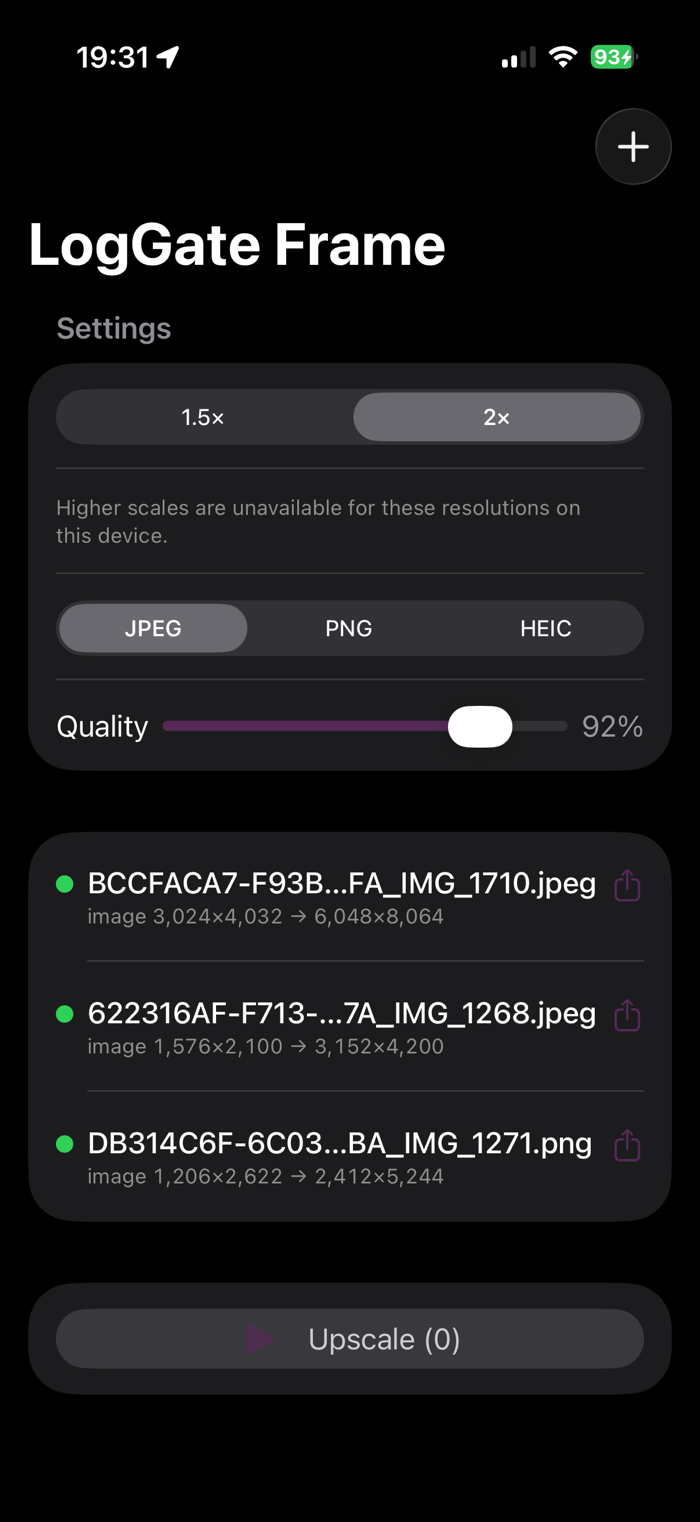
Most upscalers re-encode your footage and bake Apple Log into Rec.709. LogGate Frame doesn't. It runs Apple's native MetalFX spatial scaler and passes every color tag through untouched — Apple Log 2, HDR10 PQ, and HLG all round-trip at higher resolution exactly as they went in.
Apple Log 2 metadata preservation through a batch upscale isn't available in any other App Store app. Now on Mac, iPhone, and iPad — one purchase covers all three. No subscription.
WHAT IT DOES
• 1.5×, 2×, 3×, or 4× upscale via Apple's MTLFXSpatialScaler
• Batch — drop a folder of clips, get a folder of upscales in minutes
• Apple Log / Log 2 round-trip with full LogTransferFunction preservation
• HDR10 (BT.2020 PQ) and HLG round-trip without re-tagging
• Audio passthrough — PCM stays PCM, AAC stays AAC, zero re-encode
• Cloud-aware: detects iCloud Drive, LucidLink, and SMB sources, copies to local SSD before processing, bulk-moves output to the destination
• Disk space preflight catches "not enough room" before GPU work begins
• Per-batch markdown + CSV report with phase-by-phase performance data
• Universal — runs natively on Mac, iPhone 15 Pro and later, and M-series iPad; import from Files or Photos and share anywhere
CODEC COVERAGE
Apple ProRes 422 / 422 HQ / 4444 / ProRes RAW, HEVC 8-bit / 10-bit / HDR10 / HLG, H.264 up to 4K, 60 fps and 120 fps high-frame-rate. Apple Log 2 from iPhone 15 Pro and later and from Atomos external recorders is tested and verified. H.264 above 4K is automatically written as HEVC (H.264 spec caps at 4K).
PERFORMANCE
Real numbers on real hardware:
• M4 Max: 117.5 fps wall on a 4K Apple Log 10-bit clip at 2× upscale
• M4 Max: 104-clip Atomos batch (72,000+ frames) in 43 minutes
• M4 base (MacBook Air): 53.8 fps on 1080p → 4K — twice real-time at a 25 fps source; 85.1 fps average across a 19-clip mixed-resolution batch
Concurrent batch workers scale by chip class: 1 on M-base, 2 on M Pro / Max / Ultra. On Max-tier chips with local SSD storage, the GPU …