



 +100宝石



产品功能
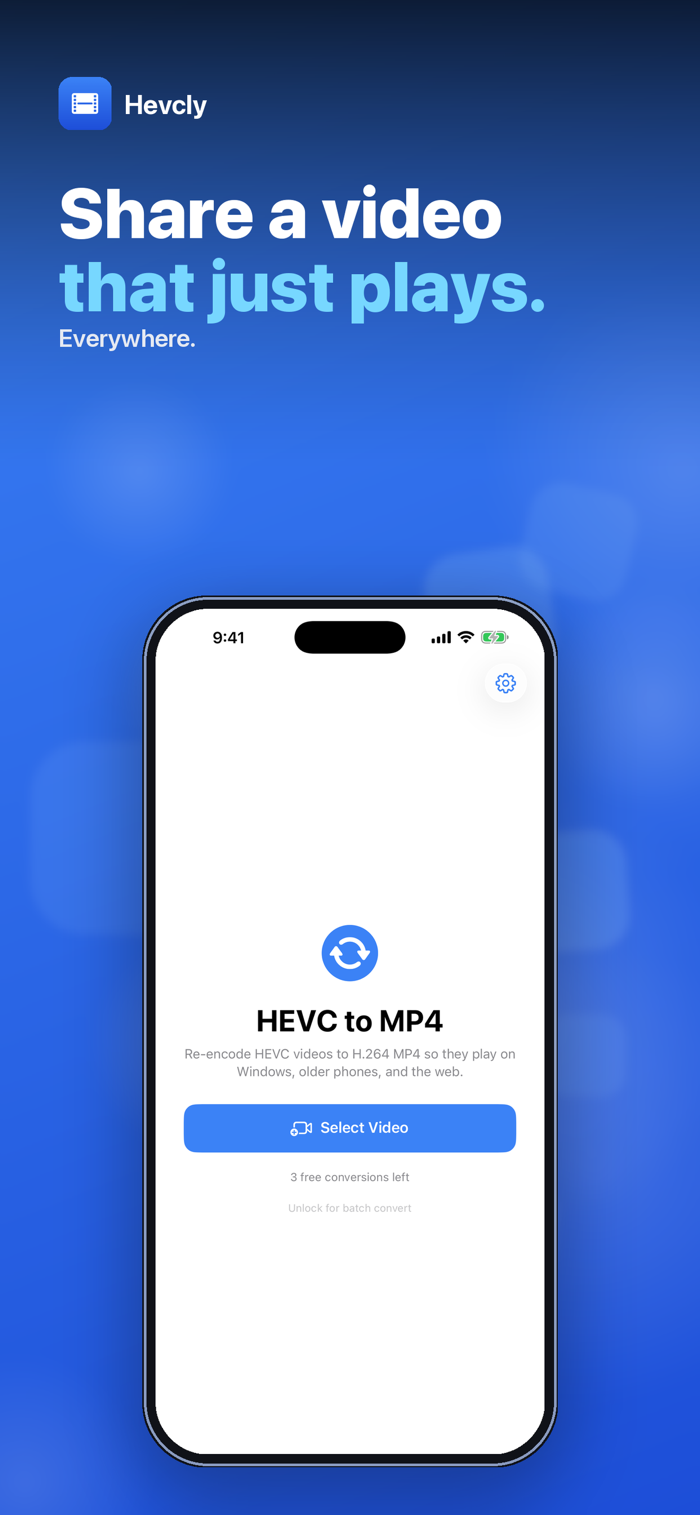
iPhone video won't play on a PC, an older phone or a website upload? Hevcly re-encodes HEVC (H.265) video to H.264 MP4 — the format almost every player, browser and video editor can open.
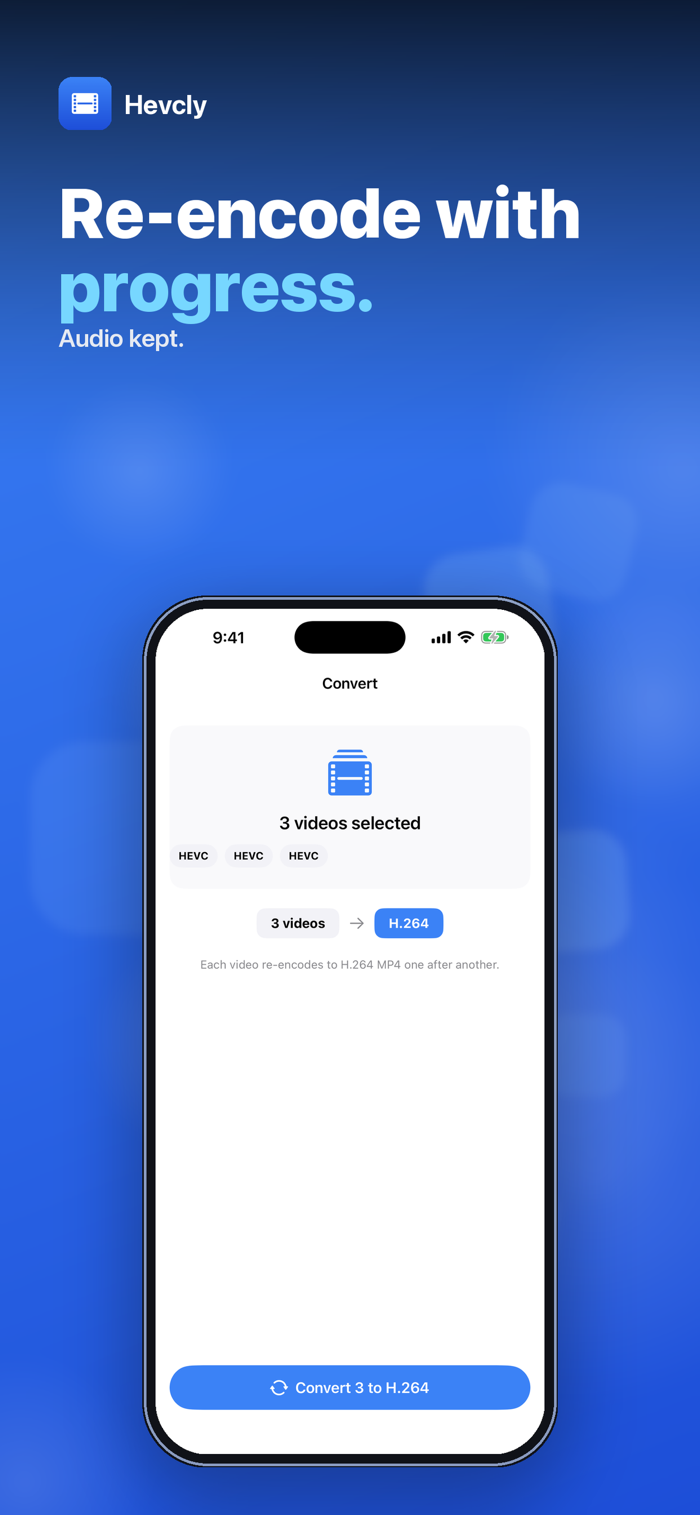
Pick a video from your Photos library and tap Convert to H.264. Hevcly re-encodes it on your iPhone, shows the codec and file size before and after, and hands you an MP4 to save or share.
• REAL H.264, EVERY TIME — video is always re-encoded to H.264 with AAC audio in an MP4 file, never just re-wrapped. Hevcly checks the finished file and tries another encoding route if it would still be HEVC.
• HDR TO SDR — HDR clips, which recent iPhones record by default, are converted to standard SDR colour so they don't look washed-out and grey on screens without HDR support.
• AUDIO KEPT — the soundtrack comes along as AAC.
• PREVIEW AND COMPARE — play the original and the converted video in the app, and see the source codec (HEVC, H.264, ProRes …) next to the new file size.
• SAVE OR SHARE — save the MP4 to Photos, save it to Files, or send it from the share sheet.
• BATCH CONVERT — with the unlock, select up to 50 videos and convert them in one go.
Honest scope: videos are picked from your Photos library (not from Files). Output is up to 1080p — 4K videos are scaled down to 1080p — and the result is always SDR, so HDR is not kept.
Everything happens on your iPhone. Nothing is uploaded and no account is needed.
Try it free — 3 conversions, one video at a time. A one-time $4.99 purchase unlocks unlimited conversions and batch convert. No subscription, no ads.
Questions: overlapmarr@gmail.com
分享「」体验,参与「」抽奖!
分享 1~3 张你对这个产品最满意的截图或效果图
分享「」体验,参与「」抽奖!
用你的故事点亮社区✨!你的真实体验,将会永久展示在 官方主页 📌,为其他朋友提供宝贵参考 💡。立即分享吧!🚀
请为产品评分
请选择问题回答,为大家提供宝贵参考
选择要回答的问题
温馨提示
你尚未上传产品截图。
上传截图可立即获得宝石积分奖励!
如果你赶时间,也可稍后修改评论,补上截图领取宝石。
温馨提醒
你尚未添加产品截图
⚠️ 不添加截图将降低抽奖权重

感谢参加,你已成功参加!
为了确保你能及时收到审核结果和领奖码通知

扫描二维码关注 Mergeek 公众号
在后台回复 「获奖通知」
完成上述操作,即可保障奖励发放成功





用户评价
立即分享产品体验
你的真实体验,为其他用户提供宝贵参考
💎 分享获得宝石
【分享体验 · 获得宝石 · 增加抽奖机会】
将你的产品体验分享给更多人,获得更多宝石奖励!
💎 宝石奖励
每当有用户点击你分享的体验链接并点赞"对我有用",你将获得:
🔗 如何分享
复制下方专属链接,分享到社交媒体、群聊或好友:
💡 小贴士
分享时可以添加你的个人推荐语,让更多人了解这款产品的优点!
示例分享文案:
"推荐一款我最近体验过的应用,界面设计很精美,功能也很实用。有兴趣的朋友可以看看我的详细体验评价~"
关注 Mergeek 公众号
领奖遇到问题?联系小门助手