Drafts is where text starts. Quickly capture text and send it almost anywhere!
Drafts turns text into action with almost limitless possibilities – it’s a quick notebook, handy editor, and writing automation tool, all in one. Capture all of your text in Drafts and send it to other apps without the extra taps. Just open it and start typing!
**Drafts is a multi-award winner!**
- App of the Day, TIME Magazine’s Best Apps
- MacStories “Lifetime Acheivement” and “Reader’s Choice” Awards
## WHY YOU’LL LOVE DRAFTS ##
CAPTURE EVERYWHERE:
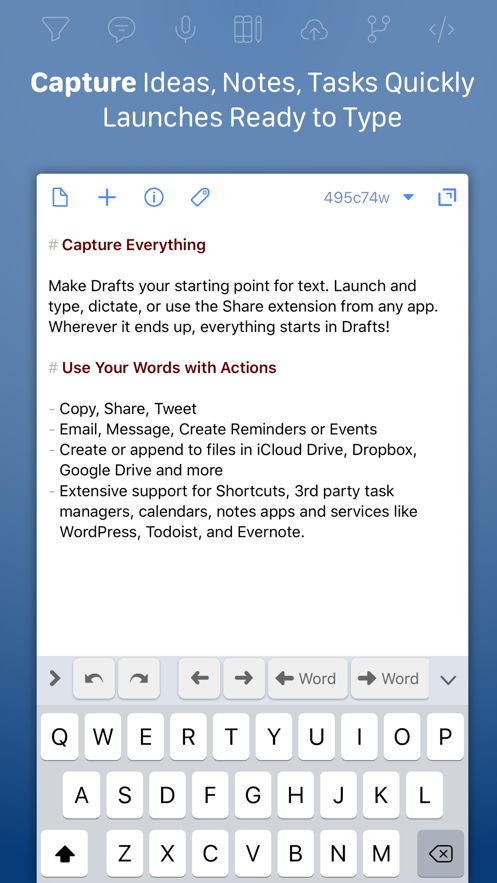
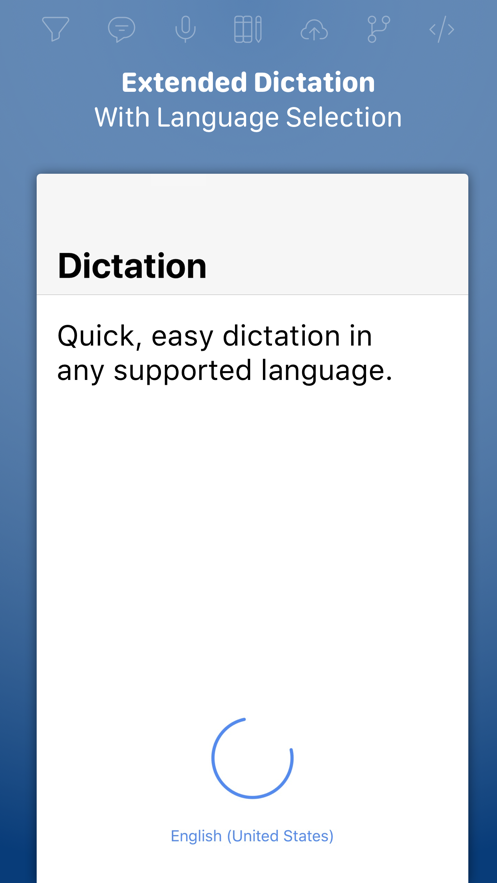
Drafts opens to a new page with the keyboard ready — just waiting for your words. Alternatively, go hands-free with dictation.
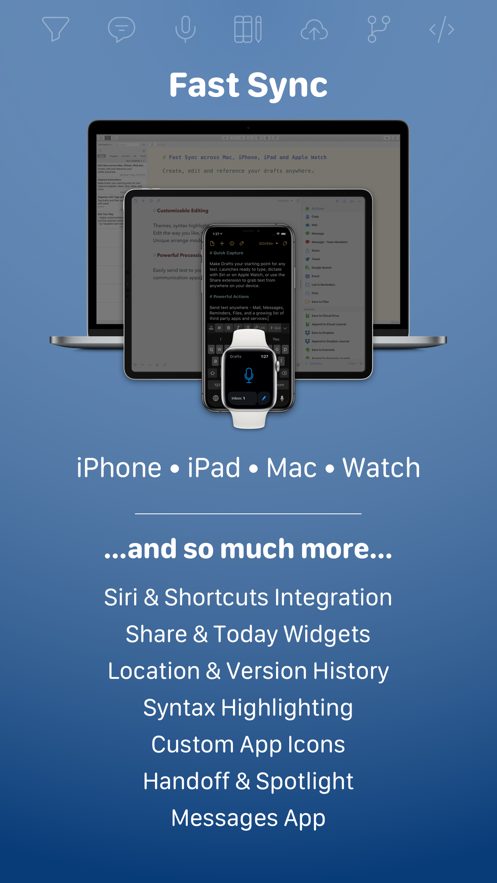
Drafts helps you write ideas down before you can forget them so and they’ll always be there, ready and waiting. Capture on iPhone, iPad, Mac, and Apple Watch, and Drafts’ fast sync will make your text available everywhere.
USE YOUR WORDS:
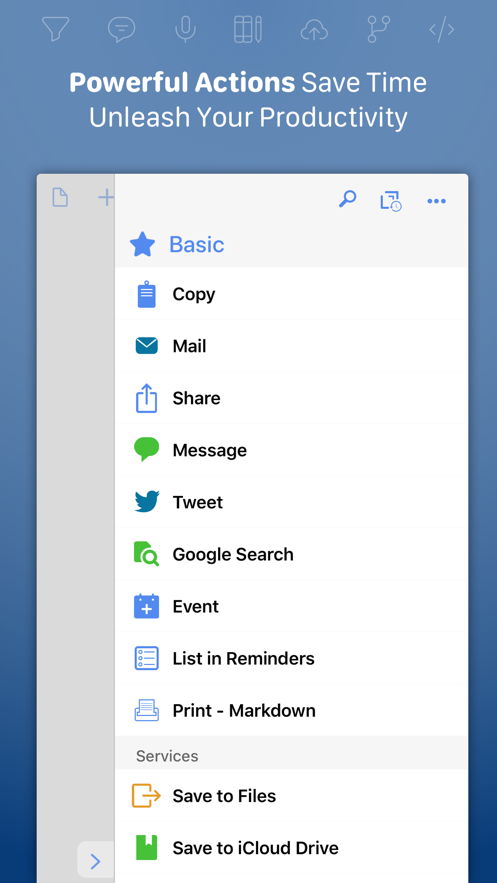
Drafts is a jumping-off point for text — use actions to copy it, share it, or deep-link into other apps and services. Compose a tweet, draft a message, create a file in Dropbox, send a task off to Reminders – Drafts works with tons of your favorite apps and services. Hone your text through integrations with popular AI LLMs.
REMEMBER IT NOW – OR LATER:
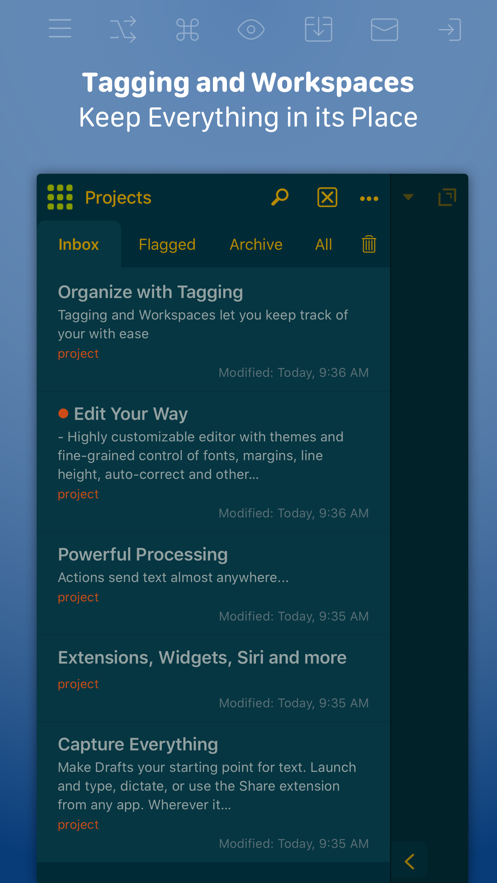
New entries go into the Inbox. Once there, you can Tag them for organization, Flag them for importance, or Archive them for long-term storage.
TAKE TEXT TO A NEW LEVEL:
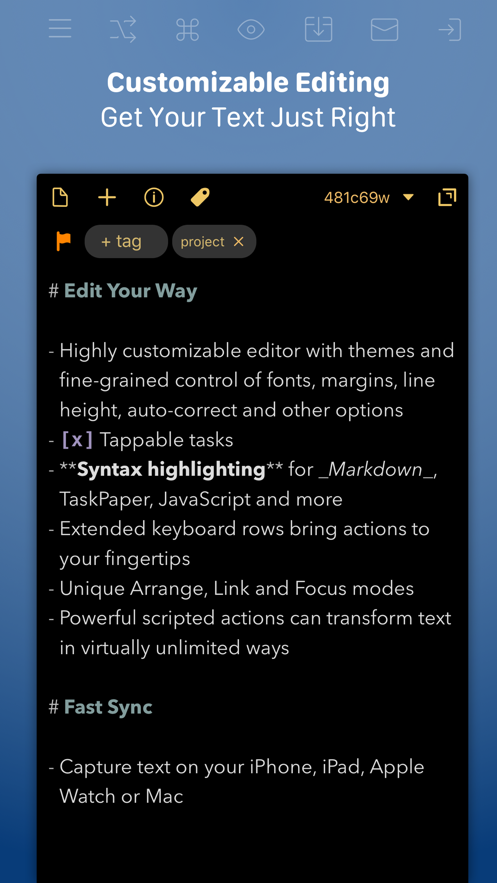
Customize Drafts to look and work the way you want with tons of interface adjustments — custom fonts and control over spacing, line height, and margins.
Use the customizable buttons above the keyboard to convert, manipulate, and transform your writing quickly.
Using Drafts as a global inbox for all of your text? Process everything quickly using unique features like Link Mode, Arrange Mode, and text manipulation actions.
LEVERAGE THE POWER OF YOUR WRIST COMPUTER:
Use your Apple Watch to quickly capture text using nothing more than your voice — and your ideas will be waiting on your iPhone, iPad, and Mac ready to be fleshed out.
GETTING WORDS DOWN HAS NEVER BEEN EASIER:
Drafts opens lightning fast and with support for capture via Siri, the widget, share extension, file import, and dictation - Drafts is like post-its updated for the smartphone era.
## JOIN THE COMMUNITY ##
Check out our Directory (actions.getdrafts.com) for ready-to-use actions and themes. Join the Drafts Community (forums.getdrafts.com) to get help, integration guides, and a regular flow of tips & tricks.
## DRAFTS PRO ##
Drafts is always free to use, but you can get more out of Drafts with a Drafts Pro subscription:
• Create and Edit Actions
• Themes and Icons - suit the experience to your tastes with themes, custom app icons, and more
• Workspaces - Apply preferred tag, query, and sort settings for your drafts list with Workspaces
• Extra widgets and better share extension options
• Enhanced Automation
We are always working hard to expand the capabilities of Drafts and keep it up-to-date with the latest technologies. Your support helps keep the app growing – thank you to Drafts Pro subscribers!
## SUBSCRIPTION DETAILS ##
• Monthly and annual subscriptions are available
• Payment will be charged to your iTunes account at confirmation of purchase
• Your subscription will automatically renew unless auto-renew is disabled at least 24 hours before the end of the current subscription period
• Automatic renewals will be charged at the same price you were originally charged for the subscription
• Subscriptions can be managed or canceled by going to Account Settings on the App Store after purchase
Have questions? Contact us on Twitter at @draftsapp or email support@getdrafts.com.
Terms: https://getdrafts.com/support/terms
Privacy Policy: https://getdrafts.com/support/privacy