


Keynote 10.0
Create a dazzling presentation
- Creator
- 平台
- iOS
Keynote讲演是强大的演示App,能在移动设备上创建出色演示文稿。有40多种Apple设计主题,可快速添加文本、图像等。支持用Apple Pencil绘图书写,有电影效果般动画过渡。能添加实时视频,还可导入编辑PPT。具备实时协作功能,团队可在多设备同时合作,共享文稿并查看更改,支持多种演示方式,让演示更精彩。

Create a dazzling presentation
Keynote讲演是强大的演示App,能在移动设备上创建出色演示文稿。有40多种Apple设计主题,可快速添加文本、图像等。支持用Apple Pencil绘图书写,有电影效果般动画过渡。能添加实时视频,还可导入编辑PPT。具备实时协作功能,团队可在多设备同时合作,共享文稿并查看更改,支持多种演示方式,让演示更精彩。
点击查看界面细节
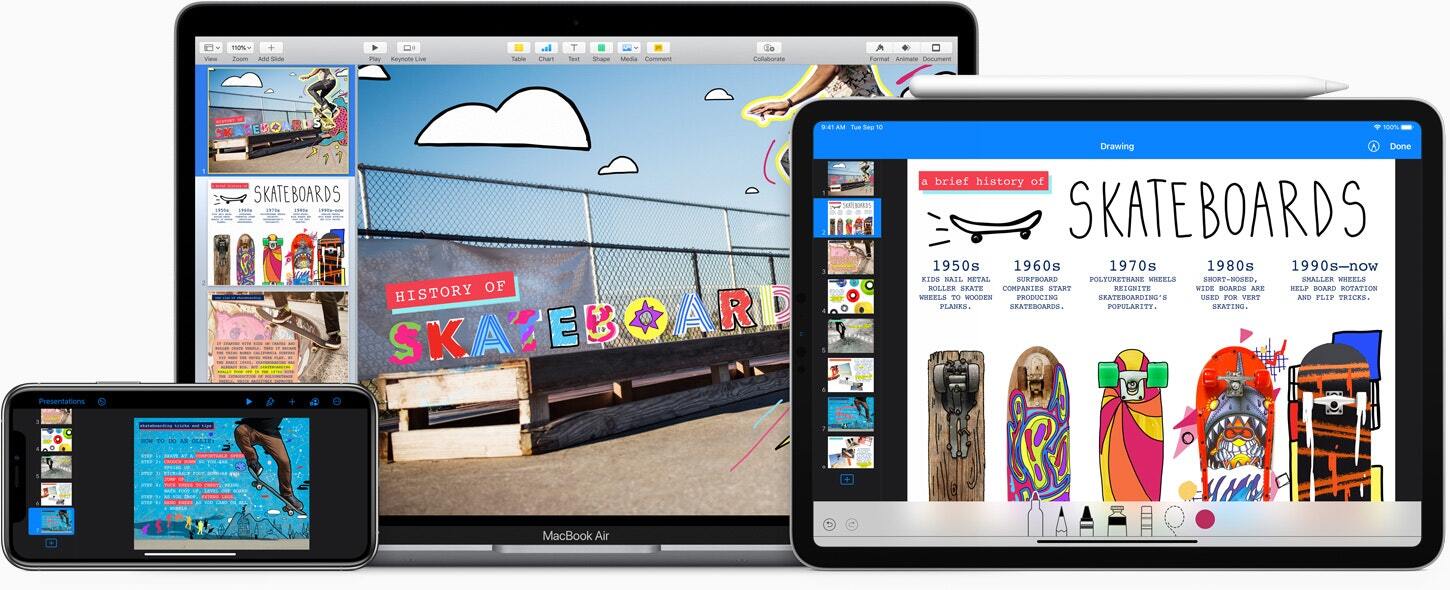
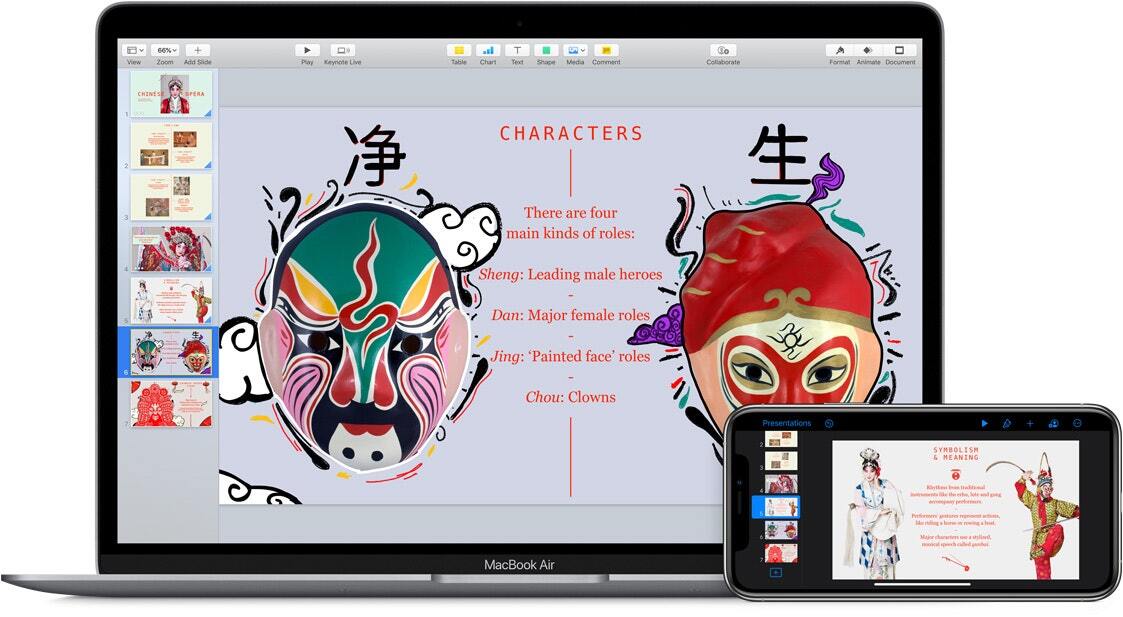
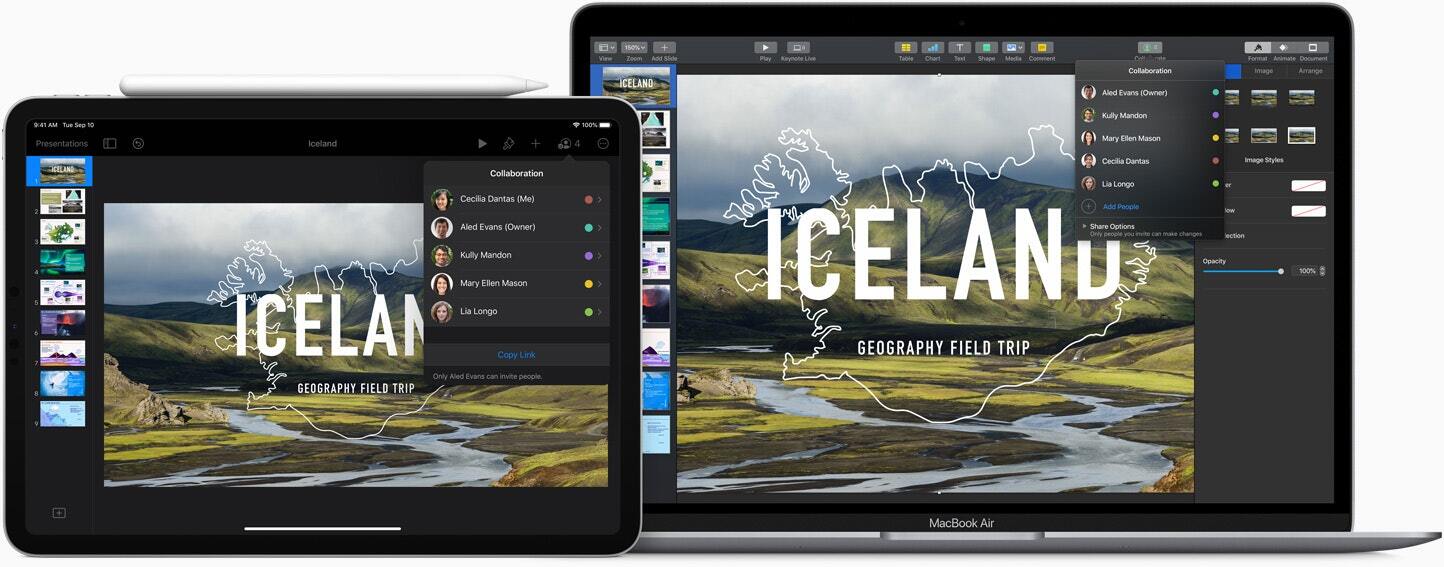
Keynote is a powerful presentation app designed for mobile devices.
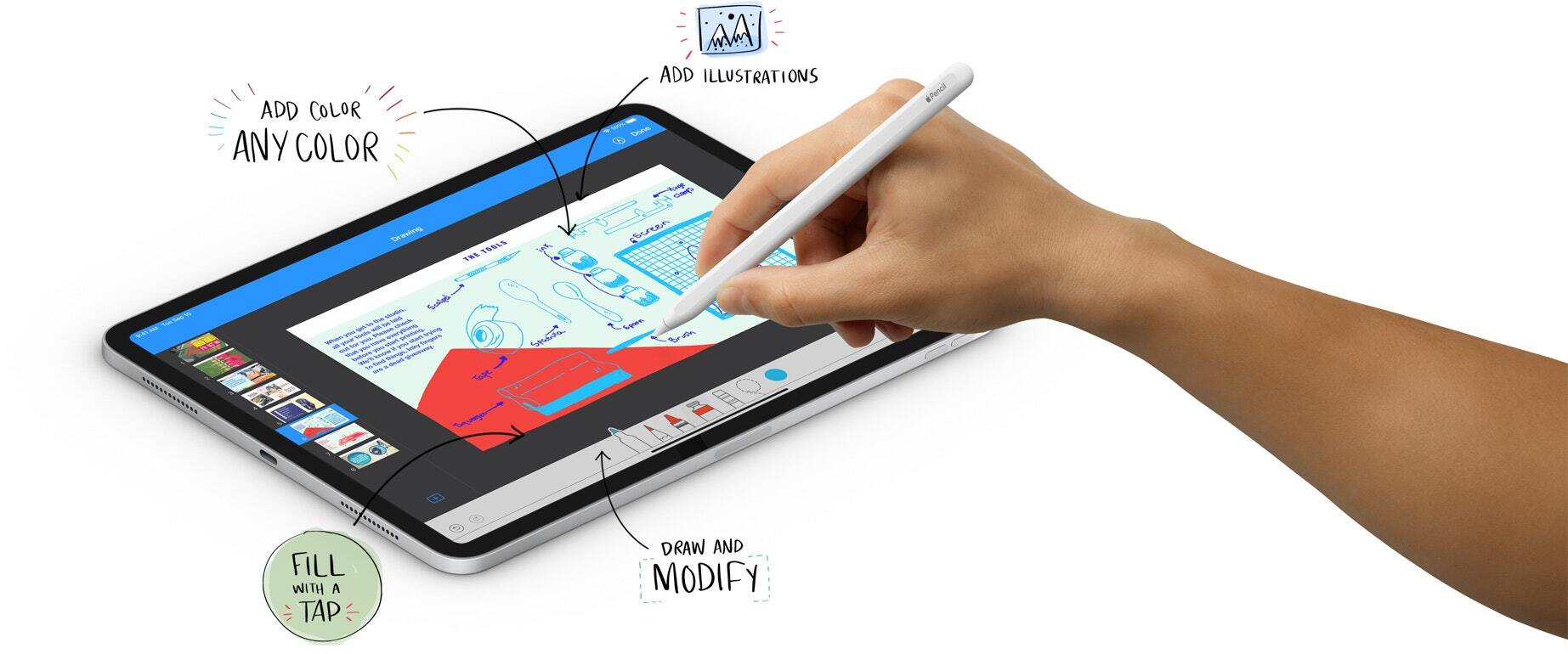
Start with a theme designed by Apple and add text, images, charts, tables, and shapes with just a few taps. Use an Apple Pencil or your finger on iPad to draw and write. Make it come alive with movie-like animations and transitions, as if created by your own dedicated effects team. Add live video to your slideshow and it will appear directly on the slide. You can present confidently to your audience in person or virtually from anywhere, and take turns controlling the presentation in a multi-speaker slideshow.
Collaborate with others simultaneously
• With real-time collaboration, the whole team can work together on the presentation at the same time on Mac, iPad, and iPhone, and even on a PC
• Share the presentation publicly or with specific users, see who is currently working on the presentation with you, and see other users' cursors to track their edits
• View a list of recent changes in the collaborative presentation, including when users joined, commented, and edited
• Works with presentations stored in iCloud or Box
Create stunning presentations
• Choose from over 40 themes designed by Apple to get your presentation off to a great start, or start from a text outline to create a quick draft
• Use the slide navigator to quickly browse through the presentation, add new slides, and rearrange slides
• Use the built-in camera to add live video directly to the slide
• Keep your audience engaged with interactive charts and chart animations
• Quickly add photos and videos from the Photos app or any of over 700 editable shapes
• Add an interactive image gallery to view a curated collection of photos
• Easily remove the background from images
• Import and edit Microsoft PowerPoint presentations
Theater-quality animation effects
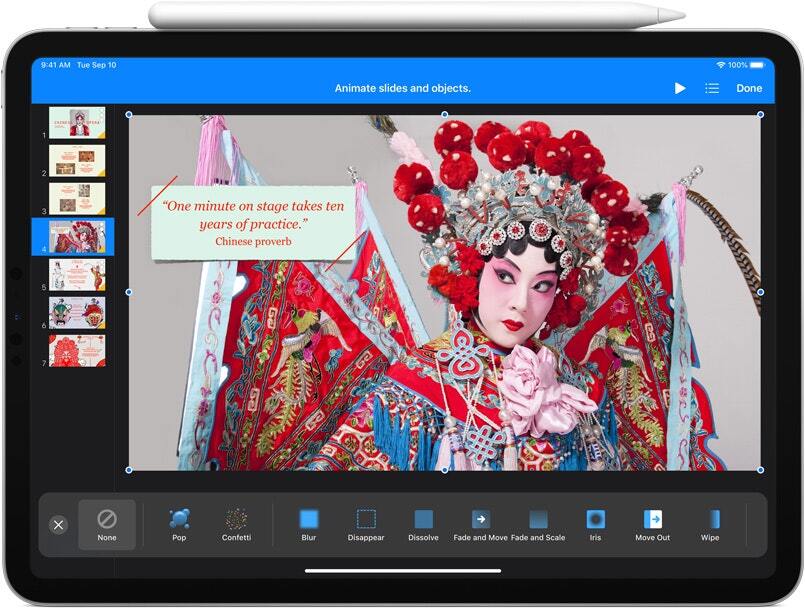
• Beautiful slide transitions like those in movies and captivating text and object animations
• The "Magic Move" effect makes it easy to animate and fade graphics
• Emphasis builds …
针对 Apple 创作坊订阅者:
智能助理(Beta 版)*
• 通过能理解演示文稿的助理构建故事、添加动画以及优化幻灯片
• 获取入门指南、了解如何使用高级功能,或者尝试建议以了解各种可能性
• 使用自然语言生成幻灯片、演讲者注释、图像和形状
• 搜索有关主题的最新信息并整合到幻灯片中
全新高级内容
• 通过一系列专业设计的新主题,提升你的演示文稿
• 浏览内容中心,查找可为演示文稿带来动感和深度的精选视频
针对所有用户:
• 以全新 Keynote 交换格式 (.keyx) 导入和导出演示文稿,这是一种开放文件格式,可让你更轻松地在 App 之外处理内容(Beta 版)
• 其他错误修复和性能提升
* 仅限美式英语。需要运行 iOS 27、iPadOS 27 或更高版本且支持 Apple 智能的设备。
还没有公开评论,欢迎分享你的体验。
Keynote 10.0
Help the people using your product get to know its creator. Our editors will review your application before awarding a verified developer badge.
Our editors will review your information and contact you at the email provided if they need more details. Your badge will be awarded after your identity is confirmed.
用过 Keynote 10.0?
分享一点喜欢,或一点小建议吧。
首次注册,赠送 3000 宝石
正在挑选宝石好物…