MoE Code

MoE Code

Software Development Tools

Creator
BENJAMIN ANDREW HOOPER

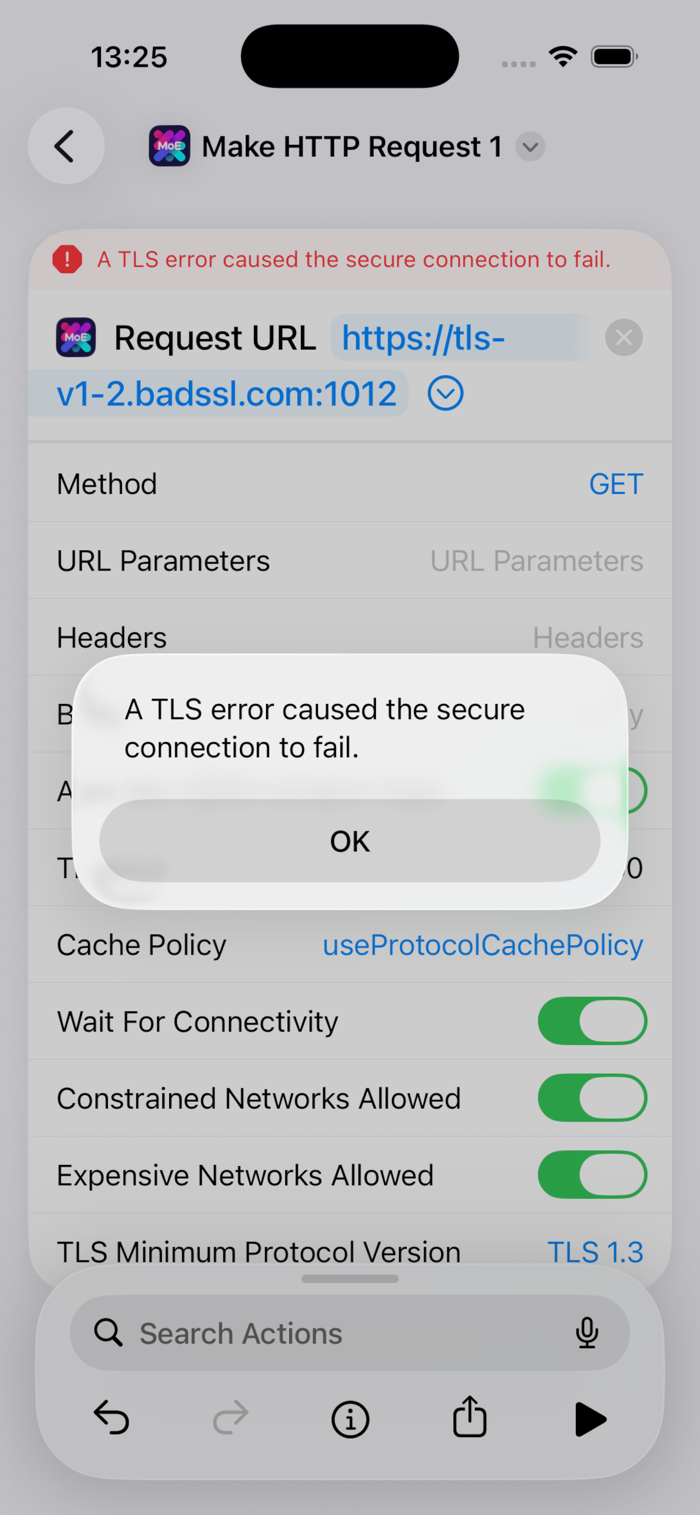
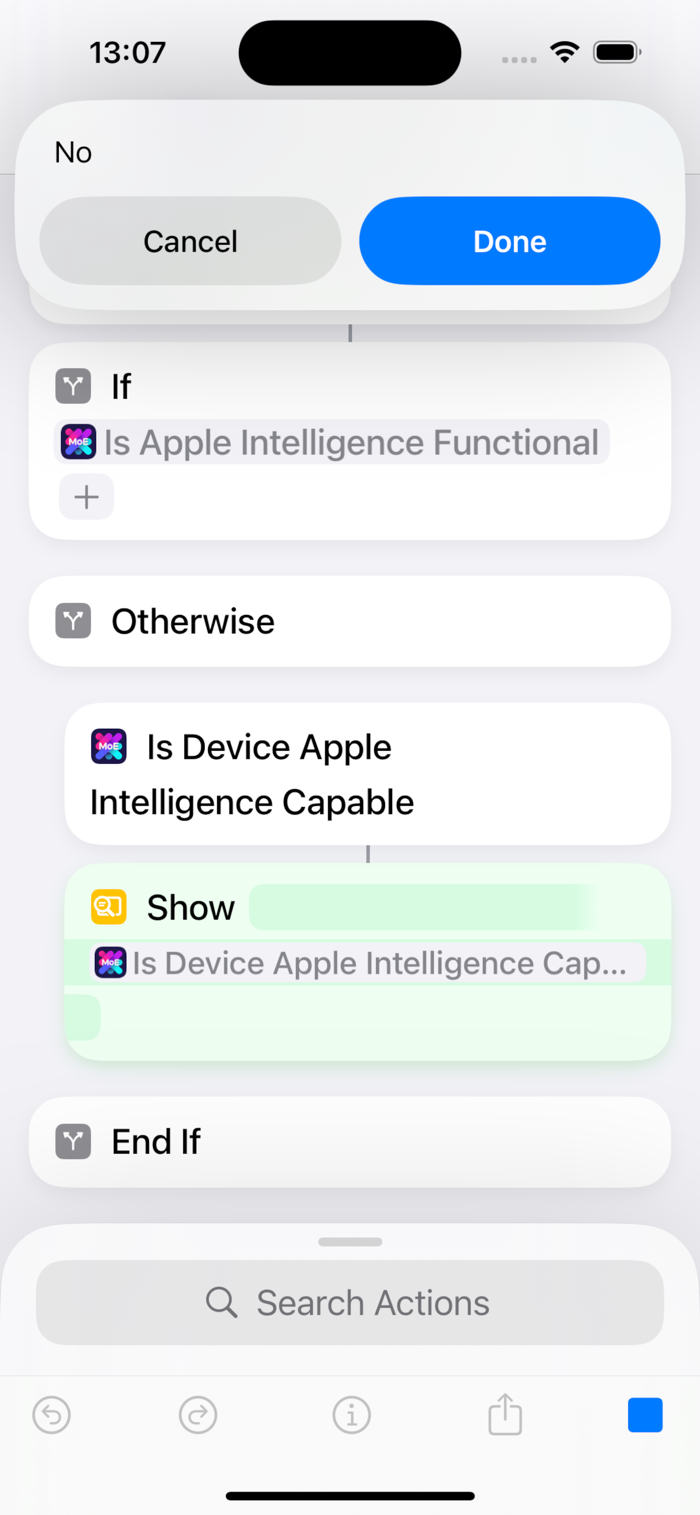
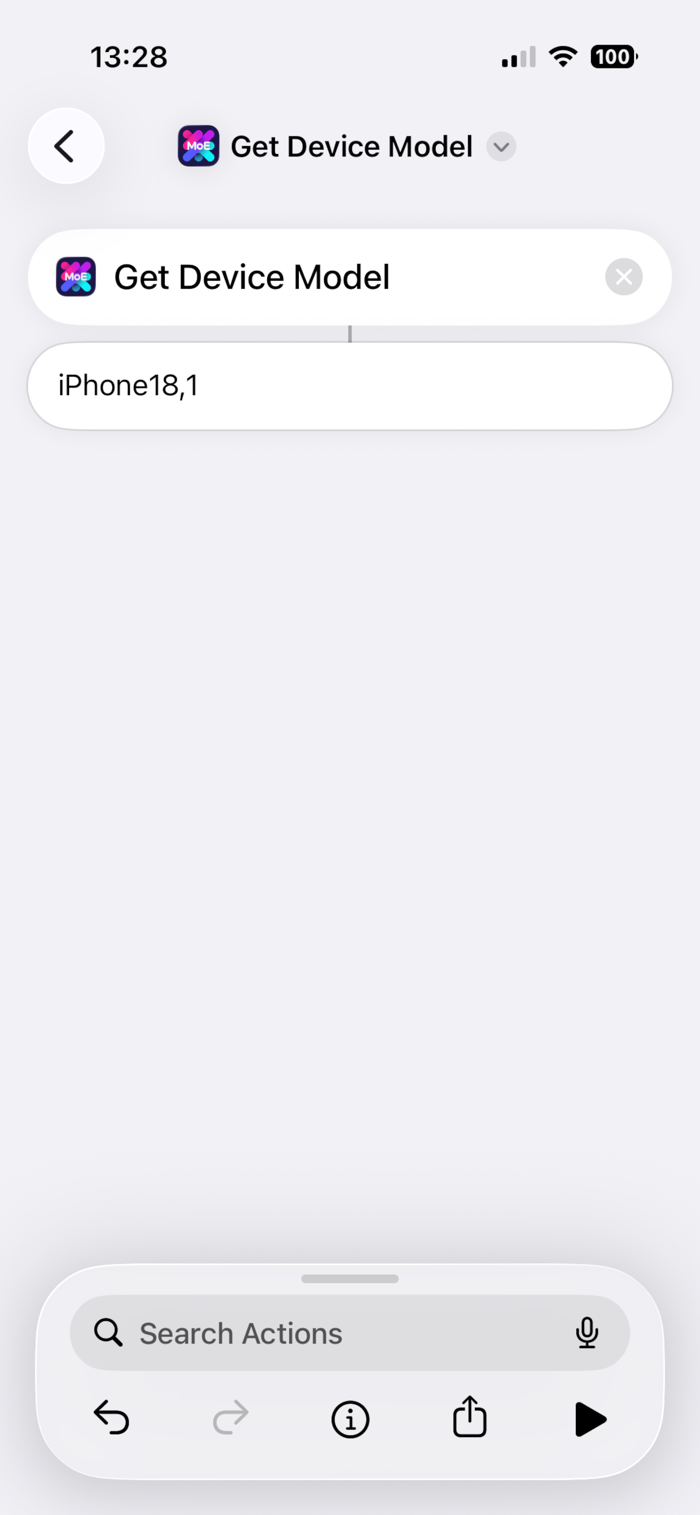
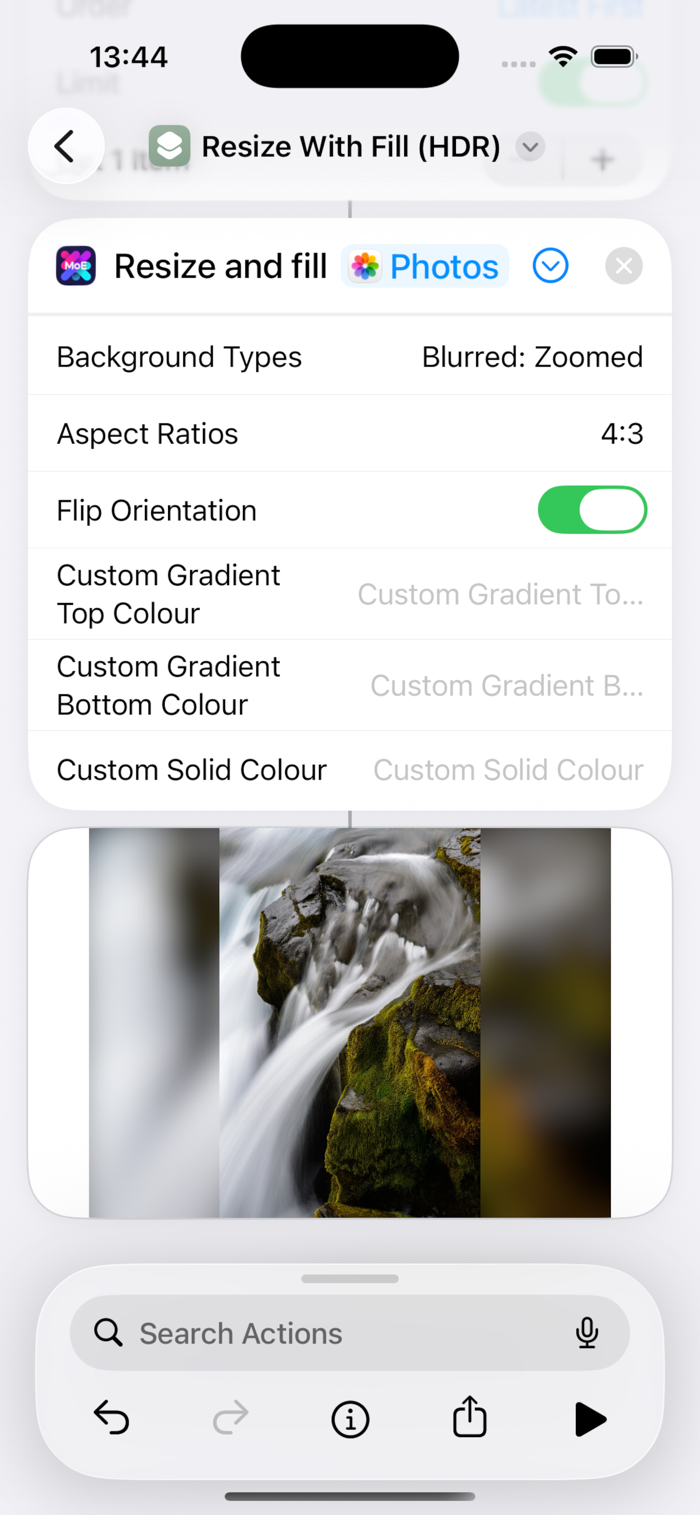
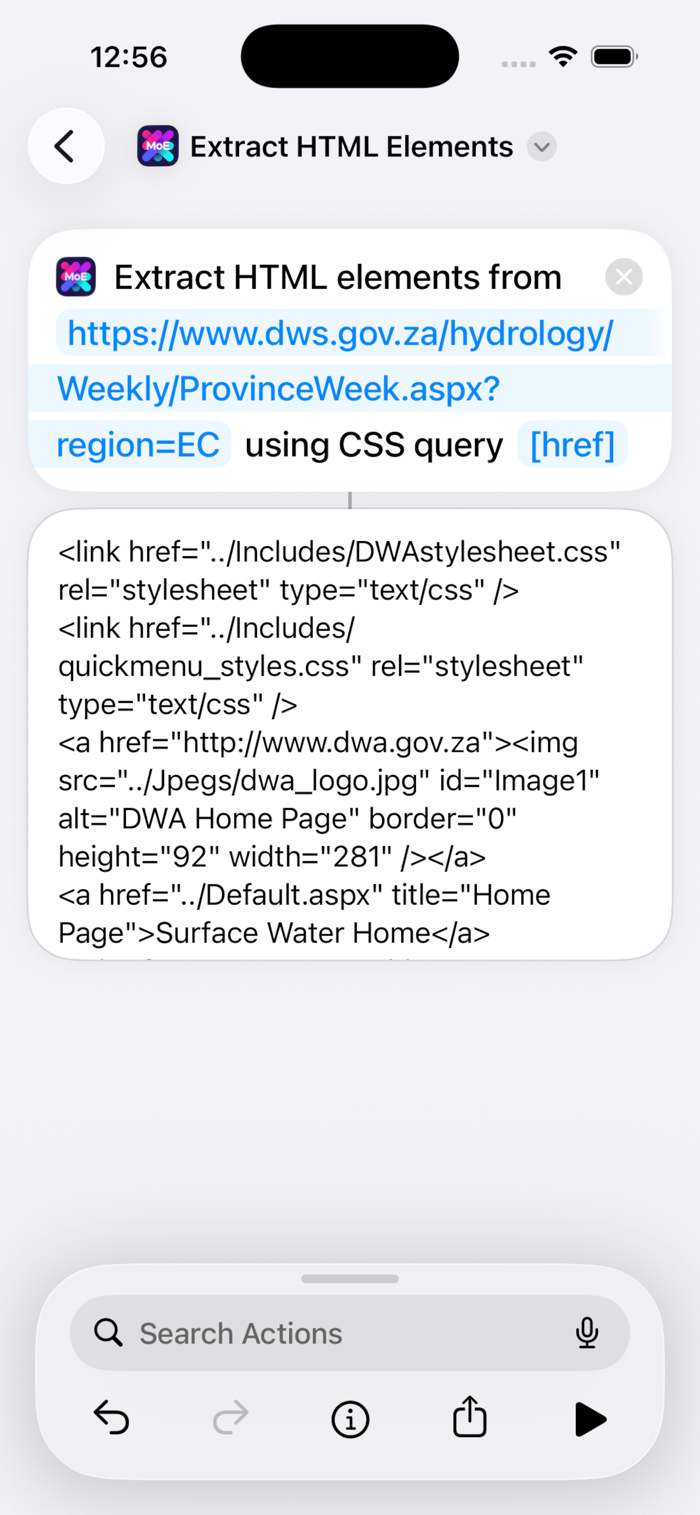
MoE Code enhances Apple’s Shortcuts app with practical actions. After approximately 1.5 years of development, it offers over 35 shortcuts across more than 550 versions, filling functional gaps. Current features include: converting HTML tables to JSON, extracting HTML elements, transforming JSON using JQ, retrieving device ground speed, identifying device model, checking Apple Intelligence feature status, chunking videos, tagging photos/videos, performing fill-adjusted resizing (HDR), setting video metadata, detecting internet connectivity, making HTTP requests, and more ideas are on the way—feel free to submit suggestions.
COMMUNITY PERKSMergeek 社区专属福利
独家限免 NEW每天发现一份惊喜
PRODUCT SCREENS / 5

点击查看界面细节

MoE Code 产品截图 1MoE Code 产品截图 2MoE Code 产品截图 3MoE Code 产品截图 4MoE Code 产品截图 5

65 actions to solve functionality gaps in the Shortcuts app.

Where lists are mentioned: Shortcuts lists, JSON arrays, and delimited strings (e.g., CSVs) are supported for input, and the first two for output.

• AI
◦ "Count Tokens For On-Device AI Model" (iOS 27+ only)
◦ "Is Apple Intelligence Functional?"
◦ "Is Apple Intelligence-Capable?"
◦ "Use On-Device AI Model (Extended)" (iOS 27+ only): Images / files, max tokens, and temperature

• Clipboard (arbitrary formats, binary supported via Base64)
◦ "Get Clipboards"
◦ "Set Clipboards": routinehub.co/shortcut/22016/

• Data: HTML
◦ "Convert HTML Tables To JSON"
◦ "Extract HTML Elements Using SwiftSoup"

• Data: JSON
◦ "Delete Nested Dictionary / JSON Object Key"
◦ "Pretty Print Dictionaries / JSON"
◦ "Set Nested Dictionary / JSON Object Value"
◦ "Transform List / Dictionaries / JSON Using JQ": Extract, filter, deduplicate, etc. routinehub.co/shortcut/21809/

• Data: Lists (significantly faster than using loops)
◦ "Add Value(s) To List / Merge Lists"
◦ "Convert JSON Array To Shortcuts List"
◦ "Convert String / Shortcuts List To JSON Array"
◦ "Get Items From List At Indexes (Values)"
◦ "Get Items From List At Indexes (Files)"
◦ "Get Value Position In List"
◦ "List Contains List?"
◦ "List Contains Value?"
◦ "Remove Value From List"
◦ "Sort Keys Of Dicts In List"
◦ "Subtract Lists"

• Data: Text
◦ "Extract Strings From Binary"
◦ "Multi Replace Text": Lists of strings, string or regex targets, and substitutions. routinehub.co/shortcut/26330/

• Device
◦ "Get Device Ground Speed"
◦ "Get Device Model"
◦ "Get Device Type"
◦ "Is App Installed?": Actions, Microsoft Outlook, Pythonista, Scriptable, and WhatsApp

• Files
◦ "Get Details of File / Folder": Unescaped file paths, top-level folder paths in the same format as Shortcuts
◦ "Save Files": List of files to list of relative paths. routinehub.co/shortcut/26330/

• Maps
◦ "Is Location In Bound…

版本

1.26.0

Potentially breaking:
• Action "Select Map Bounding Box Coordinates": Changed value usage from minutes to seconds, but the old default value of 10 minutes is preserved in the new default value of 600 seconds.

Functional changes / improvements:
• Action "Make HTTP Request": Added usage of LongRunningIntent if on iOS 27 and the timeout is greater than 30 seconds to extend the runtime well past the traditional limit.

• Action "Set Circular Widget / Complication Value": Added parameter "Is Charging".

• Circular gauge widgets and complications:
◦ Added an overlaid lightning bolt symbol if the above is true.

◦ Slightly increased SF symbol size to match built-in ones.

• Action "Remove Photos Items' Locations": Removed unnecessary restriction to iOS 27.

• Action "Select Map Bounding Box Coordinates": Added parameter for existing coordinates string to be drawn on the map for adjustments.

• Action "Select Map Bounding Box Coordinates" and "Is Location In Bounding Box?": Following the above, merged code for validation.

• Actions "Make HTTP Request" and "Select Map Bounding Box Coordinates": Merged code for running UI pop-ups as a LongRunningIntent if on iOS 27.

• Action "Sync And Reload Widgets / Complications": Removed legacy, now-redundant public permissions.

• All iOS actions: Implemented standard code layout and best practice / Principle of Least Privilege permissions.

Cosmetic changes / improvements:
• Action "Select Map Bounding Box Coordinates (Legacy)": Renamed to "Select Map Bounding Box Coordinates (Deprecated)", following the above.

查看完整更新记录 ↗

你的真实体验,为其他用户提供宝贵参考,获得宝石奖励

REWARD MARKET100 宝石可兑换什么?

还没有公开评论,欢迎分享你的体验。

提交反馈

每一个想法,都让 Mergeek 更好一点。