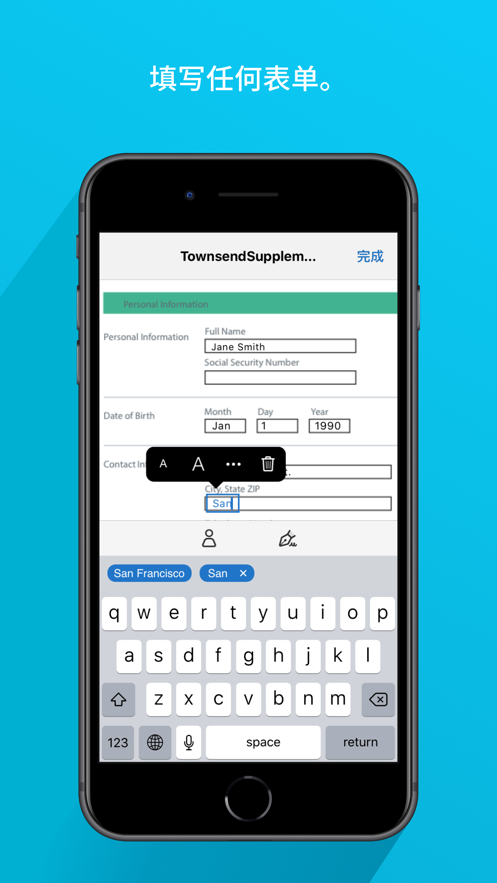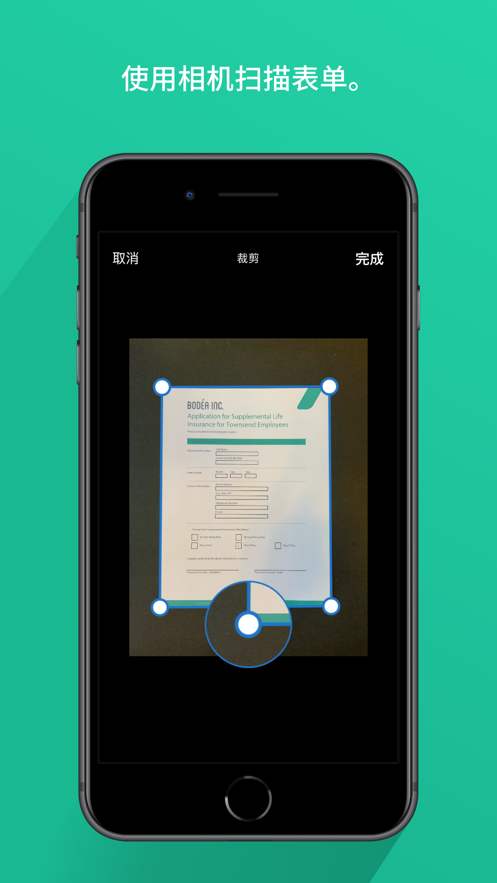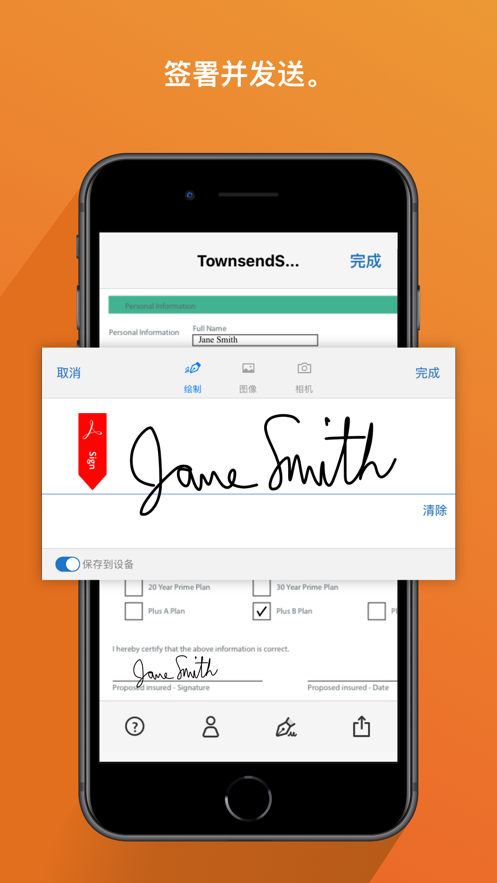
Use the free Adobe Fill & Sign app to quickly fill, sign, and send any form. You can even take a photo of a paper form on your phone or tablet and fill it out. Then, electronically sign the form and send it. No printing or faxing required.
How to use:
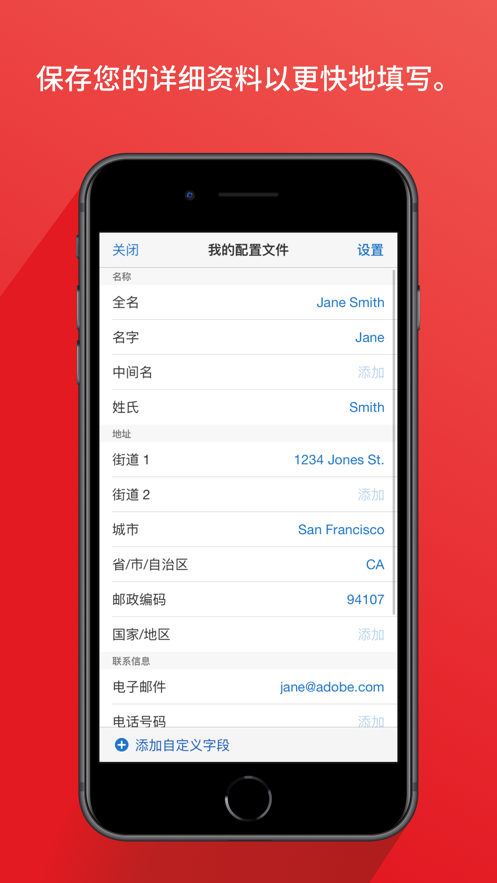
• Fill. Use the camera to scan a paper form or open a file from an email. Tap to enter text or checkmarks in form fields. Use custom autofill entries to fill out forms faster.
• Sign. Easily create a signature with your finger or a stylus, then apply the signature or an initialed signature to the form.
• Send. Save the form and immediately email it to someone else.
It's that simple.
What can Adobe Fill & Sign do for you?
• Instant operation. Fill out forms anytime, anywhere.
• Environmentally friendly. Email forms instead of printing and faxing.
• Well-organized. Store forms in one location.
Terms and conditions: You must comply with the Adobe General Terms of Use (http://www.adobe.com/cn/legal/terms-linkfree.html) and the Adobe Privacy Policy (http://www.adobe.com/cn/privacy/policy-linkfree.html) when using this app.
用户评价
立即分享产品体验
你的真实体验,为其他用户提供宝贵参考
💎 分享获得宝石
【分享体验 · 获得宝石 · 增加抽奖机会】
将你的产品体验分享给更多人,获得更多宝石奖励!
💎 宝石奖励
每当有用户点击你分享的体验链接并点赞"对我有用",你将获得:
🔗 如何分享
复制下方专属链接,分享到社交媒体、群聊或好友:
💡 小贴士
分享时可以添加你的个人推荐语,让更多人了解这款产品的优点!
示例分享文案:
"推荐一款我最近体验过的应用,界面设计很精美,功能也很实用。有兴趣的朋友可以看看我的详细体验评价~"
关注 Mergeek 公众号
领奖遇到问题?联系小门助手