产品功能

应用市场介绍

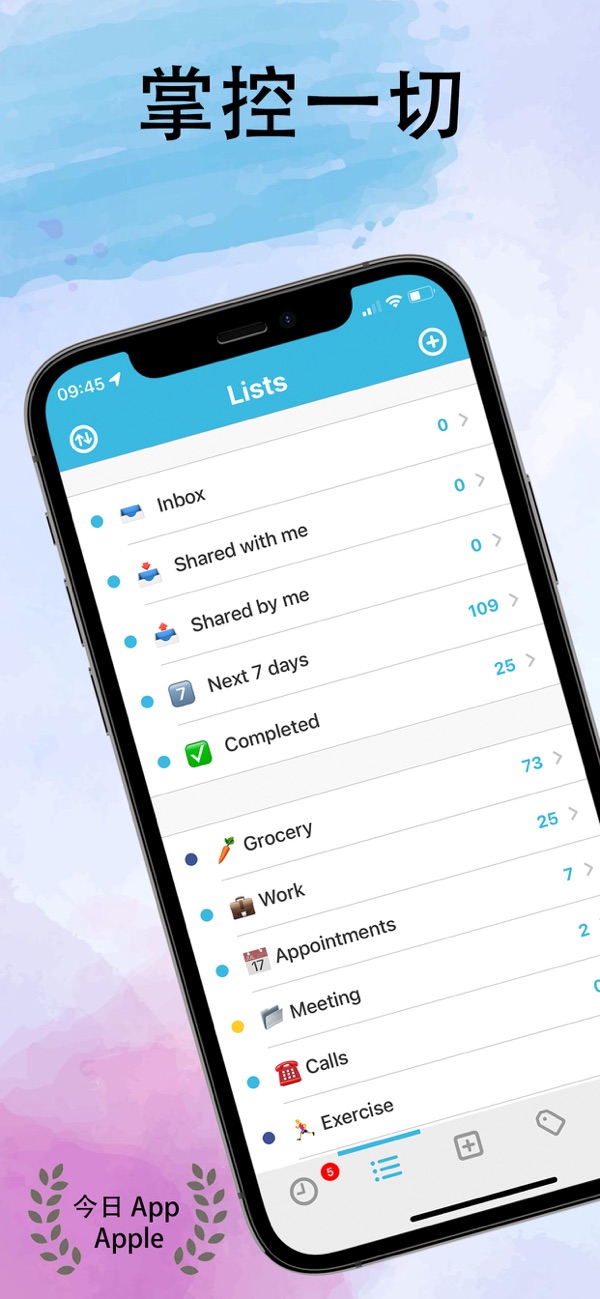
Create to-do lists and reminders, attach notes, photos, and files, and sync them in real-time across all your devices.

**Please note: GoTodo is a *paid* app. Don't like subscriptions? Simply make a one-time in-app purchase to get this app directly.**

Complete or postpone existing tasks on your Apple Watch, and create new tasks, including creating reminders directly on the watch.

The home screen and lock screen widgets provide you with relevant information clearly and in a timely manner, at a glance.

You can set multiple reminders for any item on the same day, whether it's taking medicine, drinking water, exercising, or helping to develop any long-term habit, to keep everything in order.

Stay organized: Set complex conditions or recurring reminders for the most complex tasks, from daily household chores and work reminders, to team collaboration projects and event planning.

Easy to operate and flexible

• Fast and reliable sync between all devices

• Supports drag-and-drop operations

• Supports time zone settings during travel

• For each task, multiple same-day reminder items can be set

• Integrated with Siri

• App and icon color themes

Main features

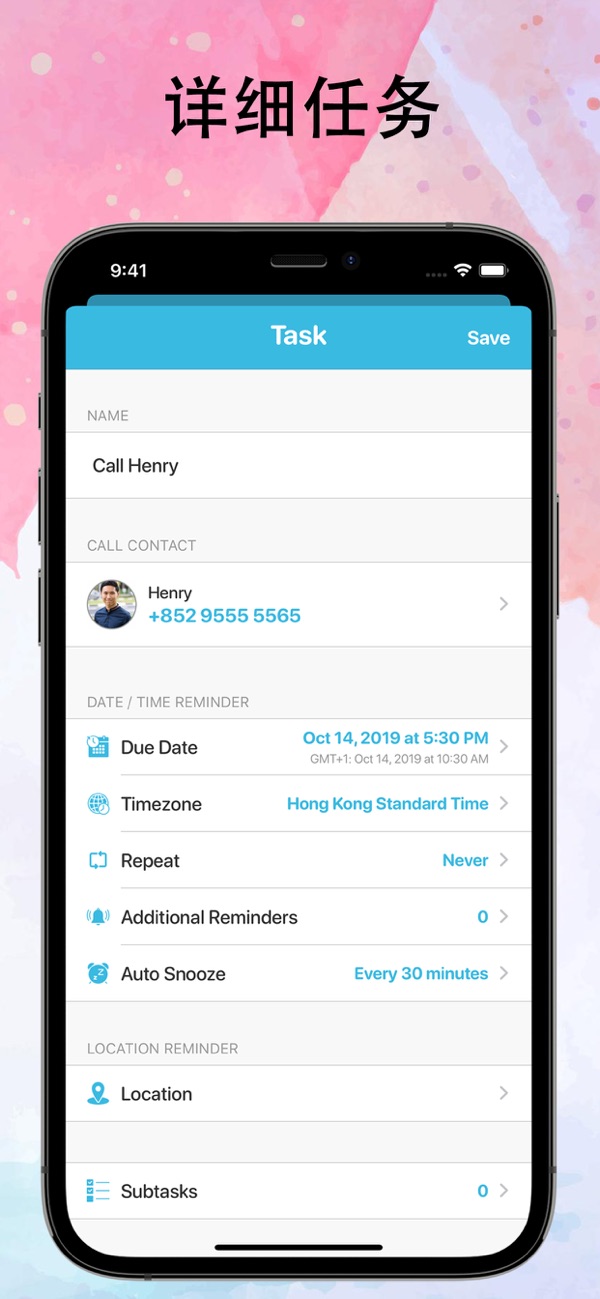
• Tap from notifications: Just tap on a reminder notification to quickly make a call, join a booked meeting on apps like Teams, Zoom, and Webex, or open a predefined link to a document or website

• Subordinate tasks will be automatically scheduled after the main task is completed

• For reminders, reminders can be set daily, weekly, monthly, annually, or even at longer intervals

• Skip, pause, and restart recurring reminders

• Location reminders

• The "Automatically remind later" feature can repeatedly remind you of any overdue tasks

• Share individual tasks or complete lists (including attachments)

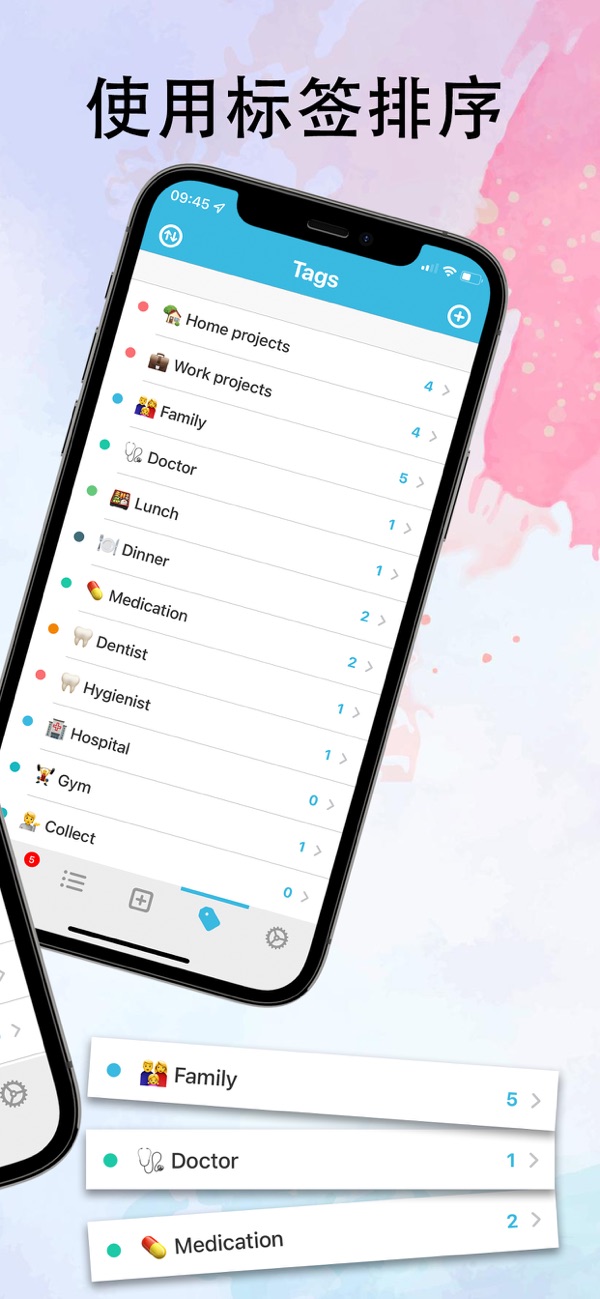
• The "Smart list" feature enables custom task sorting

• Attach notes, photos, and files

• Subtasks with reminders

Do you have good ideas or feature suggestions? Or need help? We provide in-app support in "Settings". Looking forward to receiving your feedback.

After confirming the purchase, we will charge your iTunes account. Unless you turn off auto-renew at least 24 hours before the end of the current subscription period, the renewal will take effect automatically. Within 24 hours before the end of the current subscription period, the system will deduct the fee from your account and mark the fee as a renewal fee. After purchase, users can go to the user account settings to manage subscriptions and turn off the auto-renewal feature. Where applicable, once a user purchases an app subscription, it is deemed that the user has waived the free trial period (if any) that has not expired.

Terms and Conditions: https://docs.google.com/file/d/1ykoTXzdwFchMRp0N7b0VAMYYHUyHYRcA/edit?usp=docslist_api&filetype=msword

收起

用户评价

立即分享产品体验

你的真实体验,为其他用户提供宝贵参考

宝石
评论可得 100 宝石
宝石随心兑换应用高级会员,每周更新 前往查看 >>
活动动态 0 人参加
查看更多评论