INTRODUCTION产品介绍
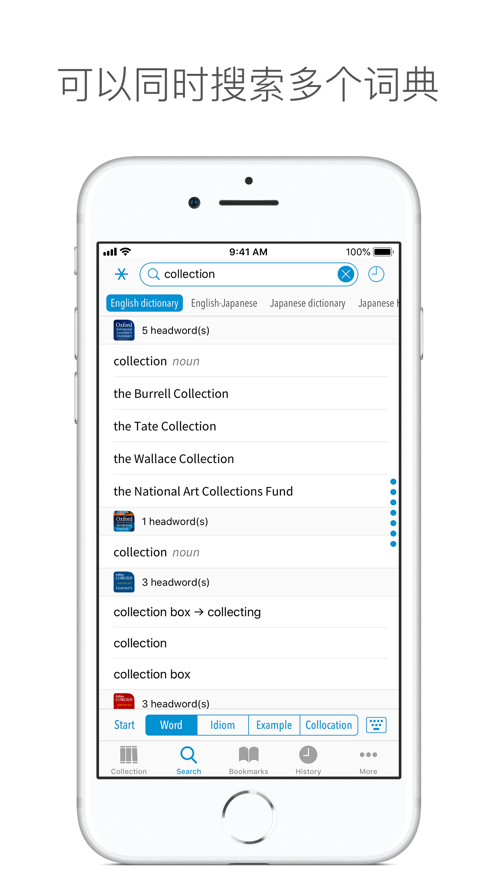
“Dictionaries” is an electronic dictionary viewer app made to allow users to efficiently use various dictionaries. Our popular standalone apps have been integrated into a single app where users can search multiple dictionaries at once.
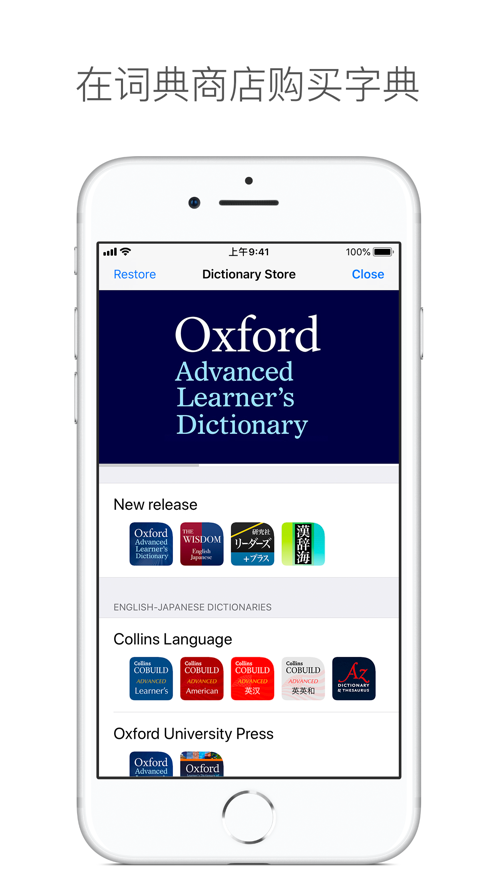
You can purchase and use a variety of dictionaries, including English, Japanese, French or other language dictionaries, from the “Dictionary Store” which can be accessed from within the app.
Searches
• Batch Search (Consolidated Search) allows users to search multiple dictionaries at once.
• The display order of dictionaries used in the batch search can be customized.
• The keyboard language switches automatically depending on dictionary search groups.
• Handwriting input is possible for Japanese, Old Japanese, Kanji, Chinese, Korean, and Russian dictionaries.
• Using Pattern Search, users can search for words even if a part of the spelling is unknown.
Trace and Jump
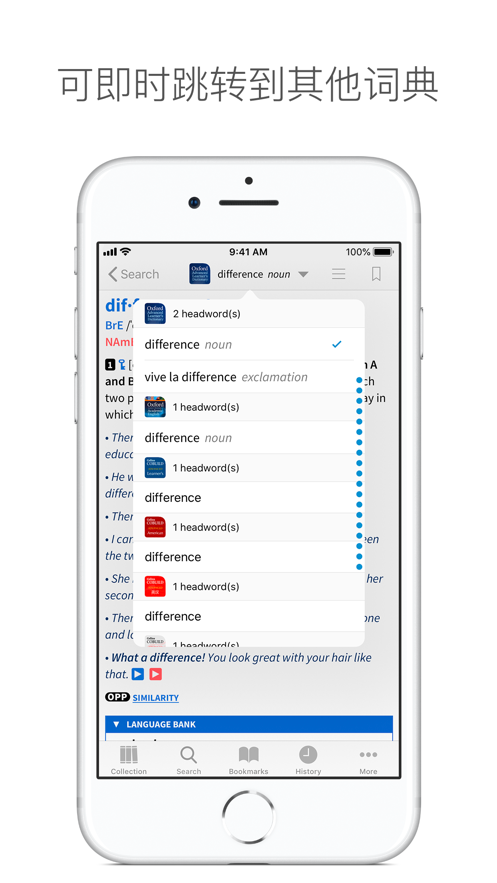
• Users can easily jump to not only other words in the same dictionary but other dictionaries as well simply by tracing words in a definition, allowing users to go on a journey of intellectual curiosity through the dictionary as their hearts desire.
Collection
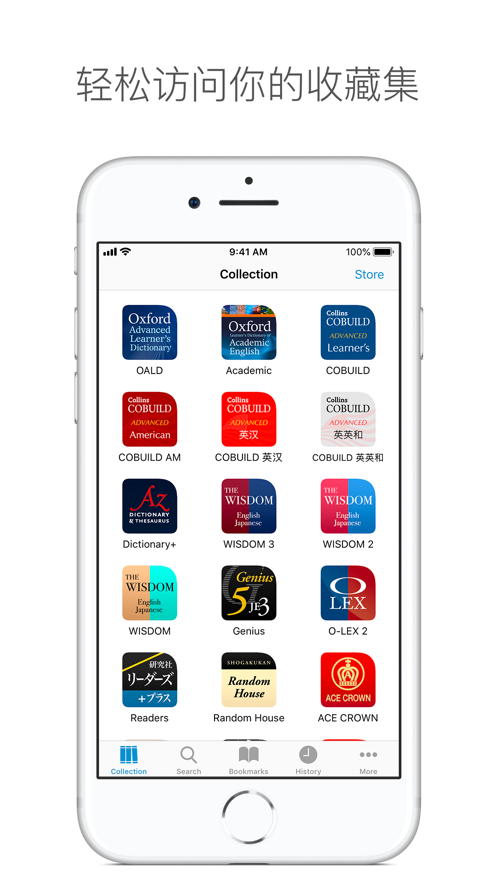
• Purchased dictionaries are shown as icons on the Collection screen.
• By opening a dictionary from the Collection screen, users can also carefully go through a single dictionary. Even in this case, users can use the “Trace and Jump” function to easily jump to another dictionary.
• The display order of dictionary icons on the Collection screen can be changed to the user's preference.
Bookmarks
• Users can bookmark their favorite words. In addition, users can also efficiently categorize these bookmarks using the Bookmark Folder.
• By turning on Quick Bookmark, users can quickly add/remove bookmarks simply by tapping the Bookmark icon.
Search History
• In History, display frequency is automatically recorded so that users can immediately recognize words they search for repeatedly.
iCloud
• Users can synchronize Bookmark and History data…