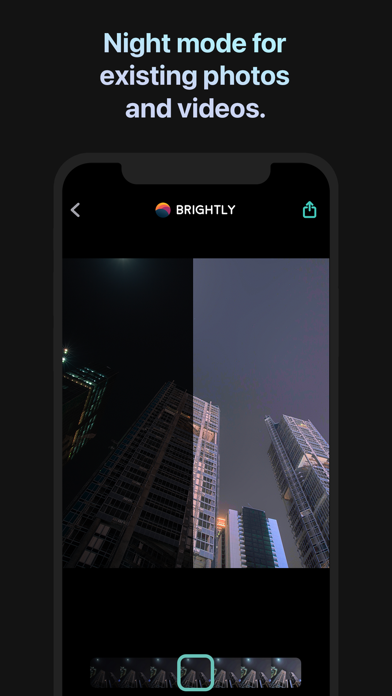
Automatically brighten your photos and videos exactly where they are needed most.
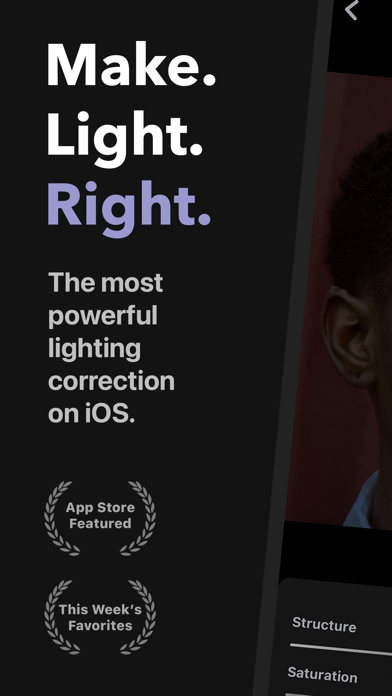
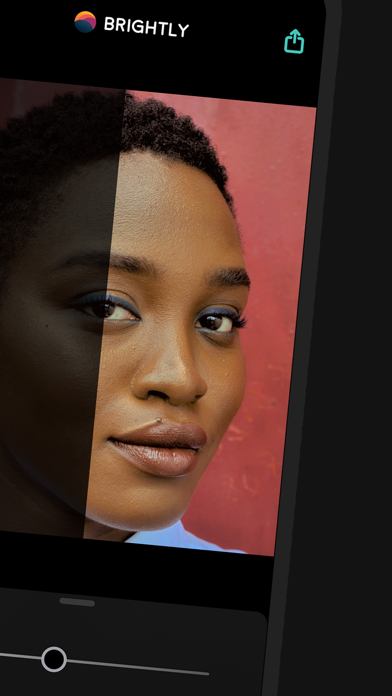
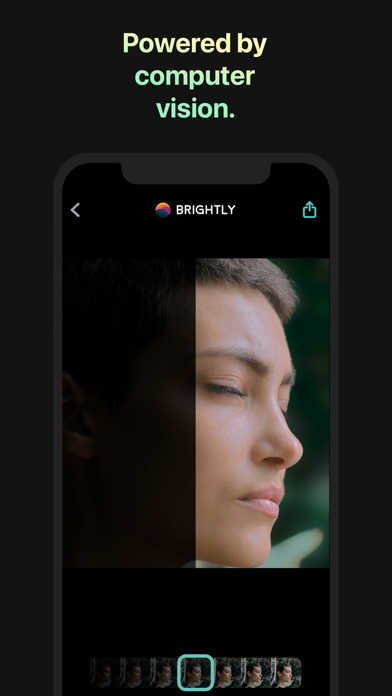
With a single slider, Brightly adaptively brightens your photos in real time, revealing hidden details while maintaining a pleasing balance between light and dark areas, without overexposing regions that are already well-lit. Brightly also enhances video footage, applying lighting changes smoothly over time. Refine your results with a comprehensive set of professional-grade adjustments and elevate your editing workflow with essential pro features like RAW photo support and 4K video.
Magic Bar
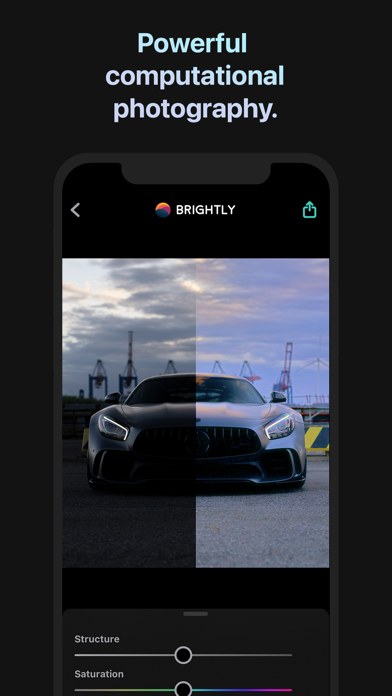
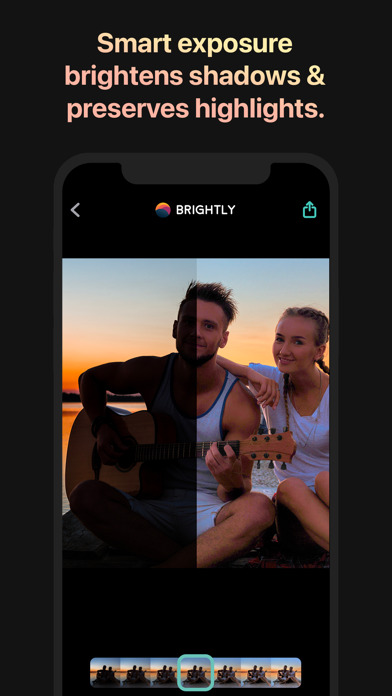
When capturing photos, you often encounter uncontrollable lighting challenges: insufficient or uneven lighting, underexposure, backlit subjects, and inconsistent shadows. Thanks to its image processing algorithms that identify dark and bright areas within a photo—and how they interact—Brightly tackles these challenges, which traditional photo editing apps cannot resolve. Not only are the dark areas brightened, but their details and contrast are also enhanced. Already-lit areas remain free from overexposure and blend seamlessly with darker regions, resulting in visually pleasing, natural-looking images.
All this computation is consolidated into a single control: the Magic Bar. It is simple, fast, and intuitive. A quick tap allows you to adjust the lighting of photos and videos instantly, saving time and requiring less editing than other photo applications.
Video and Live Photos
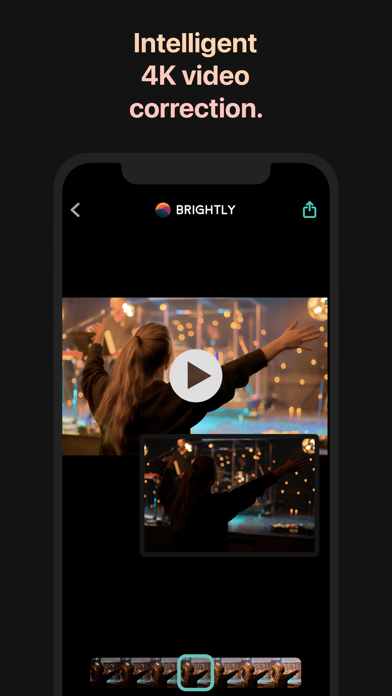
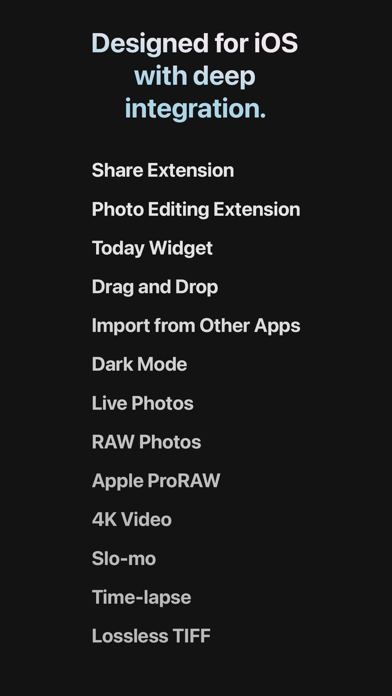
Unlike other low-light photo apps, Brightly works with videos—including 4K, slow-motion, and timelapse footage—as well as Live Photos. Designed specifically for video, its algorithms dynamically brighten your clips and transition smoothly over time, ensuring they still look great even when lighting conditions change.
RAW and Wide Color Gamut Photos
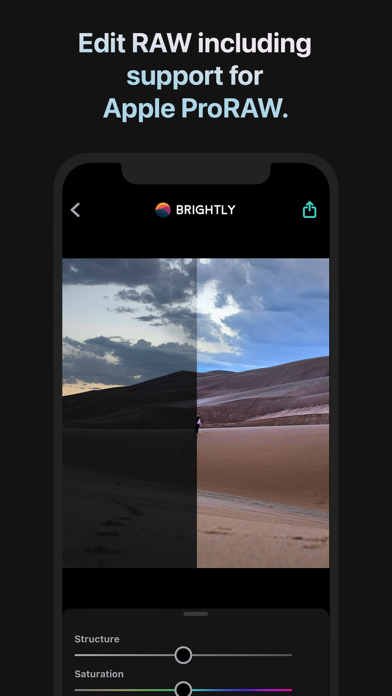
Brightly can read RAW, Apple ProRAW, and wide color gamut photos, processing them with high precision to suit professional workflows. Results can be saved in JPEG format …