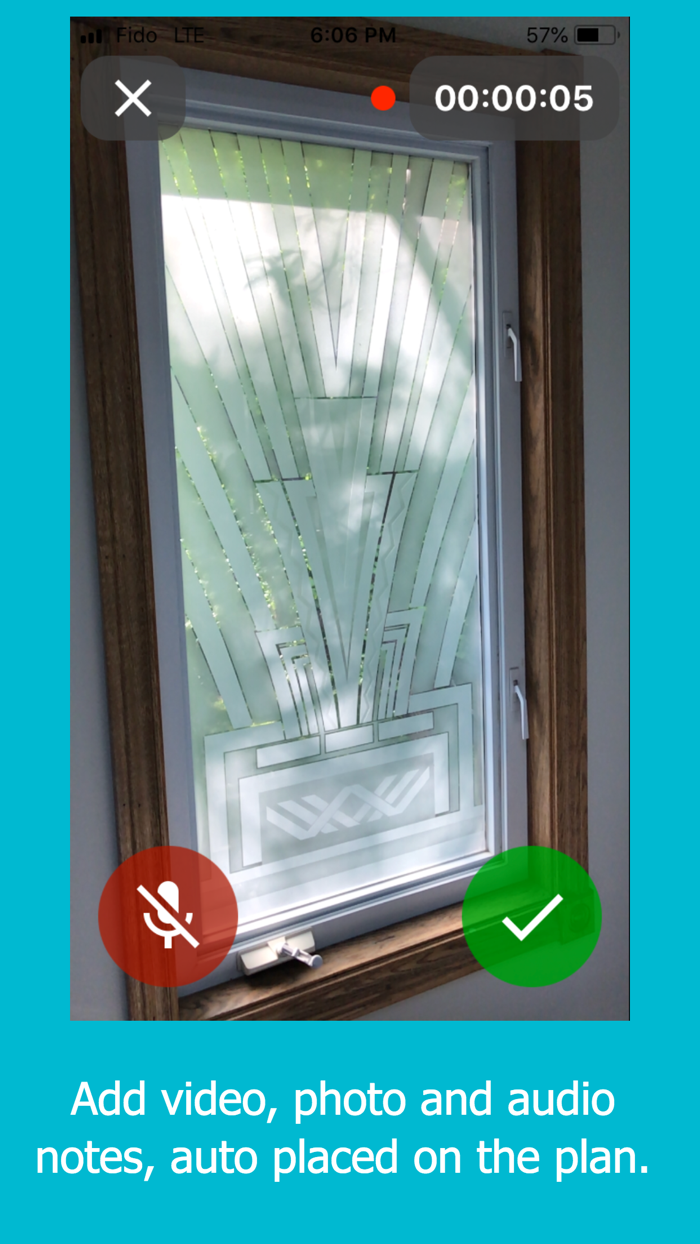
Creating professional, precise and detailed floor plans has never been easier with the Floor Plan. You just need to use your phone camera and start sketching your floor plan accurately. And don’t worry about manually marking up the doors, walls, and windows as your artificial intelligent assistant will automatically identify such objects using the augmented reality camera. The created floor plan is accurate and you also get to attach photos and videos along with your voice to certain parts of the plan. For example, if you wish to elaborate about a particular feature in the house, you just need to take a picture, add a voice note to it and it would snapped to the right place on a floor plan.
If you are looking for an easy to use yet accurate floor planning app, download the Floor Plan on your iOS device and get the most out of its different features including Augmented Reality camera, user-friendly interface, easy to share floor plan, voice notes, and a lot more.
What to expect from the Floor Plan?
Floor Plan comes with a clean and neat design and the interface is so user-friendly that doesn’t take a genius to figure out the whole idea. You just take photos of windows and furnitures, sketch the floor plan in fews, add necessary pictures and voice notes.
Boost your productivity with your professional AI assistant
The AI assistant does almost everything for you and it does them all automatically. Form recognizing the doors and windows to estimating the area and dimension of each room are accurately done using the camera of your iPhone and of course the AI feature. You also get to attach as many pictures and voices as you want to the plan, so you no longer need to remember a single detail.
Who should install the Floor Plan?
Floor Plan is a must-have productivity app for real estate agents, general contractors, interior designers, engineers, architects, and inspectors who have to routinely visit job sites, take photos and prepare reports or proposals.
You can ea…