mimosa — write, draw, and stay organized on your PDFs, naturally.
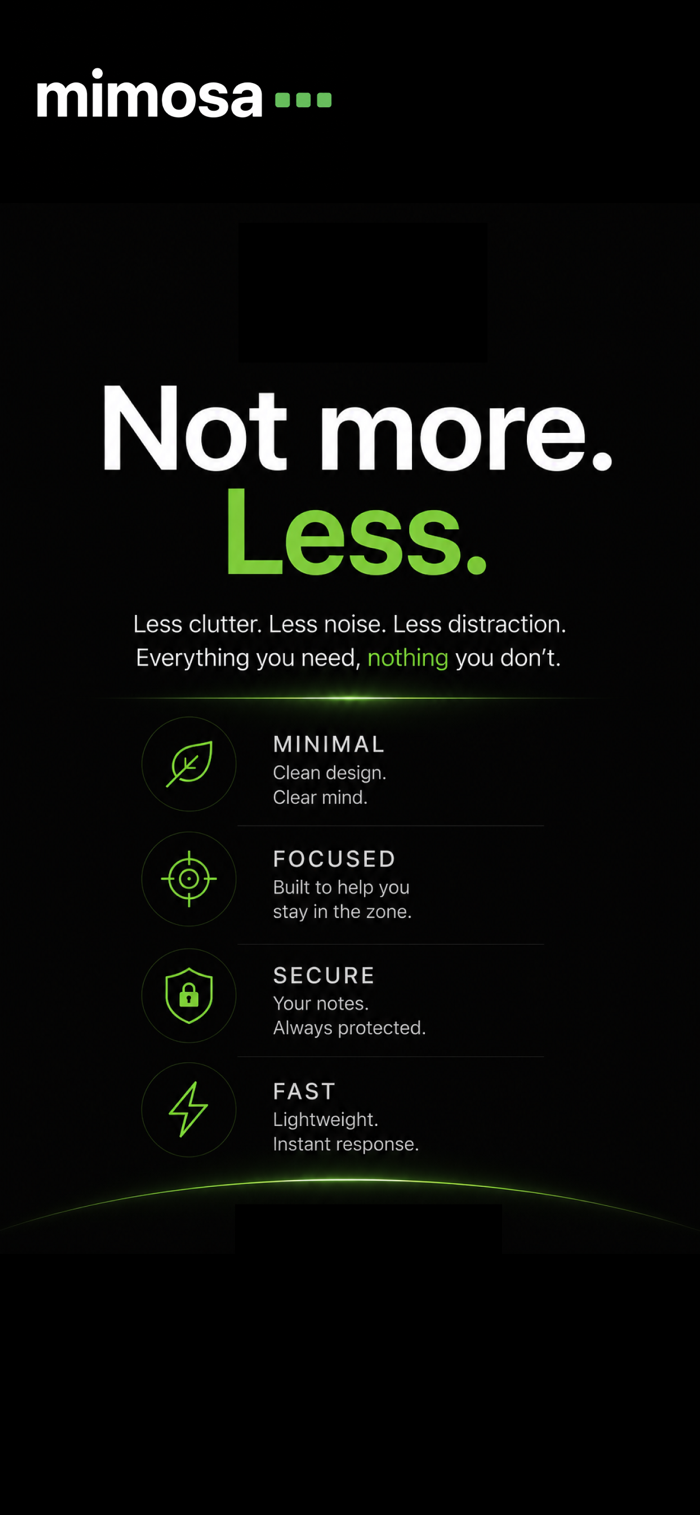
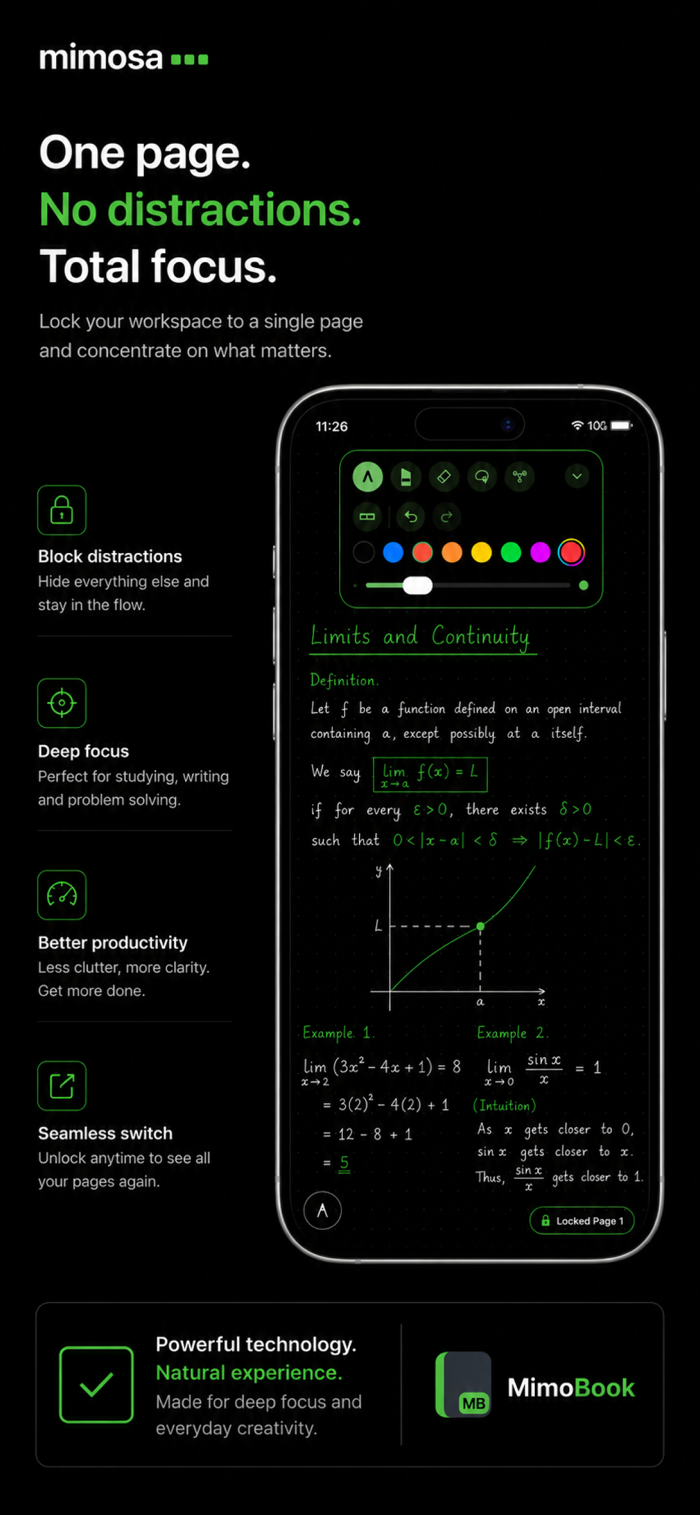
mimosa is a PDF reading and annotation app that lets you mark up, highlight, and take notes on lecture notes, scanned books, articles, and exam papers with Apple Pencil. Built for focused, distraction-free work — one page at a time.
Key features:
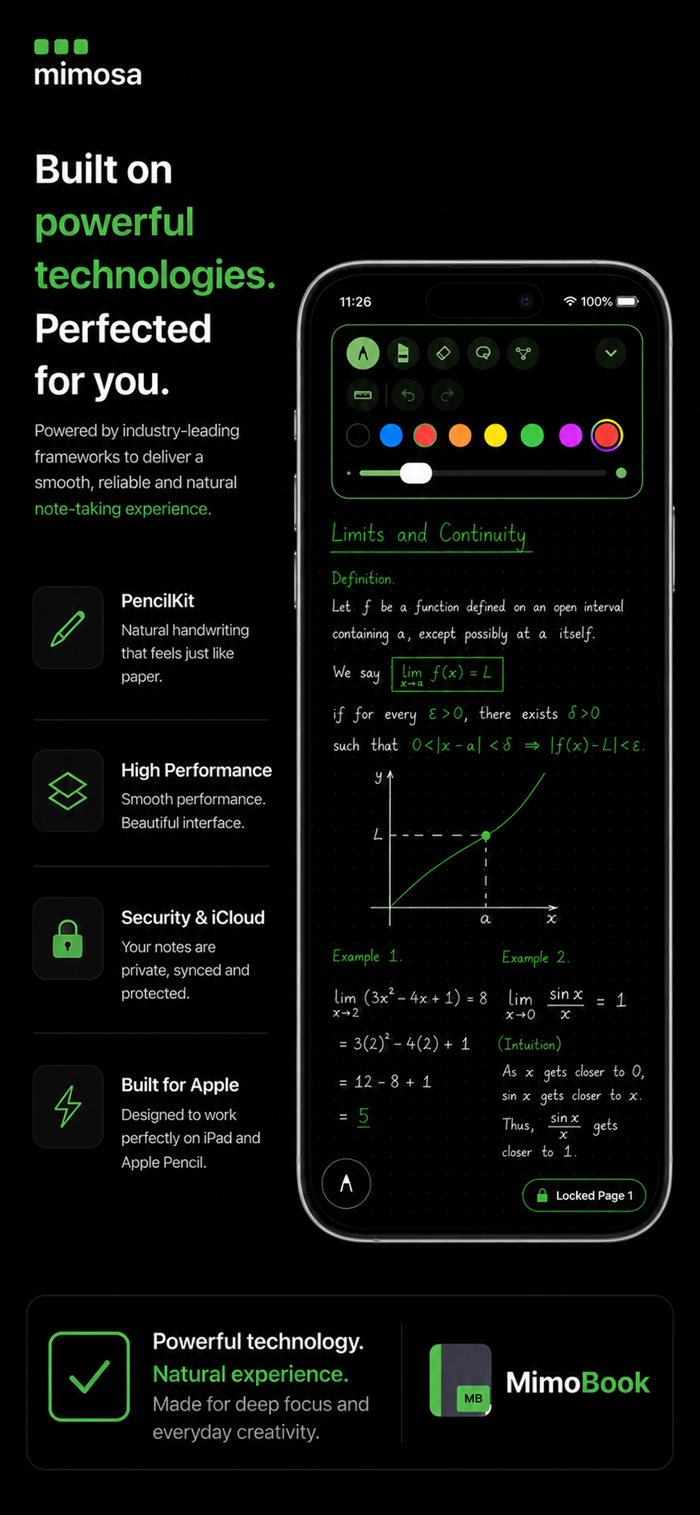
Natural Apple Pencil drawing and handwriting
Keep your PDFs organized in folders
MimoBook: create a blank digital notebook from scratch
Locked Page: a distraction-free mode that focuses on a single page
Export your annotated PDFs
iCloud sync across your devices
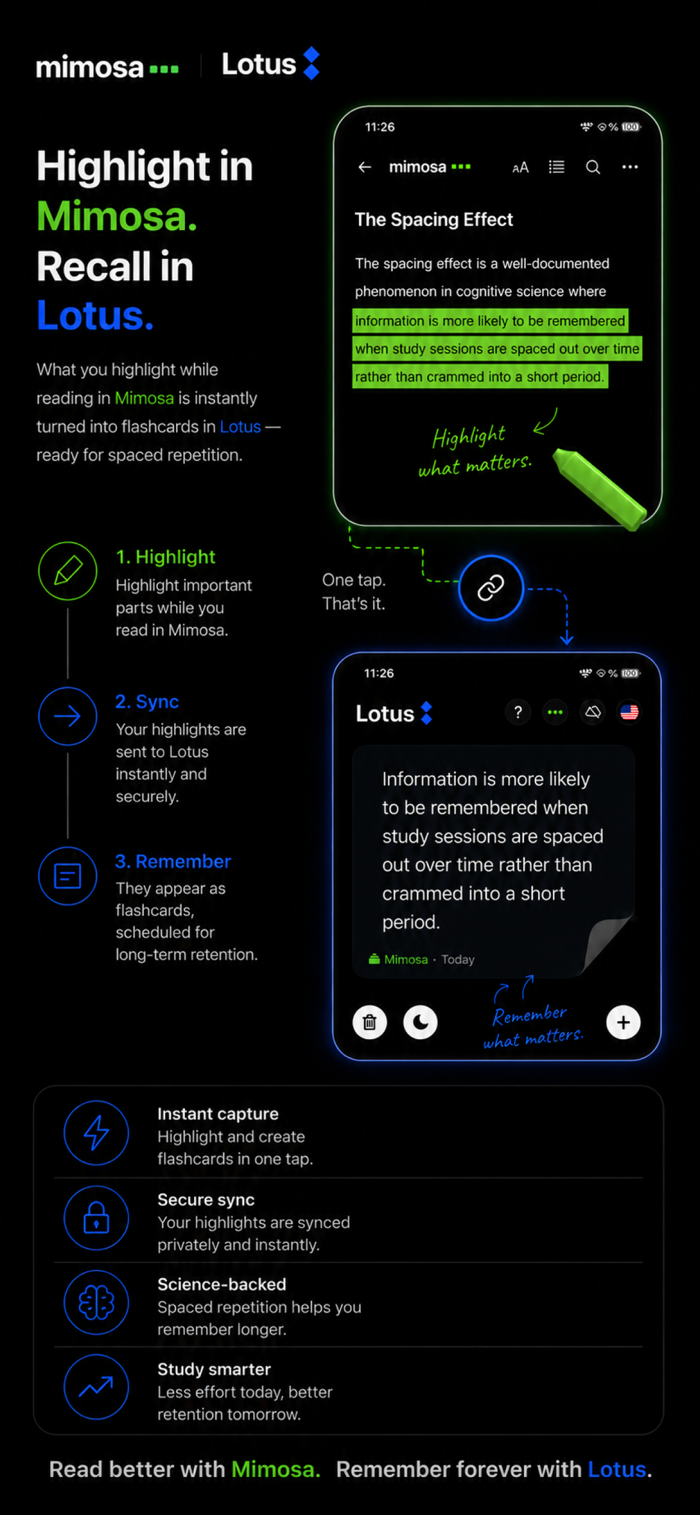
Lotus integration:
Anything you highlight in mimosa is automatically sent to Lotus (a spaced-repetition flashcard app) — highlight it, review it, remember it.
Free: Viewing, importing, folders, Locked Page, PDF export.
mimosa Pro: Unlimited Apple Pencil writing and drawing, MimoBook, and every future premium feature. Available as a weekly subscription or a one-time lifetime purchase.
Built out of a student's own need — for a note-taking experience that actually helps.
Terms of Use (EULA): https://www.apple.com/legal/internet-services/itunes/dev/stdeula/
Privacy Policy: https://ymelihbozgeyik.github.io/mimosa-support/privacy/


 +100宝石


 分享
分享










用户评价
立即分享产品体验
你的真实体验,为其他用户提供宝贵参考
💎 分享获得宝石
【分享体验 · 获得宝石 · 增加抽奖机会】
将你的产品体验分享给更多人,获得更多宝石奖励!
💎 宝石奖励
每当有用户点击你分享的体验链接并点赞"对我有用",你将获得:
🔗 如何分享
复制下方专属链接,分享到社交媒体、群聊或好友:
💡 小贴士
分享时可以添加你的个人推荐语,让更多人了解这款产品的优点!
示例分享文案:
"推荐一款我最近体验过的应用,界面设计很精美,功能也很实用。有兴趣的朋友可以看看我的详细体验评价~"
关注 Mergeek 公众号
领奖遇到问题?联系小门助手