Your iPhone photos, stored in your own hard drive. Backup to USB drive / SSD / external hard drive - no AmberTime cloud, no account needed, one-time purchase.
[App fully supports Chinese]
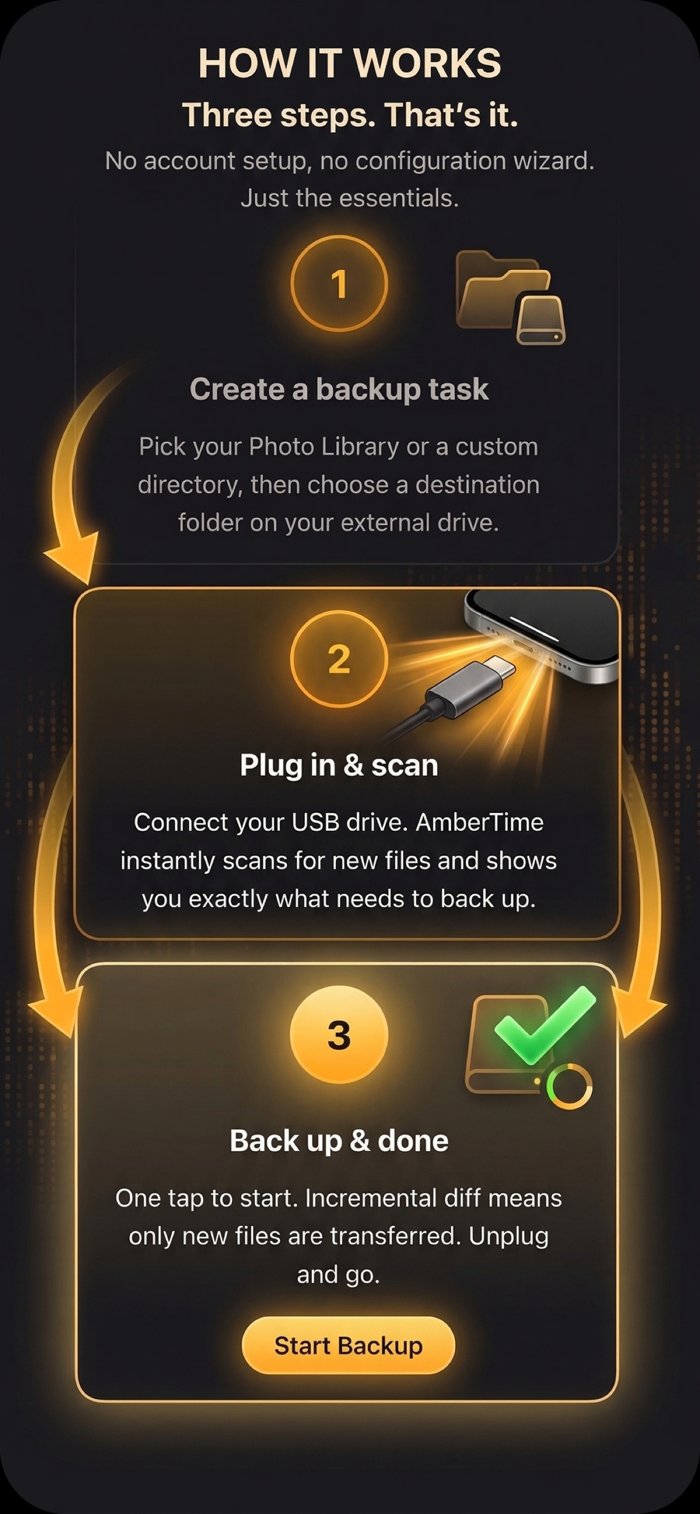
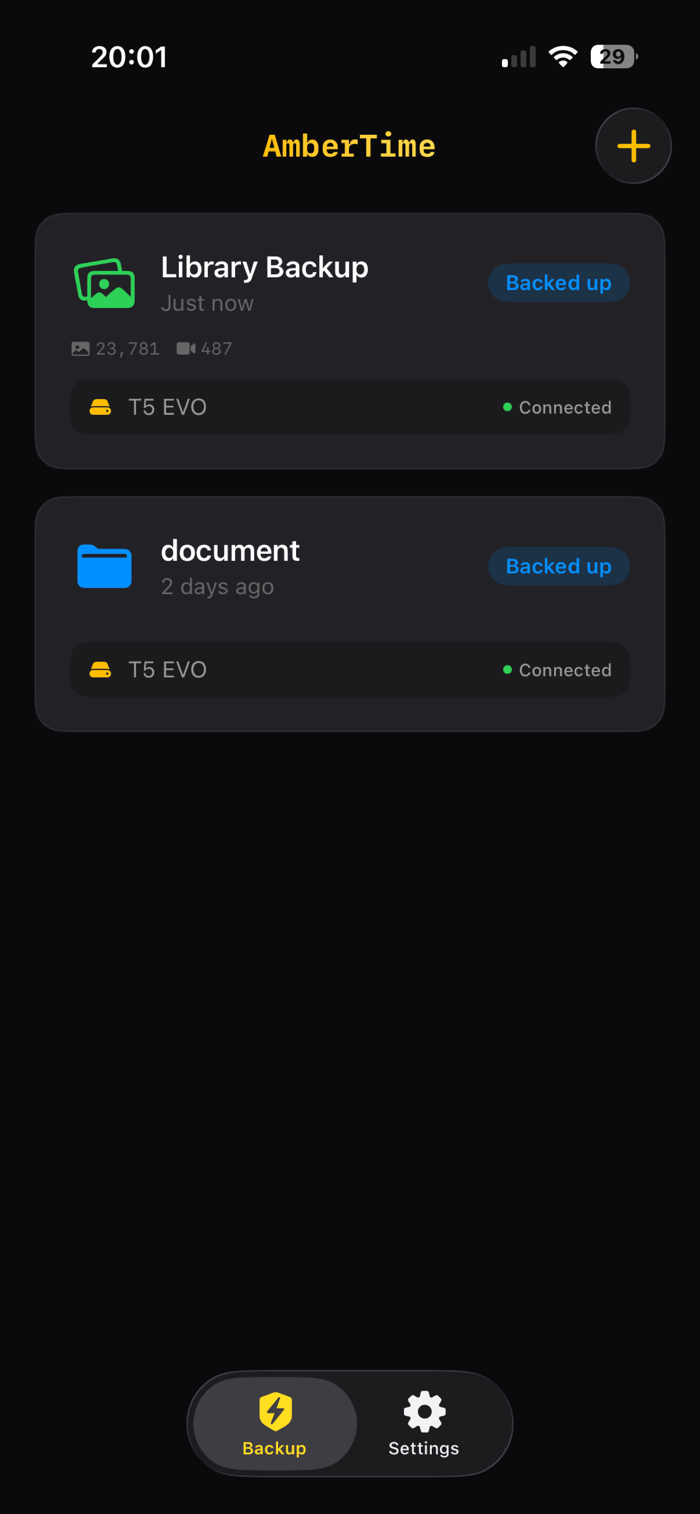
AmberTime can directly backup your system photo albums and custom folders to USB drives and external storage devices - completely offline, zero cloud dependency.
Whether it's the precious memories accumulated over years in the Camera Roll or the important documents in custom folders, AmberTime can help you securely save them to physical storage that you own and control.
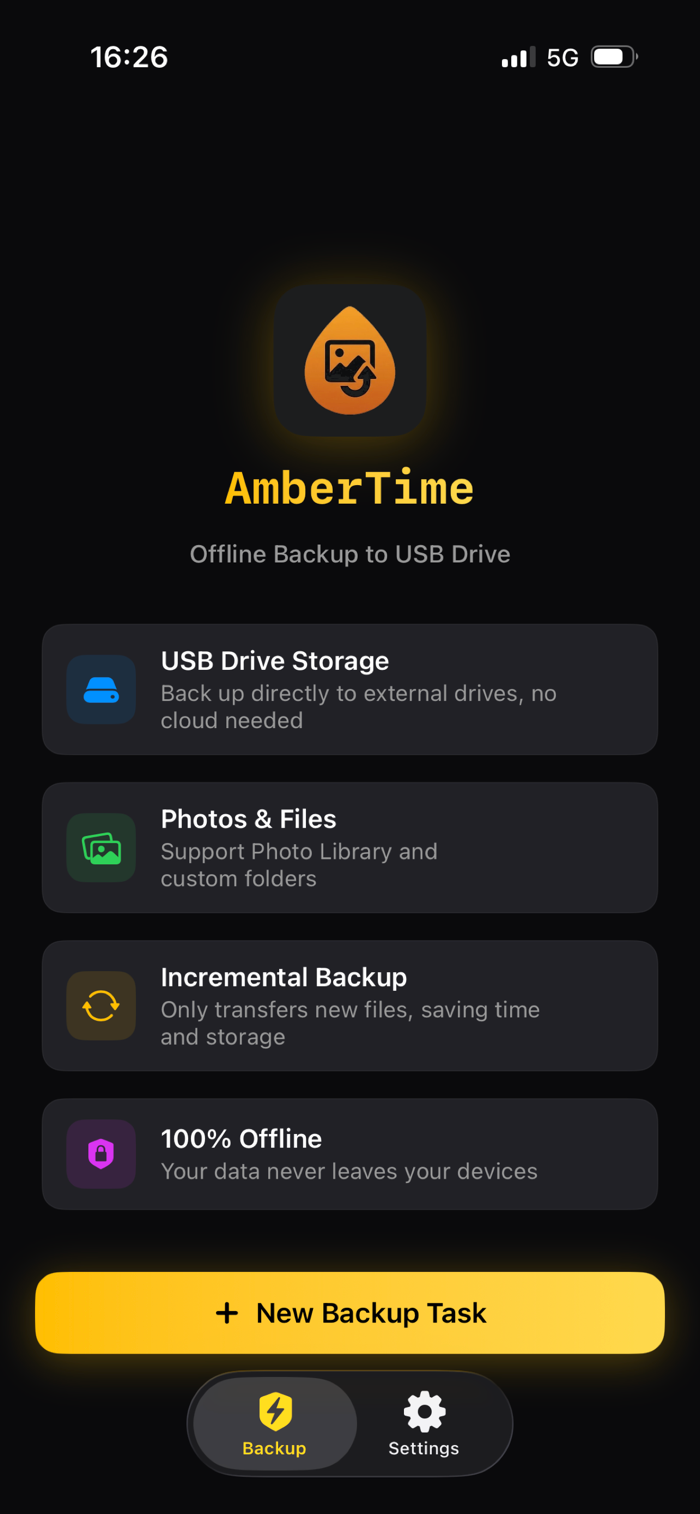
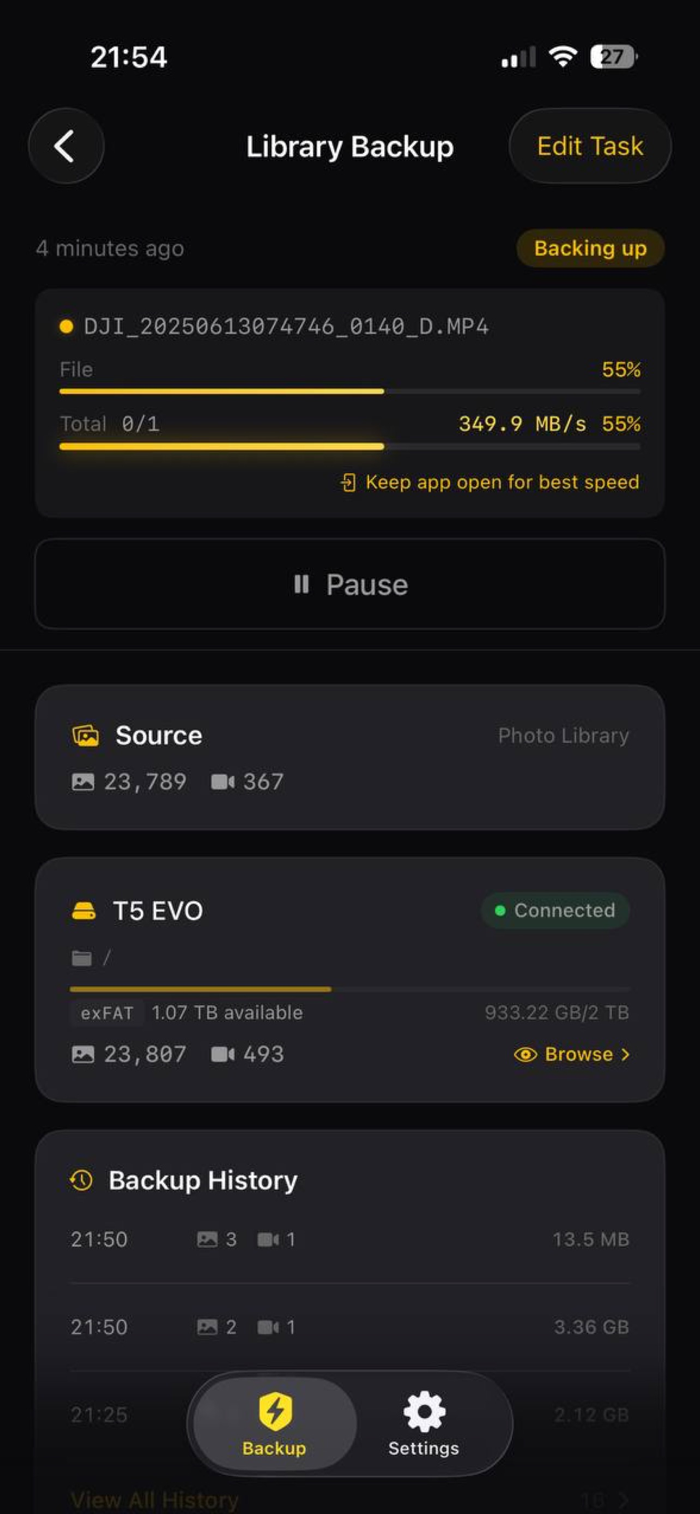
▸ Incremental backup
Only transfer newly added and changed files each time. No duplicate copies, no wasted time - fast and efficient backup, continue from where it was interrupted last time.
▸ USB drive and external storage
Insert a USB drive, external SSD or portable hard drive to directly backup. No need to register an account, no need to upload to the cloud, no ongoing fees at all.
▸ System photo album + custom folder
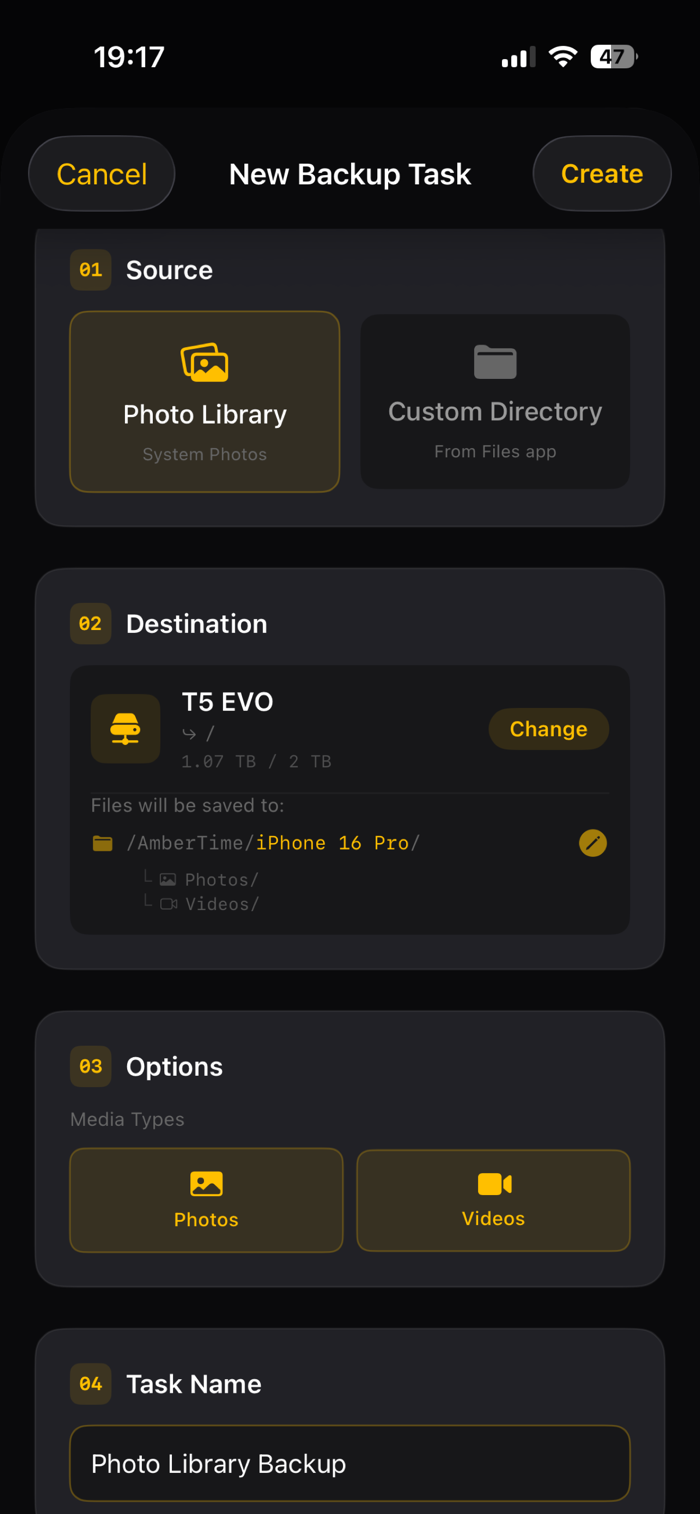
Backup the entire system photo album (photos, videos, Live Photos, HEIC, MOV) or select any folder on the device. Manage the backup in your own way.
▸ Complete media backup
All resources of each photo are backed up as a whole - including HEIC images and their paired MOV Live Photo components, no content left out.
▸ 100% offline and private
Your data will never pass through any servers. No network connection required. The data on the device stays only on the device - only go to where you choose.
▸ Smart and reliable
• Streaming, 4 MB block read and write - extremely low memory usage
• Auto pause and resume - stop at any time and continue from where it was interrupted
• Support FAT32 / exFAT / APFS formats
• Run in the background - continue backup while using other apps
▸ Amber PRO (one-time purchase)
One-time purchase unlocks unlimited file backup - no subscription needed. Includes a free version to help you get started quickly.
Suitable for:
• Photography enthusiasts who want to archive …