INTRODUCTION产品介绍
NOMO RAW is a professional camera app from the NOMO family. It will bring you the professional shooting capabilities of ProRAW photos, the full process of 16-Bit image processing, and the color matching solutions from professional cameras.
* As long as you are a subscriber of NOMO PRO membership, you can use all the functions in the NOMO RAW app - yes, it's completely free. Thanks to all users for their long-term support for us and NOMO PRO membership.
* If you are a new user, we offer two options for monthly and annual payments, and you can choose according to your budget.
The following are some of the wonderful features of NOMO RAW.
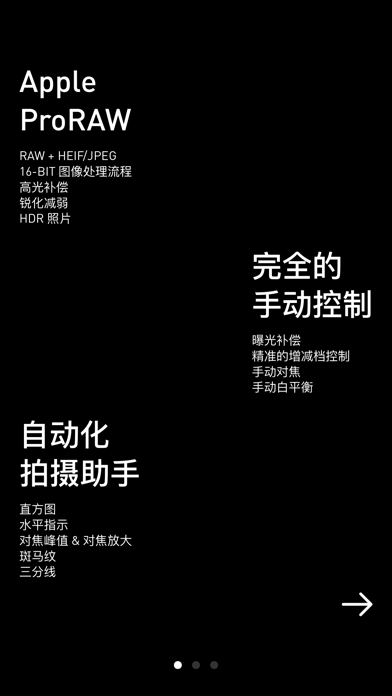
* 16-Bit image processing process: Although on iOS, we can only store 8-Bit final colors in HEIF and JPEG compressed images, before the final save, NOMO RAW uses a full 16-Bit process to maintain the color depth of ProRAW and improve the final imaging effect on this basis.
* Imaging improvement: Starting from ProRAW, NOMO RAW can further remove defects on mobile phone photos, including oversharpening, brightness noise, lack of details, etc.
* Color scheme: After calibrating the 12-Bit ProRAW images with some professional cameras, you can choose your favorite visual style before taking pictures. The color preview is real-time and the image processing is very fast. Give it a try.
* HDR photos: On Super Retina displays, Super Retina XDR displays, and Liquid Retina XDR displays, the highlight parts of HDR photos will be extremely bright, that is, on Apple devices with HDR playback capabilities, you will see incredible contrast.
* RAW + HEIF/JPEG: To simplify your file management process, you can choose to store RAW and HEIF/JPEG images in one file or multiple files. At the same time, you can also turn off the saving of RAW and compressed images respectively.
* Compression ratio management: Low, medium, high. Now you can save compressed images larger than those taken by the built-in iOS camera, or save smaller images to save storage space.…