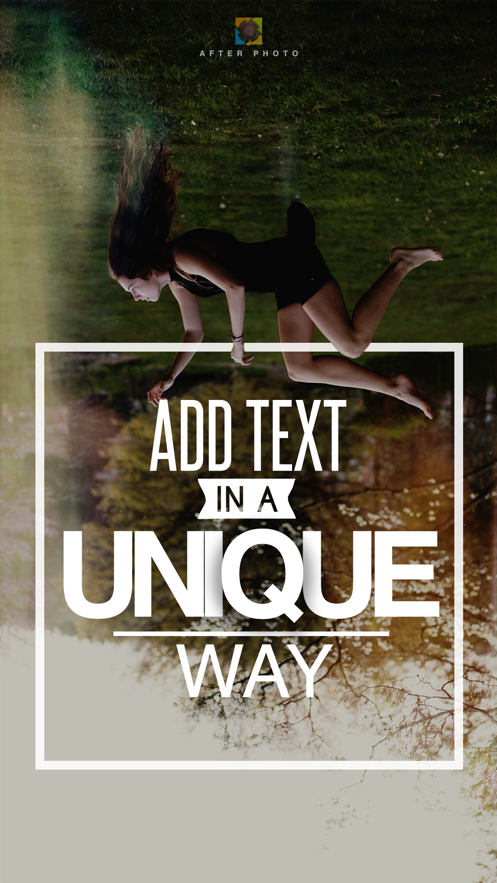
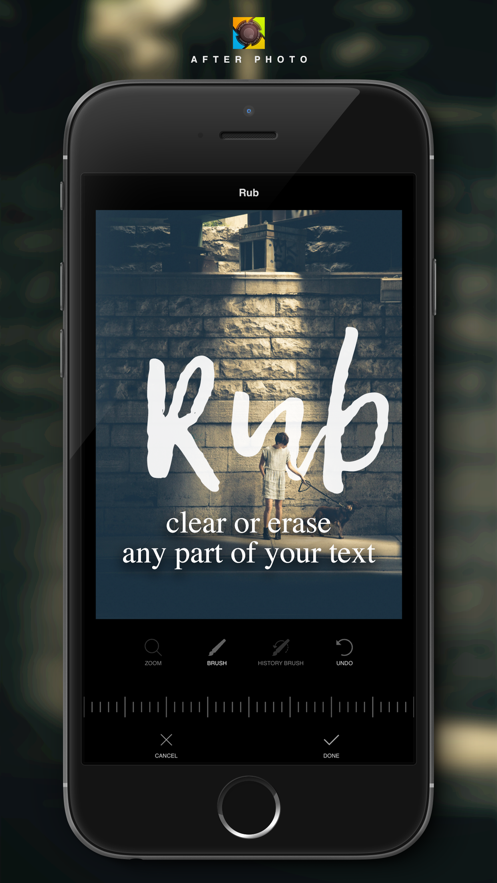
A unique way to add text, artwork, beautiful message, apply effects and filters over your pic.
Making torn text, text behind object, broken text, text with color, shadow, and let your creativity limitless.
UNIQUE FEATURE
◉ Rub It Out
An awesome unique feature, combined with 2 kind of brush, one is for erase part of your photo, one is history brush for redrawing it. Combining with Undo and Zoom, they will let you do many amazing things with your text:
- Text behind object.
- Broken text.
- Torn text.
- Create many type of text art based on your Rub.
- And more depend on your imagination.
MORE FEATURES
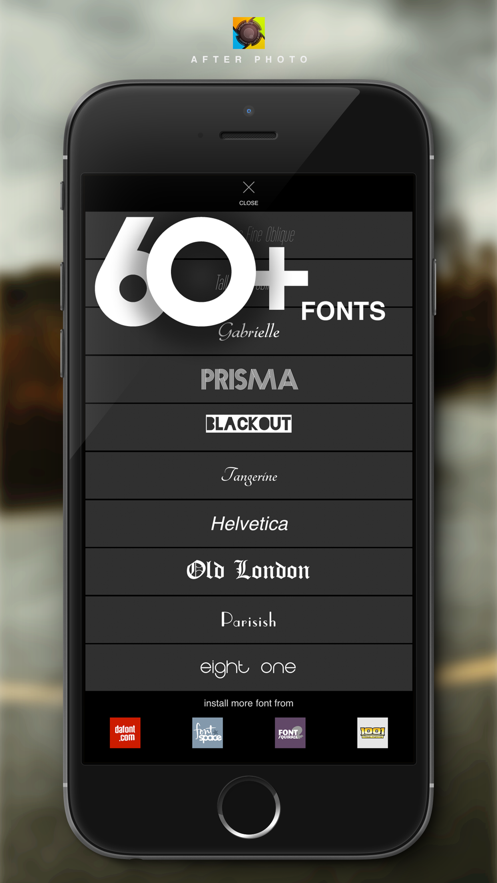
◉ Typography
- Collection of wonderful fonts
- Customize your app with your favorite fonts by installing more fonts from many font websites.
◉ Advanced Text Editor
- Easily resize, rotate, move the text.
- Customize text color, stroke color, stroke size.
- Add shadow and glow your text with custom shadow color, blur shadow.
- Change text style with alignment, caps type, kerning.
- Adjust the opacity or your text.
◉ Layer-based Management
- Easily to manage multiple text layers.
- More feature will be update to this feature to bring you more convenience and more ability to creative.
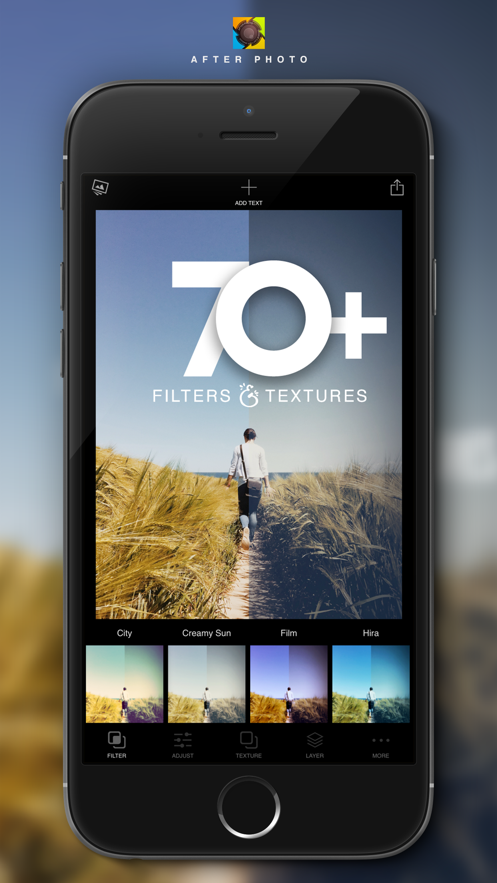
◉ Photo Filters & Textures
- Stunning photo filters and textures.
- Adjust intensity of each filter and texture for difference results.
- More effects will be added later for making awesome work.
◉ Adjustment and Photo Editor
- Crop your photo.
- Adjust brightness, Exposure, Contrast, Warmth, Saturation, Vignette, Highlights & Shadows, Blur, Tint, Fade
- More adjustment will be added.
◉ Save and Share your photo to your favorite Social Network or send it to your friend via Facebook Message, iMessage, Email.
If you cannot access your Camera Roll, please open your device's settings, then choose General --> Restrictions --> Photos --> and make sure you allow After Photo access your photos.
Keep in touch with us for more tips, tricks, inspirations or even some help and feedback
F…