INTRODUCTION产品介绍
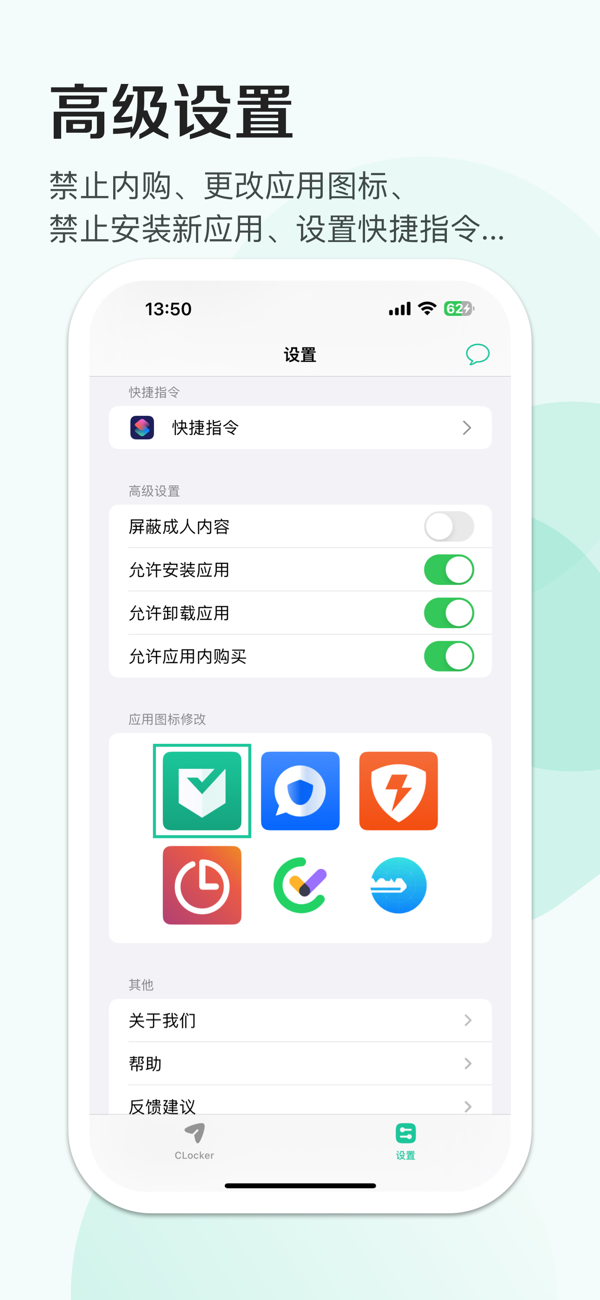
CLocker is a professional screen time management and control application, and also a professional assistant for parents to manage their children's mobile phones. Whether it is downloading applications, in-app purchases, or adult content, it can be prohibited with one key, effectively improving the efficiency of learning and work.
-------------------Feature Highlights-------------------
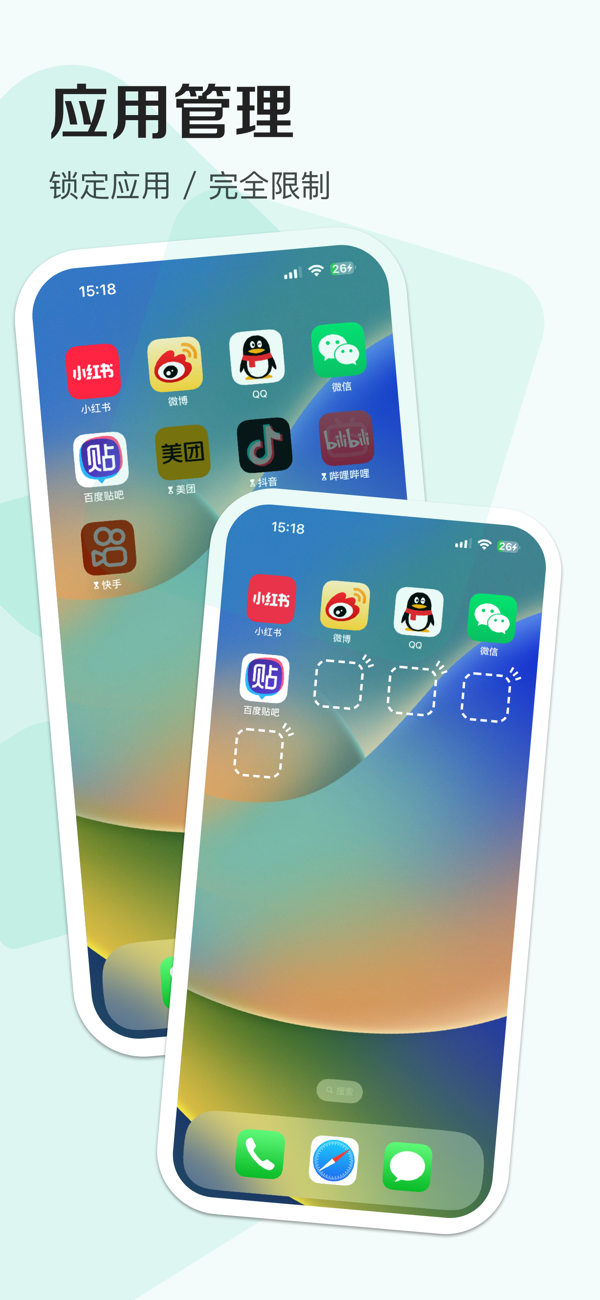
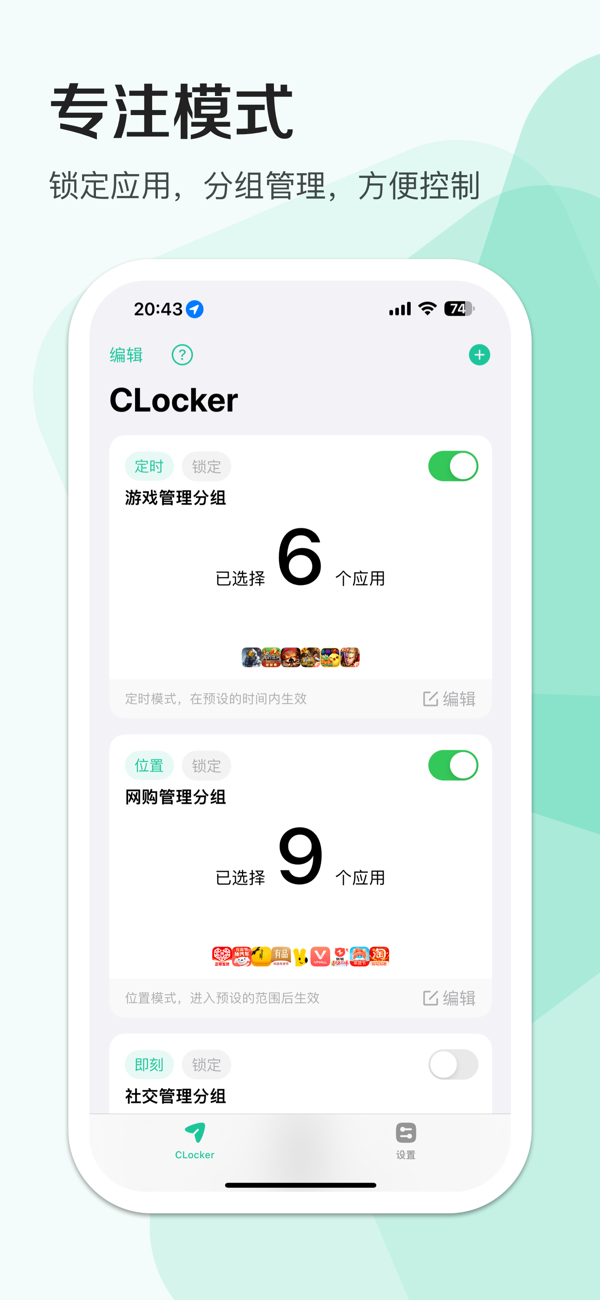
【Focus Mode】Enable the focus mode and you can select the corresponding "locked" applications.
【Locked Applications】The app will still remain on the desktop, but the icon will become dim, and when opened, it will not enter the app's own interface but display a locked screen interface.
-------------------Grouping-------------------
【Group Management】Multiple apps can be added to one group, and one app can also be added to multiple groups at the same time. Each group can be set with different types, and there are 4 types in total: "Instant", "Scheduled", "Duration", and "Location", making the activation of the focus mode more customizable.
-------------------Group Types-------------------
【Take Effect Immediately】This type enters the focus mode immediately after activation and exits the focus mode immediately after deactivation.
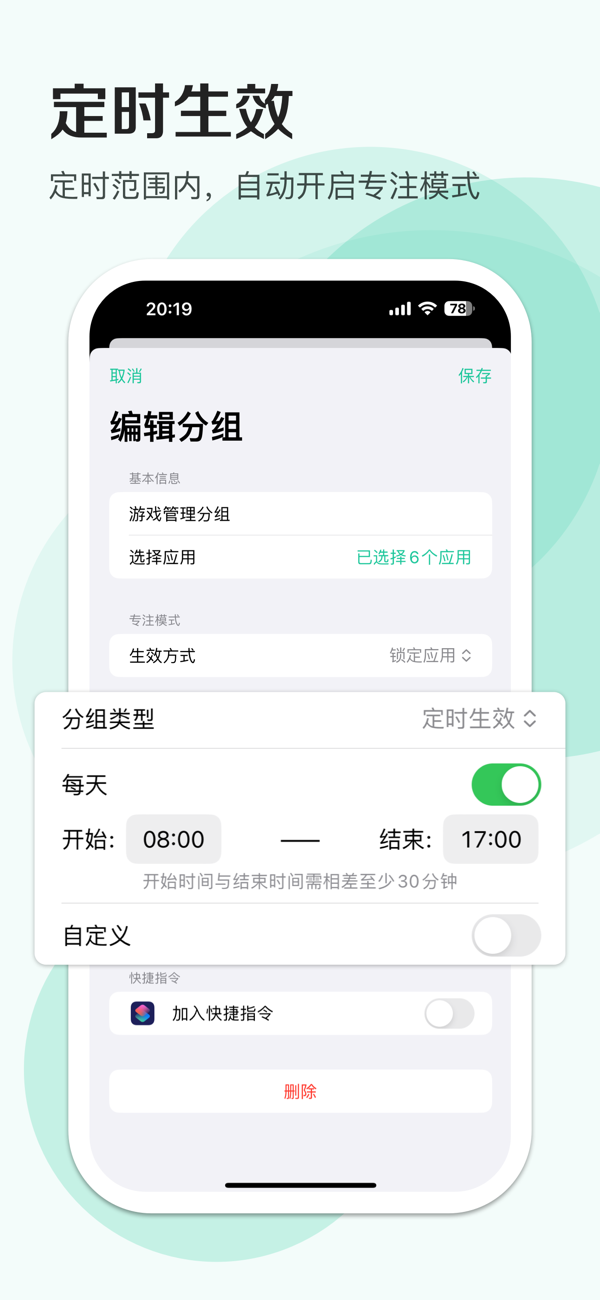
【Take Effect at Scheduled Time】This type enters the focus mode within the set time range and exits the focus mode outside this time range. —— (For example, set the focus mode to take effect from 8:00 to 17:00 every day from Monday to Friday)
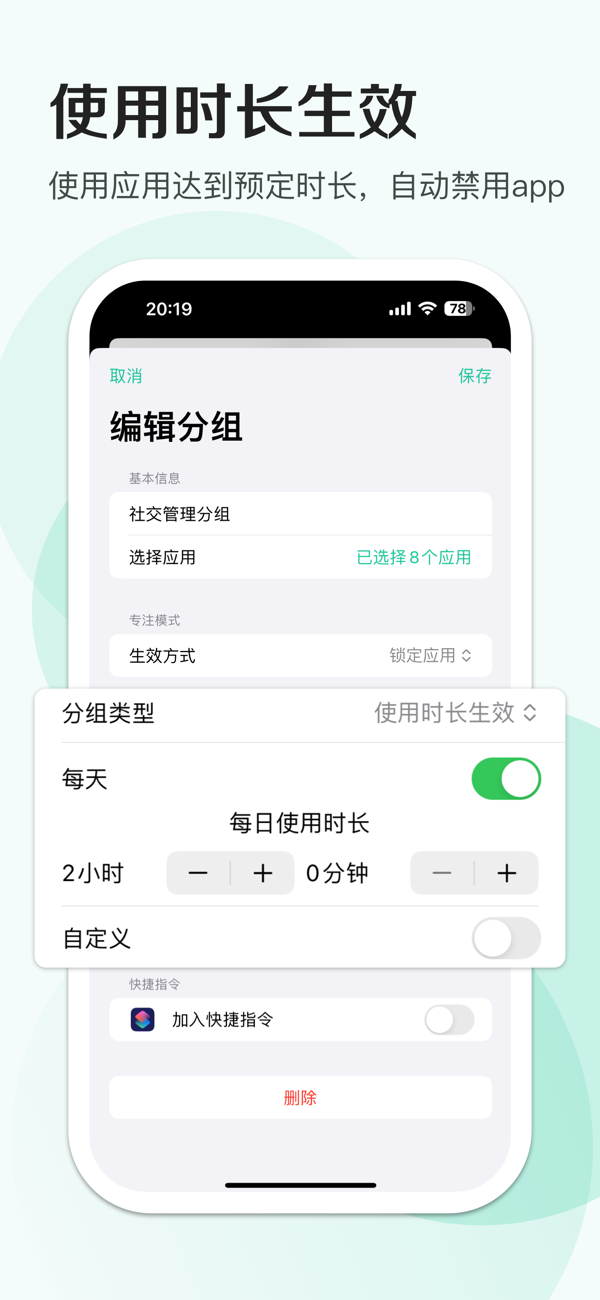
【Take Effect Based on Usage Duration】This type enters the focus mode after using the apps in the group for the set duration, and the usage duration is reset at zero o'clock every day. —— (For example, set the game playing duration to 2 hours, and when the duration is exceeded, it will automatically enter the focus mode and lock the game)
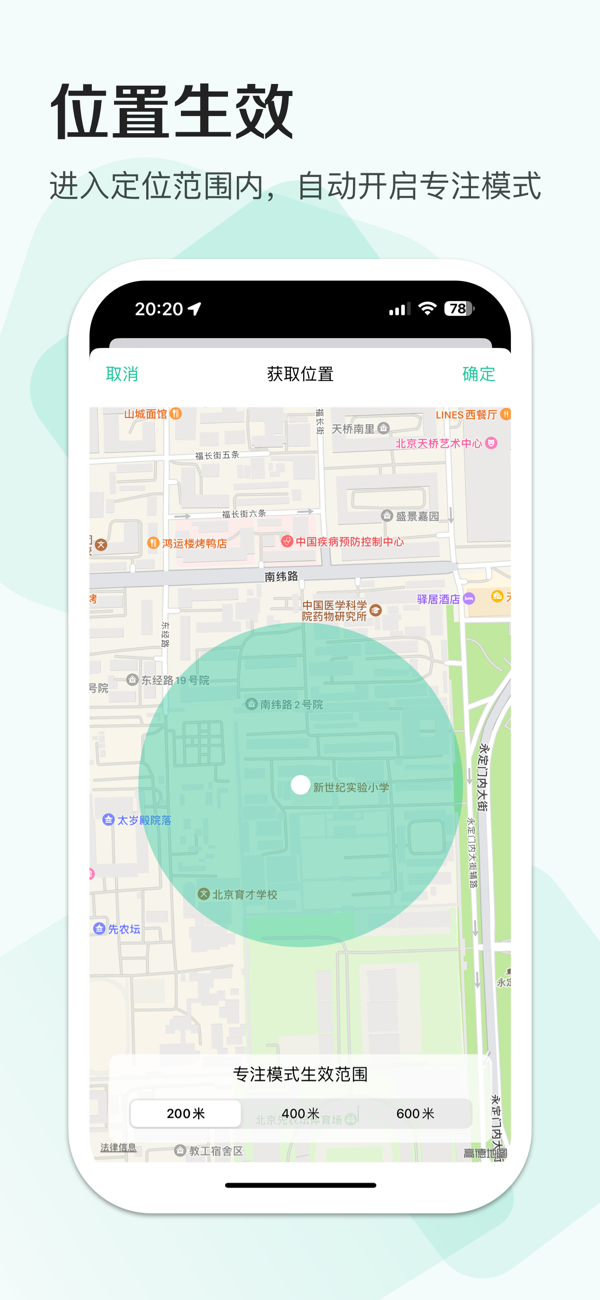
【Take Effect Based on Location】This type enters the focus mode within a certain range of the located place and exits the focus mode when leaving this range. —— (For example, set the locati…