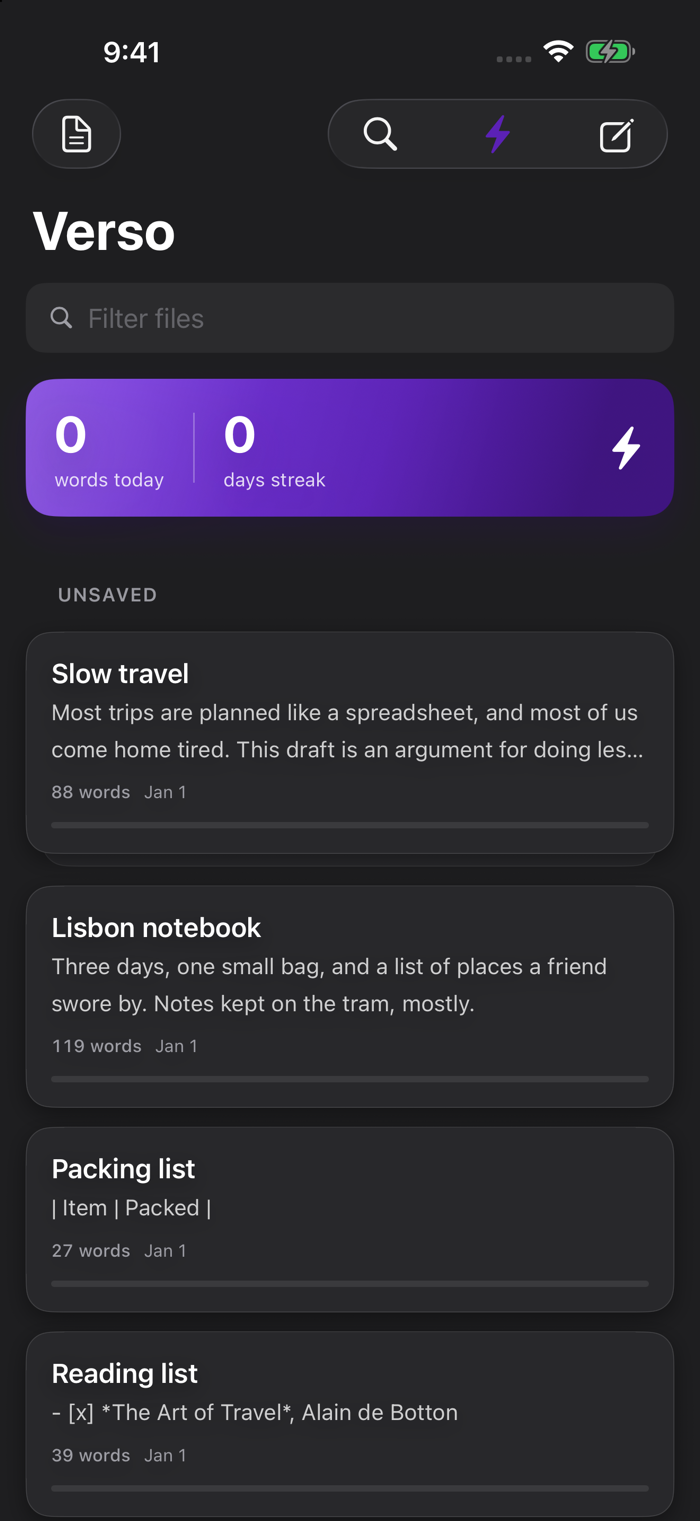
Verso is a markdown editor for people who want their writing to stay in plain files.
Everything you write is a normal .md file. Keep it in a folder on your device, in iCloud Drive, or anywhere the Files app can reach. Open that folder in Verso and your documents are there. Open the same files in another app and they still work. Nothing is locked inside Verso.
GETTING STARTED
Tap New Document and start typing. You do not have to choose a location first. Verso keeps the draft safe as you write, and you can save it into a folder when you are ready. Or open a folder you already have, and Verso lists every markdown file in it, most recent first.
Switch between Edit and Read with one tap. Read shows your headings, lists, tables, quotes and links the way they look when you share them.
ON MAC
Work in tabs, each with its own undo history and scroll position. Find and replace with plain text or regular expressions. Sort lines, remove duplicates, hard-wrap, change case and more with one command. Focus mode dims everything except the sentence or paragraph you are writing. Export to PDF or a single HTML file.
ON IPAD
The same sidebar, tabs and reading view as on Mac, sized for touch. Attach a keyboard and the shortcuts you know from Mac work here too.
ON IPHONE
Your documents appear as a stack of cards showing the first lines and a word count. Open one and you land at the end, ready to type. Momentum mode keeps you moving forward: you can fix the paragraph you are in, and earlier paragraphs wait until you turn it off. Point the camera at a printed page to add its text to your note. Send text from Safari, Notes or Mail to Verso with the share sheet. Add a widget for the words you wrote today, or a Control Center button that opens a new paragraph.
SEE HOW YOUR NOTES CONNECT
Link one note to another with [[double brackets]] or a normal markdown link. Galaxy view draws those links as a map, so you can see which notes hold a project together and which stand on their own.
PRI…