



ben rice mccarthy
Manual Controls, ProRAW, Video
- Creator
- Ben McCarthy
- 平台
- iOS
Obscura 4是功能丰富的相机应用,将强大功能融入简单控制,界面美观且直观。能拍摄照片、视频、Live Photos和肖像,支持多种格式与纵横比,可实时应用滤镜。能控制曝光、对焦等相机设置,还可显示网格等查看选项。拥有独特照片库界面,与系统照片库完全集成。可免费使用,高级功能通过年度订阅获得。

Manual Controls, ProRAW, Video
Obscura 4是功能丰富的相机应用,将强大功能融入简单控制,界面美观且直观。能拍摄照片、视频、Live Photos和肖像,支持多种格式与纵横比,可实时应用滤镜。能控制曝光、对焦等相机设置,还可显示网格等查看选项。拥有独特照片库界面,与系统照片库完全集成。可免费使用,高级功能通过年度订阅获得。
点击查看界面细节

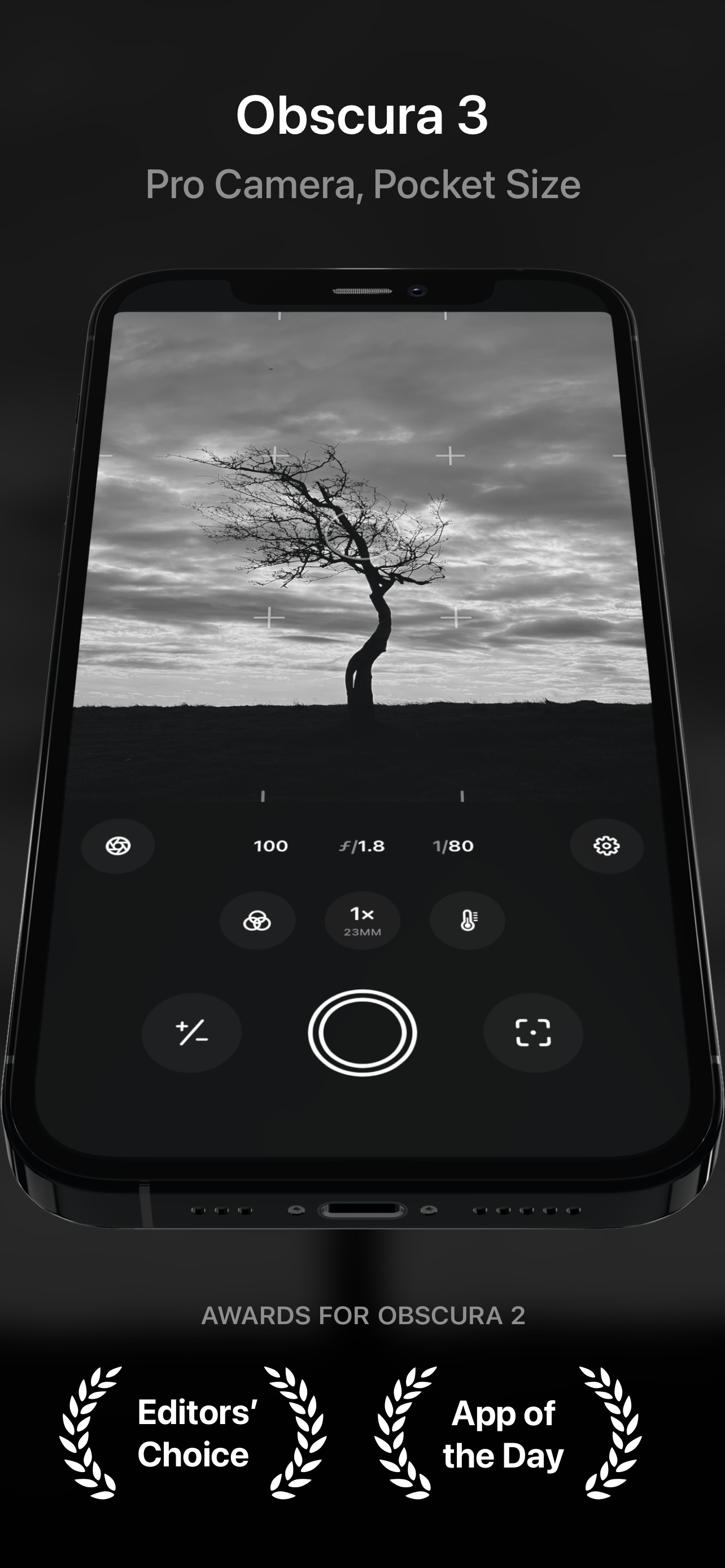
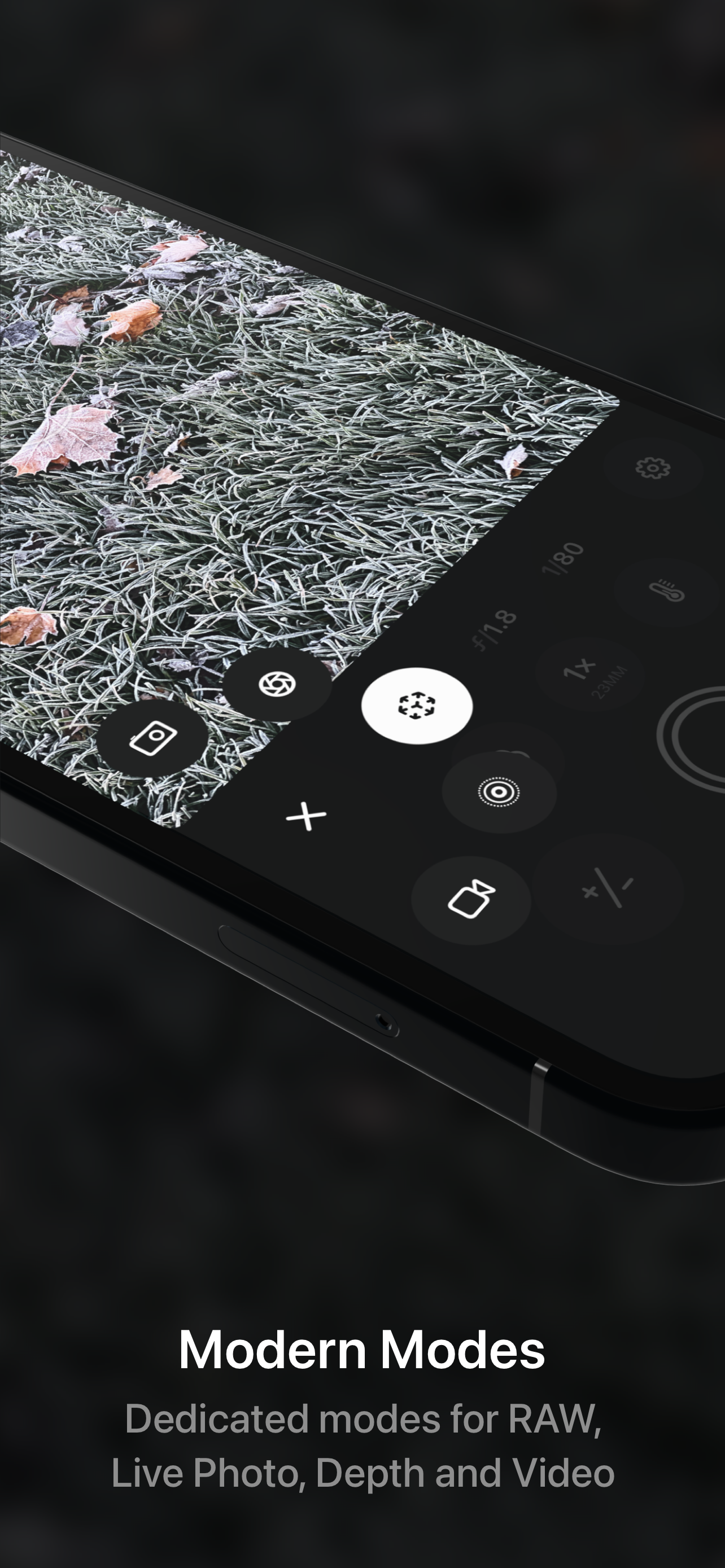
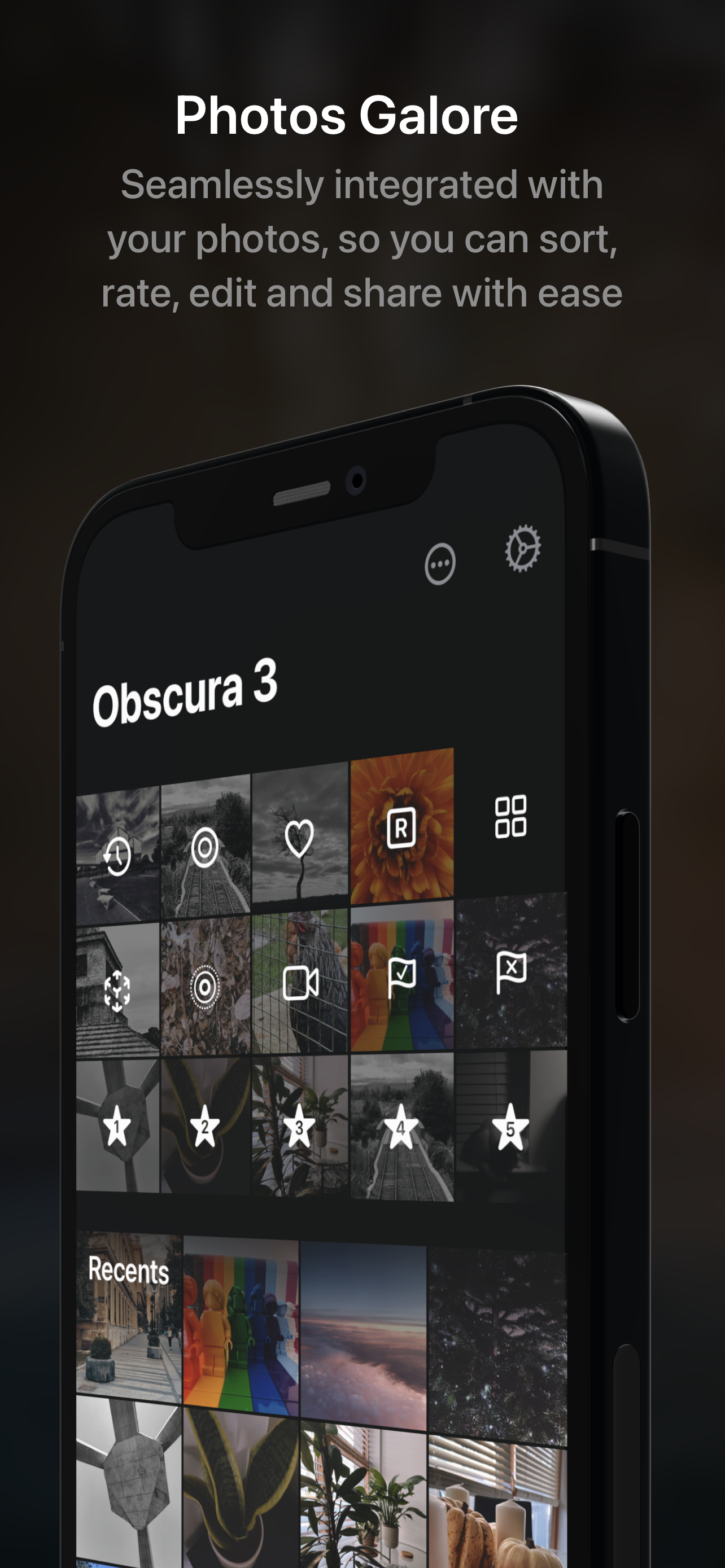
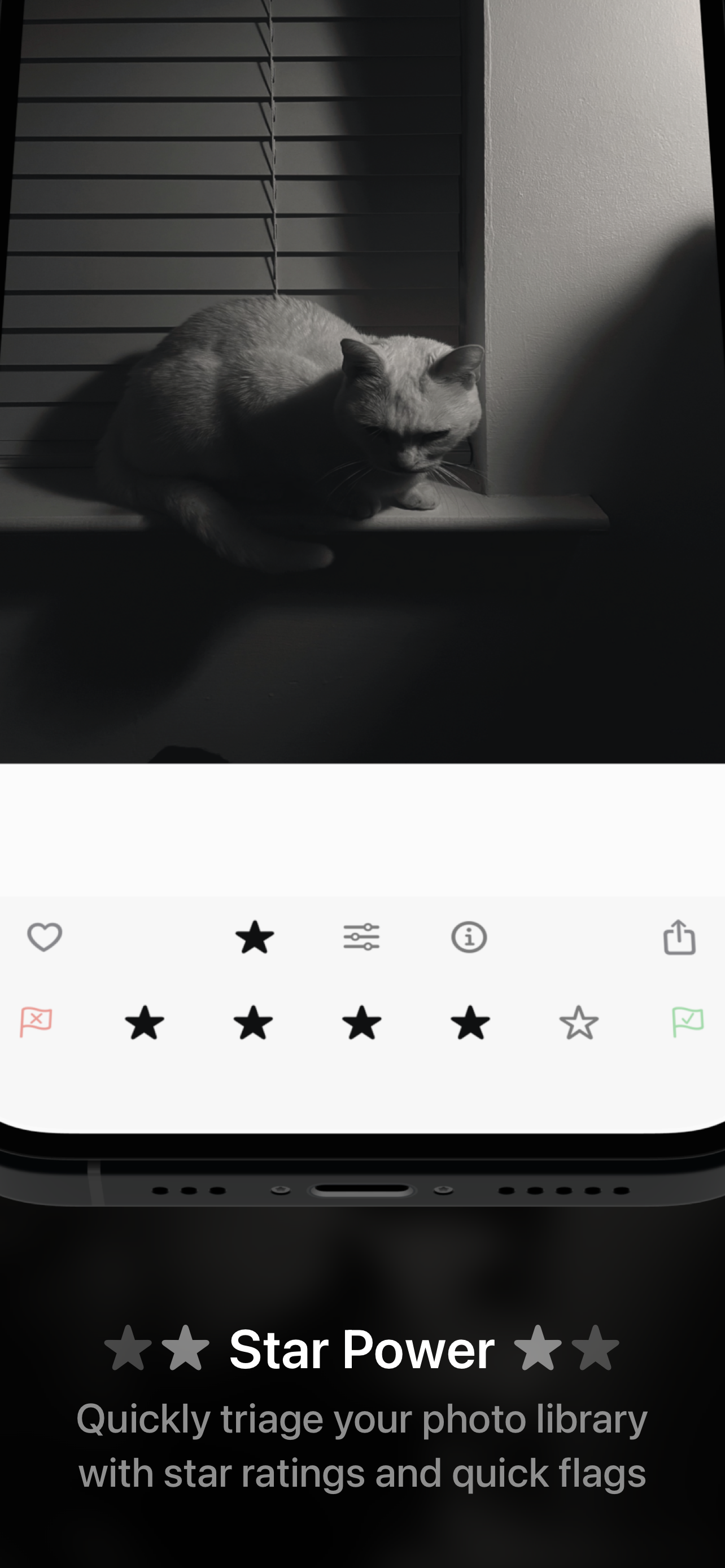
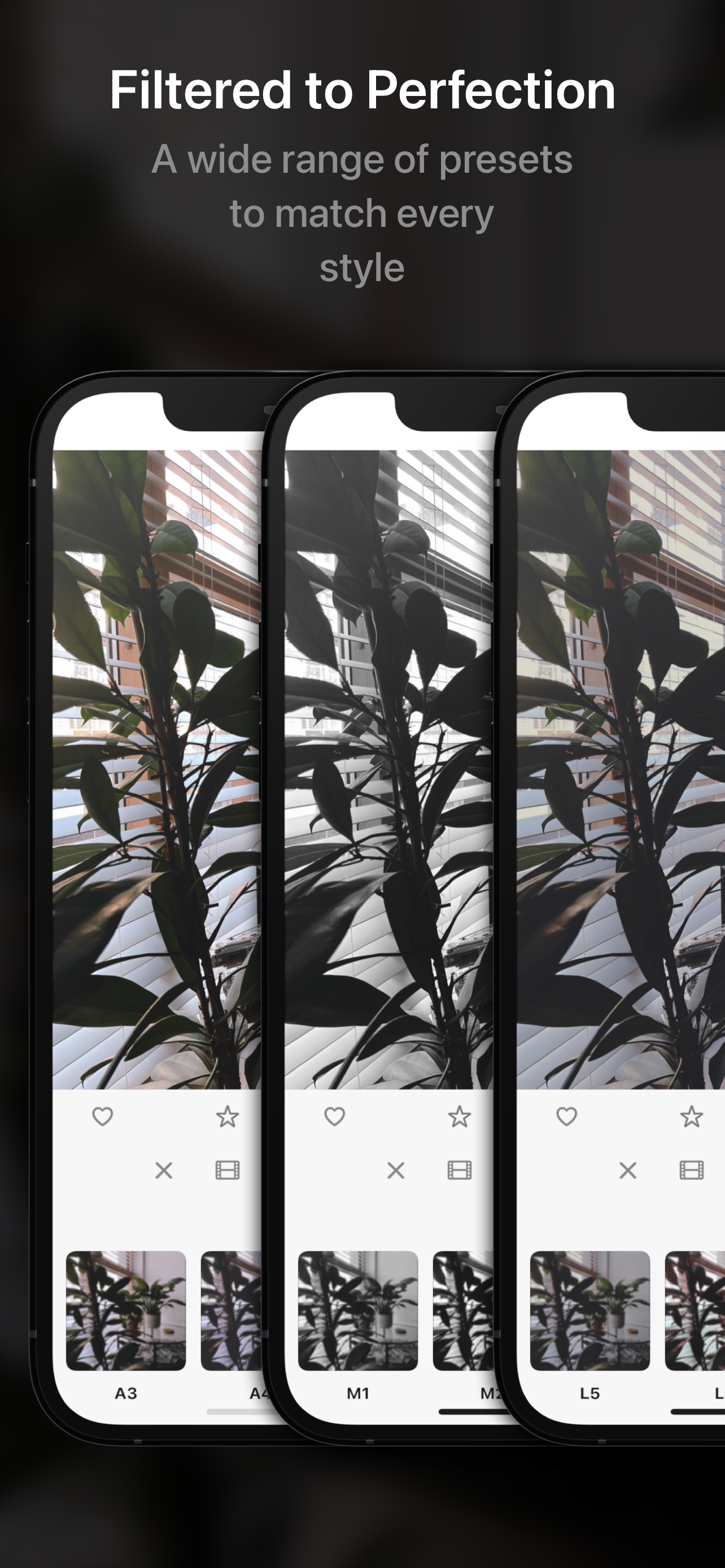
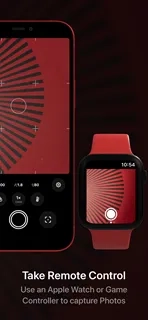
Obscura 4 is a feature-rich camera app that helps you take incredible photos. Obscura combines stunning design with intuitive controls to make taking photos a pleasure.
—
Over 8 years on the App Store, Obscura has been lauded globally many times, including being named Editor's Choice and App of the Day.
—
Design
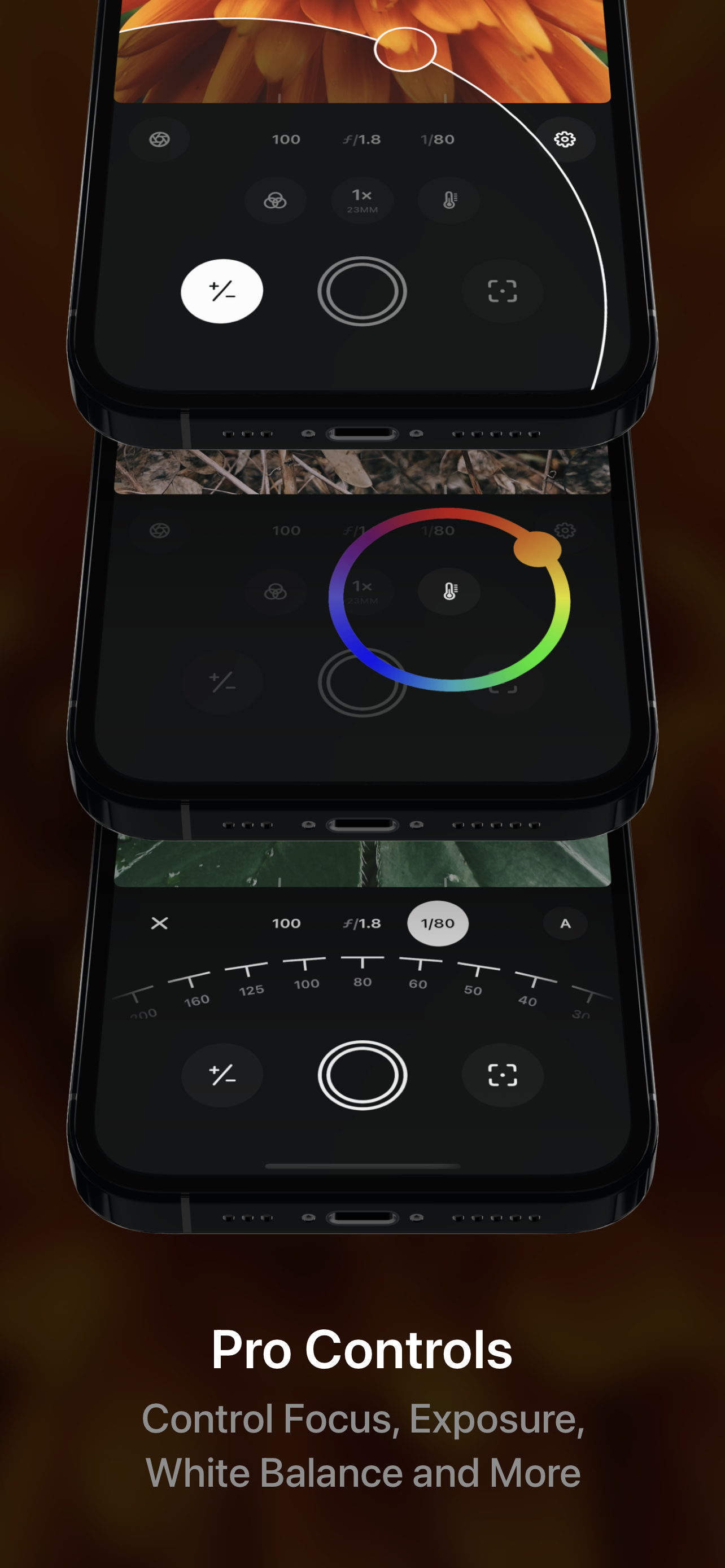
Obscura incorporates numerous powerful features into simple controls that anyone can easily master. The interface balances aesthetics, ergonomics, and intuitiveness. You won't want to use any other tool. The controls are reachable with one thumb, and gestures and haptics are combined to create a tactile experience that allows you to focus on your subject.
—
Shooting Modes & Formats
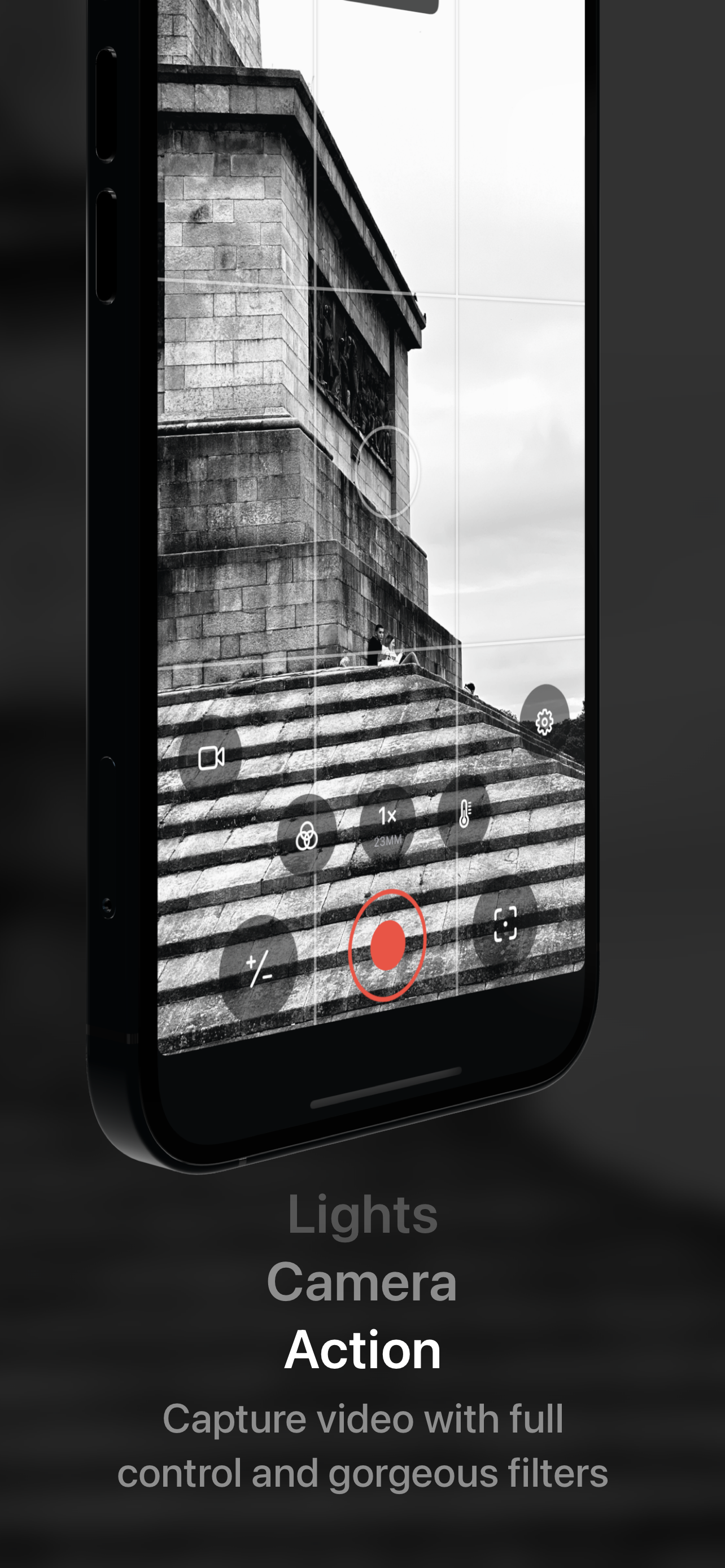
Obscura can take photos, videos, Live Photos, and portraits. Photos can be taken in RAW, ProRAW, HEIC, and JPEG formats (only available on supported devices, see http://obscura.camera/compatibility).
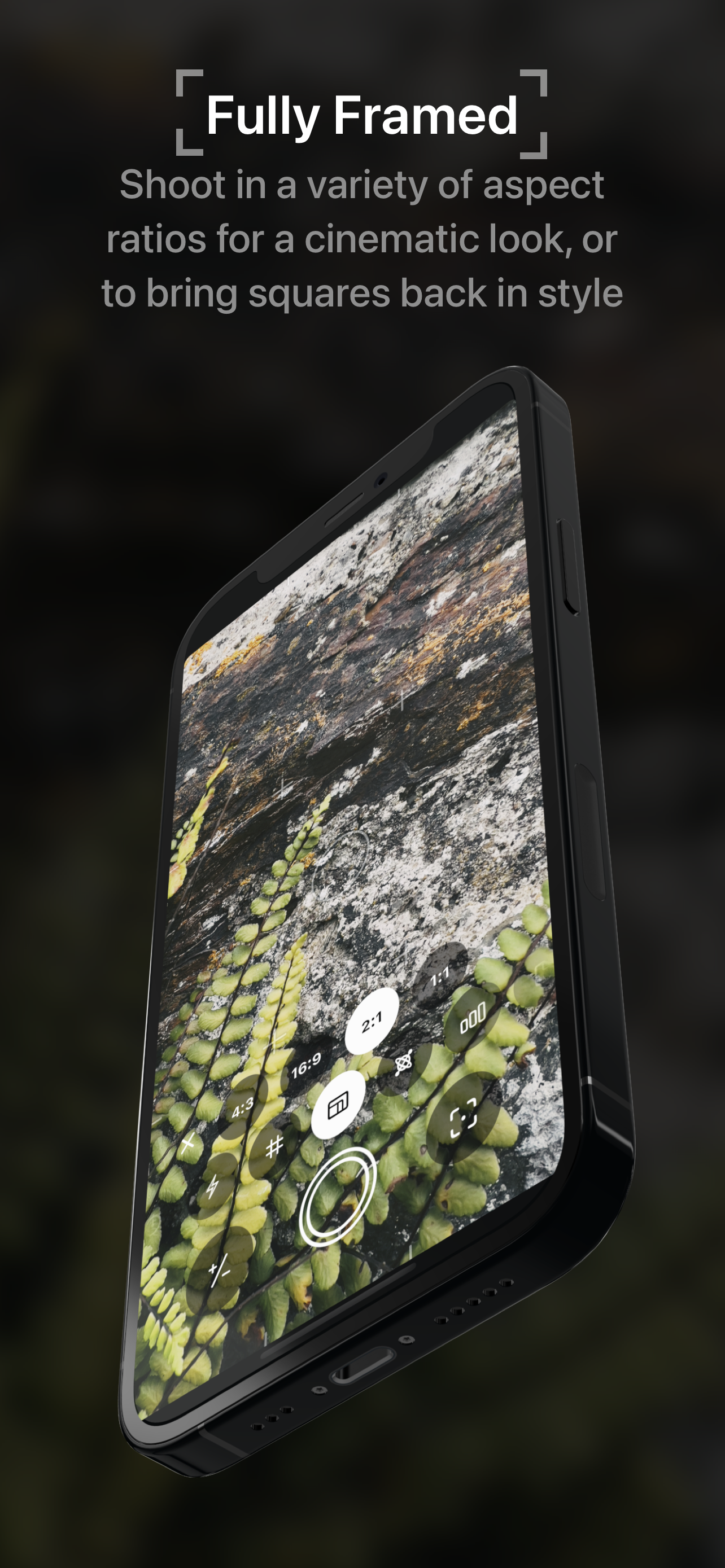
Images can be captured in a variety of different aspect ratios, or filters can be applied in real-time in the camera for a variety of styles.
—
Camera Settings
Obscura can control exposure, focus, white balance, ISO, shutter speed, and flash, with intuitive controls that make you feel in control of your device's camera.
—
Viewing Options
Obscura can display grids, level meters, histograms, focus peaking, focus amplifiers, and exposure clipping highlights to help you understand every detail of your shot.
—
Photo Library
Obscura has a unique interface for browsing, rating, editing, and sharing images, but it is fully integrated with your system photo library, so images taken with Obscura can be used anywhere.
—
Obscura Ultra
Obscura is free to use, but premium features are available via an annual subscription. See http://obscura.camera/ultra for details.
—
I hope you enjoy using Obscura as much as I enjoyed designing and building it. If you do, please consider subscribing to Ultra, writing a review, or sharing it with friends.
All the best,
Ben
————
修复了 iPad 取景器方向问题。向使用 iPad 拍摄的用户致歉。
还没有公开评论,欢迎分享你的体验。
ben rice mccarthy
Help the people using your product get to know its creator. Our editors will review your application before awarding a verified developer badge.
Our editors will review your information and contact you at the email provided if they need more details. Your badge will be awarded after your identity is confirmed.