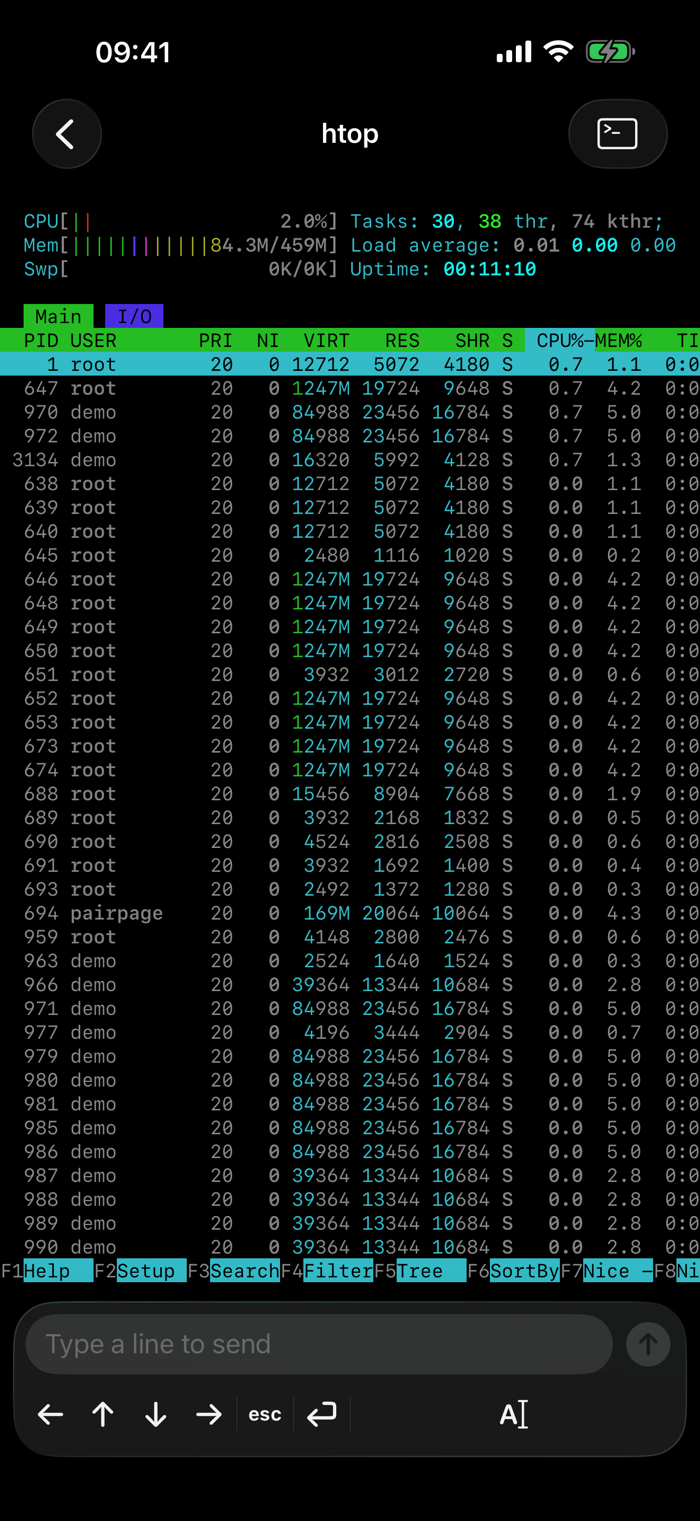
Bleat is a remote for Herdr, the terminal workspace for coding agents. Herdr and your agents keep running on your own computer; Bleat lets you see what they are doing and answer them from your phone.
SEE WHO NEEDS YOU
Workspaces and agents are sorted by what they need from you. An agent waiting for an approval is at the top, ahead of those still working and those that are done.
A LIVE TERMINAL
Open any pane and watch it as it happens. Bleat uses a full terminal emulator, so an agent's screen looks the way it does at your desk: colours, cursor and all.
ANSWER FROM ANYWHERE
Answer a tool approval, send an agent a new prompt, or type straight into the pane. Above the keyboard are the arrow keys, Esc and Return for moving through an agent's prompts, and shortcuts such as ⌃C, Tab and ⇧Tab. Opening a terminal takes control of its pane, just as typing at your desk would.
START AND STOP WORK
Start, stop and delete sessions, and create workspaces, agents and tabs, from the phone.
IPAD AND APPLE WATCH
On iPad, hosts, sessions and the terminal sit side by side. On Apple Watch, glance at your hosts, sessions, workspaces and agents. The watch goes through your iPhone, so it needs no setup of its own.
PRIVATE BY DESIGN
Bleat talks to your computer directly over SSH, on your own network, or from anywhere with Tailscale. There is no account, no server of ours in between, and nothing is collected. The key Bleat uses is made on your phone and stays in its Keychain. You can revoke it from either end at any time.
WHAT YOU NEED
A Mac or Linux computer running Herdr, reachable over SSH. Pair the phone by scanning the code that the bleat pair command shows on that computer.