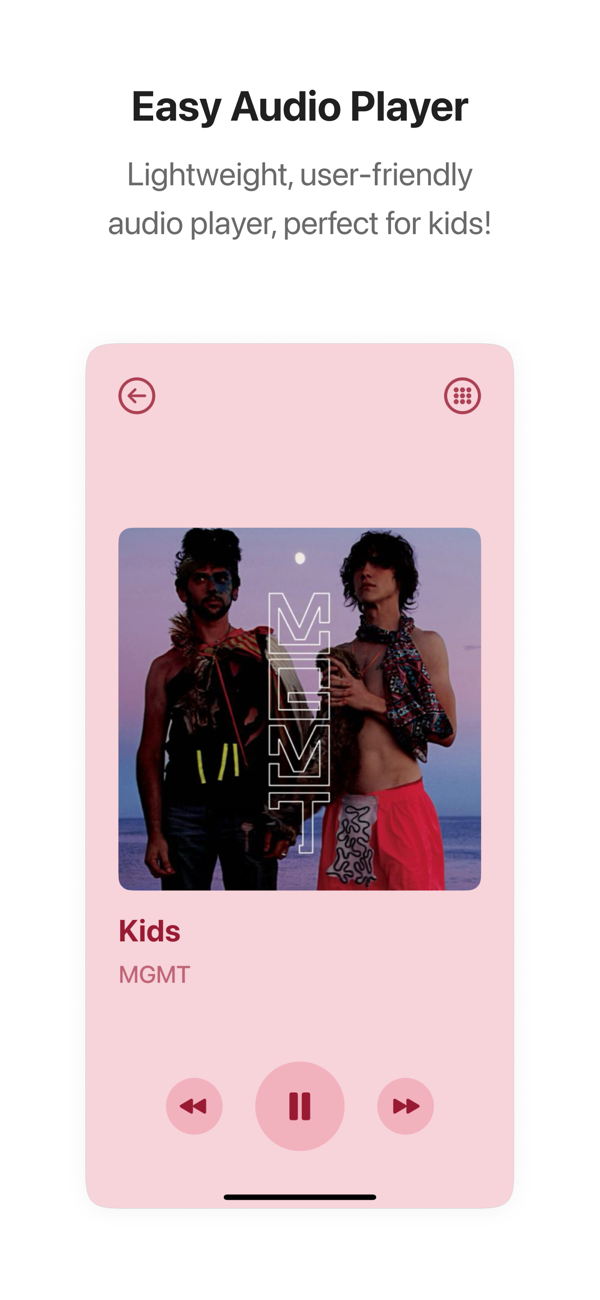
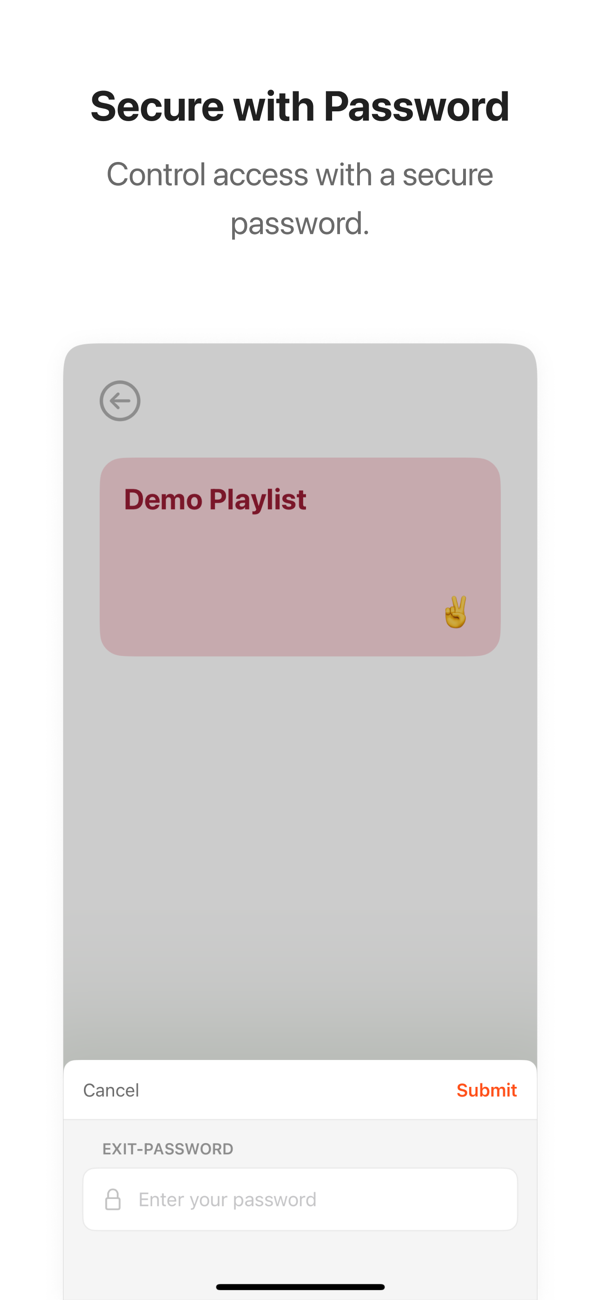
Muky makes it easy to create and manage music and audiobook playlists for your kids using Apple Music, Spotify, or files stored right on your device. With Guided Access and a player password, kids get a focused, distraction-free audio player while you stay in control.
New in 5.1.0:
* Face ID and Touch ID: Leave the kids player with Face ID or Touch ID instead of typing the player password. Off by default, turned on per profile.
* Extend the Session: When the auto-stop timer runs out, give 5 or 10 more minutes or a custom time instead of leaving the player.
* Made for iPhone Duo: Muky fills the unfolded display with a two-pane parent area and fits the closed display, iPad Split View, and Stage Manager.
Features:
* Kid-Friendly Audio Player: Shuffle, AirPlay, an optional progress bar, auto-stop timers for bedtime, and resume exactly where you left off.
* Cover List Navigation: Kids browse by covers or a scrollable track list. Albums are grouped automatically.
* Skip Control: Allow skipping, unlock it after a set listening time, or turn it off. Per profile, with overrides for single playlists.
* Listening History: See per profile what was played and for how long. Stored only on your device.
* Share to Muky: Share songs, albums, or playlists from Apple Music or Spotify straight into a Muky playlist.
* Hide Playlists: Hide a playlist in the player without deleting it.
* Multiple Profiles: One profile per child with its own playlists, password, theme, timer, player settings, and music source (Apple Music, Spotify, or Local Files).
* Personalized Playlists: Songs, albums, or audiobooks with your own title, color, image, or a cover picked from the tracks, so kids recognize them instantly.
* Browse Curated Content: Hand-picked albums and audio plays for kids in a featured stage, themed collections, and a searchable grid. Preview and import whole albums with one tap.
* Suggested Titles: Each playlist suggests matching songs from its artists. Preview and add wi…