AutoFill – 新品抢购助手

AutoFill – 新品抢购助手

Optimize the Safari checkout process in the Apple Online Store, privacy first

Creator
小虎 周
平台
iOS
效率

AutoFill is a Safari extension designed specifically for the Apple Online Store, which deeply optimizes the checkout process. It supports "delivery to home" and "pick up in store", and can automatically fill in the required information with one click. It has functions such as one-click automatic form filling and intelligent field matching, and can switch between manual/auto dual modes. The interface prompts are fully localized and support multiple languages. Data is only stored locally, with privacy being a top priority. However, it does not guarantee product inventory or successful order placement, and is only applicable to optimizing the order placement process in the Apple Online Store within the Safari browser.

COMMUNITY PERKSMergeek 社区专属福利
独家限免 NEW每天发现一份惊喜
PRODUCT SCREENS / 4

点击查看界面细节

AutoFill – 新品抢购助手 产品截图 1AutoFill – 新品抢购助手 产品截图 2AutoFill – 新品抢购助手 产品截图 3AutoFill – 新品抢购助手 产品截图 4

AutoFill - New Product Rush Purchase Assistant
A Safari extension designed specifically for the Apple Online Store, which deeply optimizes the checkout process, allowing you to complete orders faster with the fewest steps on iPhone, iPad, and Mac. It supports two order types: "Deliver to Home" and "Pick up in Store", and automatically fills in all the required information with one click, being more efficient at crucial moments.
Main Features
• One-click automatic form filling
Pre-save information such as delivery addresses, payment information, in-store contacts, names, mobile phones, emails, etc. Fill in all the information with one click when the product goes on sale, reducing manual input.
• Intelligent field matching
Automatically identify form fields for "Deliver to Home" or "Pick up in Store", minimizing omissions and formatting errors.
• Manual/Automatic dual modes
• Manual mode: Click the floating button in the middle on the right side of Safari, or use the shortcut key Command+Shift+L to trigger one-click form filling.
• Automatic mode: Automatically identify and fill in the form after the web page has finished loading; if you need to modify the content manually, please turn off the automatic mode first.
You can switch between the two modes at any time through the "Mode Switch" in the middle on the right side of Safari.
• Comprehensive localization
The interface and prompts have been fully localized and support
English · Simplified Chinese · Traditional Chinese · Japanese · Korean · German · French · Italian · Spanish · Russian · Arabic
• Privacy first
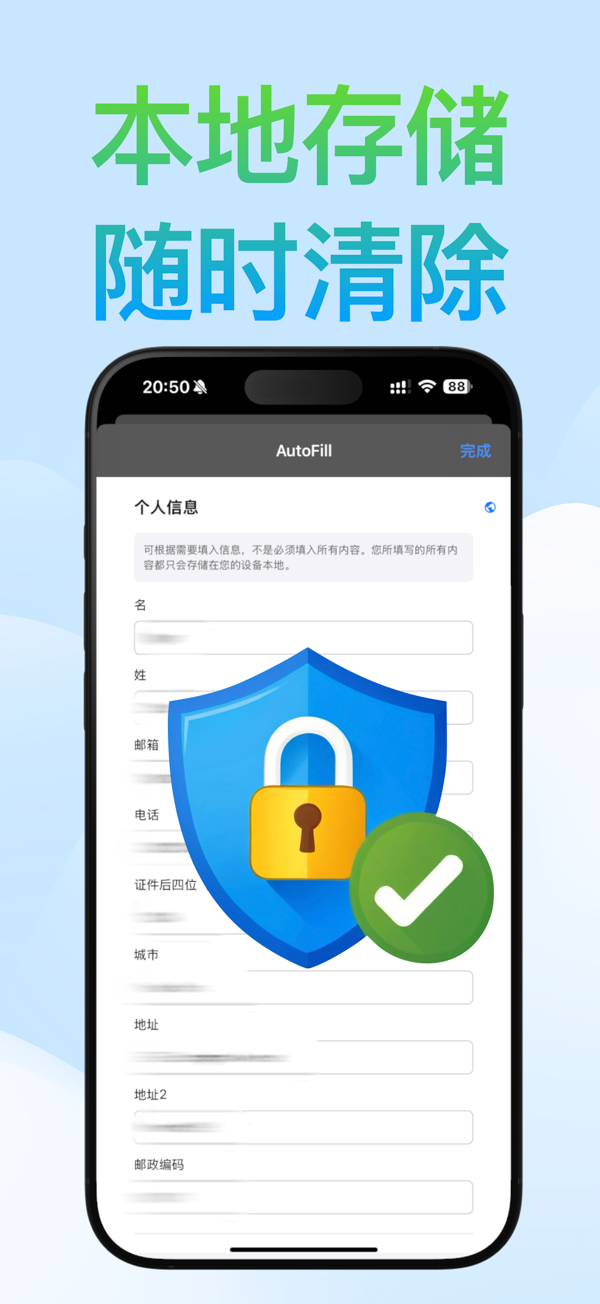
Data is only stored locally, making it convenient to manage and delete at any time.
Usage Scenarios
1. Before the product goes on sale: Save your commonly used delivery information ("Deliver to Home") or in-store pick-up information in the Safari AutoFill extension.
2. When the product goes on sale: Enter the order page of the Apple Online Store, select "Deliver to Home" or "Pick up in Store", and then use A…

你的真实体验,为其他用户提供宝贵参考,获得宝石奖励

REWARD MARKET100 宝石可兑换什么?

还没有公开评论,欢迎分享你的体验。

提交反馈

每一个想法,都让 Mergeek 更好一点。