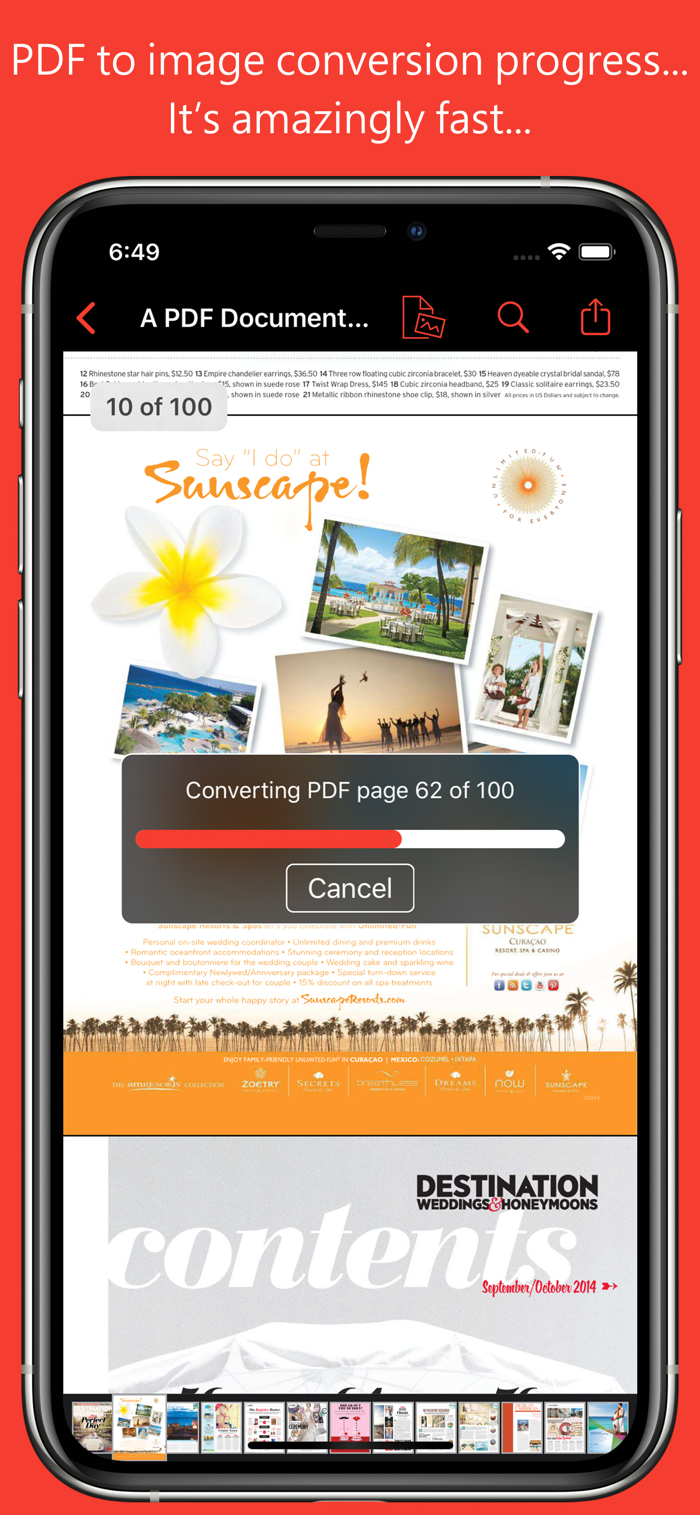
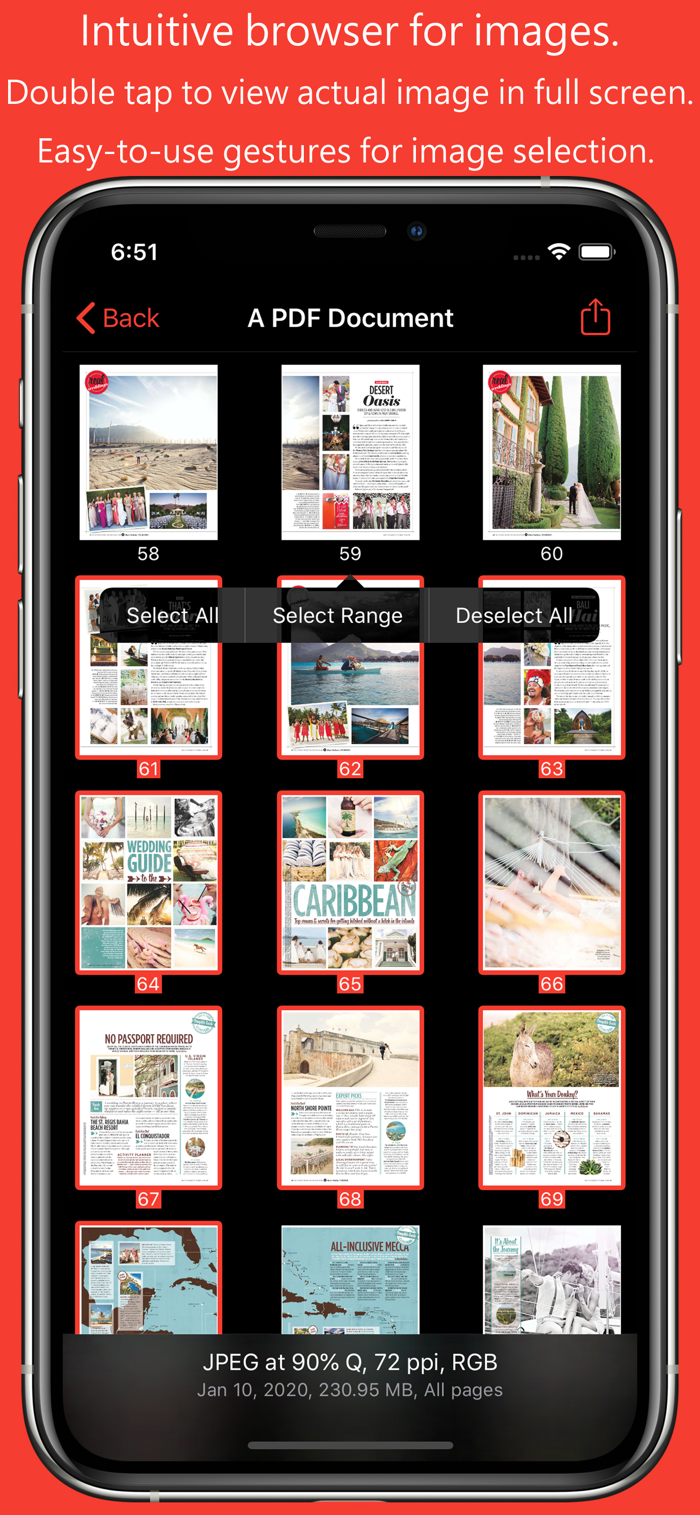
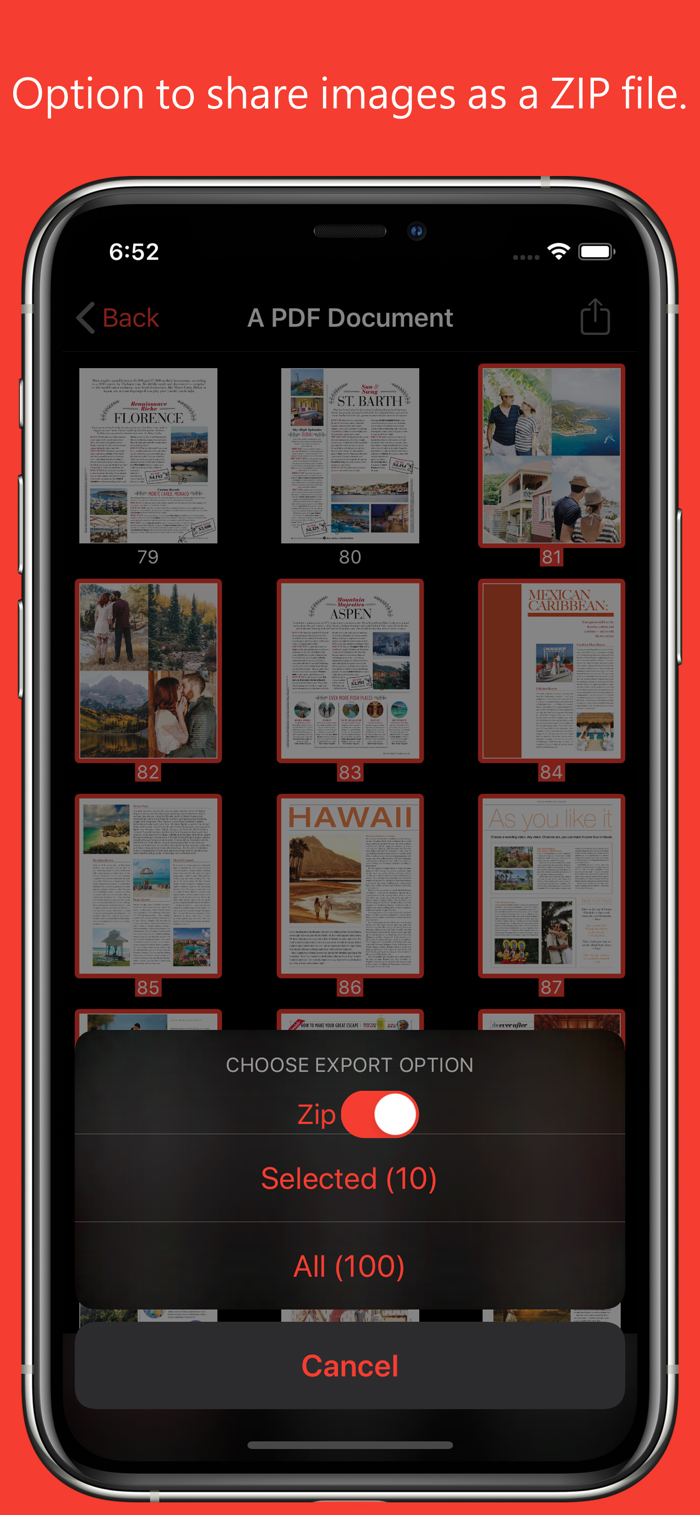
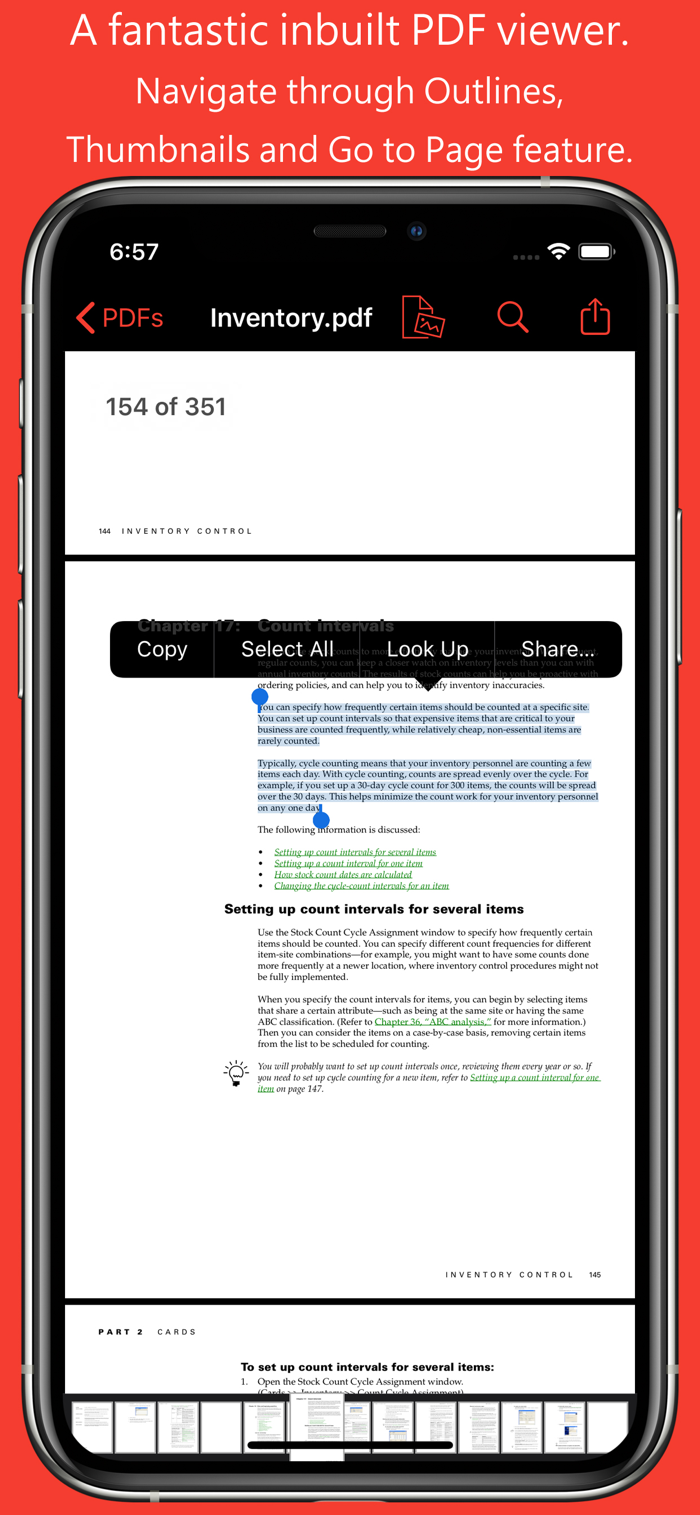
PDF to JPG is an intuitive app to convert PDF documents into best quality JPG, PNG and TIFF images on iPhones and iPads. PDF to JPG converts each PDF page as image and make it available for any application for reuse.
* * * "PDF to JPG" and "PDF to JPG Pro" for macOS are also available on the Mac App Store. * * *
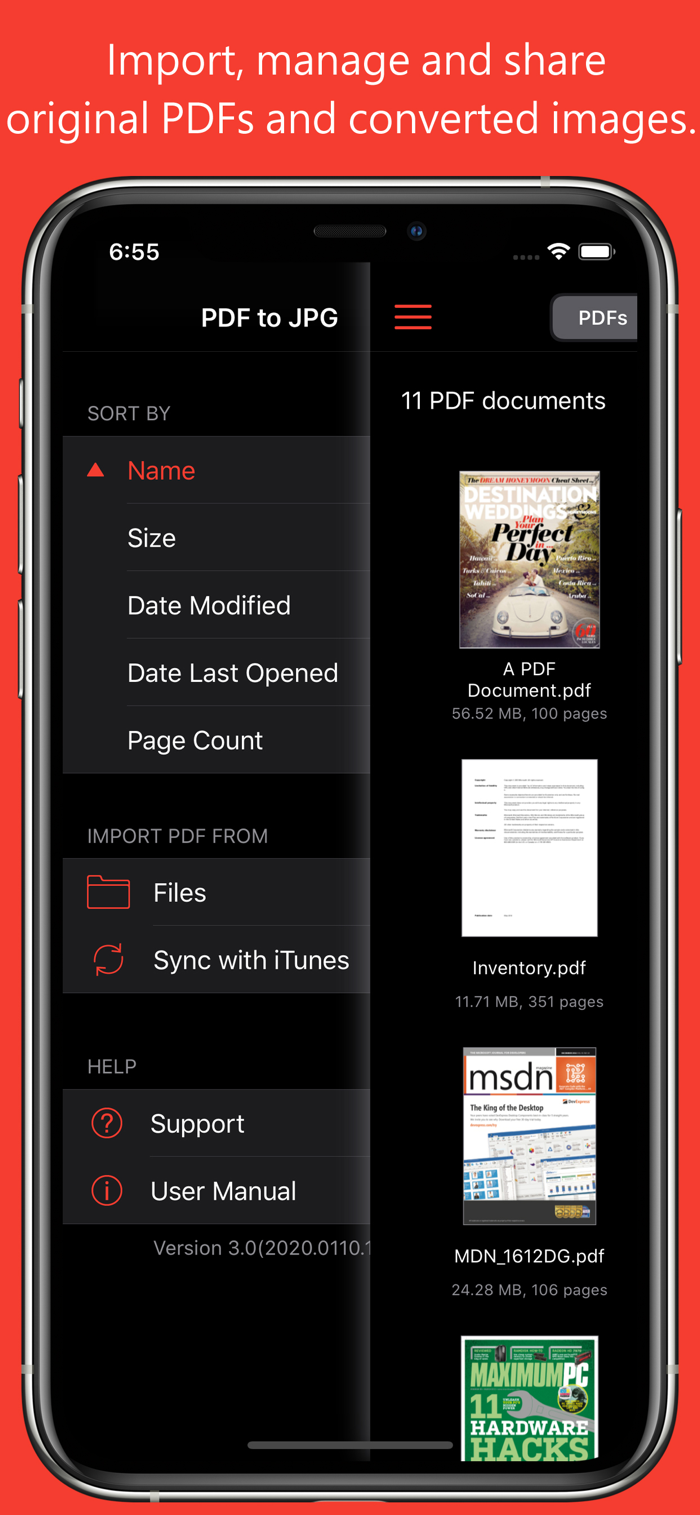
Easy to access PDF files stored in folders on your device or stored remotely on cloud storages using integrated iOS Files browser. In addition, PDF documents in another app (For Example Mail, DropBox or SkyDrive etc.) that uses the share action button, use Copy to... action to open the PDF document in PDF to JPG. You can also transfer PDF documents from your desktop computer via iTunes into PDF to JPG application on your iPhone or iPad.
CONVERSION OPTIONS
◆ IMAGE FORMATS : JPEG, PNG and TIFF are supported.
◆ QUALITY: The quality control only available for JPEG image format. The quality value allowed between 0 to 100 percent. You can use quality stepper control to increase and decrease quality value. Lower the quality percentage can convert low quality image but results into smaller file size due to high compression. Whereas higher quality percent can convert into excellent quality image but results into larger file size due to low compression.
◆ RESOLUTION: Enter resolution to scale PDF page proportionally for conversion into image. 72 ppi is equals 1x scale. Higher the resolution, bigger the output image. You can use resolution stepper c...

 +100宝石


 分享
分享





















用户评价
立即分享产品体验
你的真实体验,为其他用户提供宝贵参考
💎 分享获得宝石
【分享体验 · 获得宝石 · 增加抽奖机会】
将你的产品体验分享给更多人,获得更多宝石奖励!
💎 宝石奖励
每当有用户点击你分享的体验链接并点赞"对我有用",你将获得:
🔗 如何分享
复制下方专属链接,分享到社交媒体、群聊或好友:
💡 小贴士
分享时可以添加你的个人推荐语,让更多人了解这款产品的优点!
示例分享文案:
"推荐一款我最近体验过的应用,界面设计很精美,功能也很实用。有兴趣的朋友可以看看我的详细体验评价~"
领取结果