


 +100宝石

产品功能
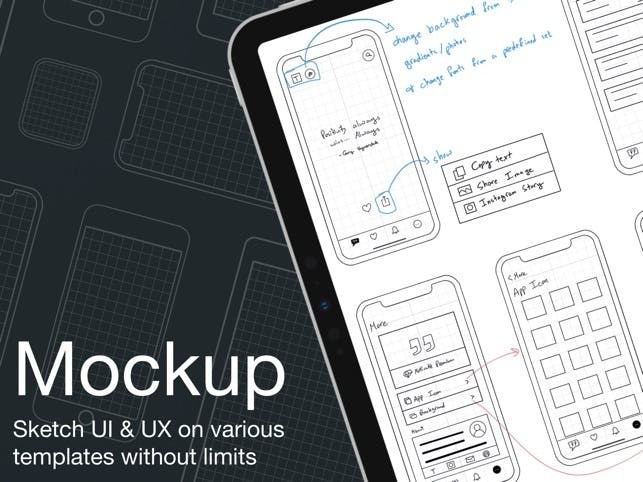
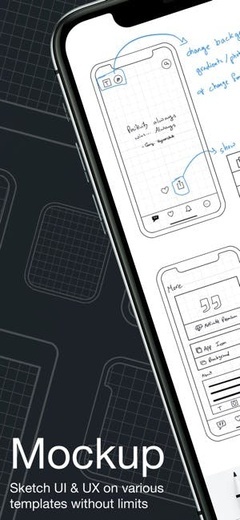
Bring your boldest ideas to life with Mockup—the ultimate UI/UX design tool.
Whether you're ideating your next app or web design, sketch, create detailed wireframes, and build interactive prototypes—all in one app.
Join over 500,000 designers, developers, and team managers worldwide who trust Mockup for their design process.
Key Features:
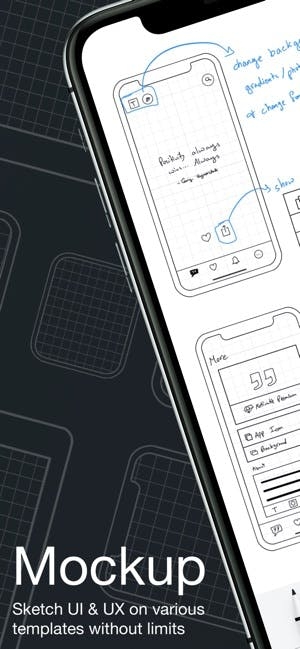
Flexible Canvas for UI/UX Design
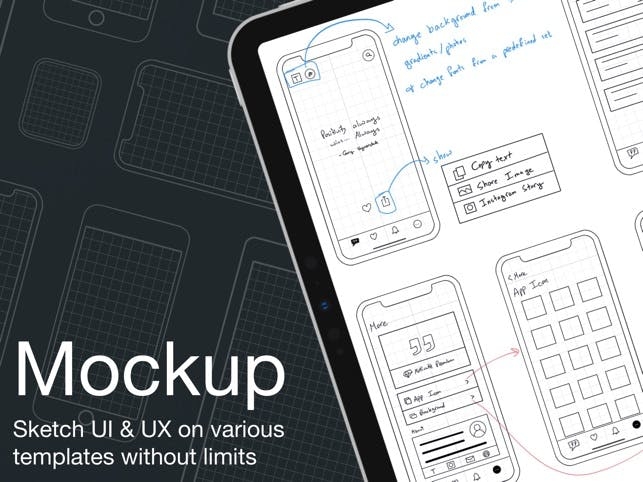
- Visualize your ideas effortlessly with 45+ device frames in both portrait and landscape orientations.
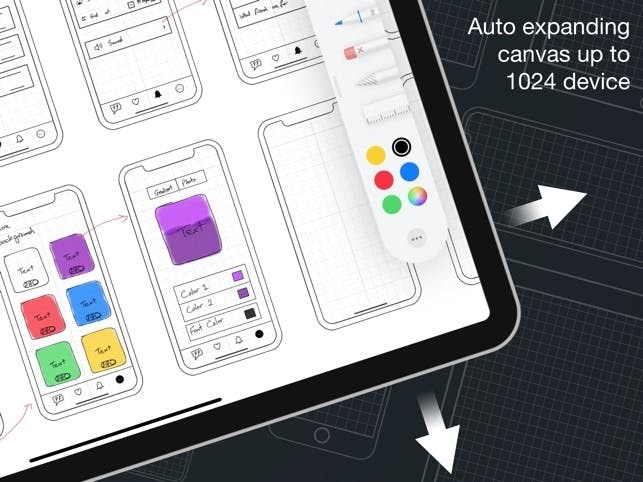
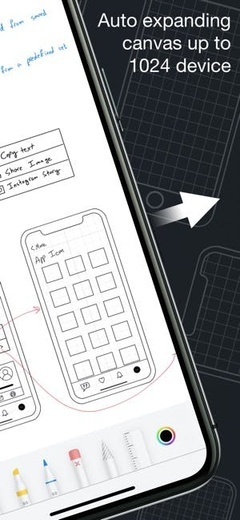
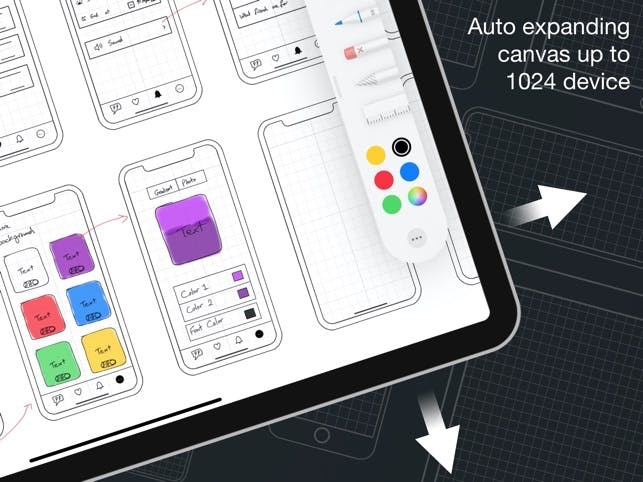
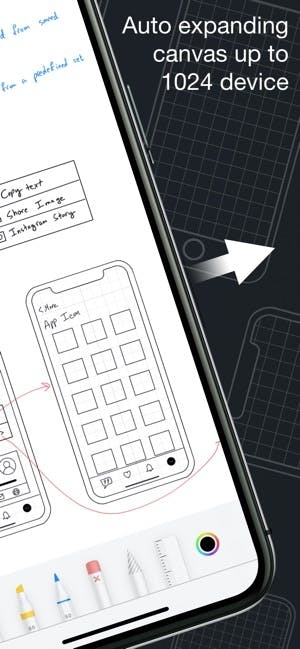
- Explore limitless design possibilities with a flexible canvas and abundant frames.
- Customize the grid, frame, and background colors for a tailored workflow.
Sketch & Perfect Your Ideas
- Shape your designs to with a variety of drawing tools & color palette.
- Move, resize, recolor, group & ungroup objects with the lasso tool.
Wireframe with Ease
- Access a Library of preset elements or create, save, and reuse your own.
- Insert images and visuals from your files into your designs
- Add text, customize, and save text styles for a consistent look.
- Drag & drop text or images from any app directly into your canvas.
- Elevate your designs with 4000+ symbols from Apple's SF Symbols library.
- Add and customize shapes like rectangles, ellipses, and lines.
Stay in Control of Your Objects
- Cut, copy, or paste selections anywhere in the canvas or from other apps.
- Arrange, align, and distribute objects for precise layouts.
- Select or deselect multiple objects at once with Select Objects mode.
Bring Your Ideas to Life with Prototypes
- Connect frames to create interactive flows.
- Preview prototypes in immersive full-screen mode.
Export, Share, & Collaborate
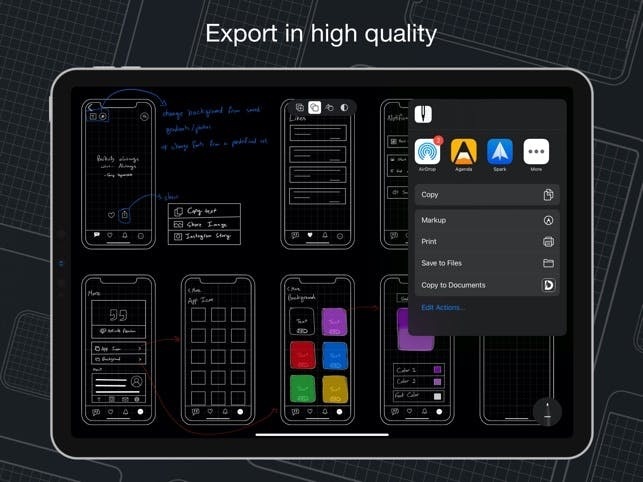
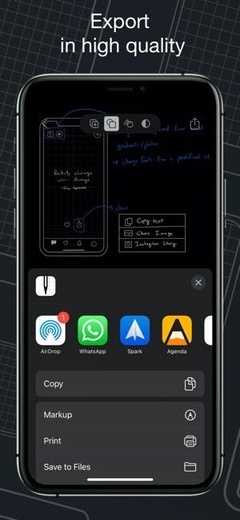
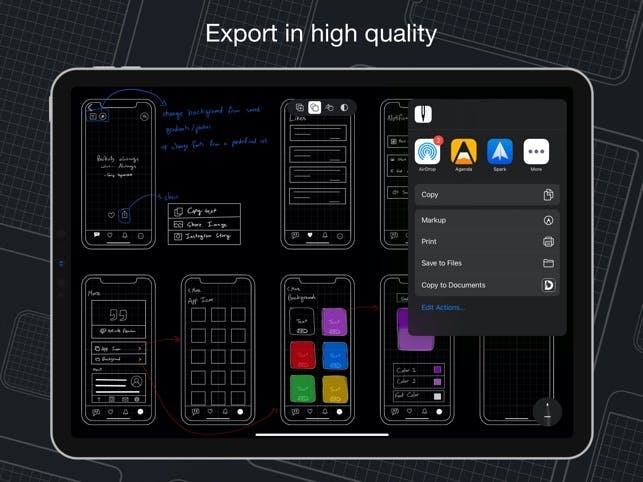
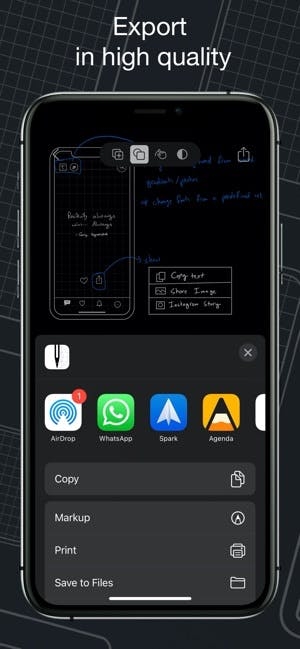
- Export in high-quality PDF or PNG, or share Mockup files with other users.
- Share ideas with colleagues or clients directly from the app using SharePlay.
Streamline Your Workflow
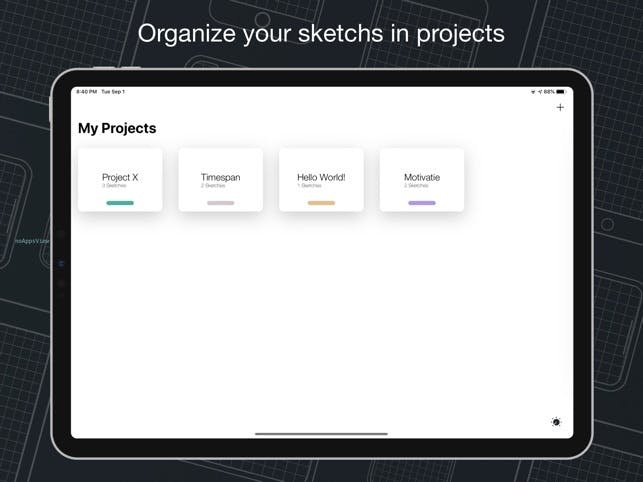
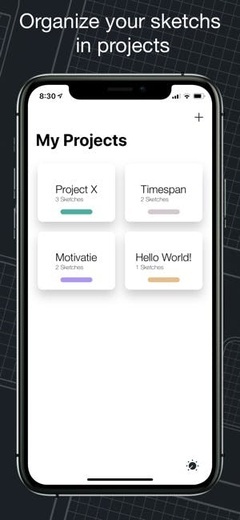
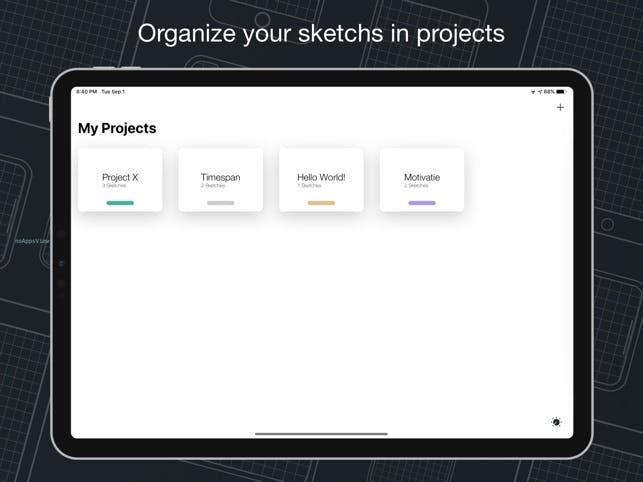
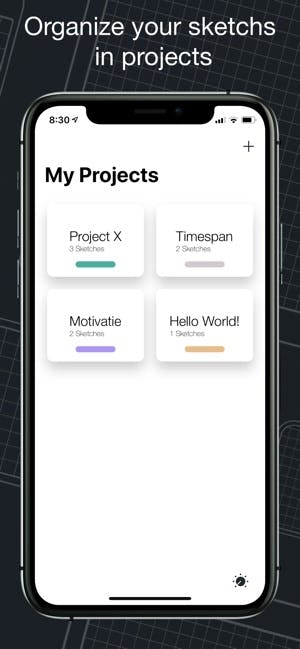
- Group sketches into projects and create nested projects for better organization.
- Multitask with multiple windows for enhanced productivity.
- Use quick actions to duplicate a sketch across multiple frames, switch two frames, hide frames to create space or add notes, clear, or export a frame.
Access Your Sketches Anywhere, Anytime
- Sync your sketches and projects across all your devices via iCloud sync.
- Access your recent sketches with the Recents Widget.
- Display sketches directly on your home screen with Preview Widgets.
Start free and create unlimited projects and sketches or unlock the premium features with one of our paid plans.
Premium features include:
- All Device Frames
- Exclusive Elements
- Watermark-free PDF Exports
- Prototype, PNG export
- 4000+ Customizable Symbols
- Nested Projects
- Unlimited Element Sets
- Priority Support.
Terms of Service:
https://apprime.studio/terms-of-service/
Privacy Policy:
https://apprime.studio/privacy-policy/
分享「」体验,参与「」抽奖!
分享 1~3 张你对这个产品最满意的截图或效果图
分享「」体验,参与「」抽奖!
用你的故事点亮社区✨!你的真实体验,将会永久展示在 官方主页 📌,为其他朋友提供宝贵参考 💡。立即分享吧!🚀
请为产品评分
请选择问题回答,为大家提供宝贵参考
选择要回答的问题
温馨提示
你尚未上传产品截图。
上传截图可立即获得宝石积分奖励!
如果你赶时间,也可稍后修改评论,补上截图领取宝石。
温馨提醒
你尚未添加产品截图
⚠️ 不添加截图将降低抽奖权重

感谢参加,你已成功参加!
为了确保你能及时收到审核结果和领奖码通知

扫描二维码关注 Mergeek 公众号
在后台回复 「获奖通知」
完成上述操作,即可保障奖励发放成功






用户评价
立即分享产品体验
你的真实体验,为其他用户提供宝贵参考
💎 分享获得宝石
【分享体验 · 获得宝石 · 增加抽奖机会】
将你的产品体验分享给更多人,获得更多宝石奖励!
💎 宝石奖励
每当有用户点击你分享的体验链接并点赞"对我有用",你将获得:
🔗 如何分享
复制下方专属链接,分享到社交媒体、群聊或好友:
💡 小贴士
分享时可以添加你的个人推荐语,让更多人了解这款产品的优点!
示例分享文案:
"推荐一款我最近体验过的应用,界面设计很精美,功能也很实用。有兴趣的朋友可以看看我的详细体验评价~"
关注 Mergeek 公众号
领奖遇到问题?联系小门助手