Turn documents into a private listening experience with Aura.
Import text, TXT, EPUB, DOCX and text-based PDFs, then listen with clear on-device speech. Aura keeps your documents and generated audio on your iPhone or iPad. After you download the speech model and a voice, you can listen without a connection.
READ YOUR WAY
• Import files, paste text, or share documents to Aura from other apps
• Continue from your saved place, with sentence-by-sentence follow-along
• Play, pause, skip sentences and choose a comfortable speed
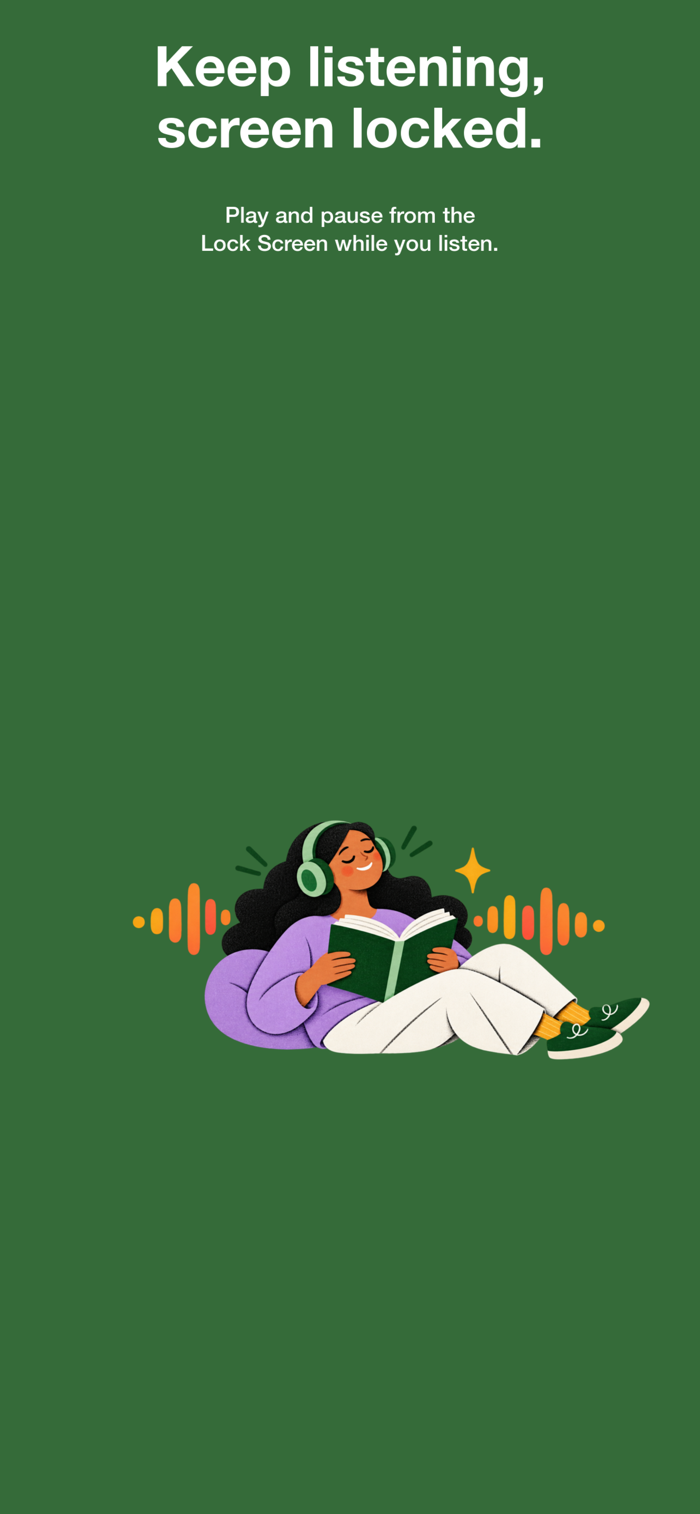
• Keep listening with the screen locked, with Lock Screen controls
• Choose from the available voices and narration languages
• Save a narration as an M4A audio file
WORK WITH TEXT IN MORE WAYS
• Take or pick a photo and turn the printed text into something you can hear
• Translate text on your device after downloading the language
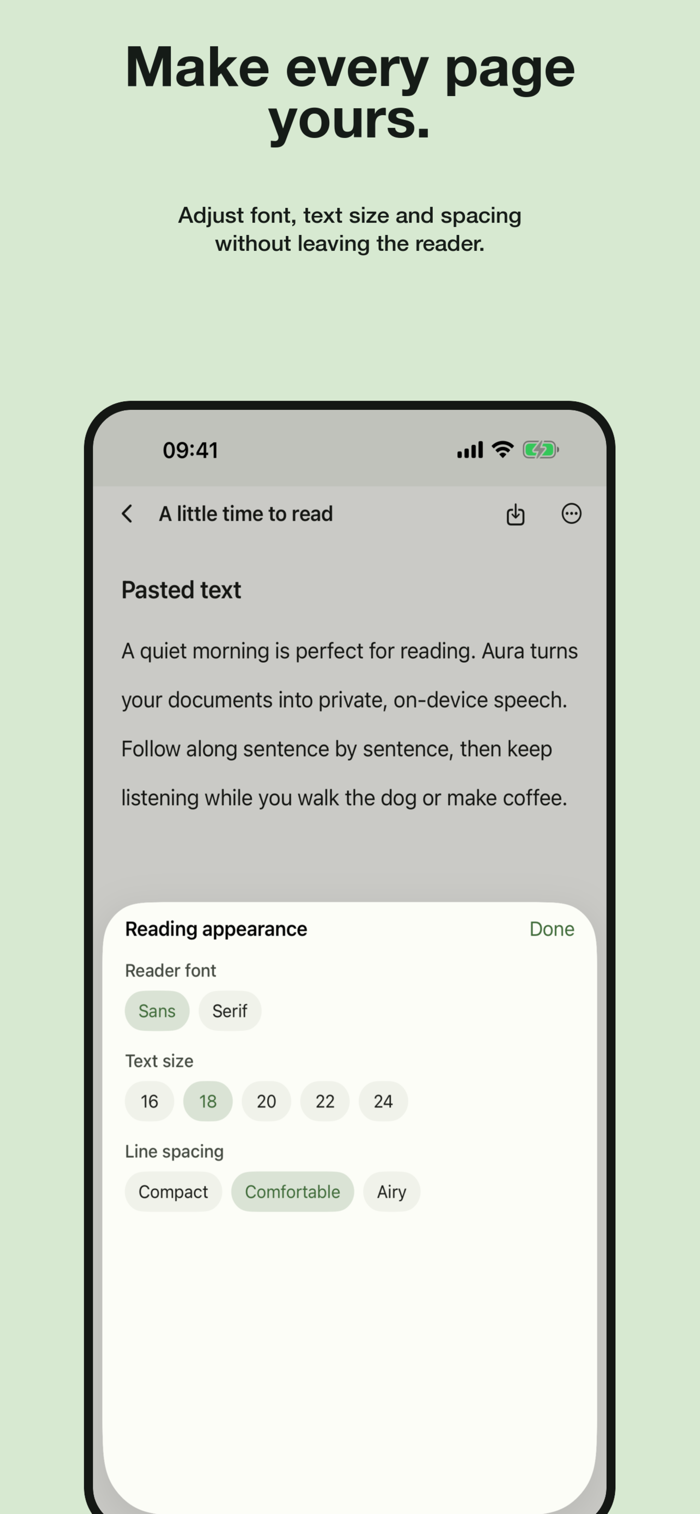
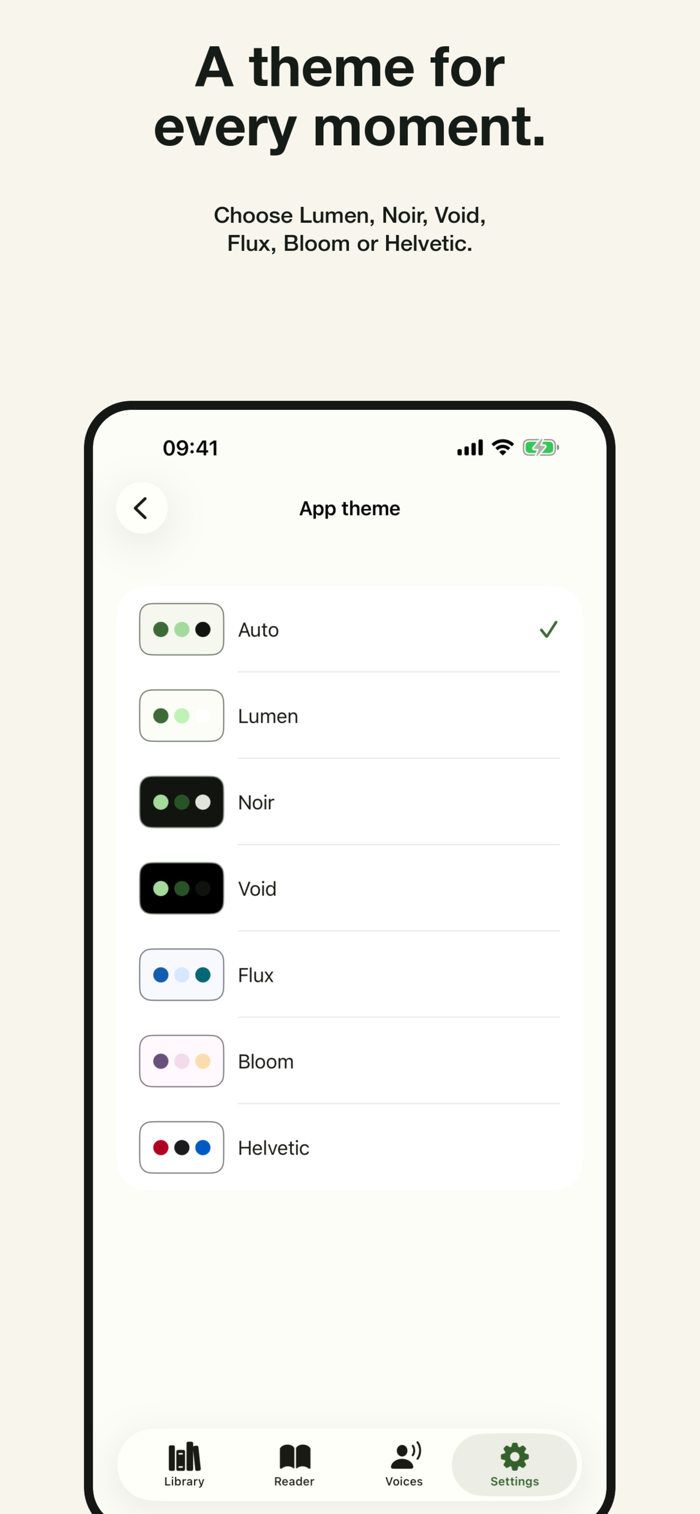
• Six reading themes and adjustable font, size and spacing
• Use Aura in English, French, German, Spanish, Portuguese, Arabic, Korean, Swedish or Danish
PRIVATE BY DESIGN
Your document text, filenames, reading position and generated audio stay in Aura's private storage on your device. Aura does not use a cloud text-to-speech service. Downloading the speech model, voices and optional languages needs an internet connection.
The free version shows ads and limits listening time, library size and export. Aura Pro removes ads and unlocks every voice, EPUB import, offline translation, unlimited listening and export, and an unlimited library. Pro is available monthly, yearly or as a one-time lifetime purchase. Subscriptions renew automatically unless cancelled at least 24 hours before the end of the period, and can be managed in your Apple Account settings.
Terms of Use: https://www.apple.com/legal/internet-services/itunes/dev/stdeula/