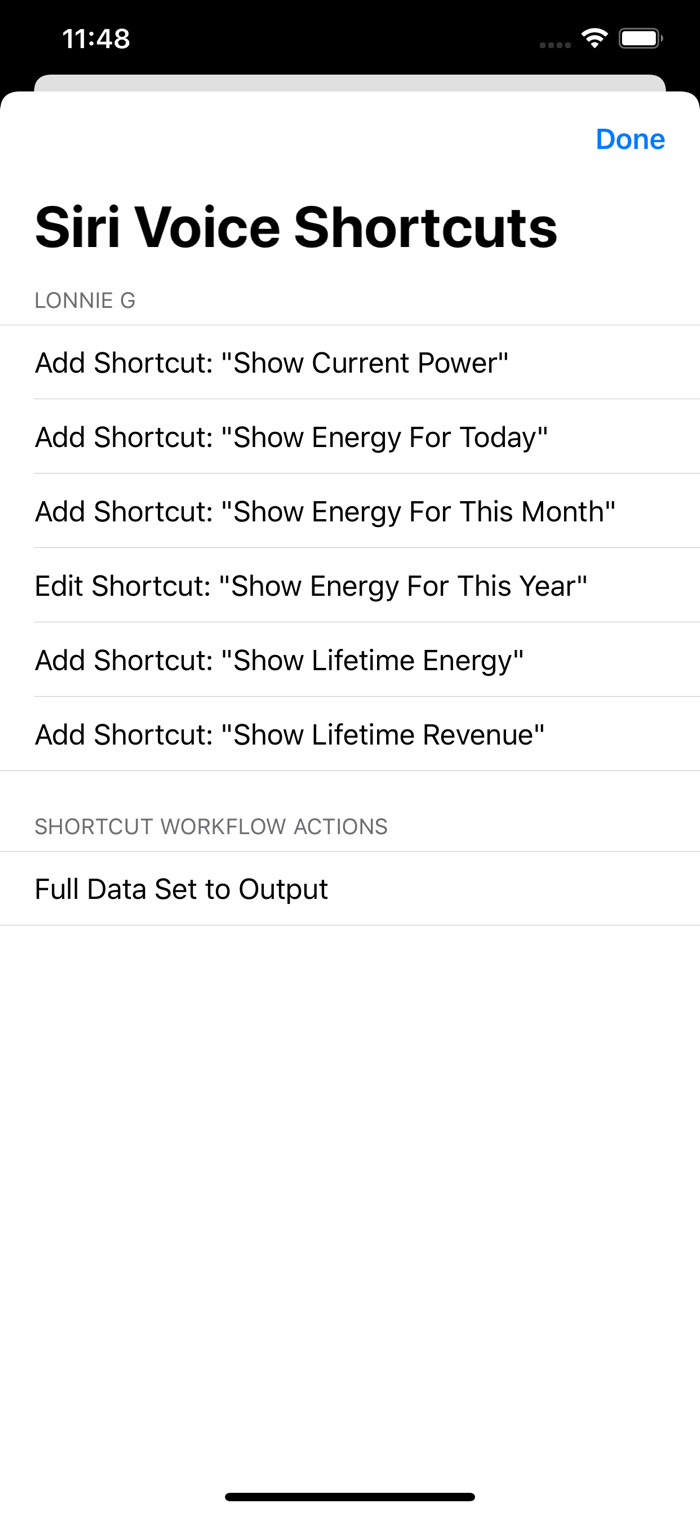
Solar Watch lets you monitor your SolarEdge power production right on the watch face of your Apple Watch, on the Home Screen Widget and the Lock Screen Widget on your iOS devices, and using Siri. You can create Siri shortcuts and then say for example: "Hey Siri, what's the current power" - and hear the response.
To access Siri Shortcuts, tap the app menu in the top/right, then tap on "Siri Shortcuts".
Every watch complication type is supported, with special attention given to complications that use gauges.
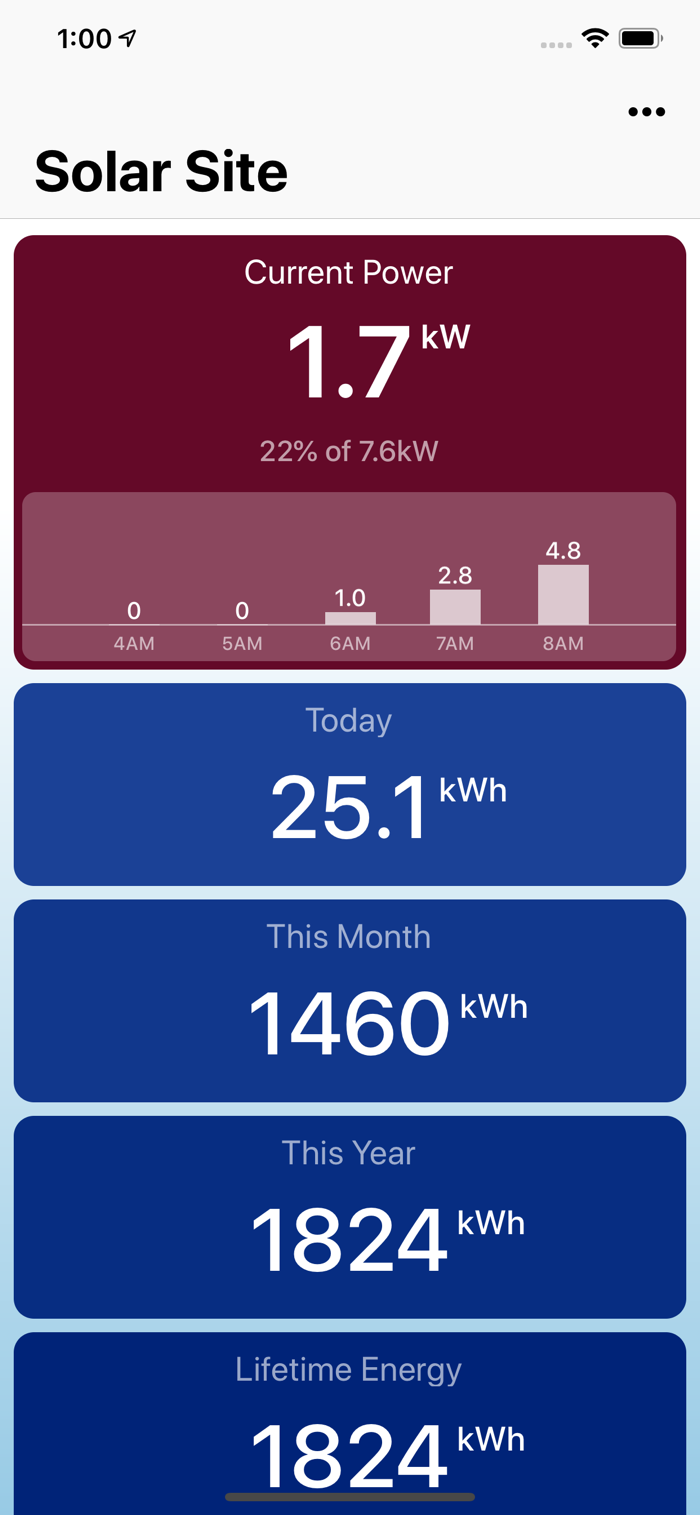
During daytime, the complications are displaying current power production, and total daily energy produced. Gauges are color-coded, and show the percentage of current power vs. the maximum.
During night time, the complication gauges act as a timer that counts down how much time roughly there is until sunrise.
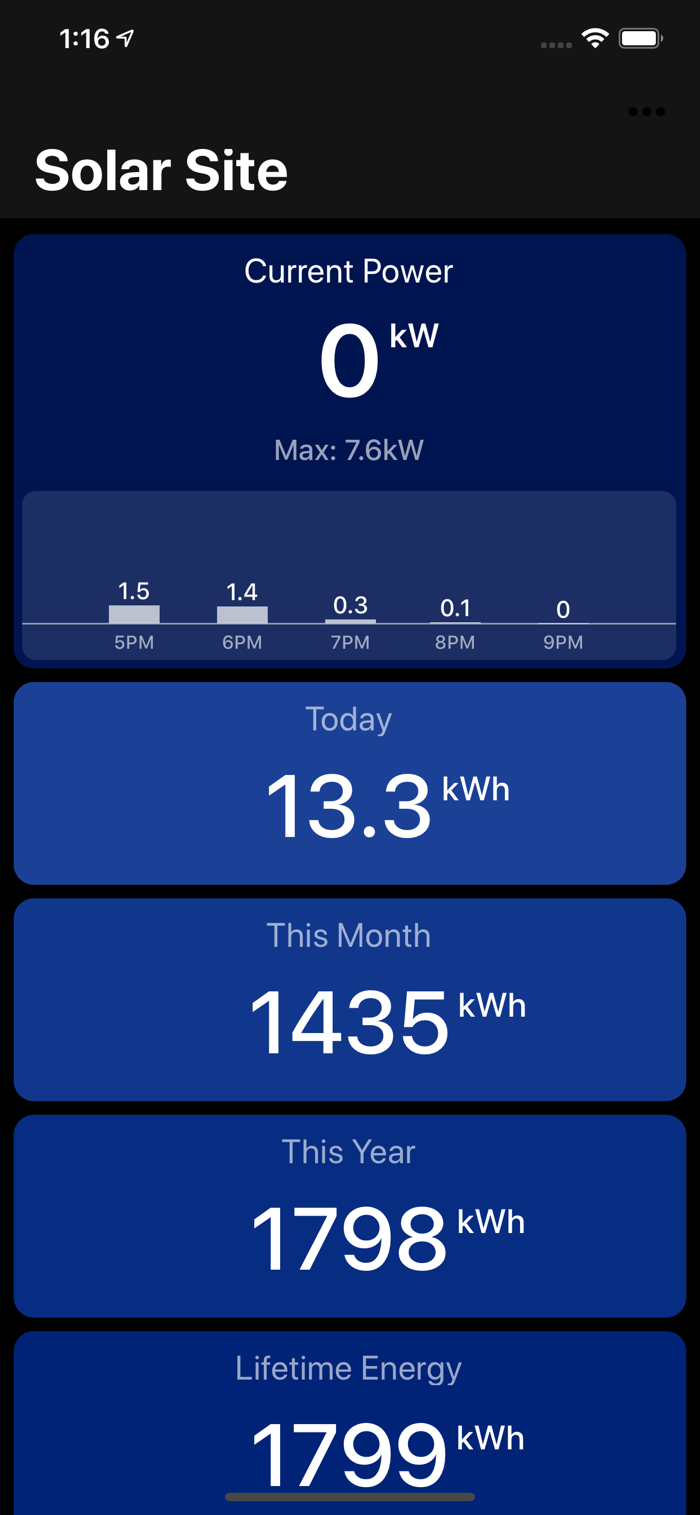
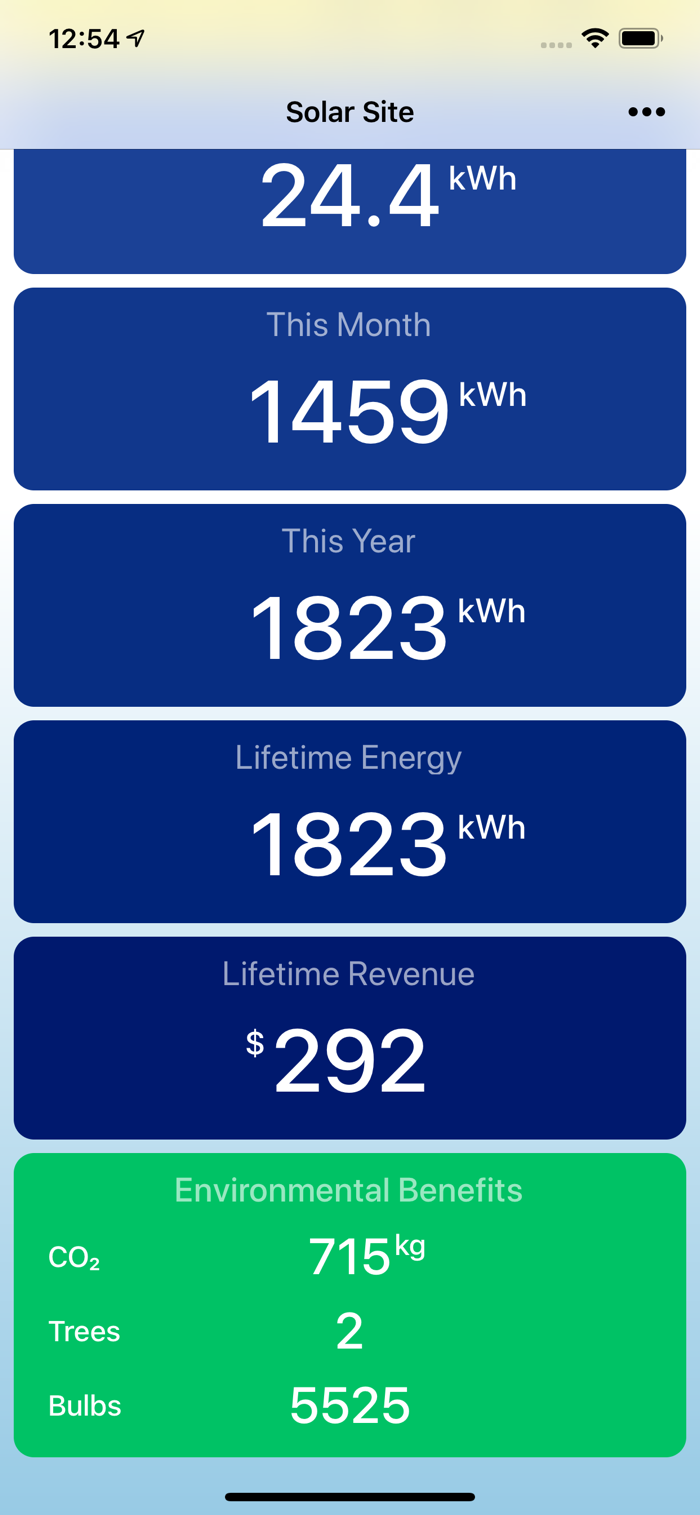
Watch app has a scrollable view with various stats, including daily, monthly and yearly total power, as well as environmental benefits and calculated revenue.
Current power, daily and monthly production is also displayed in the iOS widgets, both on the Home Screen and on the Lock Screen..
Based on the robust and proven codebase that powers Thermo Watch and Watch Cam apps, enjoyed by tens of thousands of users. The app is extremely quick and efficient, with near-instant launch time, and seamless background updates.
While the app's minimalist looks betray the simplicity of its operation, what they don't show is the amount of planni...

 +100宝石


 分享
分享





















用户评价
立即分享产品体验
你的真实体验,为其他用户提供宝贵参考
💎 分享获得宝石
【分享体验 · 获得宝石 · 增加抽奖机会】
将你的产品体验分享给更多人,获得更多宝石奖励!
💎 宝石奖励
每当有用户点击你分享的体验链接并点赞"对我有用",你将获得:
🔗 如何分享
复制下方专属链接,分享到社交媒体、群聊或好友:
💡 小贴士
分享时可以添加你的个人推荐语,让更多人了解这款产品的优点!
示例分享文案:
"推荐一款我最近体验过的应用,界面设计很精美,功能也很实用。有兴趣的朋友可以看看我的详细体验评价~"
领取结果