INTRODUCTION产品介绍
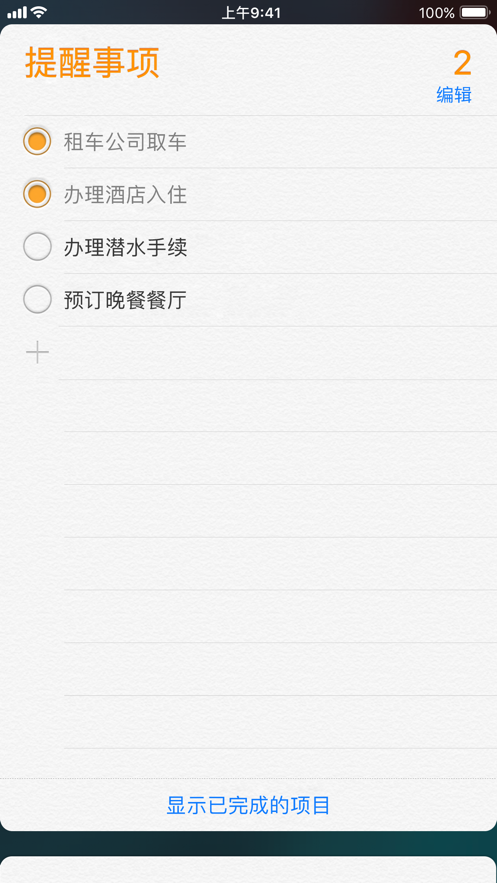
Reminders helps you remember your to-dos more easily. You can use it to keep track of all your to-dos in daily life, including your grocery list, work projects, or anything else you want to keep track of. And with iCloud, it's easy to keep all your devices in sync so your reminders are always at your fingertips.
Features
Quick and easy to use
• Use Siri to create reminders by voice.
• Create, edit, and complete timed reminders within the Calendar app.
• Speed up your workflow with powerful keyboard shortcuts.
• Add widgets to your iOS and iPadOS home screens or your macOS Notification Center to view and complete reminders.
• Automatically section related items into categories like dairy and produce on your grocery list to make shopping easier.
Powerful organization features
• The Today, Scheduled, Flagged, All, Assigned to Me, and Completed smart lists automatically organize and display upcoming reminders.
• Organize reminders with tags for easy searching.
• Customize smart lists to gather to-dos based on tags, date, time, location, flag, and priority, automatically including the reminders most important to you.
• Sort reminders by title, priority, due date, or creation date. Or manually move reminders up and down in any list to arrange them in your preferred order.
• Add more detailed tasks to reminders with subtasks.
• Organize reminders in a list by creating section headers; try viewing sections in split view to arrange sections across your entire screen. This is a great way to visualize your tasks and even create a simple kanban board.
• Save lists as templates to reuse for daily activities and packing lists, etc. Share templates with others via a link or download templates shared by others.
Receive reminders at specified times and ways
• Set reminders to repeat daily, weekly, or at a custom interval.
• Trigger reminders at specific locations, e.g., when you arrive home or at work, or when you get in your car.
• Add a tag to the contacts in your reminders to…