


 +100宝石

产品功能
Your Mac, Your Icons.
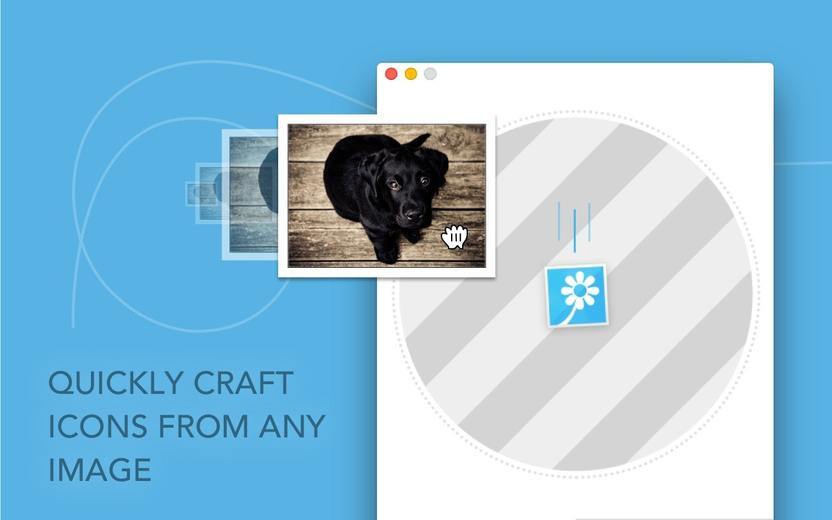
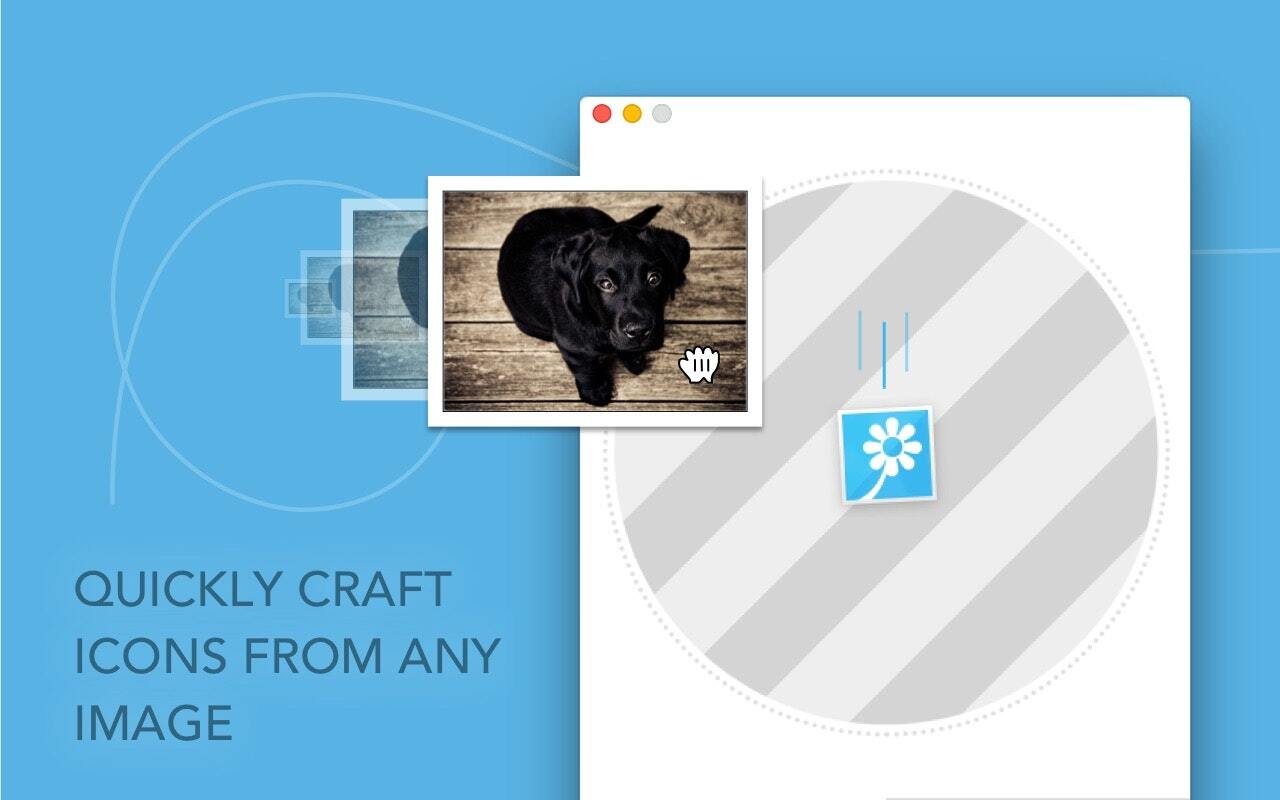
Image2icon is the easiest way to create your own Mac icons and customize files and folders.
Version 2.0 brings:
## Image to Icon Conversion ##
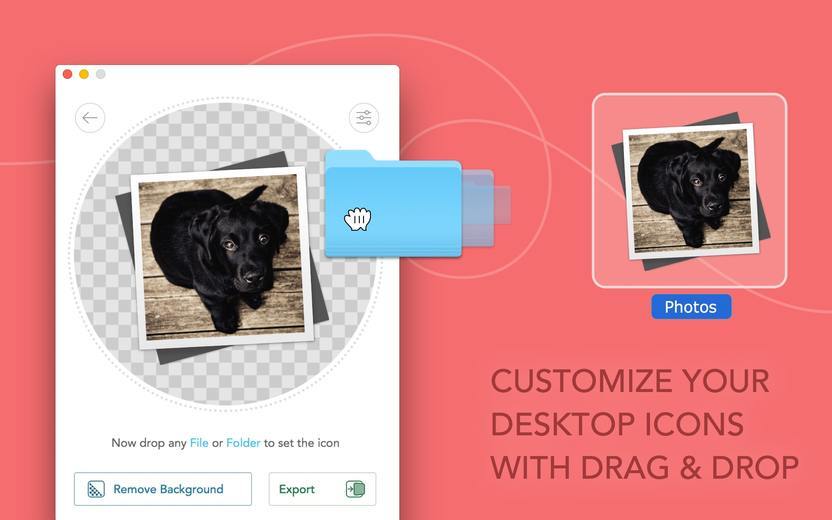
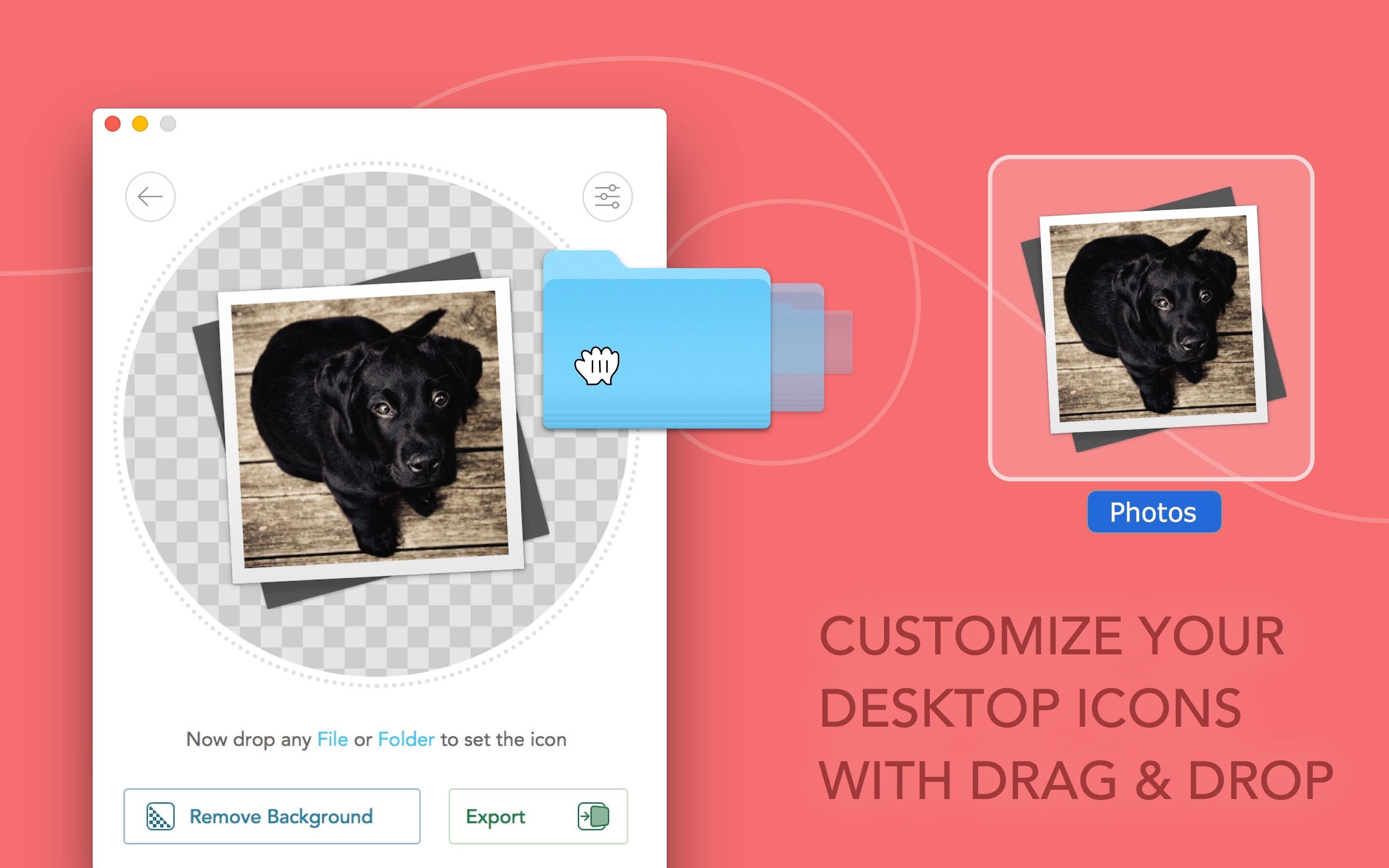
As easy as it gets: Drag an image into Image2icon and then drag and drop a file or folder to apply the icon.
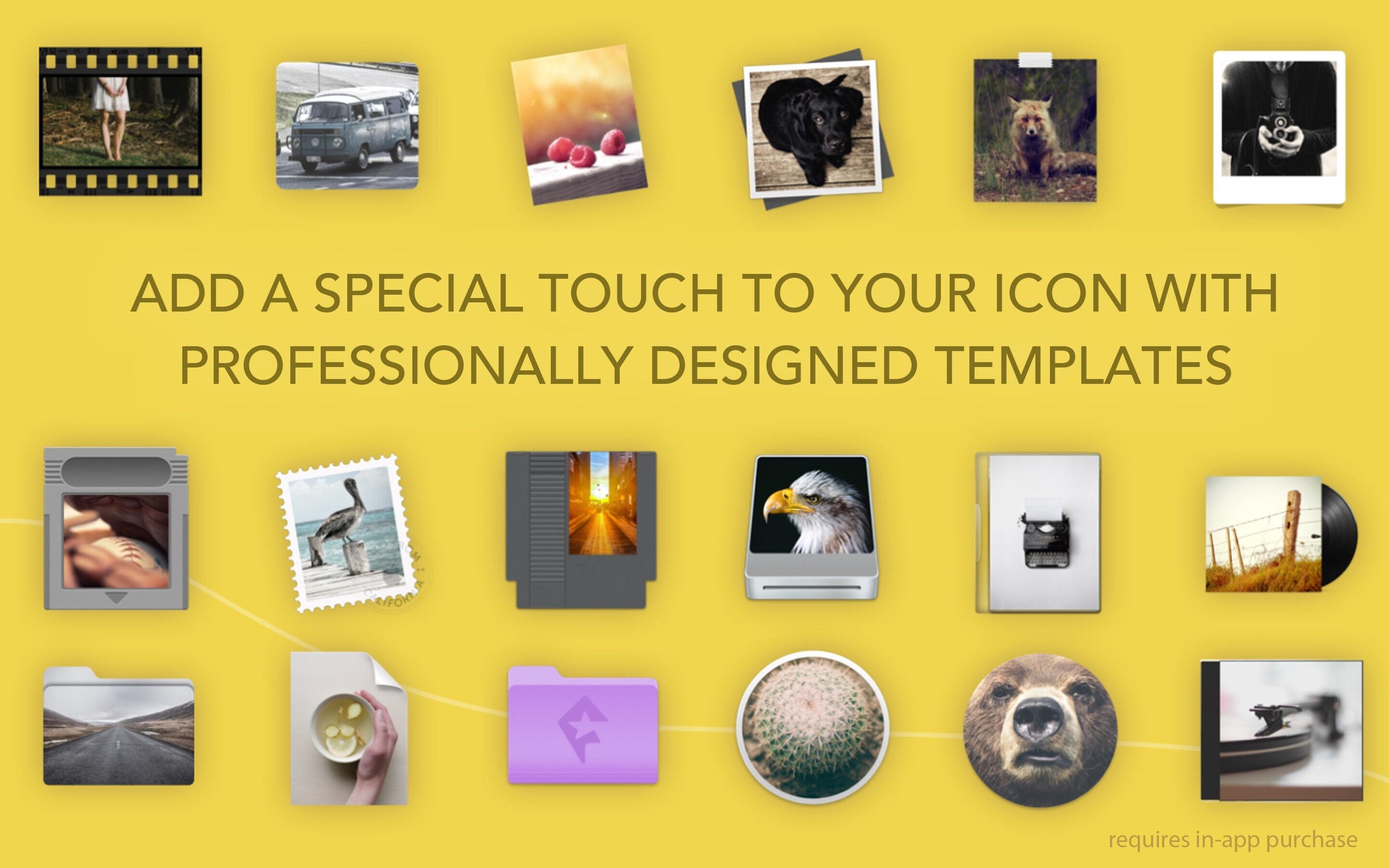
## Icon Templates ##
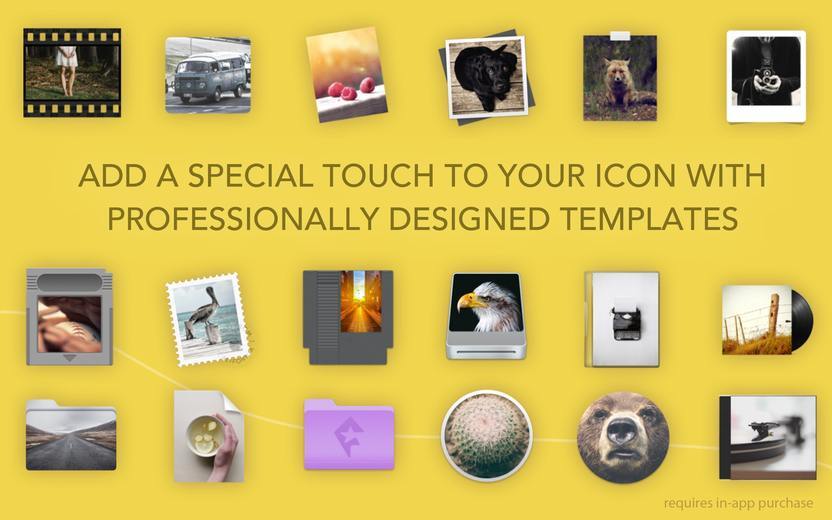
Let your creativity flow! Over 20 retina-ready templates to choose from and apply with a single click.
All templates are available for in-app purchase.
* Folder
* Folder (Engraved)
* Drive
* USB Drive
* SD Card
* Document
* DVD Case
* CD Case
* Blu-ray Case
* CD Disc
* Vinyl
* Film Frame
* macOS App Icon
* iOS App Icon
* iMessage Icon
* Polaroid
* Cassette Tape
* Floppy Disk
* …
## Image Optimization ##
Scale, move, rotate or change the background color for the best icon results.
## Export ##
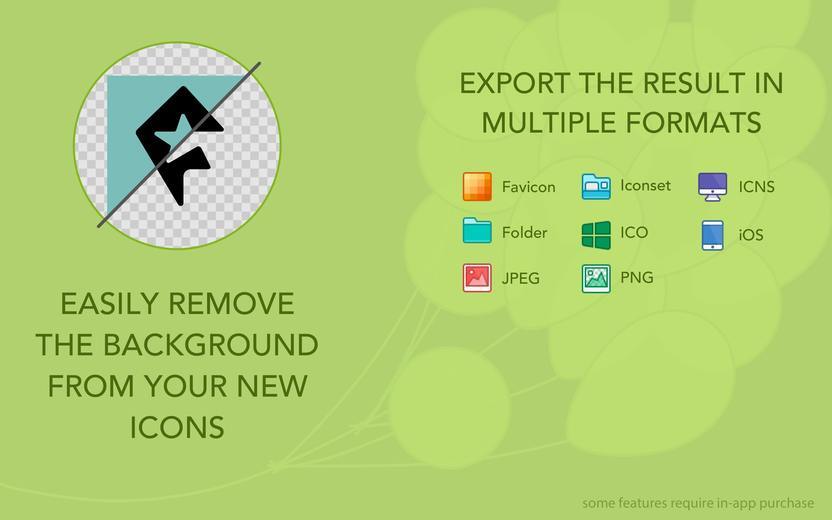
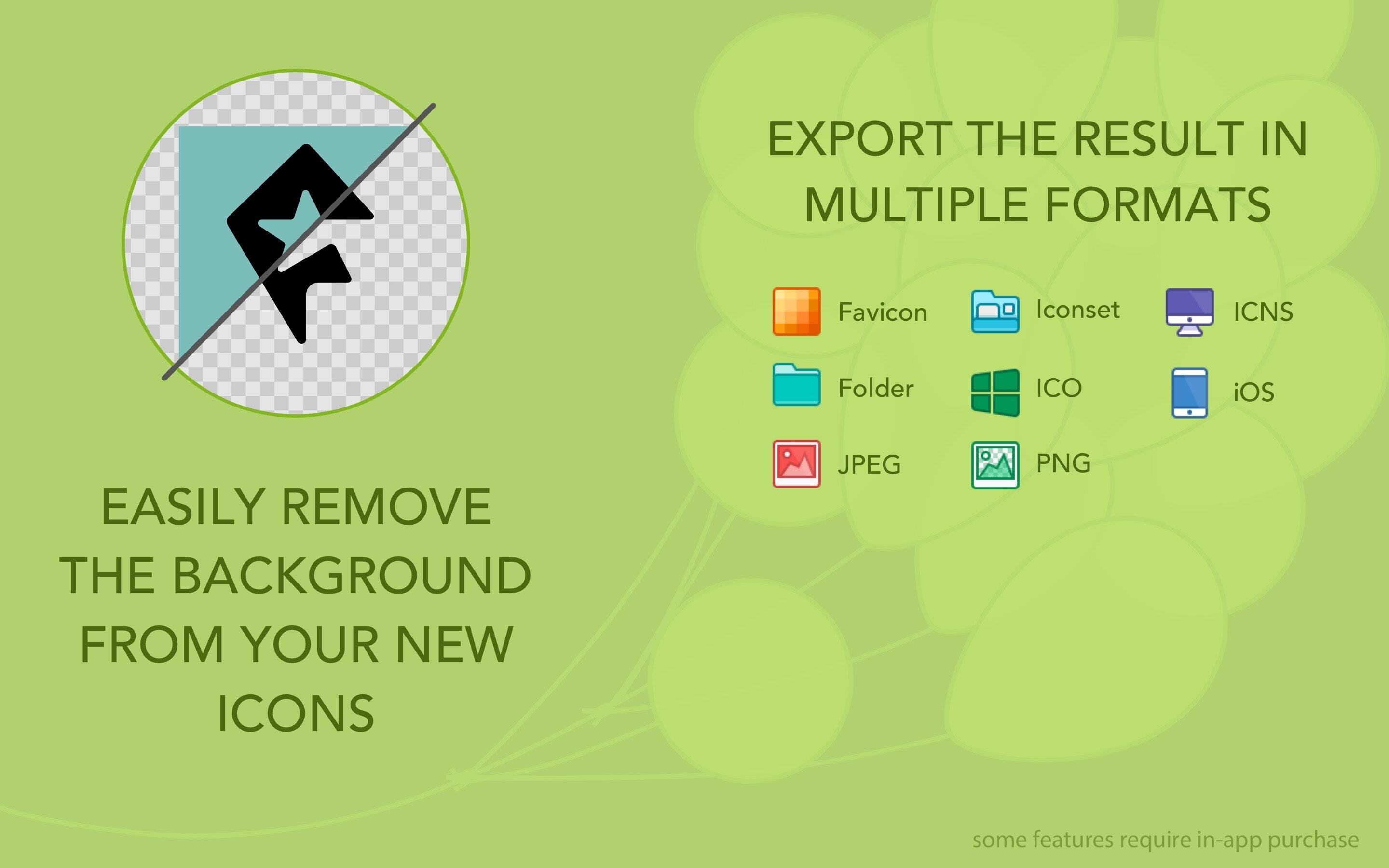
Save your icons in nine different formats:
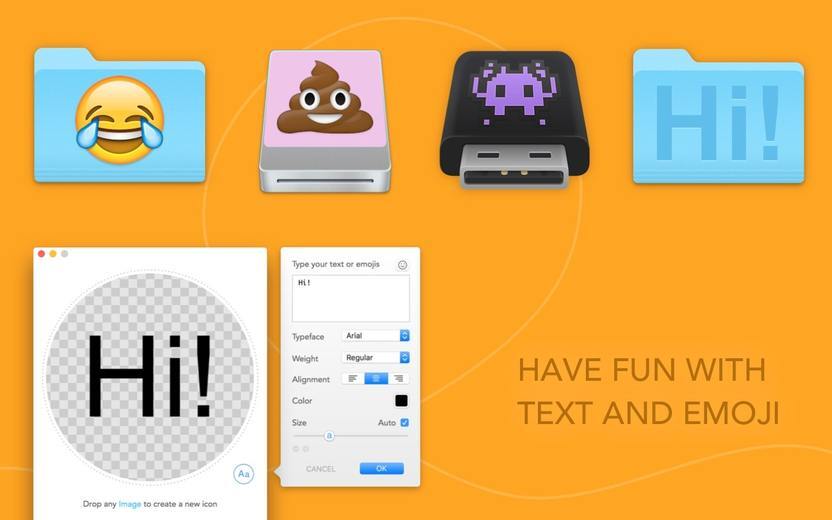
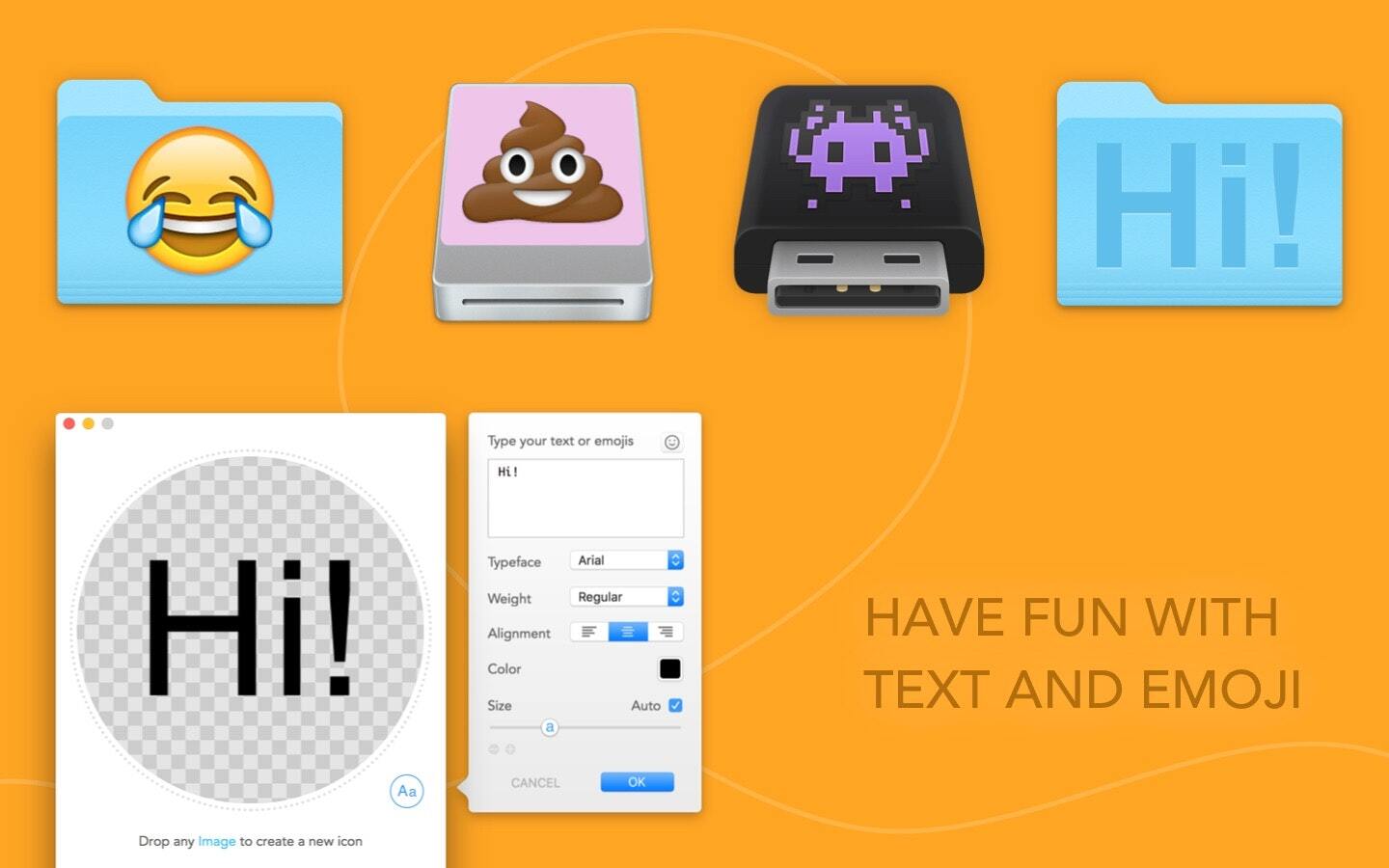
## Text and Emoji ##
Add text and emojis to your icons for fun
[Free Version Includes]
° ICNS
° Folder
° iOS - All iPhone, iPad and Apple Watch App formats
° Icon Set
° Favicons - Multiple size ico, different iOS formats, Android and IE10 Metro
[Available for In-App Purchase]
° Windows ICO
° JPG
° PNG
## Background Removal ##
With Image2icon, you can easily remove the background of an image for the best results.
## Restore Icon ##
Restore the original icon with a single click.
## Batch Export ##
Drag and drop a bunch of images and Image2icon will handle them all at once.
## Grab Icon ##
Do you want to grab an app's icon and use it in your own project?
With Image2icon, all you need to do is drag and drop the file.
- - -
For video tutorials, "how to" or other information
http://www.img2icnsapp.com
For any questions
http://help.shinyfrog.net
- - -
Acknowledgments
Gershom Charig, Logoswish.com, Marcus Gellermark, Mauricio Estrella, Graphicburger.com, Bianca Yvonne, Dennis van Lith, Renato Ruškan, Paulo Neto.
Made by:
Shiny Frog and Nicola Armellini
分享「」体验,参与「」抽奖!
分享 1~3 张你对这个产品最满意的截图或效果图
分享「」体验,参与「」抽奖!
用你的故事点亮社区✨!你的真实体验,将会永久展示在 官方主页 📌,为其他朋友提供宝贵参考 💡。立即分享吧!🚀
请为产品评分
请选择问题回答,为大家提供宝贵参考
选择要回答的问题
温馨提示
你尚未上传产品截图。
上传截图可立即获得宝石积分奖励!
如果你赶时间,也可稍后修改评论,补上截图领取宝石。
温馨提醒
你尚未添加产品截图
⚠️ 不添加截图将降低抽奖权重

感谢参加,你已成功参加!
为了确保你能及时收到审核结果和领奖码通知

扫描二维码关注 Mergeek 公众号
在后台回复 「获奖通知」
完成上述操作,即可保障奖励发放成功












用户评价
立即分享产品体验
你的真实体验,为其他用户提供宝贵参考
💎 分享获得宝石
【分享体验 · 获得宝石 · 增加抽奖机会】
将你的产品体验分享给更多人,获得更多宝石奖励!
💎 宝石奖励
每当有用户点击你分享的体验链接并点赞"对我有用",你将获得:
🔗 如何分享
复制下方专属链接,分享到社交媒体、群聊或好友:
💡 小贴士
分享时可以添加你的个人推荐语,让更多人了解这款产品的优点!
示例分享文案:
"推荐一款我最近体验过的应用,界面设计很精美,功能也很实用。有兴趣的朋友可以看看我的详细体验评价~"
关注 Mergeek 公众号
领奖遇到问题?联系小门助手