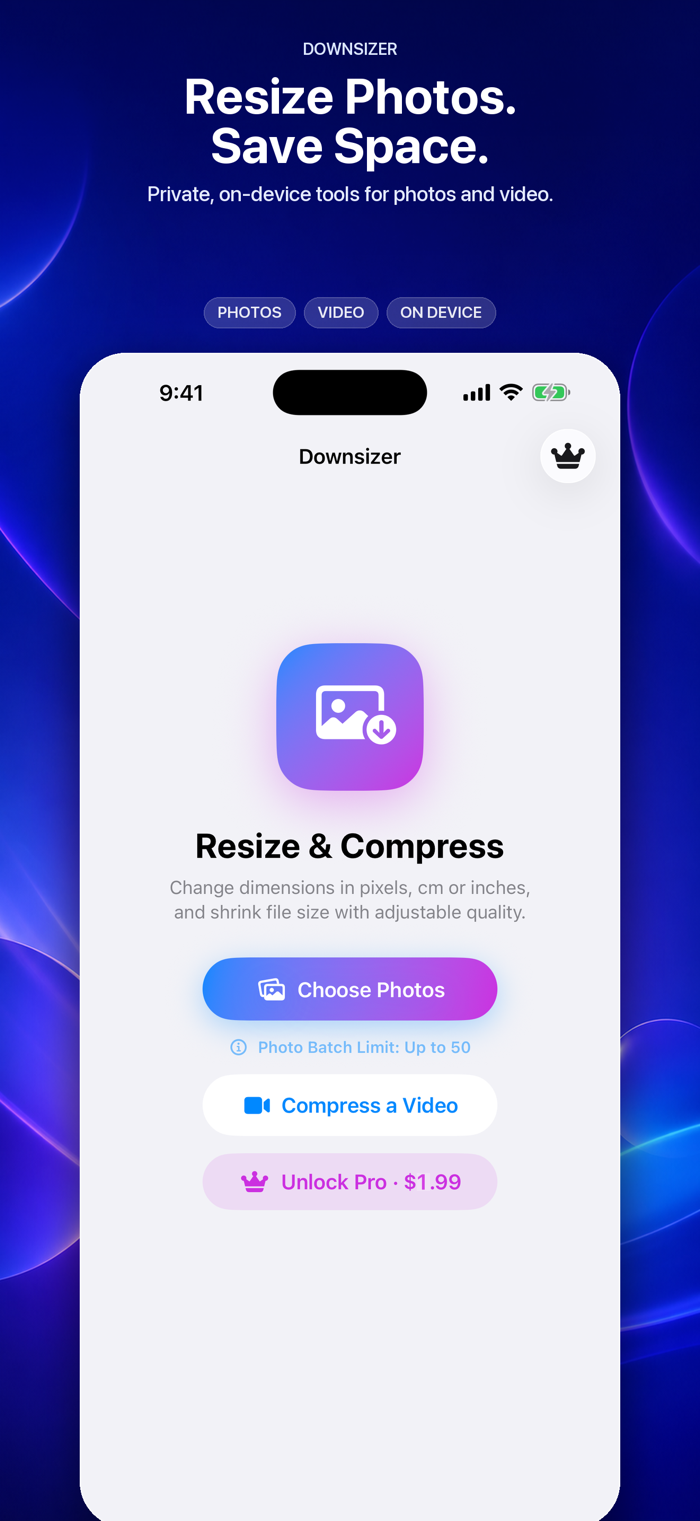
Downsizer makes photos and videos smaller without uploading your media. Start with useful photo and video tools for free, then unlock Downsizer Pro with one optional purchase—no subscription.
WHAT YOU CAN DO FOR FREE
• Resize up to 5 photos at once
• Export photos as JPEG, HEIC, or PNG
• Complete your first video export for free
• Resize by pixels, percentage, centimeters, inches, or DPI
• Preserve supported photo metadata
• Save to Photos or share through other apps
• Process everything privately on your device
DOWNSIZER PRO — ONE-TIME PURCHASE
• Resize up to 50 photos at once on supported higher-memory devices, or up to 20 on other supported devices
• Export photos as WebP or PDF, in addition to the free formats
• Export an unlimited number of videos
• Restore your purchase on supported devices
Pro is a one-time, non-consumable purchase. There is no recurring subscription. People who purchased the original paid version of Downsizer keep Pro access automatically.
PHOTO BATCHES THAT FIT YOUR DEVICE
Free users can process up to 5 photos at once. Downsizer Pro raises the batch limit to 50 photos on supported higher-memory devices or 20 photos on other supported devices. Downsizer detects the appropriate limit automatically.
RESIZE YOUR WAY
• Pixels for screens, websites, and uploads
• Percentage for fast batch resizing
• Centimeters or inches for print
• Adjustable DPI from 72 to 600
• Aspect-ratio controls that keep photos proportional
CHOOSE THE RIGHT FORMAT
Export as JPEG, HEIC, PNG, WebP, or PDF. Use JPEG for compatibility, HEIC for efficient Apple-device storage, PNG for lossless graphics, WebP for the web, or PDF for documents and print.
KEEP PHOTO DETAILS
Supported metadata stays with resized copies, including camera information, captions, copyright details, and embedded location. Newly saved photos use the current creation date, so they appear as the latest items in your library.
COMPRESS VIDEOS WITH CONTROL
Choose Original, 1080p, 720p, or 480p. Adjust quality or enter a target file size, then export with H.264 or HEVC in MP4, MOV, or M4V. Keep audio or remove it to save more space. Everyone receives one free video export; Downsizer Pro removes the export limit.
SAVE, SHARE, OR CLEAN UP
Save copies to Photos or share them through Mail, Messages, Files, AirDrop, and other apps. You can also send up to 20 photos to Downsizer directly from the Apple Photos share sheet. After saving, choose whether to keep or delete the originals; iOS always asks for confirmation before deletion.
PRIVATE BY DESIGN
Downsizer processes photos and videos entirely on your device. There is no account, no advertising, no analytics, and no media upload.


 +100宝石


 分享
分享









用户评价
立即分享产品体验
你的真实体验,为其他用户提供宝贵参考
💎 分享获得宝石
【分享体验 · 获得宝石 · 增加抽奖机会】
将你的产品体验分享给更多人,获得更多宝石奖励!
💎 宝石奖励
每当有用户点击你分享的体验链接并点赞"对我有用",你将获得:
🔗 如何分享
复制下方专属链接,分享到社交媒体、群聊或好友:
💡 小贴士
分享时可以添加你的个人推荐语,让更多人了解这款产品的优点!
示例分享文案:
"推荐一款我最近体验过的应用,界面设计很精美,功能也很实用。有兴趣的朋友可以看看我的详细体验评价~"
关注 Mergeek 公众号
领奖遇到问题?联系小门助手