INTRODUCTION产品介绍
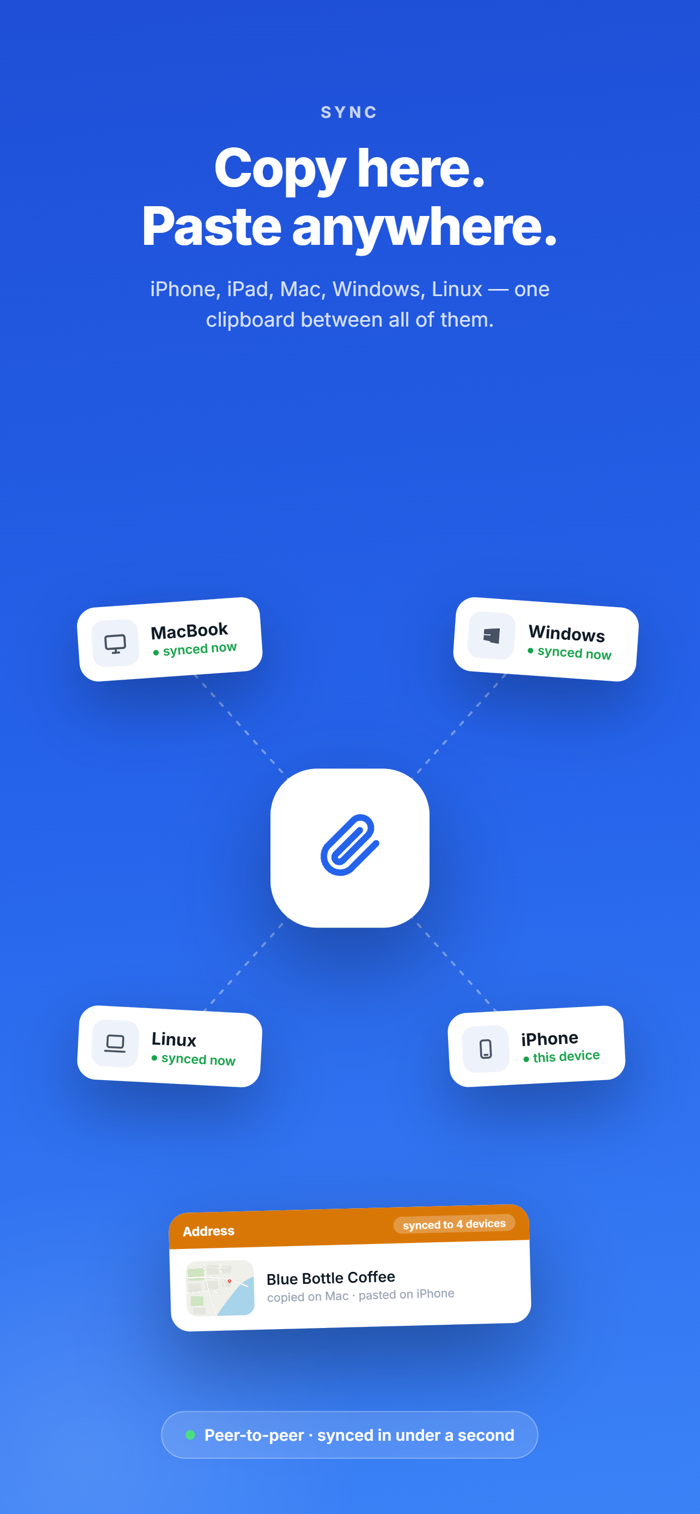
Clypy remembers everything you copy and makes it available on every device you own privately. Copy a link on your Mac and paste it on your iPhone. Copy an address on your phone and paste it on your PC. Everything is encrypted on your device before it syncs, and Clypy holds no key that can read it.
WHAT YOU GET
• Searchable clipboard history — every clip you save is kept on device, unlimited, with no clip cap and no account. History older than 90 days clears itself by default, and you choose the retention period.
• Search by meaning — find "that wifi password from the rental" without remembering the exact words. Semantic search runs on your device.
• Text from screenshots — Clypy reads text inside images you save, so screenshots become searchable and pasteable. Runs on-device.
• Typed clips — links, text, codes, images, files, and secrets are detected, colour-coded, and previewed, so you scan your history instead of reading it.
• Detected secrets stay concealed — passwords, keys, and tokens are hidden behind Face ID or Touch ID and can be set to expire early.
• Collections — group clips by project, client, or trip.
• Templates and snippets — reusable text with fill-in fields for the replies, addresses, and blocks you type constantly.
• Paste stack — queue several clips and paste them one after another in order.
• Transforms — clean up a clip before you paste it: change case, strip formatting, convert a colour, tidy a URL.
ON IPHONE AND IPAD, SPECIFICALLY
• Clypy keyboard — pick a clip and insert it directly into any app, without leaving what you're doing.
• Share extension — send text, links, or images from any app into your history.
• Home Screen and Lock Screen widgets — your latest clips, one tap away.
• Shortcuts and App Intents — save, search, and paste clips from your own automations.
• Built for iPad — split screen, rotation, hardware keyboard, and Dynamic Type at the largest sizes.
HOW SAVING WORKS ON A PHONE
iOS does not allow apps to watch the clipboard…