Romantic Notes inherits the core idea of Luhmann's card note method. Luhmann is a god-level figure in the field of sociology. He taught himself sociology from scratch and became a professor without much effort. In less than 30 years, he published nearly 60 high-quality books and hundreds of papers and articles. Such incredible efficiency is due to the card note method he invented.
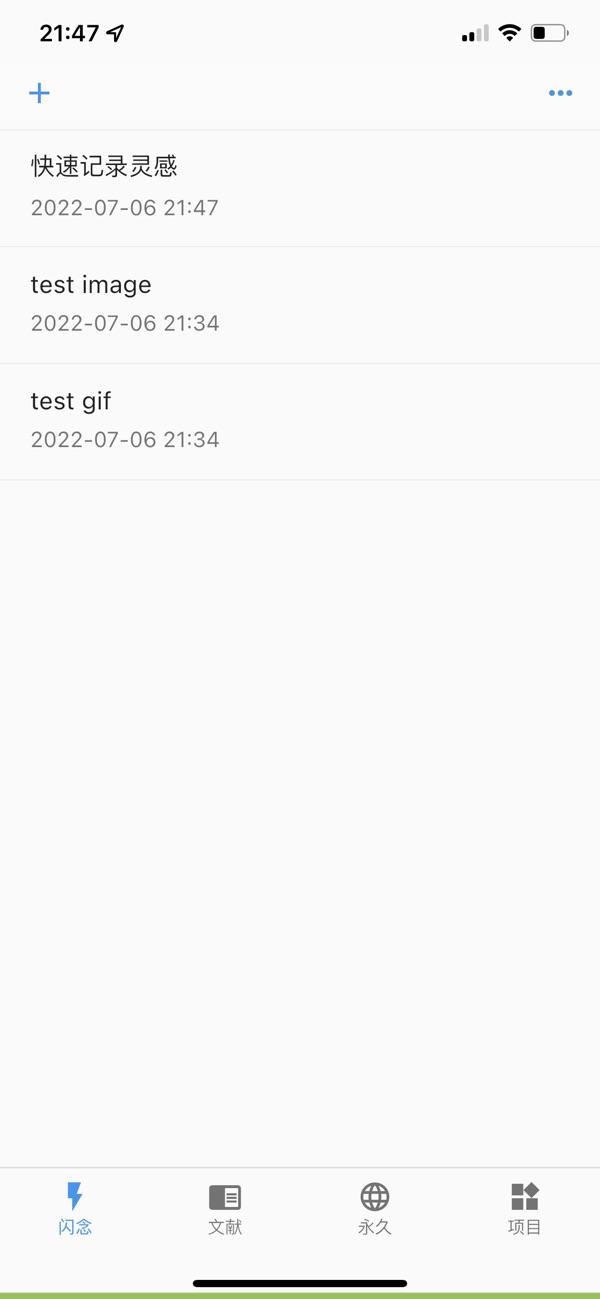
Romantic Notes mainly divides into four types of notes according to Luhmann's card note method: flash, literature, permanent, and project. Flash is to quickly record some inspirations and random thoughts, which are for sorting out later. It is similar to a draft paper that can be discarded casually. Literature is the notes taken when specifically studying a certain book or a certain course. The information of these books or courses needs to be added first, and then relevant notes are taken. Permanent notes are the notes that have been precipitated, sorted out, and linked to each other by oneself. These notes represent one's deepest thinking and will be permanently saved. Project notes are for output, such as writing an article, a paper, or doing a certain project. These notes are only related to this project. After using it for a period of time, you will find that these simple four classifications actually cover input + digestion + output, which is a complete workflow.
If you are willing to spend some time to adapt to its architecture, you will find that in the process of taking notes, you can't help but summarize, think, and link relevant knowledge, and this is the currently known best learning method after countless studies. Romantic Notes helps you make many choices, so that you don't have to spend unnecessary energy and brainpower thinking about how to record and organize during the learning and thinking process. In short, this tool gives you freedom through restrictions. The choice you have to make is basically only one, that is, to decide to use this tool seriously.
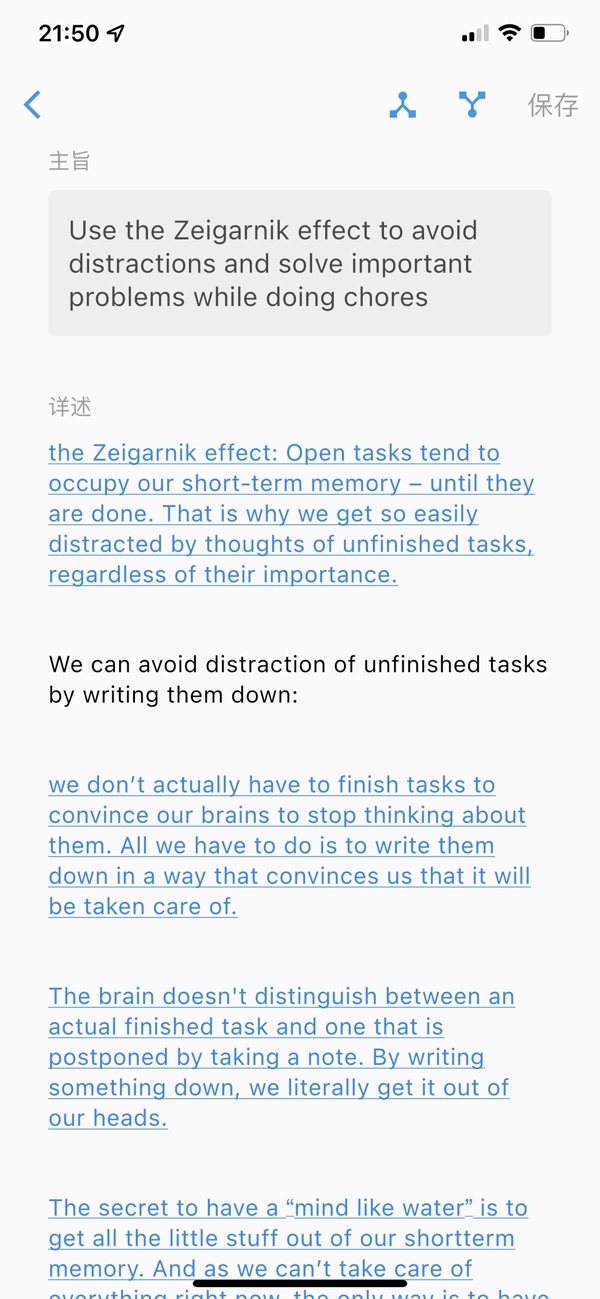
Both literature notes and permanent notes need to record the main idea, that is, your own summary or abstract. There is a word limit for the main idea. It is between 6 and 140 Chinese characters, and between 5 words and 250 characters in English. These main idea summaries that are neither too short nor too long will become the basis for your future review, sorting, and linking. After recording literature and permanent notes, you can view the note map like a starry sky. This is your second brain. The more links there are between notes, the more beautiful the map will be, and the more powerful your second brain will be, and the more unexpected inspirations it can give you.
If you want to synchronize across devices, you can also register an account and log in. After that, the notes you take will be automatically backed up and synchronized.
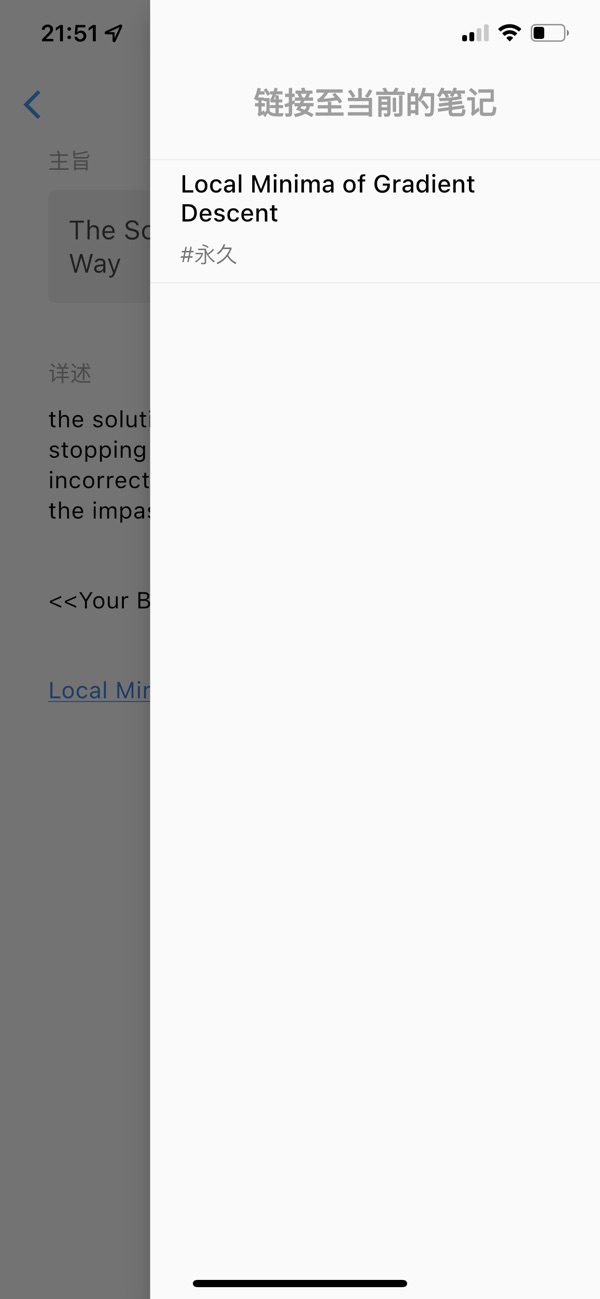
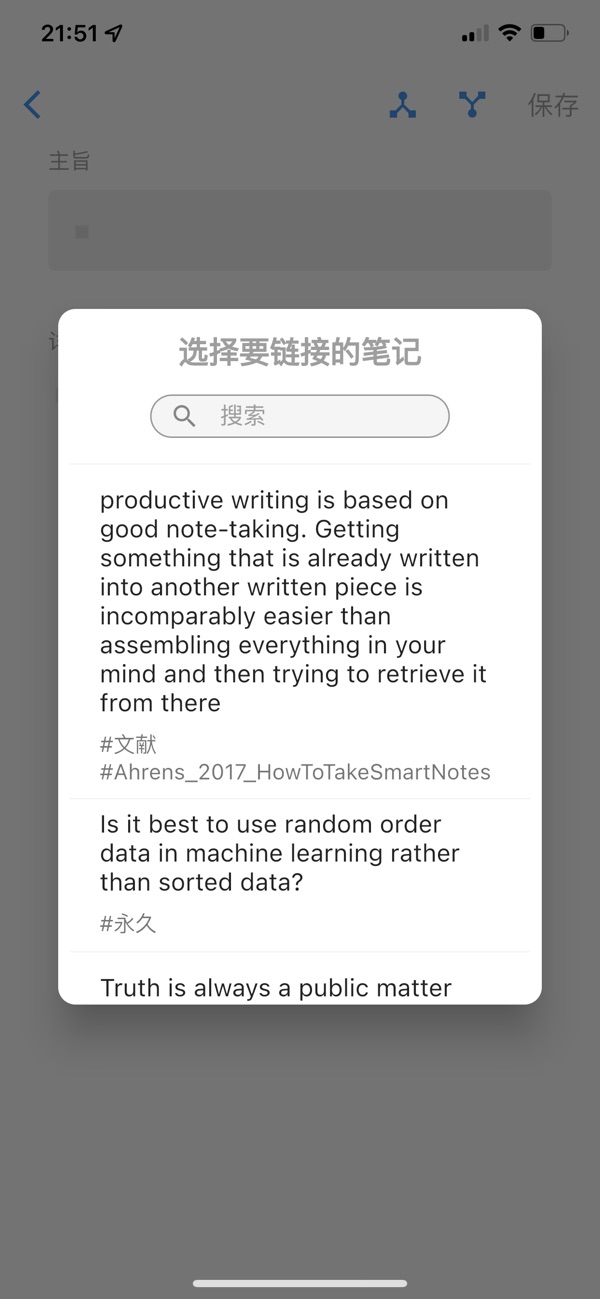
When recording notes, there is a row of toolbars on the keyboard. The first button is used to link notes. The link between notes is a function that this app focuses on optimizing. On the note details page, you can click the button above to view which notes this note is linked to, and which notes are linked to this note. The links of notes are highlighted in blue like website addresses. Long press the link to jump to the details of that note.
At the same time, notes support inserting pictures and website links. Long press the website link to open the browser to browse this website. The search function of this app is very powerful and supports advanced search with regular expressions. With the powerful search function plus website links, you will find that it can actually be used as a bookmark, and it is already more useful than the bookmark of a general browser. With the powerful search function plus pictures, you will find that it can actually be used as a photo album that can be searched at any time.
If you have used literature management software such as Zotero before, you can directly import the bib files exported by those software, and all the literature entries will be displayed.


 +100宝石


 分享
分享












用户评价
立即分享产品体验
你的真实体验,为其他用户提供宝贵参考
💎 分享获得宝石
【分享体验 · 获得宝石 · 增加抽奖机会】
将你的产品体验分享给更多人,获得更多宝石奖励!
💎 宝石奖励
每当有用户点击你分享的体验链接并点赞"对我有用",你将获得:
🔗 如何分享
复制下方专属链接,分享到社交媒体、群聊或好友:
💡 小贴士
分享时可以添加你的个人推荐语,让更多人了解这款产品的优点!
示例分享文案:
"推荐一款我最近体验过的应用,界面设计很精美,功能也很实用。有兴趣的朋友可以看看我的详细体验评价~"
关注 Mergeek 公众号
领奖遇到问题?联系小门助手