INTRODUCTION产品介绍
CATTIMO turns a busy day into one calm next step.
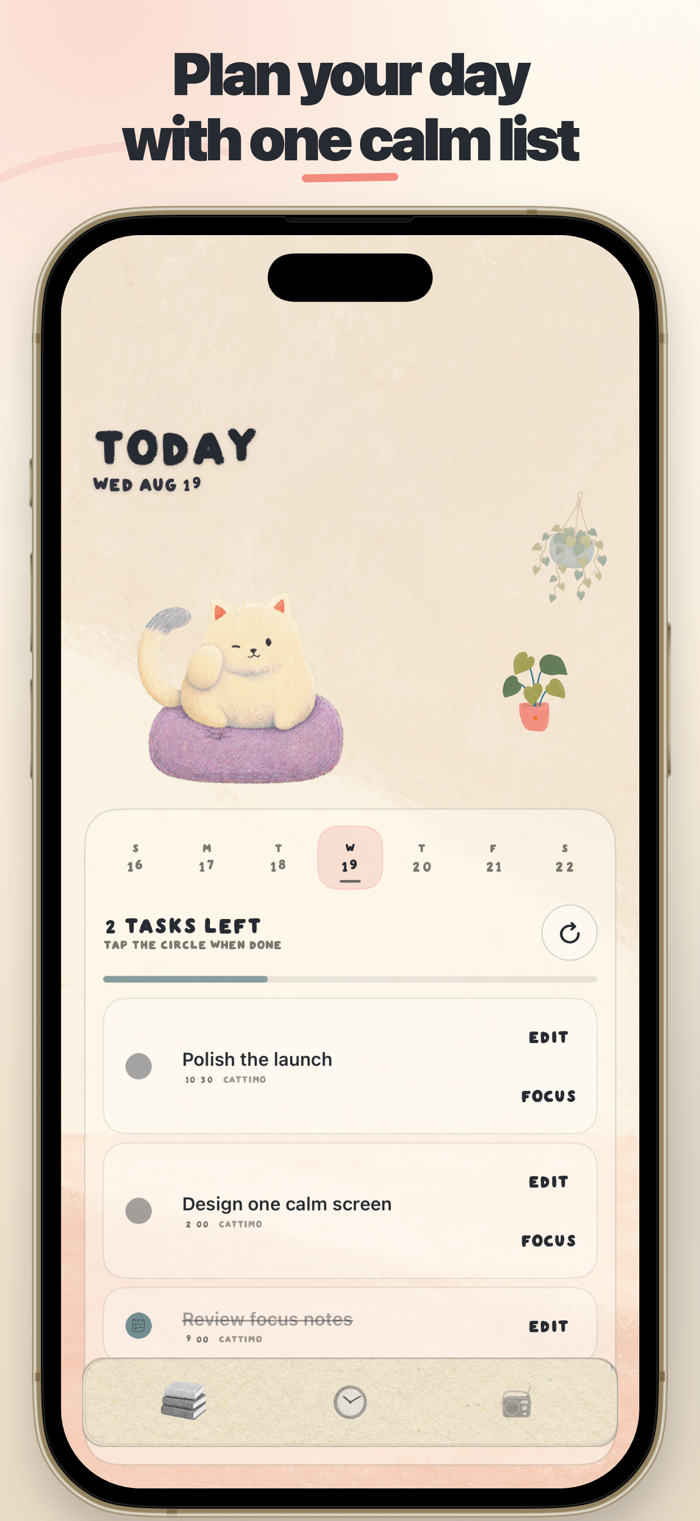
Bring your todos, Apple Reminders, and Calendar events together in a warm illustrated room. Choose what matters, start a focus session, and let your cat companion keep you company while the timer runs.
PLAN YOUR DAY
• Create, edit, schedule, and complete todos
• Add optional alerts for time-sensitive tasks
• Sync selected tasks with Apple Reminders
• See Calendar events and Reminders in one daily list
FOCUS WITH A COMPANION
• Adjustable focus and break timers
• Connect a focus session to a specific task
• Pause, resume, reset, or move to the next phase
• Keep an accurate timer when the app moves to the background
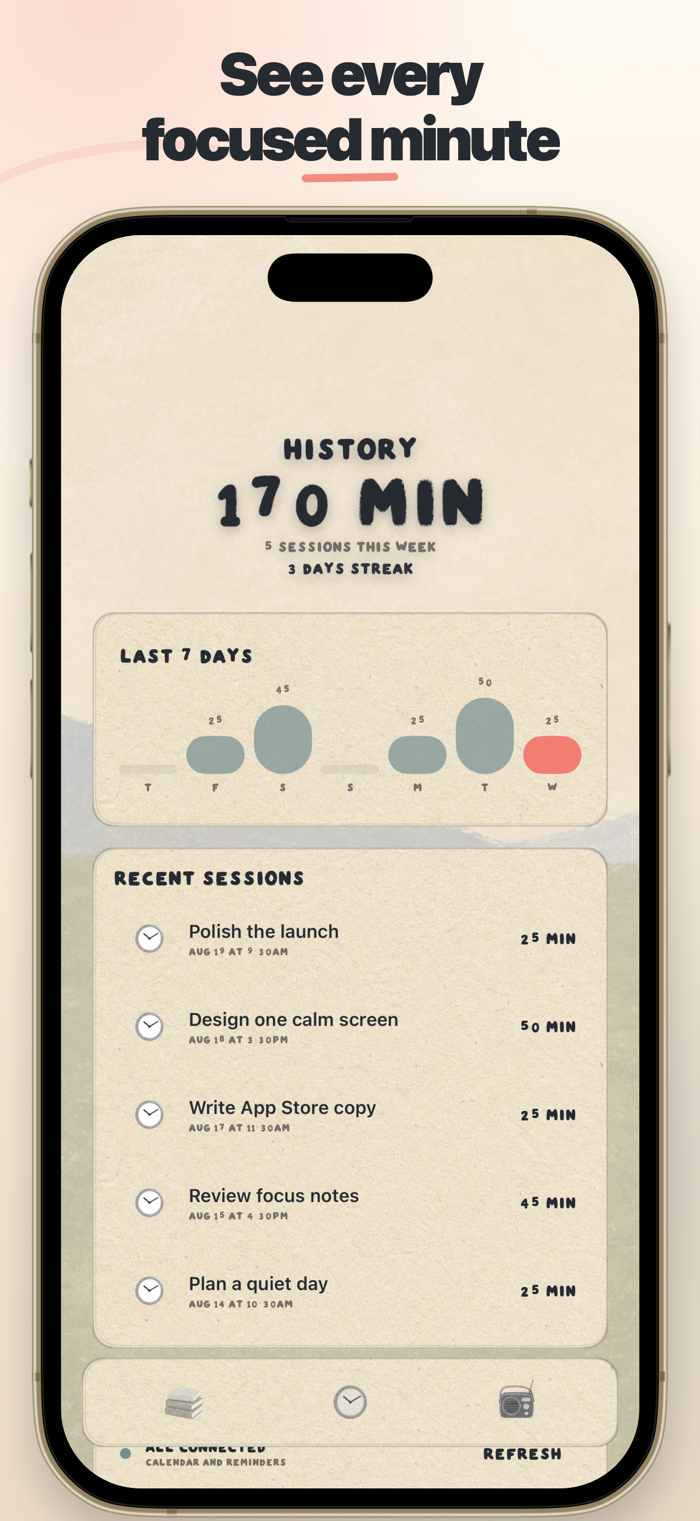
SEE YOUR PROGRESS
• Seven-day focus chart
• Recent sessions and focused minutes
• Focus streaks that reward a steady rhythm
• Live Activities that keep a running focus session close at hand
PRIVATE BY DESIGN
CATTIMO has no account, advertising, analytics, or tracking. Your todos, focus history, Calendar events, and Reminders stay on your device and are never sent to a developer-controlled server.
Permissions are optional and requested only when needed. Calendar and Reminders access combines your plans on-device. Photo access is add-only and used only when you explicitly save an image.
Privacy Policy: https://runfekim.github.io/flytracker-legal/cattimo/
Support: https://runfekim.github.io/flytracker-legal/cattimo/support.html