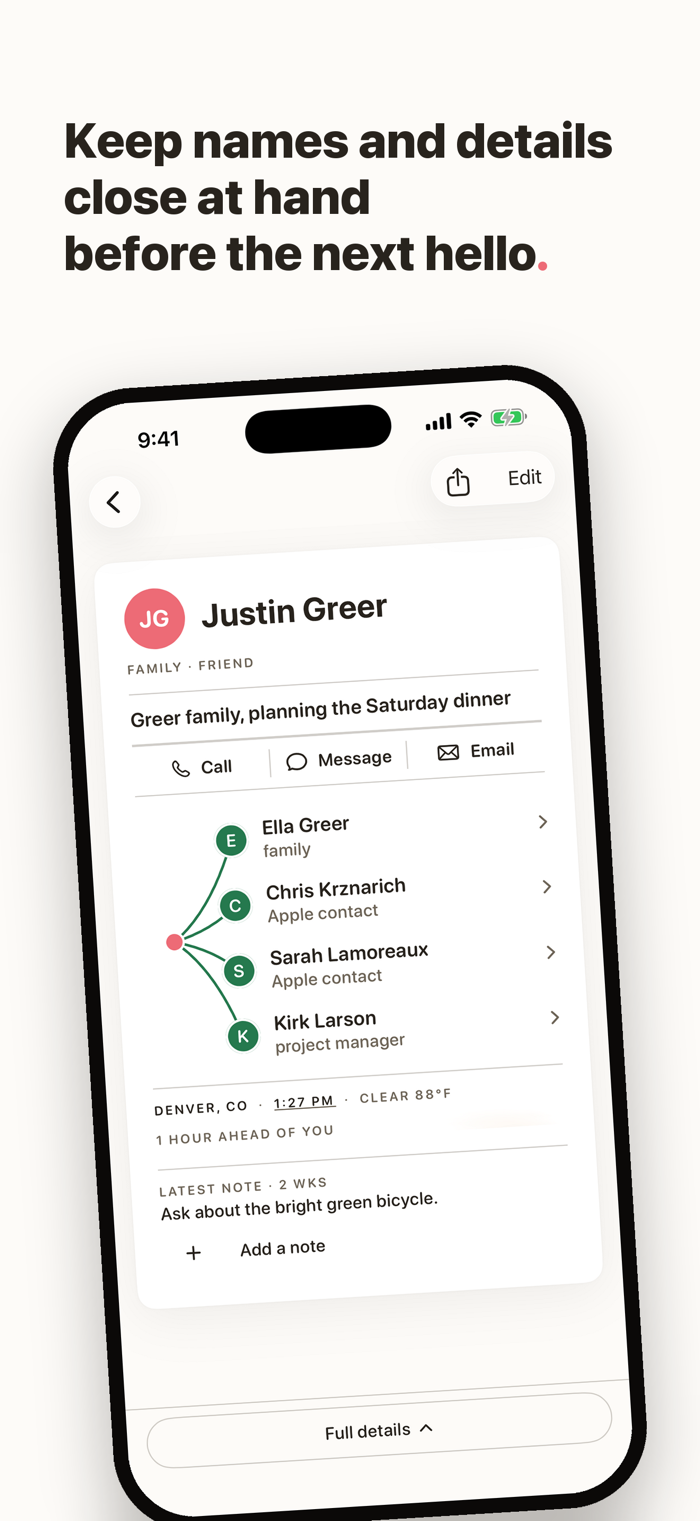
Think back to the last wedding, school event, or neighborhood dinner. You knew their face and plenty about them. But when you needed a name, you had to wing it.
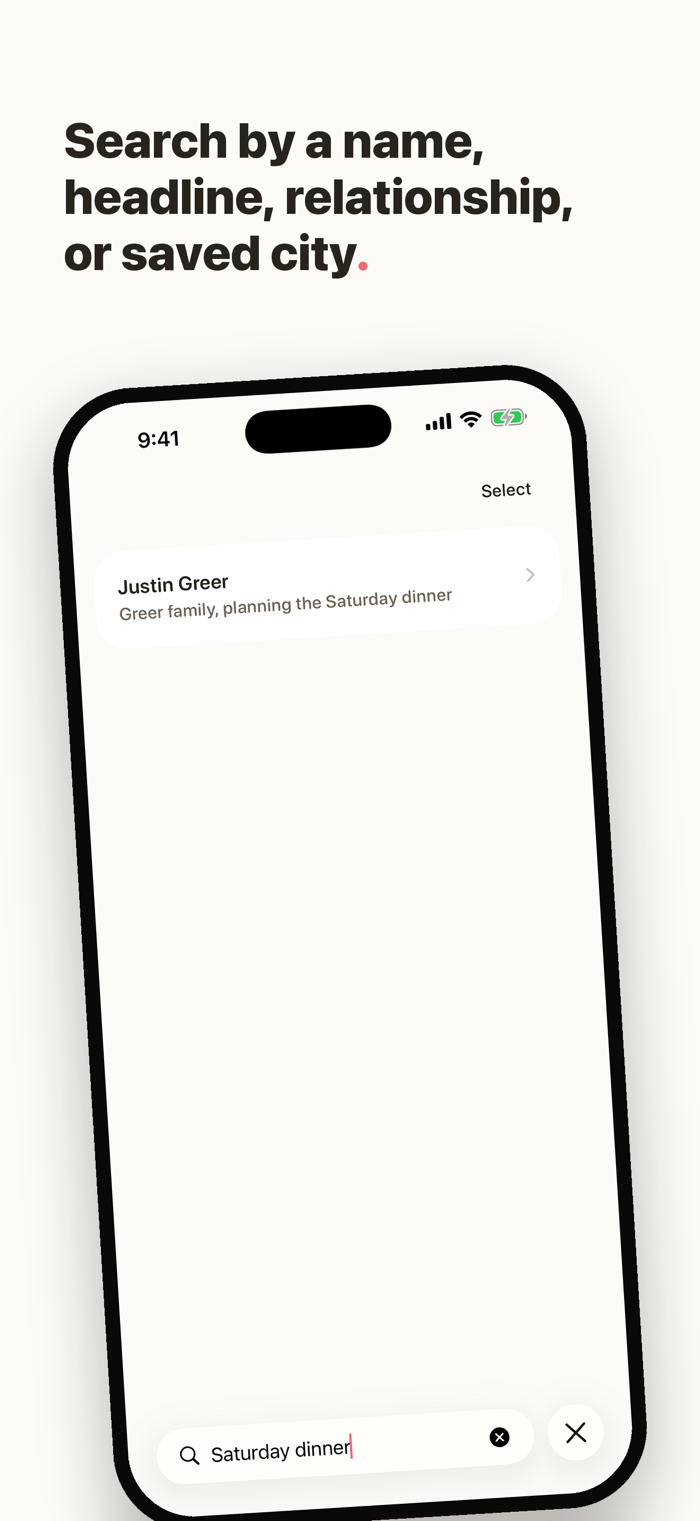
Thanks Bud keeps names, relationships, and useful details together. Add a person with a name and one useful line. When you are about to see them, search a few letters, a typo, a saved headline, a connection, or a city.
Open Thanks Bud before you say hello. Glance at the name, the people around them, and the line you wrote to bring the person back into focus.
HOW IT HELPS
- A name and one headline are enough to save someone.
- Search works with partial names, typos, saved headlines, connection names and relationships, and saved cities.
- Search Contacts, choose one person, then review before saving. Apple gives Thanks Bud only the contact you choose.
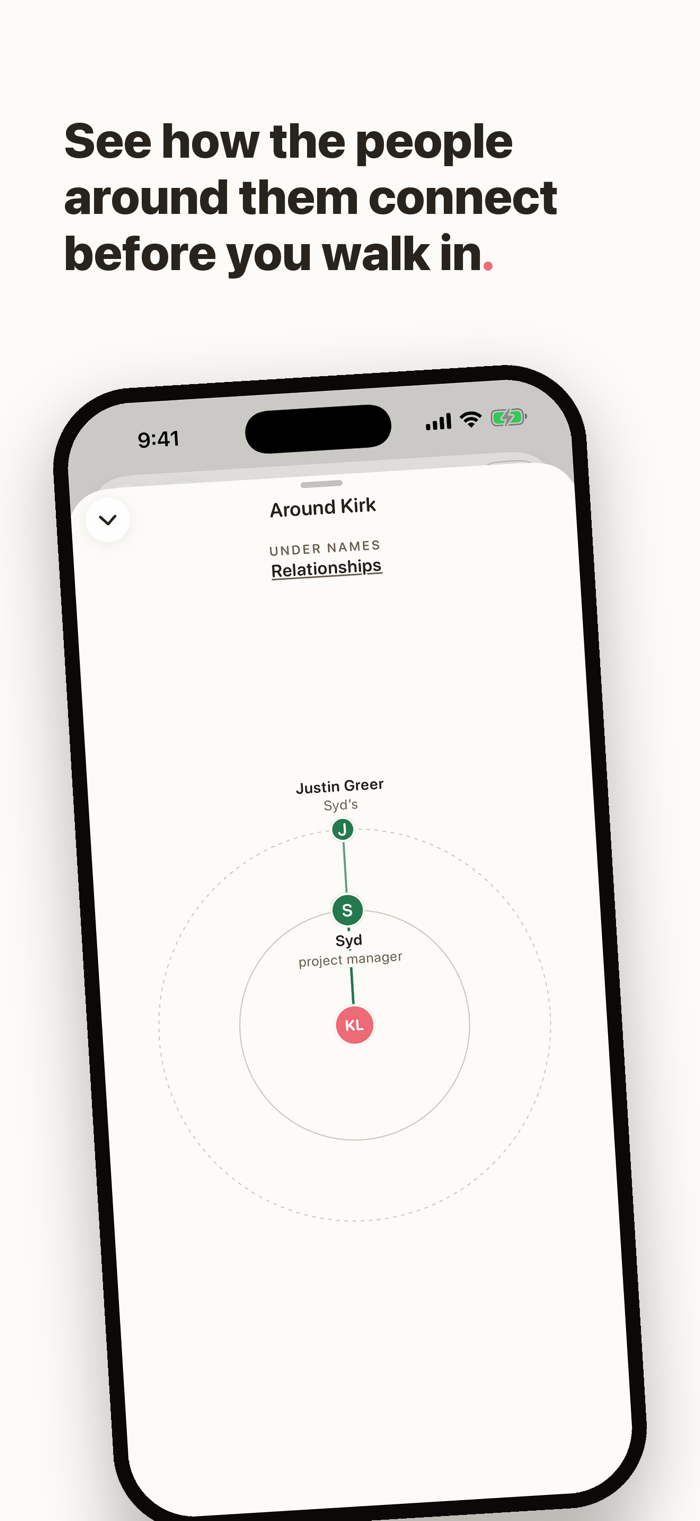
- See the people around someone, so names and relationships make sense together.
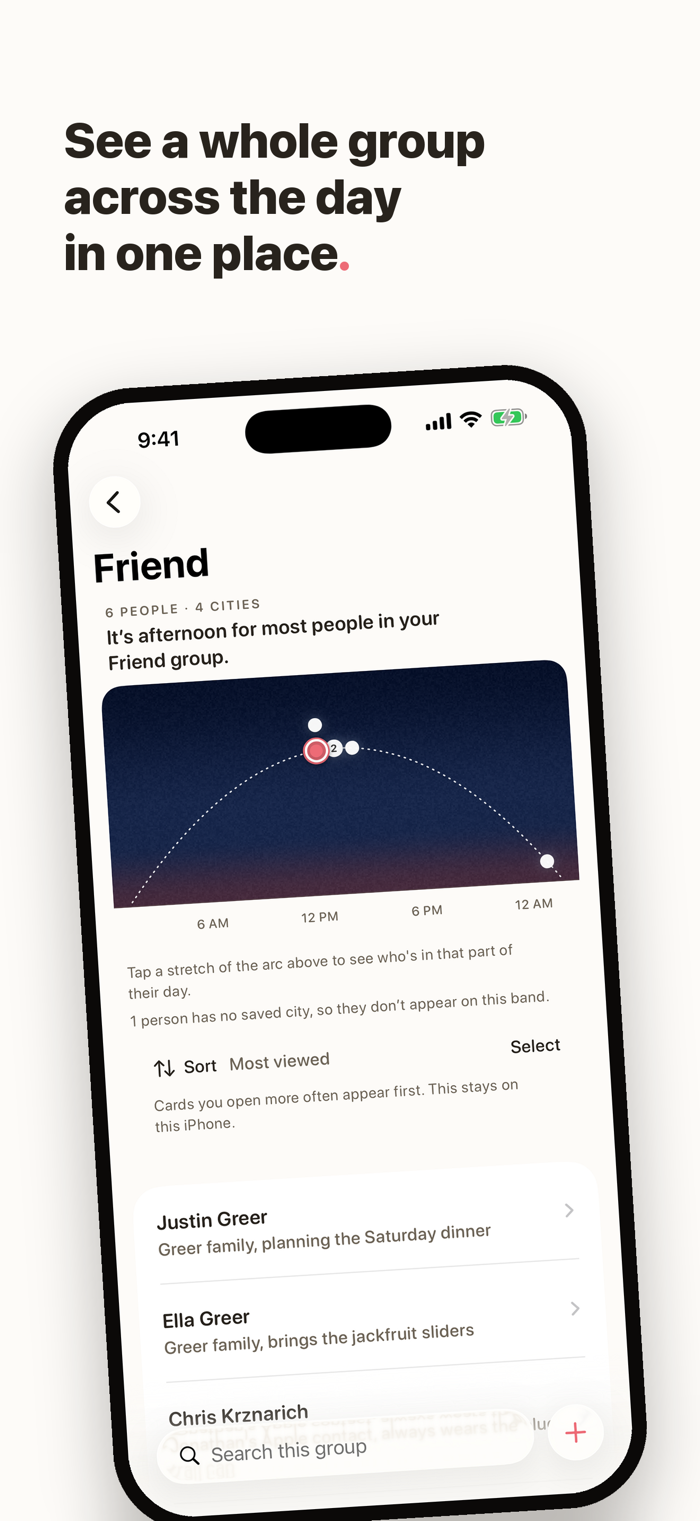
- See saved-city local times together on Home or inside a group. Open a part of the day to see who is there.
- Sort Everyone or a group by most viewed, recently added, city, or name.
- Save an optional phone number and email address, then call, message, or email from the person’s card. Thanks Bud keeps no communication history.
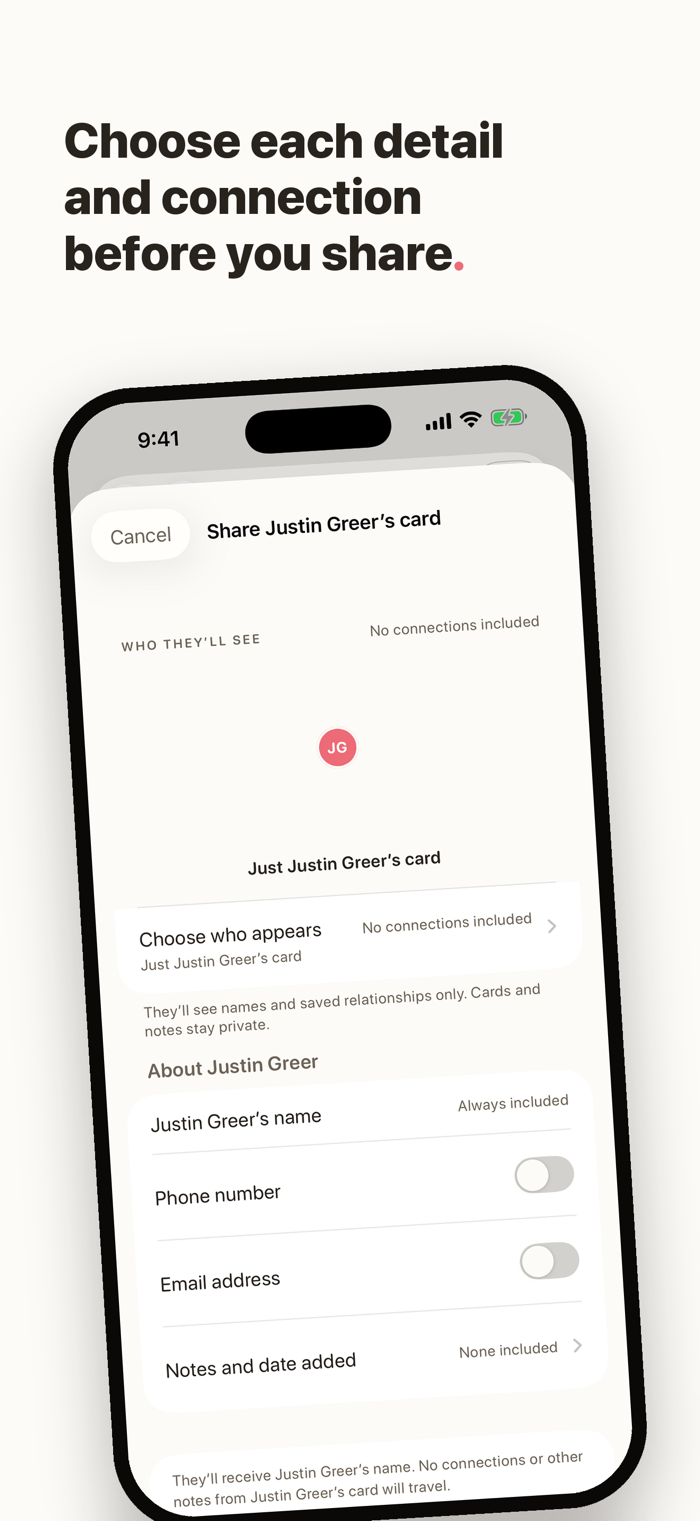
- Share one person or several people as a file. For one card, you choose the details and direct connections. When you share several cards, their connection rows stay private.
QUIET UNTIL YOU NEED I...


 +100宝石


 分享
分享











用户评价
立即分享产品体验
你的真实体验,为其他用户提供宝贵参考
💎 分享获得宝石
【分享体验 · 获得宝石 · 增加抽奖机会】
将你的产品体验分享给更多人,获得更多宝石奖励!
💎 宝石奖励
每当有用户点击你分享的体验链接并点赞"对我有用",你将获得:
🔗 如何分享
复制下方专属链接,分享到社交媒体、群聊或好友:
💡 小贴士
分享时可以添加你的个人推荐语,让更多人了解这款产品的优点!
示例分享文案:
"推荐一款我最近体验过的应用,界面设计很精美,功能也很实用。有兴趣的朋友可以看看我的详细体验评价~"
关注 Mergeek 公众号
领奖遇到问题?联系小门助手