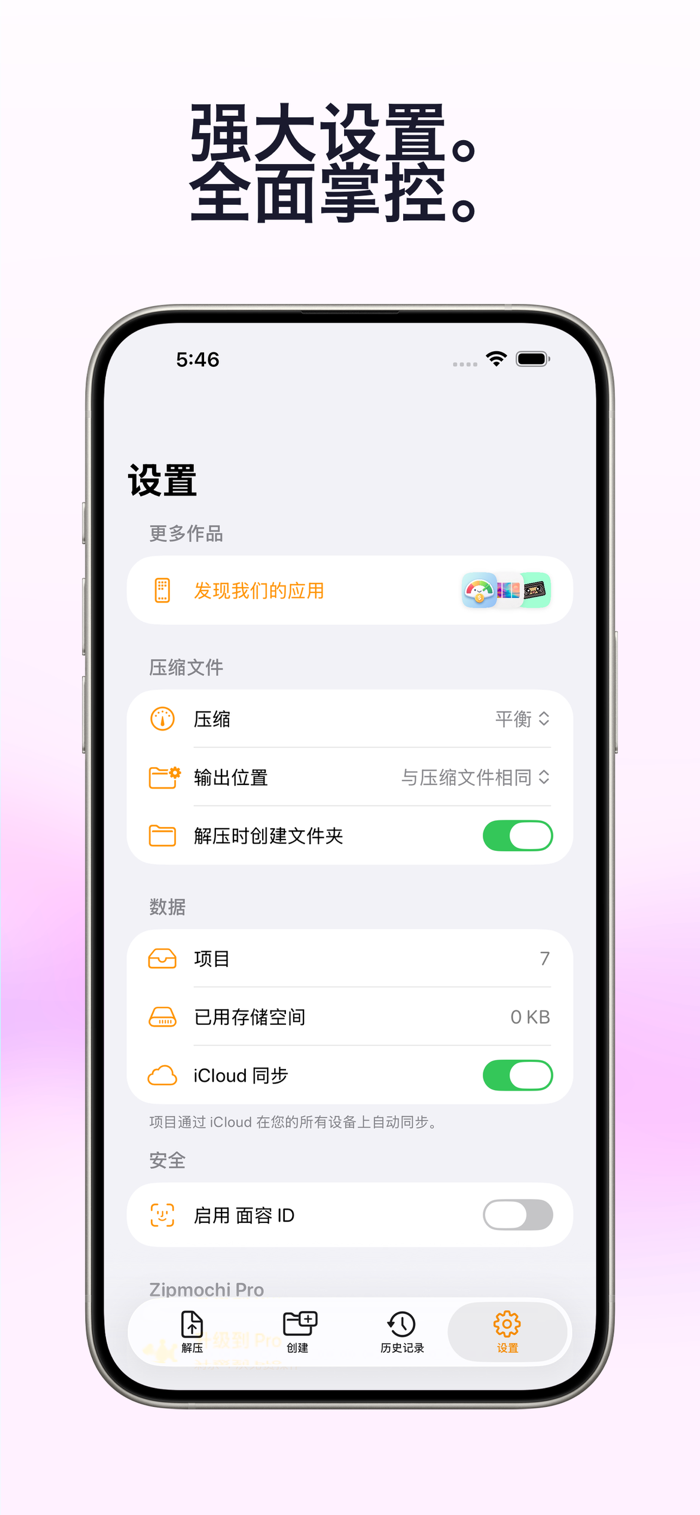
Zipmochi is a comprehensive compression package management tool for iPhone and iPad - supports decompressing 12 formats, previewing hundreds of file types without decompression, and all processing is done locally on the device to ensure privacy and security.
【Support decompressing 12 compression formats】
Open and decompress ZIP, RAR (v4/v5), 7z, TAR, TAR.GZ, TAR.BZ2, TAR.XZ, TAR.ZST, CPIO, ISO and LZ4. Smart format recognition determines the format by file signature rather than file extension, and renamed files can also be opened correctly. Automatically detect multi-volume RAR.
【Browse and preview files directly without decompression】
Browse the contents of the compression package through an interactive tree view, support expanding folders, showing file sizes and encryption indicators. Click on any file to directly open and view it within the compression package - there is no need to decompress the entire package first. The built-in viewer supports hundreds of file types:
• Documents - PDF, Word, Excel, PowerPoint, Pages, Numbers, Keynote, RTF
• Images - JPG, PNG, GIF, HEIC, TIFF, BMP, SVG, ICO
• Audio and video - MP4, MOV, MP3, WAV, AAC, M4A
• Code and data - JSON, XML, CSV, Markdown, etc.
• 3D models - STL, OBJ, GLTF, GLB, PLY, 3MF
Search for specified files within the compression package and extract only the content you need.
【Support creating compression packages in 7 formats】
Create ZIP, 7z, TAR, TAR.GZ, TAR.BZ2, TAR.XZ, TAR.ZST compression packages from files, folders or photos. Three compression levels - fast, balanced, minimum size.
【Real-time progress tracking】
Track each operation through a real-time progress bar, showing the current file, the number of processed files, the transferred bytes and the estimated remaining time. Can be cancelled at any time.
【Privacy and security】
All processing is done on the device - files are not uploaded to any server. Support locking the app with Face ID or Touch ID. Passwords are only temporarily saved during the sessi…